


Today we are going to show you all Huawei Android smartphone secret codes and hidden menus. There are some phone numbers that do not call anyone but open special menus. These codes are mainly for technical service use or to obtain useful data.
With a few exceptions where manufacturers agree, each brand has its own secret codes and they often change from one version to another and even from one model to another. Here we will tell you about the secret codes available on recent Huawei phones and everything you can do with them.
Huawei Android smartphone secret codes
Project Menu
Project Menu is Huawei’s most prominent secret menu, hidden behind a rather long and hard to remember code. There are six different sections like background settings, network information query, etc. The code you need to type in the phone app is as follows:
*#*#2846579#*#*
Background Mode is the first section you will find in this menu. Here you will find three subsections with settings for diagnosing and troubleshooting problems with the phone. In Background Debug and AP LOG Settings, you can enable internal logging for debugging errors, while in USB Port Settings you can choose the standard behavior of the USB port (HiSuite, default, or factory).
Veneer Information is something like the “chassis number” of the mobile. It’s like the system information. It is subdivided into three categories: Version info, Manufacture Info and Other Info.
Network Information Query is the place to go to get more information about your phone’s networks. It is subdivided into PLMN Info (PLMN is a code that combines MCC and MNC), as well as SIM Lock Info, where you can find out if your phone is locked to work only with the SIMs of a specific operator.
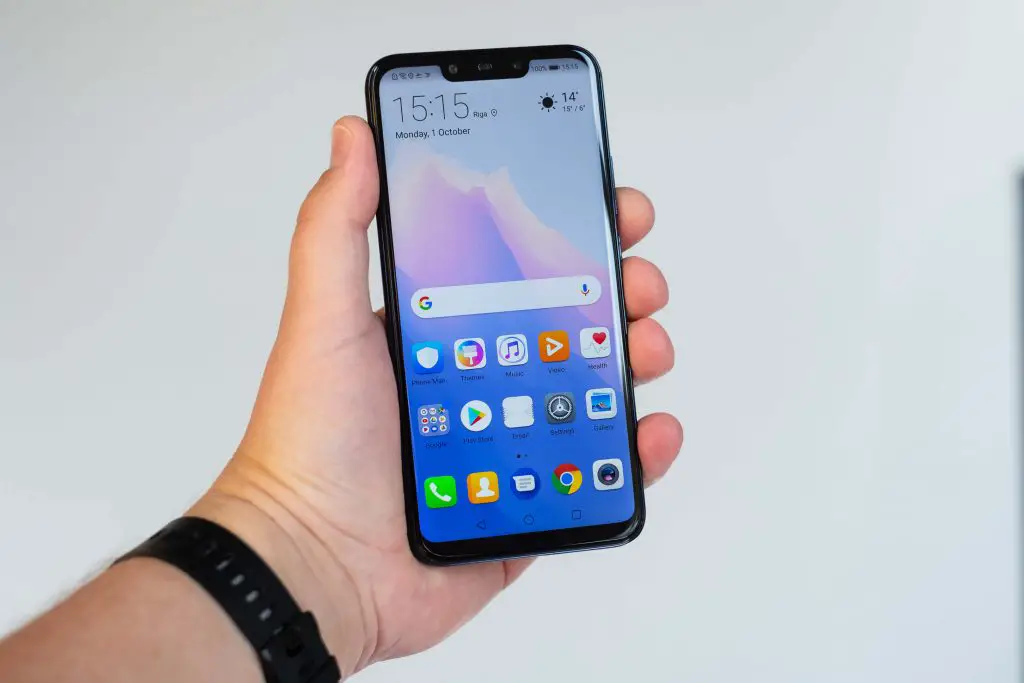
Another interesting section, especially if you bought the phone abroad, is Vendor Country Info. It shows you where this phone was manufactured.
Software Upgrade is the next section, used to install system or application updates. It is a mode designed so that the technical service can make repairs and system and application upgrades on the mobile phone.
Restore Factory is the next menu. As its name suggests, this menu lets you restore your device to the factory settings.
The last menu is Battery Charge, intended to show you some additional information about the battery. There is a QR code with the battery serial number, current charge level, and battery temperature. At the top, the charge status is also shown.
About the phone
This is not a secret menu it is rather a shortcut. If you need to know the IMEI, serial number, model, or other details of your Huawei mobile phone quickly typing the code below directly opens the About phone section of Android settings:
*#*#0000#*#*
Calendar information
This code shows you information about the different calendars that are synchronized on the mobile. The information, however, is limited to how many events are registered in each calendar.
*#*#225#*#*
FCM Diagnostics
FCM stands for Firebase Cloud Messaging, a system for sending messages and push notifications to the phone so you can, for example, receive new messages in an app like WhatsApp or Telegram. This section shows you information about this type of notifications, as well as the last messages that have been received.
*#*#426#*#*
View IMEI
It’s a classic, this code is used to view the IMEI number. On Huawei mobiles, it is displayed along with other data including MEID, PESN, IMEI of each SIM, and the mobile serial number.
*#06#


