
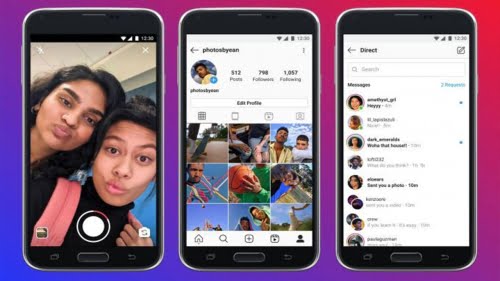

Instagram vs Instagram Lite, today we are going to talk about the differences between the two of them, which one is better? Stories, direct messages, filters, Reels, IGTV… We don’t have time to mention all the tools of Instagram that make it a very complete mobile application. Obviously, all these features directly affect the size of the Instagram app, which exceeds 30 MB.
The size of the application depends on whether it can be installed on your device or not. There are many users who have smartphones with older operating systems and very limited memory.
It’s fine because the app has a Lite version that is optimized to work on any device, even on low-end smartphones. In this guide, we explain what Instagram Lite is and what are its main differences from the standard app.
What is Instagram Lite?
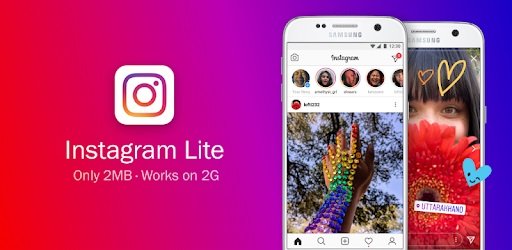
Instagram Lite is a version developed by the company for those less advanced devices that can’t run the normal app. In order to be compatible with smartphones with limited resources, Instagram Lite has only a 3MB size and has specific tools for uploading and viewing images.
We remember that Instagram Lite was removed by Facebook in May 2020. But the company launched a new version of Instagram Lite before the end of the year.
It is an application with a simple interface and limited functions it can offer a smooth experience on low-end smartphones.
Don’t think that using Instagram Lite will affect your presence on the social network, since you will have the most important features of the platform. By the way, it even has a dark mode.
To enjoy the Lite version, you just have to download and install the application from the Google Play Store. Enter your user info and you’re ready to use the social media.
Instagram vs Instagram Lite: What are the differences between them?
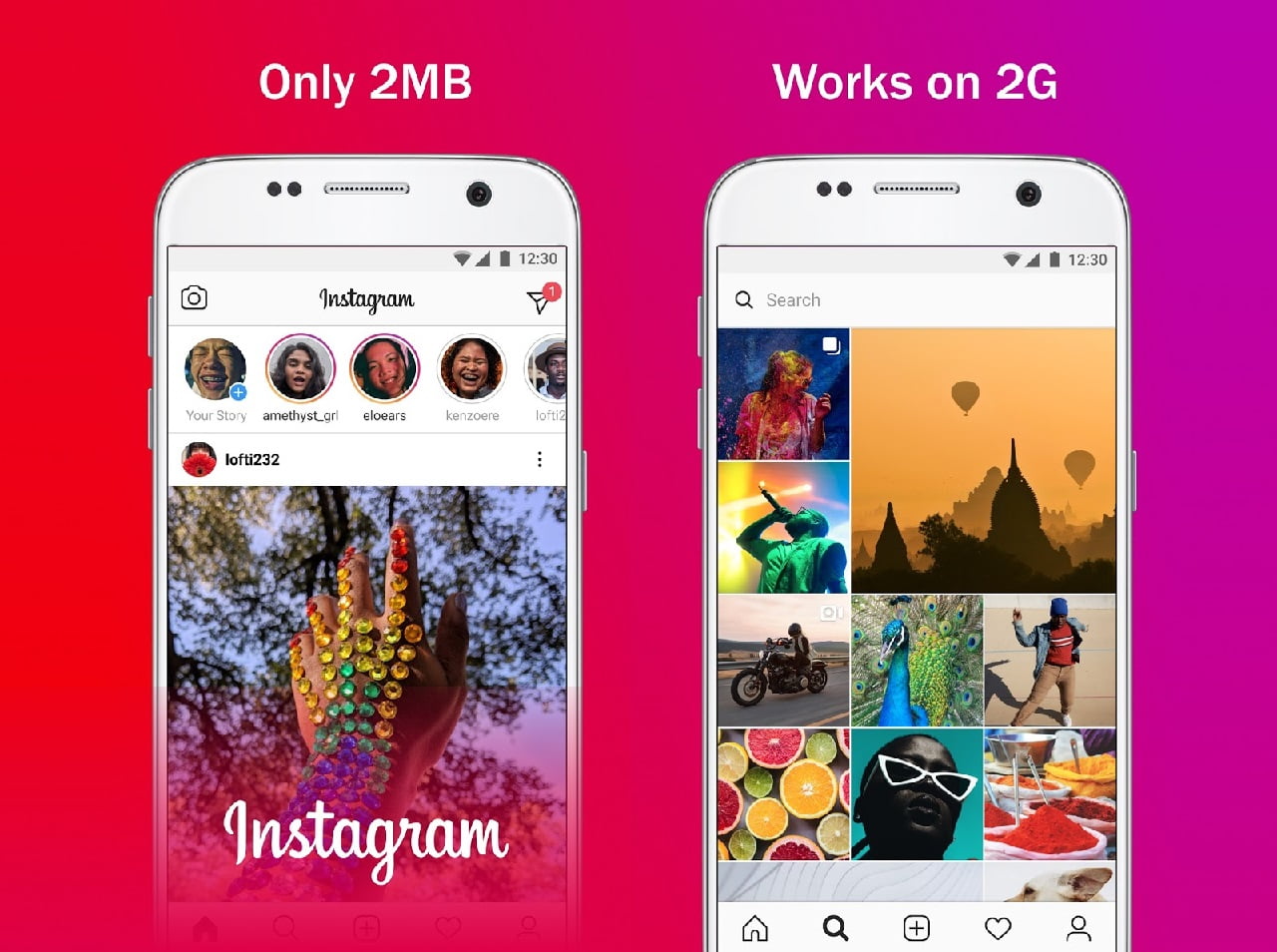
As we have mentioned, this version does not have all the abilities of the standard version. It is true that the standard app and the Lite version share some features, such as the ability to add images to your feed and Stories, discover new content in the Explore tab, or view stories posted by users you follow.
Of course, in Instagram Lite you can also edit your profile, share Stories with your best friends, view posts uploaded to your Stories in the past from the “Archive” section, and view your favorite posts stored in the “Saved” section.
First of all, Instagram Lite has a simpler interface with the essential menus: Feed, Explore, “Add post”, “Likes” and “Settings.” Instagram doesn’t use the same design in the Lite version, in the normal version priority is given to the shop and Reels tabs.
The standard Instagram app and Instagram Lite also differ when it comes to the “Likes” tab. From that section, you can see the follow requests received -if your account is private-, you can also see the comments and “likes.”
Unfortunately the Lite version doesn’t have direct messages. In addition, when uploading posts to your feed, you will not be able to manually edit parameters such as brightness; you have to opt for one of the default filters if you want to modify the appearance of the image you are going to upload to the social network.
Instagram Lite has the stories but you will not be able to use some of its features, such as hands-free, superzoom, or filters. By the way, you also won’t be able to edit the featured stories that appear on your profile.
Finally, one difference you may notice between the standard Instagram and Instagram Lite is the loading time when you want to navigate between the different pages. However, it’s something you’ll be able to get used to it.
Which one is better?
The standard Instagram app is a more advanced version for sure. As we have seen in the previous section, it has all the features developed for the social network. On the other hand, if you have to use a low-end smartphone and want to keep up with the social trends, it’s better to use the Lite version than not using the platform at all.




