
TechBriefly
  • Tech
  • Business
  • Crypto
  • Science
  • Geek
  • How to
  • About
    • About TechBriefly
    • Terms and Conditions
    • Privacy Policy
    • Contact Us
    • Languages
      • 中文 (Chinese)
      • Dansk
      • Deutsch
      • Español
      • English
      • Français
      • Nederlands
      • Italiano
      • 日本语 (Japanese)
      • 한국인 (Korean)
      • Norsk
      • Polski
      • Português
      • Pусский (Russian)
      • Suomalainen
      • Svenska
No Result
View All Result
TechBriefly
Home How to
How to get Android 11 on Xiaomi phones before anyone else does?

How to get Android 11 on Xiaomi phones before anyone else does?

Barış SelmanbyBarış Selman
11 March 2021
in How to
Reading Time: 3 mins read
Share on FacebookShare on Twitter

Xiaomi mobiles are powered by the MIUI layer, although on rare occasions we have seen some devices with Android One. The Chinese company has decided to focus on improving its layer to make it one of the best in the industry. To achieve this, the participation of Mi Fans is essential, contributing improvements and participating in beta programs.

How to get Android 11 on Xiaomi phones before anyone else does?

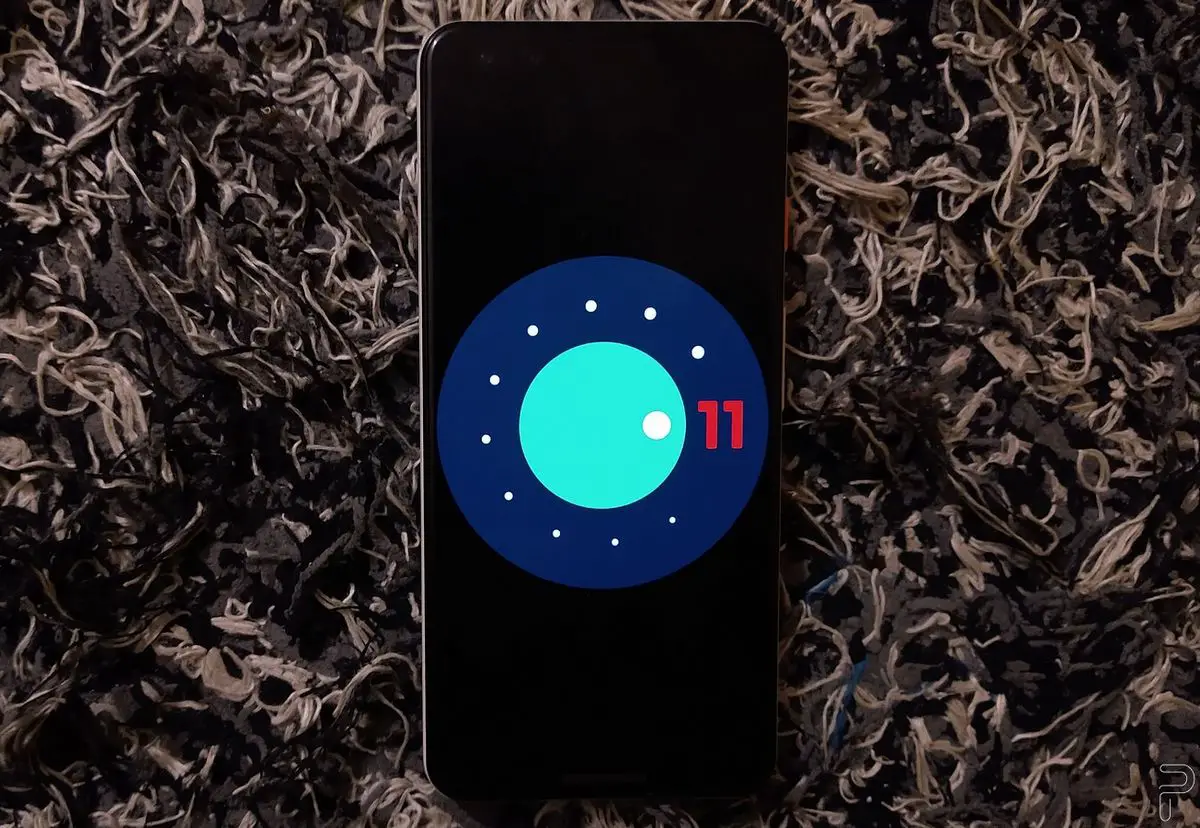
Xiaomi is currently in the process of updating many of its handsets to Android 11. Xiaomi’s current updates are divided between phones with Android 11 and MIUI 12.5 and those that are being updated to the latest version of Android, with the layer in the MIUI 12 version. It is precisely the latter the protagonist of a good batch of phones that can test the new version ahead of time.

More phones to test MIUI 12 with Android 11

To do this, Xiaomi has opened a new batch of Pilot Testers for the Global Stable ROM of MIUI 12. The company’s goal is to ensure a stable release of this version on all its devices, as polished as possible, with the help of the entire community. Therefore, the program offers the opportunity to test the new features and innovations, while helping the developers team to solve specific bugs or implement improvements.

How to get Android 11 on Xiaomi phones before anyone else does?

The list of new Xiaomi phones that can participate is as follows:

  • Mi 10 Pro
  • Mi 10
  • Mi 10 Lite
  • Mi 9
  • Mi 9T Pro/Redmi K20 Pro
  • Mi 9 Pro/Redmi K20 Pro
  • Mi 9 SE
  • Mi 9 Lite
  • Redmi Note 9T
  • Redmi Note 8 Pro
  • Redmi Note 9S
  • Redmi Note 8T
  • Mi 11
  • Redmi Note 10 Pro
  • POCO F2 Pro
  • POCO M3
  • POCO X2

How to apply for becoming a Pilot Tester of MIUI Global ROM program?

To participate, it will be necessary to fulfill a series of requirements. We must detail them before going on to how to apply since, in case of not fulfilling any of them, access to the program could be rejected.

  • Be of legal age in your country.
  • Have and use a Xiaomi cell phone and be able to actively participate in the stable version test and be willing to give comments and suggestions.
  • The “Mi” account must be registered on the phone and logged in.
  • Know flashing tools, be tolerant to technical problems and be willing to cooperate with engineers on detailed information.
  • Be willing to take risks for failed updates.
  • Have a minimum level of English to be able to communicate with engineers.

To sign up for the Pilot Testers program, go to this website and fill in all the steps of the application. We will have until March 31 to do it. It will be necessary to enter our MI account and the IMEI of the phone as well as the specific model. Once the request has been completed, MIUI will verify that the information provided meets all our mandatory requirements and then they will not give access to the respective device on Telegram. Since updates may contain bugs, it will be necessary to perform a backup before updating your device.

Tags: Android 11how toMIUI 12smartphonessoftwaretechnologyXiaomi
ShareTweet
Barış Selman

Barış Selman

A technology and gaming enthusiast by day, Barış is a passionate composer and black/death metal guitarist by night. He keeps his finger on the pulse of the intersection of art and technology whenever he can from his tours worldwide.

Related Posts

How to install mods and custom content in The Sims 2

How to install mods and custom content in The Sims 2

26 December 2025
Running Python files and fixing path errors on Windows

Running Python files and fixing path errors on Windows

26 December 2025
How to boot your PC into Command Prompt for troubleshooting

How to boot your PC into Command Prompt for troubleshooting

26 December 2025
How to delete a virus using Command Prompt

How to delete a virus using Command Prompt

26 December 2025
Please login to join discussion

LATEST

New WhatsApp update brings 2026 stickers and video call effects

Leaker reveals Xiaomi plans for high end eSIM device in 2026

HP prepares OMEN OLED monitor reveal for CES 2026

High RAM costs from AI boom could delay next Xbox and PlayStation

LG to unveil its Gallery TV at CES 2026

Bitcoin drops 3% to $87,300 as altcoins decline

How to install mods and custom content in The Sims 2

Running Python files and fixing path errors on Windows

How to boot your PC into Command Prompt for troubleshooting

How to delete a virus using Command Prompt

TechBriefly

© 2021 TechBriefly is a Linkmedya brand.

  • Tech
  • Business
  • Science
  • Geek
  • How to
  • About
  • Privacy
  • Terms
  • Contact
  • | Network Sites |
  • Digital Report
  • LeaderGamer

Follow Us

No Result
View All Result
  • Tech
  • Business
  • Crypto
  • Science
  • Geek
  • How to
  • About
    • About TechBriefly
    • Terms and Conditions
    • Privacy Policy
    • Contact Us
    • Languages
      • 中文 (Chinese)
      • Dansk
      • Deutsch
      • Español
      • English
      • Français
      • Nederlands
      • Italiano
      • 日本语 (Japanese)
      • 한국인 (Korean)
      • Norsk
      • Polski
      • Português
      • Pусский (Russian)
      • Suomalainen
      • Svenska