
TechBriefly
  • Tech
  • Business
  • Crypto
  • Science
  • Geek
  • How to
  • About
    • About TechBriefly
    • Terms and Conditions
    • Privacy Policy
    • Contact Us
    • Languages
      • 中文 (Chinese)
      • Dansk
      • Deutsch
      • Español
      • English
      • Français
      • Nederlands
      • Italiano
      • 日本语 (Japanese)
      • 한국인 (Korean)
      • Norsk
      • Polski
      • Português
      • Pусский (Russian)
      • Suomalainen
      • Svenska
No Result
View All Result
TechBriefly
Home How to
How to cancel a Netflix subscription on Android or iOS?

How to cancel a Netflix subscription on Android or iOS?

Kerem GülenbyKerem Gülen
15 February 2021
in How to
Reading Time: 2 mins read
Share on FacebookShare on Twitter

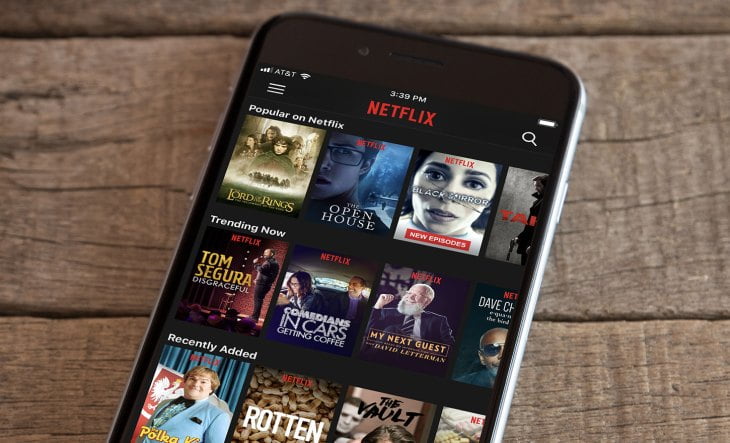
If you want to learn how to cancel a Netflix subscription on Android or iOS, we are going to help you out. If you are tired of Netflix or have decided to switch to another streaming service, the next step is logically to cancel your subscription to avoid being charged at the end of the month. Today we tell you how to unsubscribe Netflix from your smartphone.

One of the advantages of Netflix is that you can enjoy its catalog on virtually any device, including smartphones.

How to cancel a Netflix subscription on Android or iOS?

Nowadays, you can do almost anything from your phone. The popular streaming app doesn’t make it difficult to unsubscribe at any time: it’s just two clicks or, on mobile, two taps.

The process is carried out from the Netflix website, perfectly adapted for mobile, although you can easily access it from the Netflix app. To do this, on a non-kid profile, tap on your profile picture at the top, then tap Account.

This will take you to the Netflix configuration website. Both on iOS and Android. You don’t need to navigate through menus and submenus, as the Cancel Subscription button is clearly visible. After clicking it, you are shown a summary of when the cancellation will be effective and its conditions.

The most important thing is that Netflix will continue to work until the end of the current billing period you have already paid for and that you have 10 months to reactivate your account and keep all your data.
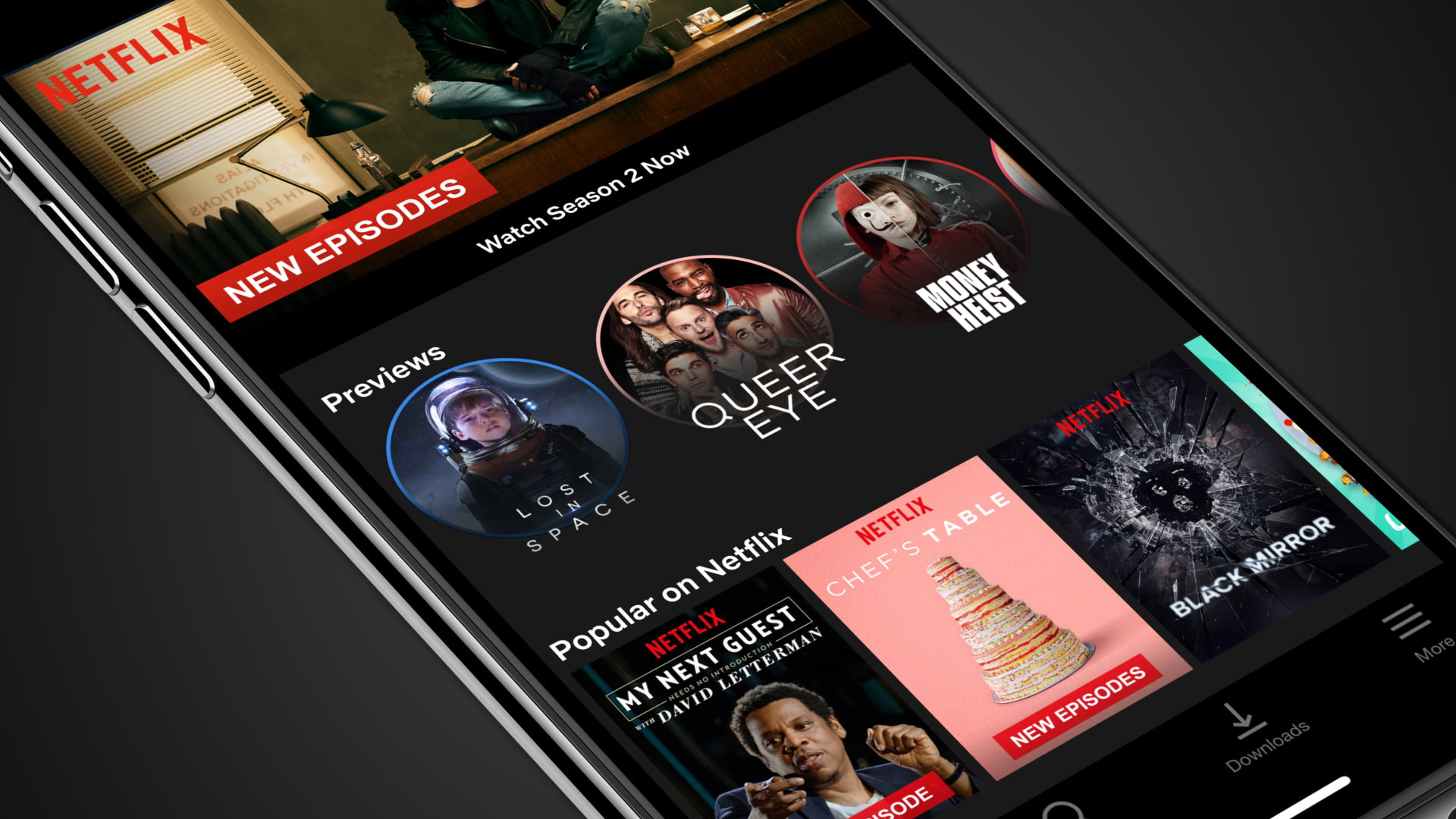
How to cancel a Netflix subscription on Android or iOS?

If you are sure you want to cancel your subscription, click Complete. If you change your mind, you can easily reactivate it again by following the same steps. As you can see, the process is very simple, here is the summary:

  • Open Netflix on your mobile
  • Tap on your profile picture at the top of the screen
  • Tap Account
  • Tap Cancel subscription
  • Tap Complete cancellation
Tags: Androidcancelhow toiOSNetflixsmartphonestep by stepsubscription
ShareTweet
Kerem Gülen

Kerem Gülen

Kerem from Turkey has an insatiable curiosity for the latest advancements in tech gadgets and a knack for innovative thinking.With 3 years of experience in editorship and a childhood dream of becoming a journalist, Kerem has always been curious about the latest tech gadgets and is constantly seeking new ways to create.As a Master's student in Strategic Communications, Kerem is eager to learn more about the ever-evolving world of technology. His primary focuses are artificial intelligence and digital inclusion, and he delves into the most current and accurate information on these topics.

Related Posts

How to download and migrate your content from Microsoft Stream

How to download and migrate your content from Microsoft Stream

6 January 2026
Easy ways to make a YouTube music video with just pictures

Easy ways to make a YouTube music video with just pictures

6 January 2026
Easy steps to build your own music video for YouTube

Easy steps to build your own music video for YouTube

6 January 2026
How to add videos and movies to compatible iPod models easily

How to add videos and movies to compatible iPod models easily

6 January 2026
Please login to join discussion

LATEST

How to download and migrate your content from Microsoft Stream

Easy ways to make a YouTube music video with just pictures

Easy steps to build your own music video for YouTube

How to add videos and movies to compatible iPod models easily

Narwal unveils Flow 2 with AI pet monitoring at CES 2026

Hyundai reveals Boston Dynamics and DeepMind alliance at CES 2026

Intel unveils Core Ultra Series 3 at CES 2026

Amazon takes Alexa to the web with launch of Alexa.com at CES 2026

Amazon enters lifestyle TV market with $899 Ember Artline

Google previews Gemini AI features for Google TV

TechBriefly

© 2021 TechBriefly is a Linkmedya brand.

  • Tech
  • Business
  • Science
  • Geek
  • How to
  • About
  • Privacy
  • Terms
  • Contact
  • | Network Sites |
  • Digital Report
  • LeaderGamer

Follow Us

No Result
View All Result
  • Tech
  • Business
  • Crypto
  • Science
  • Geek
  • How to
  • About
    • About TechBriefly
    • Terms and Conditions
    • Privacy Policy
    • Contact Us
    • Languages
      • 中文 (Chinese)
      • Dansk
      • Deutsch
      • Español
      • English
      • Français
      • Nederlands
      • Italiano
      • 日本语 (Japanese)
      • 한국인 (Korean)
      • Norsk
      • Polski
      • Português
      • Pусский (Russian)
      • Suomalainen
      • Svenska