

TechBriefly
  • Tech
  • Business
  • Crypto
  • Science
  • Geek
  • How to
  • About
    • About TechBriefly
    • Terms and Conditions
    • Privacy Policy
    • Contact Us
    • Languages
      • 中文 (Chinese)
      • Dansk
      • Deutsch
      • Español
      • English
      • Français
      • Nederlands
      • Italiano
      • 日本语 (Japanese)
      • 한국인 (Korean)
      • Norsk
      • Polski
      • Português
      • Pусский (Russian)
      • Suomalainen
      • Svenska
No Result
View All Result
TechBriefly
Home How to
How to block a contact on Signal?

How to block a contact on Signal?

Kerem GülenbyKerem Gülen
26 January 2021
in How to
Reading Time: 2 mins read
Share on FacebookShare on Twitter

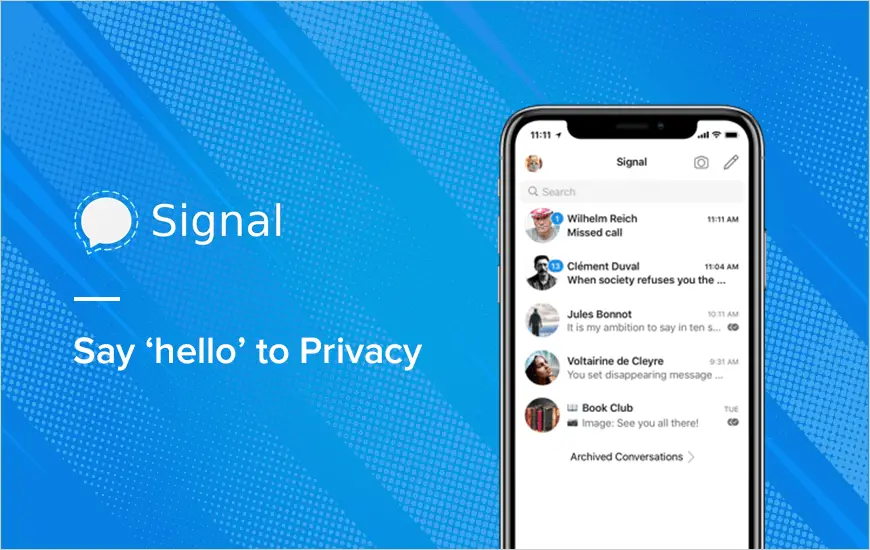
If you don’t know how to block a contact on the Signal messaging app, we are going to help you out. Signal continues to gain popularity among users after WhatsApp changes its privacy policy.

If someone bothers us or sending spam messages, blocking him/her might be the only way. This way you can never contact that user again through the application unless you unblock him/her.

How to block a contact on Signal?

The process is really simple. To block someone on Signal there are two paths we can take. You just need to follow some steps.

Block a user from their profile

  • Find the user you want to block, either through the search or through an active conversation.
  • Click on their avatar to display their profile.
  • Click on the ‘Block‘ option.
  • Click again on ‘Block’.
  • That’s it, the contact will be blocked and will not be able to contact you, and you will not be able to contact him/her.
    Note: the user will not know that he/she is blocked until he/she tries to talk to you.
How to block a contact on Signal?

Adding a user to the block list

  • Go to the three vertical buttons at the top right of Signal and go to ‘Settings’.
  • Access the ‘Privacy‘ section.
  • In Privacy, go down until you find ‘Blocked’ and enter.
  • You will see a list of blocked users (if any) and an option called ‘Blocked contacts’. Click on it.
  • Signal will then open the list of contacts.
  • Select the contact we want to block.
  • Click on ‘Block’.
Tags: blockcontactguidehow tosignalstep by steptutorialuser
ShareTweet
Kerem Gülen

Kerem Gülen

Kerem from Turkey has an insatiable curiosity for the latest advancements in tech gadgets and a knack for innovative thinking.With 3 years of experience in editorship and a childhood dream of becoming a journalist, Kerem has always been curious about the latest tech gadgets and is constantly seeking new ways to create.As a Master's student in Strategic Communications, Kerem is eager to learn more about the ever-evolving world of technology. His primary focuses are artificial intelligence and digital inclusion, and he delves into the most current and accurate information on these topics.

Related Posts

How to gain full control by jailbreaking iPhone and rooting Android

How to gain full control by jailbreaking iPhone and rooting Android

19 January 2026
How to create folders and add widgets on Android

How to create folders and add widgets on Android

19 January 2026
How to tell if your iPhone or Android phone is carrier unlocked

How to tell if your iPhone or Android phone is carrier unlocked

16 January 2026
How to apply screen protectors without air bubbles

How to apply screen protectors without air bubbles

16 January 2026
Please login to join discussion

LATEST

Blue Origin’s New Glenn-3 mission to deploy AST SpaceMobile’s BlueBird 7

Anthropic redesigns hiring tests after Claude 4.5 “aces” human interview

NexPhone debuts as the first “triple-OS” smartphone for power users

Google Photos v7.59 may kill the “Modify” button in sharing overhaul

Snapchat gives parents trust signals to vet teen friend connections

Spotify launches Prompted Playlists to let users steer the algorithm

Amazon expands healthcare portfolio with new generative Health AI tool

What to expect at Samsung Galaxy Unpacked 2026

SpaceX targets $1.5 trillion valuation with potential July 2026 IPO

YouTube enables creators to generate AI likenesses for Shorts

TechBriefly

© 2021 TechBriefly is a Linkmedya brand.

  • Tech
  • Business
  • Science
  • Geek
  • How to
  • About
  • Privacy
  • Terms
  • Contact
  • | Network Sites |
  • Digital Report
  • LeaderGamer

Follow Us

No Result
View All Result
  • Tech
  • Business
  • Crypto
  • Science
  • Geek
  • How to
  • About
    • About TechBriefly
    • Terms and Conditions
    • Privacy Policy
    • Contact Us
    • Languages
      • 中文 (Chinese)
      • Dansk
      • Deutsch
      • Español
      • English
      • Français
      • Nederlands
      • Italiano
      • 日本语 (Japanese)
      • 한국인 (Korean)
      • Norsk
      • Polski
      • Português
      • Pусский (Russian)
      • Suomalainen
      • Svenska