


TechBriefly
  • Tech
  • Business
  • Crypto
  • Science
  • Geek
  • How to
  • About
    • About TechBriefly
    • Terms and Conditions
    • Privacy Policy
    • Contact Us
    • Languages
      • 中文 (Chinese)
      • Dansk
      • Deutsch
      • Español
      • English
      • Français
      • Nederlands
      • Italiano
      • 日本语 (Japanese)
      • 한국인 (Korean)
      • Norsk
      • Polski
      • Português
      • Pусский (Russian)
      • Suomalainen
      • Svenska
No Result
View All Result
TechBriefly
Home How to
How to block calls from a certain prefix on a Huawei smartphone?

How to block calls from a certain prefix on a Huawei smartphone?

Kerem GülenbyKerem Gülen
29 December 2020
in How to
Reading Time: 2 mins read
Share on FacebookShare on Twitter

If you don’t know how to block calls from a certain prefix on a Huawei smartphone, we are going to help you out in this guide.

We can find a large number of applications available for this purpose. But there is an application that comes in the Huawei devices that enables you to block unwanted calls. It is possible to block an entire prefix, to prevent phone numbers from a certain country from calling you.

  • How to use hidden Samsung keyboard gestures?
  • How to use Chrome as a file explorer on Android?
  • How to download music from Soundcloud to MP3? (Complete Guide)

How to block calls with certain prefixes on a Huawei smartphone?

Blocking an entire prefix means that you can block calls coming from a certain country. If there is a scam going on involving phone numbers from a particular country, you can use the Huawei app to block it. This is a slightly more radical option than blocking just one number. If you want to try it out, follow these steps:

  • Open the Optimizer app on your Huawei phone.
  • Click on the Filter option.
  • Click on the settings icon, in the upper right part.
  • In the new window that opens, go to the Black List section.
  • Click on the Add button at the bottom of the screen.
  • Select the Filter Prefix option.
  • Enter the prefix you want to block (in the international format, i.e. + (prefix).
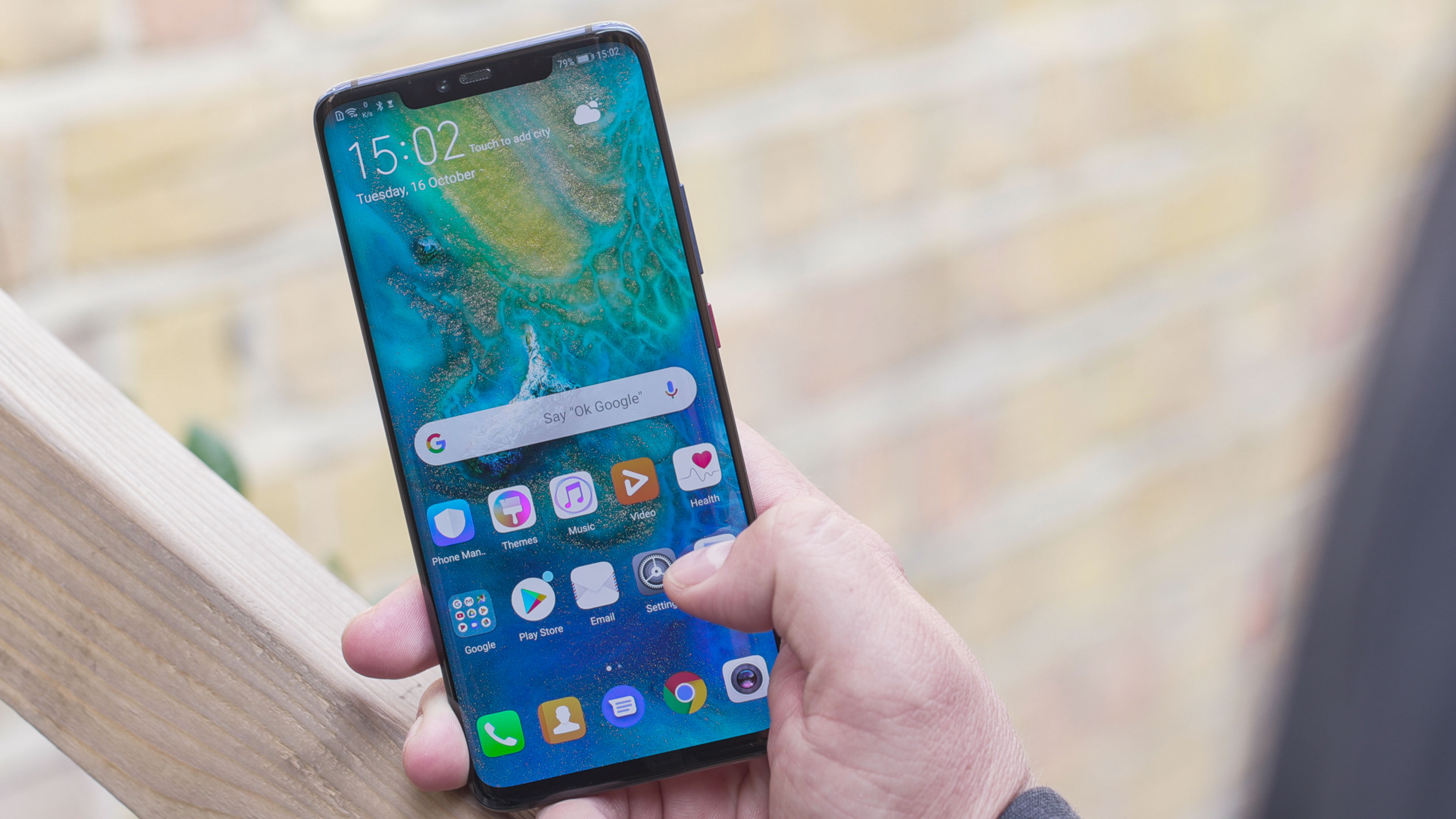
How to block calls from a certain prefix on a Huawei smartphone?

After these steps, your Huawei phone will automatically reject calls coming from that prefix. You won’t have to do anything else to avoid these types of calls on your phone. Whenever you want to add more prefixes, you can follow same steps we have shown.

Tags: blockcallguidehow tohuaweistep by steptutorial
ShareTweet
Kerem Gülen

Kerem Gülen

Kerem from Turkey has an insatiable curiosity for the latest advancements in tech gadgets and a knack for innovative thinking.With 3 years of experience in editorship and a childhood dream of becoming a journalist, Kerem has always been curious about the latest tech gadgets and is constantly seeking new ways to create.As a Master's student in Strategic Communications, Kerem is eager to learn more about the ever-evolving world of technology. His primary focuses are artificial intelligence and digital inclusion, and he delves into the most current and accurate information on these topics.

Related Posts

How to use the exit command in Windows Command Prompt

How to use the exit command in Windows Command Prompt

7 January 2026
How to view your TikTok watch history

How to view your TikTok watch history

7 January 2026
How to play the classic game of cribbage for beginners

How to play the classic game of cribbage for beginners

7 January 2026
Simple steps to create a stop-motion film using Photoshop

Simple steps to create a stop-motion film using Photoshop

7 January 2026
Please login to join discussion

LATEST

How to use the exit command in Windows Command Prompt

How to view your TikTok watch history

How to play the classic game of cribbage for beginners

Simple steps to create a stop-motion film using Photoshop

Motorola unveils Moto Things accessories at CES 2026

Lenovo unveils Qira AI assistant for PCs and Motorola phones

iPolish unveils press-on acrylic smart nails at CES 2026

Meta unveils neural wristband expansions at CES 2026

How to download and migrate your content from Microsoft Stream

Easy ways to make a YouTube music video with just pictures

TechBriefly

© 2021 TechBriefly is a Linkmedya brand.

  • Tech
  • Business
  • Science
  • Geek
  • How to
  • About
  • Privacy
  • Terms
  • Contact
  • | Network Sites |
  • Digital Report
  • LeaderGamer

Follow Us

No Result
View All Result
  • Tech
  • Business
  • Crypto
  • Science
  • Geek
  • How to
  • About
    • About TechBriefly
    • Terms and Conditions
    • Privacy Policy
    • Contact Us
    • Languages
      • 中文 (Chinese)
      • Dansk
      • Deutsch
      • Español
      • English
      • Français
      • Nederlands
      • Italiano
      • 日本语 (Japanese)
      • 한국인 (Korean)
      • Norsk
      • Polski
      • Português
      • Pусский (Russian)
      • Suomalainen
      • Svenska

