

Kling AI 1.5 is out and making a name for itself in AI video production. Just two months after its debut, Kling AI introduced version 1.5 to improve video quality and integrate new tools. But the big question on everyone’s mind is: can Kling’s latest update rival the more established players on the market?
Kling AI 1.5’s current competitors are Runway Gen-3 and MiniMax Video, while Sora is on hold as it has yet to make its debut. Can Kling rival these names with the new version? Let’s see if Kling is the go-to tool for professional and advanced amateur video creators.
How does Kling AI 1.5 compare to the competition?
Kling AI 1.5 aims to close the gap with its competitors by improving video quality. In addition, a feature called Motion Brush was added to the previous version 1.0. Thanks to this brush, you can choose the direction of movement when converting images to video. Or, when you produce a text video, you can edit it with the Motion Brush to create movement in the direction you want.
With the revamp, the quality of Kling 1.5 is noticeably better than its predecessor, with sharper visuals and more refined output. However, the contrast in its videos tended to be a little too high, suggesting less visual balance compared to the softer and more cinematic results of Runway. Still, it’s clear to see that Kling has taken a step forward with this update. The platform is pushing itself to compete at a higher level.
When it comes to creating video from text, Kling was pitted against MiniMax Video, a competitor praised for its ability to follow commands closely and produce stunning visuals. Kling revealed that AI 1.5, while impressive in certain areas, still struggled with precision.
A pulp comic cover featuring a beautiful blonde woman with curly hair in a bridal outfit, looking surprised or shocked as she’s carried by a man wearing a red skull mask
Kling AI 1.5 has some bugs. Sometimes it doesn’t fully understand what the command is and outputs a completely different result. Since it is a new model, these things are possible. MiniMax’s system is stable and can understand every prompt, but Kling has no problem with text-to-video. A problem that can be solved with an easy update. The differences between 1.0 and 1.5 are as follows:
Motion Brush: A fine-tuning tool or a game-changer?
One of the features of Kling AI 1.5 is the Motion Brush, which allows users to manually control object movement by drawing paths within the video frame. The company has improved this feature a lot, and it’s very good with the movement of secondary elements.
In our tests, when we tried to move multiple objects in different directions, the AI didn’t get confused at all and produced the exact results we wanted. This level of manual control does mean that Kling AI 1.5 sacrifices a bit of image quality. However, once Motion Brush enters Kling AI 1.5, the combination of improved visuals and precise motion control could give the platform a competitive edge.
How to use Kling AI 1.5
Unfortunately, for now, you need to be a Premium user to access Kling AI 1.5. It costs 10 dollars a month. But you can also produce videos using version 1.0 with the steps below. Now that we have the necessary information, let’s tell you how to use it. Here are the steps of Kling AI 1.5:
- Go to the official site.
- Press “Sign In” on the right side.
- If you have an account, sign in, otherwise press “Sign up for free”.
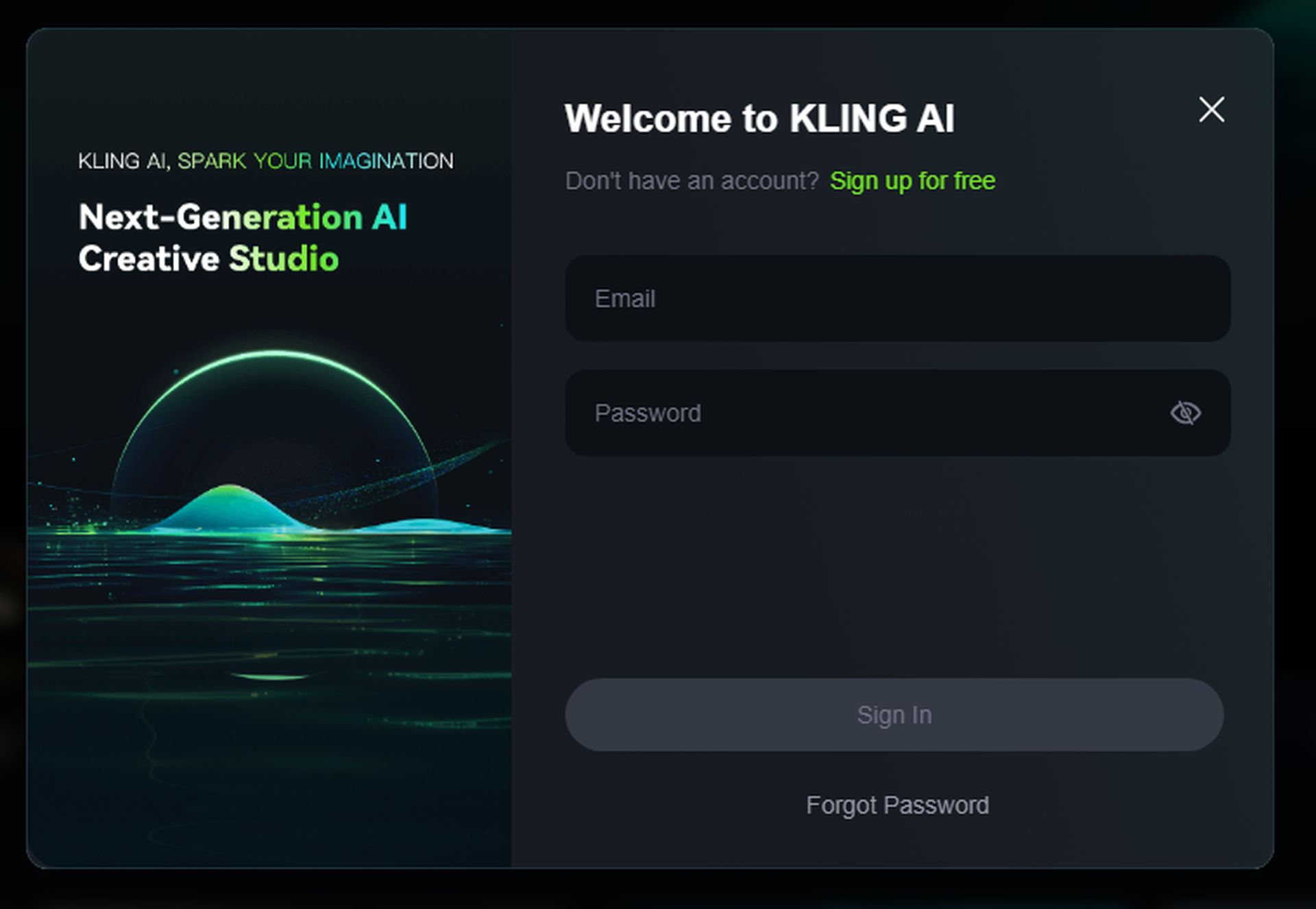
- Unfortunately, you cannot easily register with Google or any other platform.
- Complete the registration process.
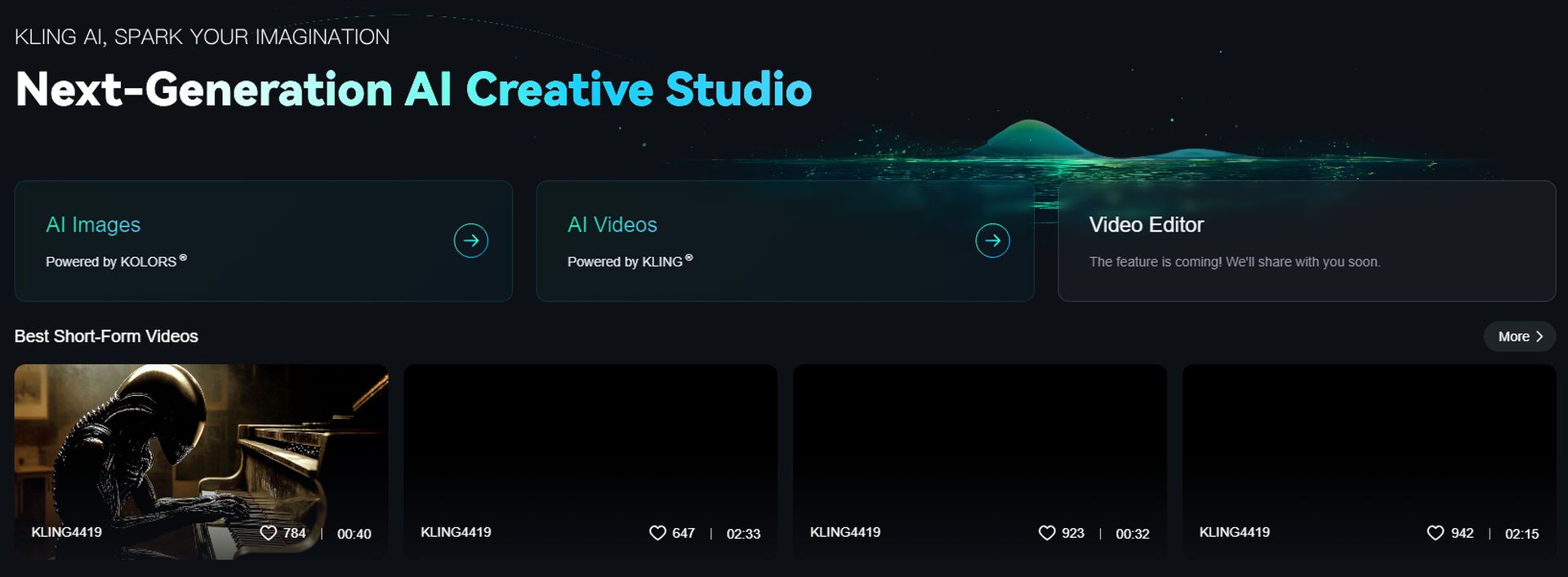
- There are 3 options in front of you.
- You can produce AI Images with Kolors’ artificial intelligence.
- The video Editor system is not available for now.
- You can also produce videos with the AI Videos option.
- Click on the AI Videos option.
- There are Text to Video and Image to Video options on the left panel.
- There is a Prompt section just below, here you enter how your video is.
- If you want to make fine adjustments, you can make settings in the Settings section.
- Free users have some restrictions in the Settings section.
- You can choose the direction of movement of your video in the Camera Movement section.
- The Negative Prompt section is optional and you write what you don’t want in this section.
- After filling in the required fields, you can press Generate. Don’t forget to select Kling 1.5 at the top.
Now you know very well how to use Kling AI 1.5 and even for older versions.
The Kling AI 1.5 has improved video quality and the Motion Brush. Kling AI 1.5 isn’t as good as established competitors like Runway Gen-3 and MiniMax Video, but it’s getting better. With further updates, it could become a top contender in AI video generation. It’s a promising option for creators looking for versatility and advanced control, especially for those willing to invest in its premium features.
Featured image credit: Kerem Gülen/Midjourney Screenshot credits: Kling AI