
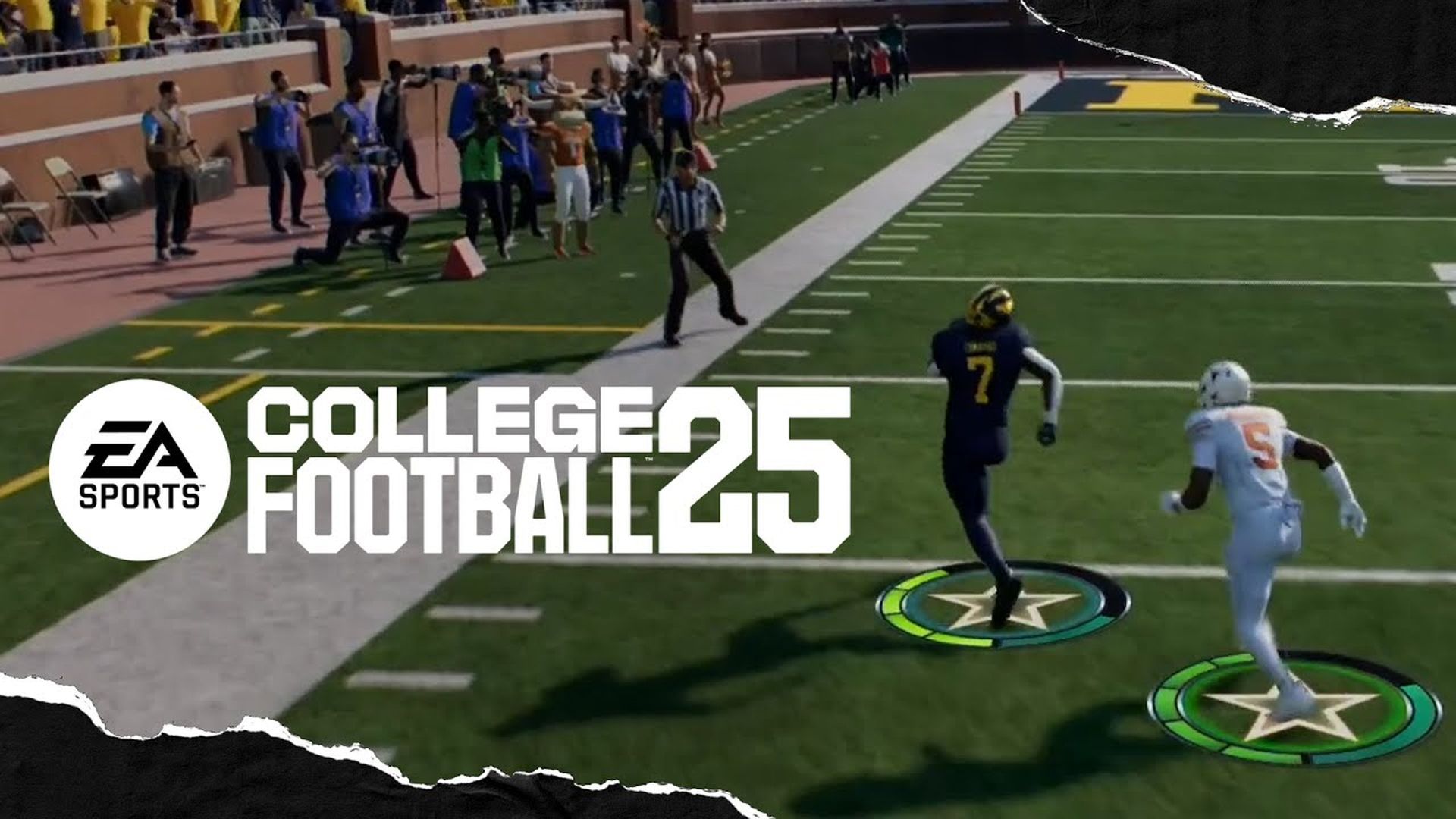

NCAA 25 Update is a topic that’s buzzing among college football fans and gaming enthusiasts alike. EA Sports has just rolled out a massive update for their popular college football simulator, College Football 25. This update is packed with new features, improvements, and fixes that are sure to enhance the gaming experience for everyone. Whether you’re a seasoned player or new to the game, there’s something in this update that will catch your attention.
In this update, EA Sports has introduced a variety of new plays, uniforms, and gameplay adjustments that bring more depth and realism to the game. With the addition of eight new shotgun formations for 35 teams, players now have more strategic options at their disposal. The update also includes adjustments to AI behavior, tackling mechanics, and various bug fixes that improve the overall gameplay experience.
What does the NCAA 25 update include?
But that’s not all. The NCAA 25 Update also brings important changes to the game’s Dynasty mode, recruiting mechanics, and Road to Glory. From new playoff bracket screens to updated coach talents, and from enhanced recruiting logic to fixes in visit scheduling, this update addresses many of the community’s concerns and requests. The presentation has also been improved with new uniforms, stadium updates, and a host of visual enhancements.
NCAA 25 update gameplay enhancements: New plays, improved AI, and bug fixes
With the NCAA 25 update, many differences and innovations are coming. Let’s take a look at them all.
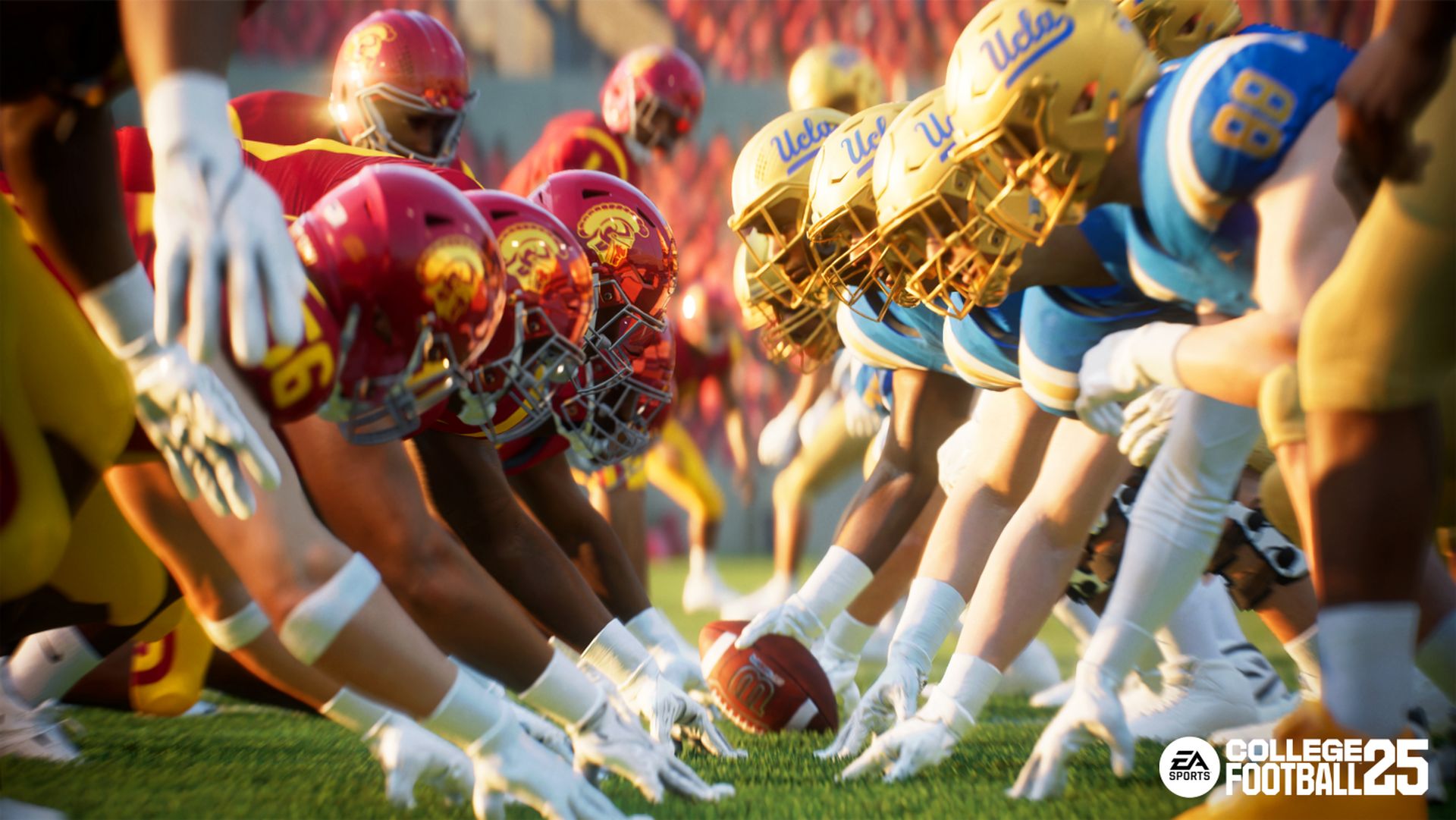 New shotgun formations
8 new formations added for 35 teams:
- Bunch Quads Open (Diamond Quads): Used by teams like Texas Tech and Western Michigan.
- Deuce Twins over: Found in Buffalo and Toledo’s playbooks.
- Slot F Wing: Available for NC State and Liberty.
- Split Pro far: Also included in NC State and Liberty’s tactics.
- Split Pro near: Specifically for NC State.
- Tight Y Off Flex: Implemented by Florida.
- Wing HB Wk close: Used by Indiana and Minnesota.
- Wing slot over: Seen in Texas A&M and Kansas State’s strategies.
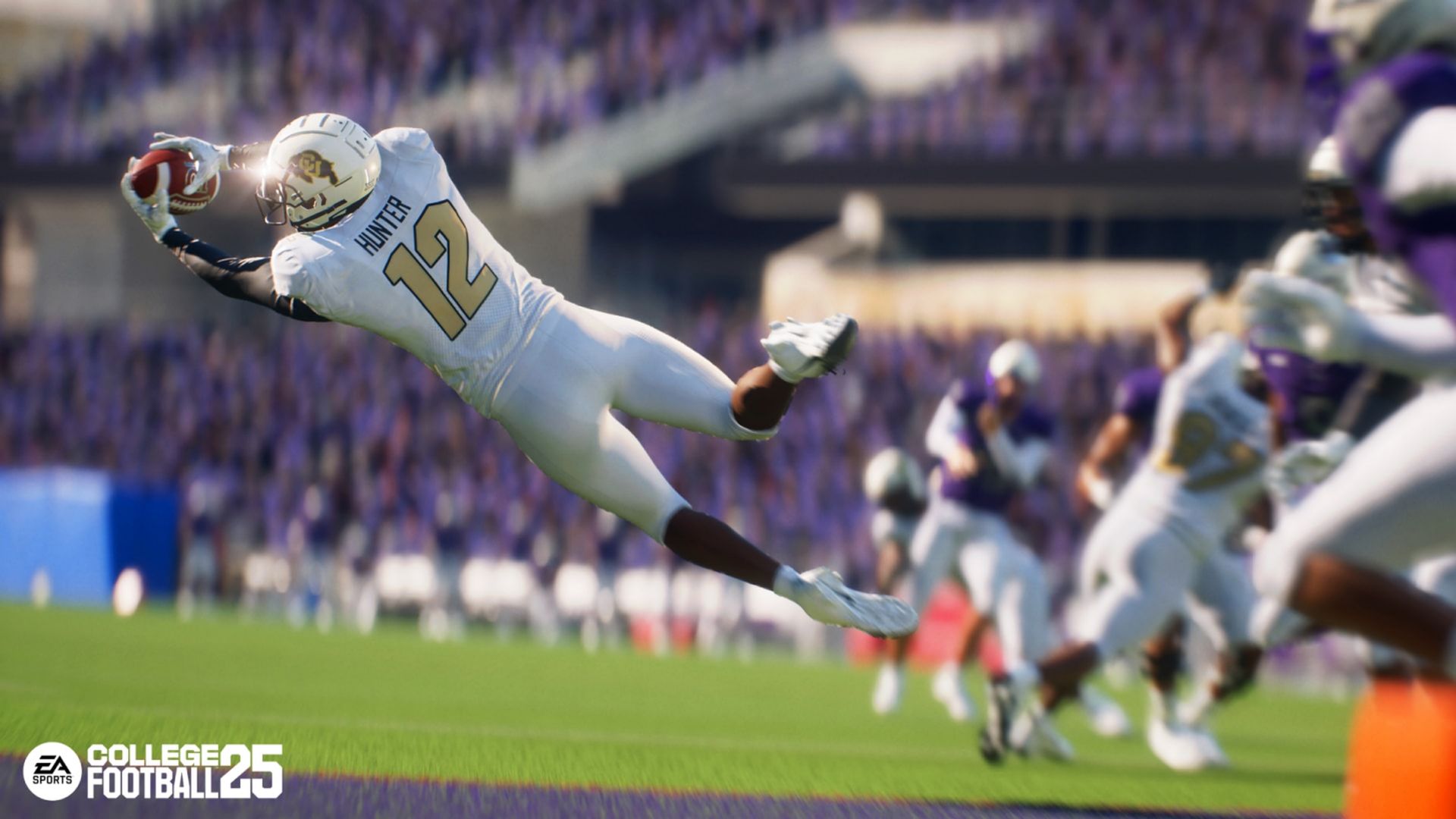 AI and gameplay tuning
With the NCAA 25 update, artificial intelligence has also improved.
- Pursuit angles: Enhanced logic and behavior, especially for players with high pursuit ratings, to improve defensive plays.
- Broken tackles: Reduced the frequency of broken tackles from trailing defenders, making tackling more realistic.
- QB and offensive line adjustments:
- AI quarterbacks now make more lob throws on shot plays and are less aggressive based on their awareness rating.
- The offensive line’s behavior has been adjusted, leading to fewer illegal man downfield penalties during RPO plays.
- Stamina and penalties:
- Increased stamina penalties for QBs scrambling behind the line of scrimmage.
- Adjusted false start chances when making pre-play adjustments late in the play clock.
- Defensive adjustments:
- DBs now shed blocks more effectively on the perimeter.
- Improved shading inside or outside in Man Coverage.
- Press animations are now more effective against the Takeoff Ability.
 Bug fixes
All bugs fixed with the NCAA 25 update:
- Formation and playbook issues:
- Resolved alignment issues where offensive players were too wide in certain formations.
- Fixed problems with custom playbooks, including issues with 4-2-5 or 3-3-5 formations, and misnamed singleback formations.
- Gameplay Mechanics:
- Fixed issues with spiking the ball in online modes as part of the Turbo Tempo system.
- Resolved AI QB behavior problems in shot plays and QB scrambles.
- Addressed bugs related to Speed Option Running Backs and illegal man downfield penalties.
- Tackling and movement:
- Fixed an exploit where a QB-contained player could be left unblocked, leading to unrealistic outcomes.
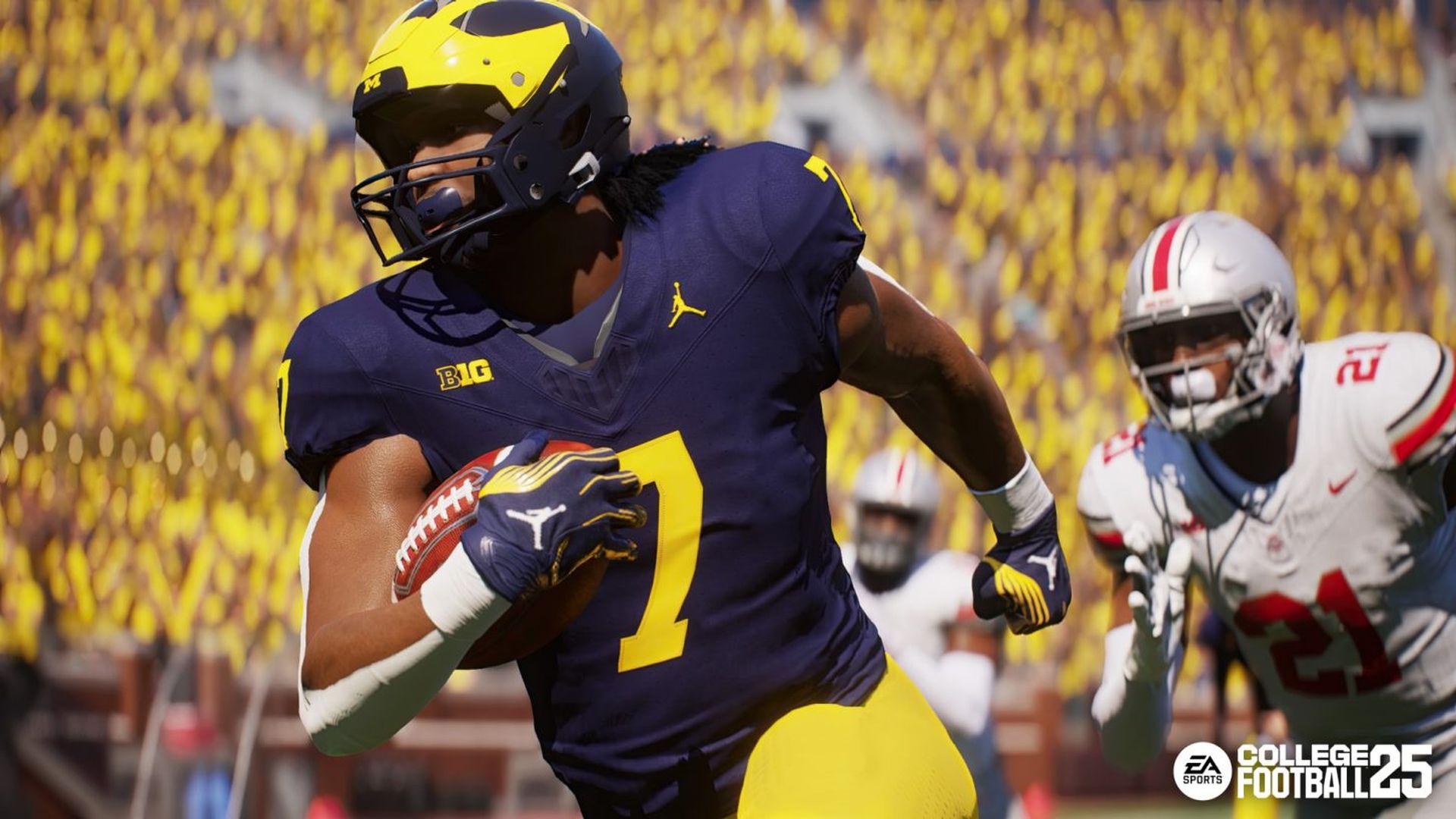 Abilities and dynasty mode: Refinements and new features
New modes coming with the NCAA 25 update.
Abilities rebalancing
Talents are being rebalanced with the NCAA 25 update.
- Visual updates:
- Updated the coloring of Platinum tier Abilities to distinguish them from Silver Abilities.
- Ability adjustments:
- Rebalanced Gold and Platinum tiers for abilities like Juke, Spin, and Extender.
- Adjusted the Quick Jump Ability’s effectiveness, particularly for the Texas Front 7.
- Player rewards:
- Increased rewards for correctly shading inside or outside in Man Coverage.
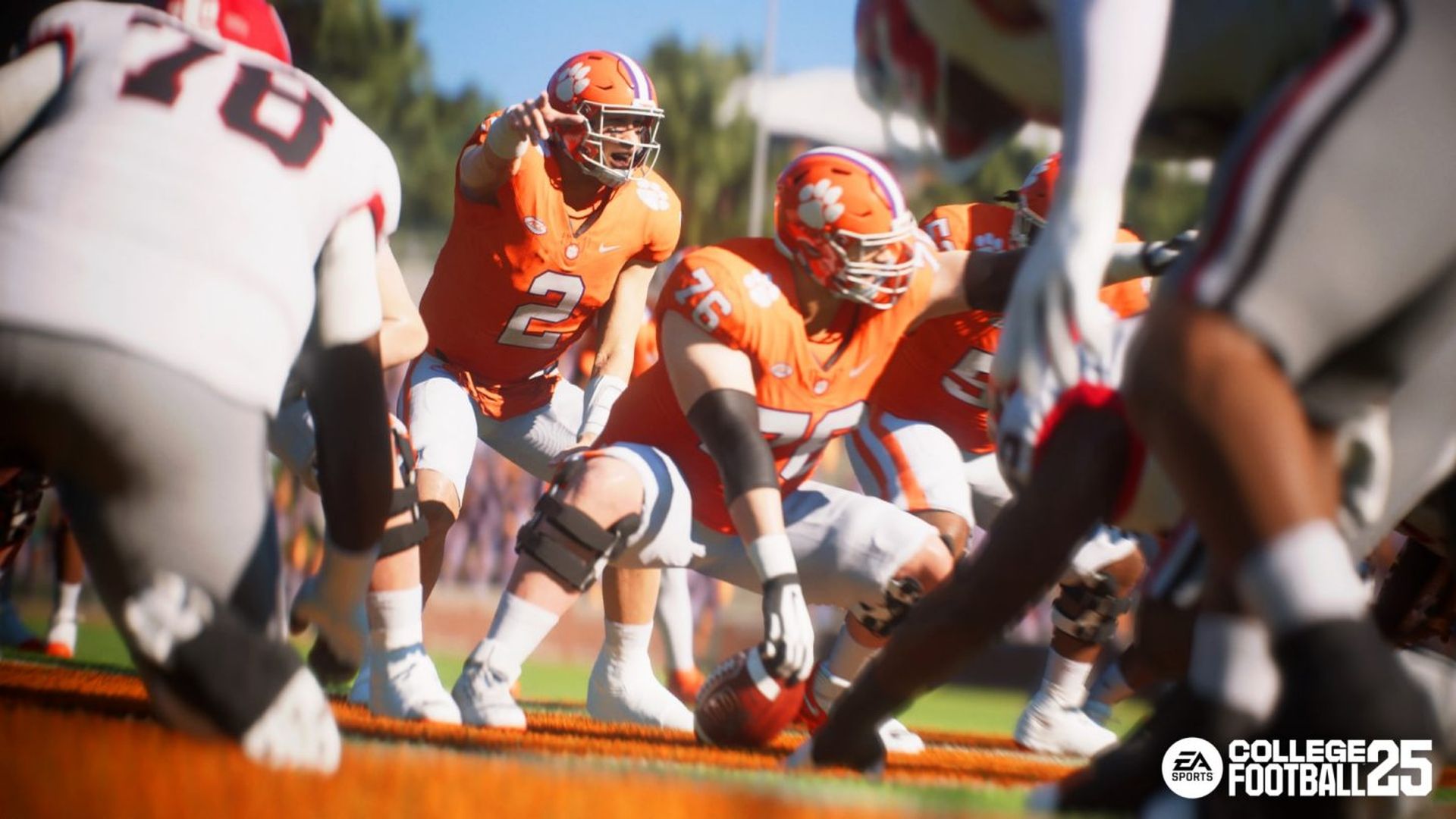 Dynasty mode enhancements
Dynasty mode also changed with the NCAA 25 Update.
- New playoff bracket screen: Introduced a new screen to better visualize playoff progress and matchups.
- Coach talents updates: Adjustments made to coach talents, specifically for the Wyoming Offensive Coordinator.
- Rivalry data updates: Updated data for rivalries like Texas/Oklahoma, reflecting historical accuracy.
- Dynamic attendance and toughest places to play: Increased dynamic attendance in rivalry games, reduced penalties for playing FCS teams, and returned the formula for determining the toughest places to play. Adjustments were made to reduce the impact of large stadiums on the toughest places to play, instead focusing on historical win rate and attendance rate.
- Heisman Watch logic: Updated logic to reduce the value of receiving TDs in Heisman Watch, balancing the recognition of other key performances.
Recruiting, Road to Glory, and College Football Ultimate team updates
With the NCAA 25 Update, Recruiting, Path to Glory and College Football Ultimate Teams have all been revamped.
Recruiting Mechanics
- AI recruiting adjustments:
- Fixed issues with teams pursuing too many quarterbacks and the aggressive recruitment of unrecruited 4 and 5-star players early in the season.
- Introduced new logic to balance the recruitment of players by the AI, ensuring a more realistic and rewarding experience.
- Visit scheduling:
- Fixed issues where visits couldn’t be scheduled in certain situations or remained scheduled even after a recruit was removed from the board.
- Adjusted the influence of visits, with increased penalties for choosing activities that the team is not strong in or the player is not interested in.
 Road to Glory Mode
- Scenario and NIL content: Added new scenarios and NIL content to enhance the Road to Glory experience.
- Wear and tear UI: Reworked UI to reflect position-appropriate impacts, providing clearer feedback on player conditions.
- Mental goals and coach trust fixes: Fixed issues with tracking Mental Goals and displaying Coach Trust, ensuring accurate progression and rewards.
- Player upgrades and trust: Resolved issues where it was impossible to lose Coach Trust at max level and where players couldn’t upgrade during Bye Weeks.
College Football Ultimate Team
- Visual and performance improvements: Fixed issues with the ‘Best Lineup’ feature, ensuring it doesn’t change equipped visuals and playbook. Addressed various UI and performance issues, such as long load transitions on the New Item Screen, transparency issues with Player Items, and errors when accessing the Auction House.
- Stability and connection fixes: Improved stability for first-time users entering Ultimate Team and fixed connection issues in Squads 3v3.
- Auction house filters: Fixed conference filters in the Auction House, ensuring accurate and efficient searches.
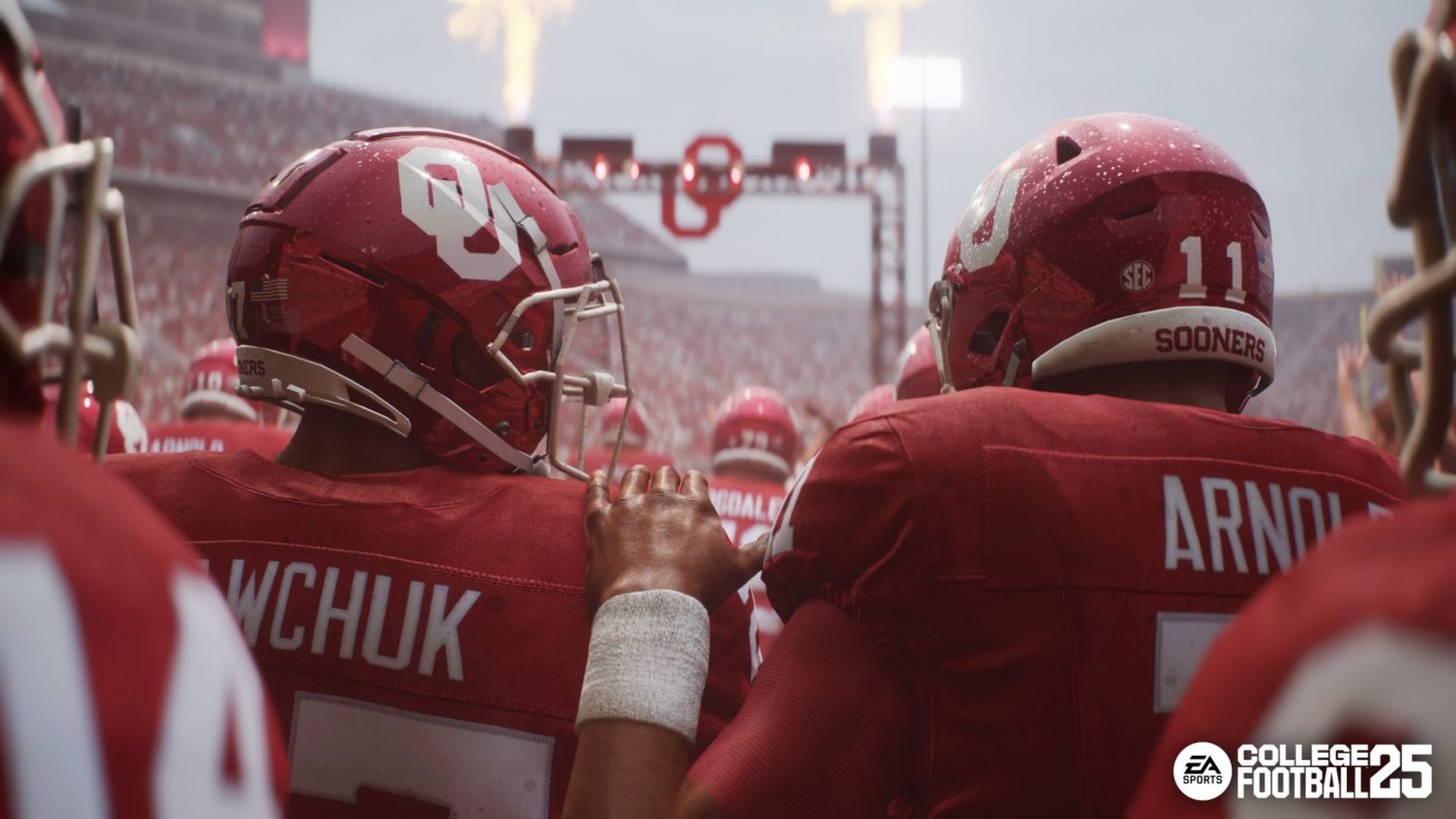 Presentation and Road to CFP: Uniforms, stadiums, and more
EA Games didn’t stop there. The presentation and the road to the CFP: Uniforms, stadiums, and more were also part of the NCAA 25 Update.
New uniforms
- Added uniform pieces: New uniforms for Baylor, Oregon, Iowa State, Ole Miss, Vanderbilt, Bowling Green, Northwestern, UTEP, Boise State, New Mexico State, App State, Texas State, Louisiana, New Mexico, and South Alabama.
- Updated uniforms: Adjustments made to uniforms for the 2024 season, including TCU, Arkansas, Missouri, and Baylor.
Stadium updates
- Visual enhancements: Updates to several stadiums, including Holiday Bowl, Texas State, Kansas, Kennesaw State, Oklahoma State, Wake Forest, UL-Monroe, and Nebraska.
- Mascot and chant fixes: Restored opening chants for Penn State, FSU, and Tennessee on Xbox Series S and fixed issues with the USC mascot during the opening ceremony.
Road to CFP Mode
- Tier rebalancing: Changed the format from 3 tiers to 5 tiers, providing a more structured and competitive environment.
How to NCAA 25 update
The NCAA 25 Update is crucial to ensure your game has the latest features, fixes, and improvements. Here’s a simple guide to help you update the game on your console or PC:
- Ensure a stable internet connection: Before starting, make sure your device is connected to a stable internet network.
- Check for updates automatically:
- On PS5/Xbox Series X/S, updates typically download automatically when connected to the internet. If not, proceed to manual updates.
- Manually check for updates:
- On PlayStation: Go to the game icon on your home screen, press the “Options” button, and select “Check for Update.”
- On Xbox: Highlight the game on the dashboard, press the “Menu” button, and select “Manage game and add-ons” then “Updates.”
- Download and install the update: Once the update is detected, select “Download” or “Install” to start the update process.
- Restart the game: After the update is installed, restart your game to apply the new changes.
Following these steps will keep your NCAA 25 game up to date with the latest content and features. Here is the NCAA 25 update with all its innovations.
Featured and all other images credit: EA Games


