
Feeling like your PC’s a bit of a slowpoke? Don’t let that rain on your gaming parade! The best emulator for low end PC can be your ticket to smooth sailing in the digital seas. Let’s dive into this world of virtual wizardry and uncover some hidden gems that’ll make your machine purr like a content kitten.
What’s the buzz about the best emulator for low end PC?
Think of the best emulator for low end PC as a magical translator. It takes games or apps designed for one system and makes them speak your computer’s language. This means you can play games from consoles, handhelds, or even other operating systems right on your humble PC.
But why bother with an emulator when you could just stick to PC games? Well, sometimes your favorite titles aren’t available for PC. Or maybe you’re feeling nostalgic for some classic console action. That’s where the best emulator for low end PC comes in handy. It opens up a whole new world of gaming possibilities, even if your computer isn’t exactly a powerhouse.
Now, you might be wondering, “Aren’t emulators just for tech whizzes?” Not at all! The best emulator for low end PC is designed to be user-friendly. With a bit of setup, you’ll be gaming in no time, even if you’re not a computer genius.
What do you need to run the best emulator for low end PC?
Before you jump into the world of emulation, let’s make sure your PC is up to the task. Here’s what you typically need for the best emulator for low end PC:
- A 64-bit operating system (Windows, macOS, or Linux)
- At least 4GB of RAM (8GB is better)
- About 5GB of free disk space
- A processor with virtualization support
Don’t worry if some of that sounds like gibberish. Most modern computers meet these requirements without breaking a sweat.
Top picks for the best emulator for low end PC
So, ready to give your trusty old machine a new lease on life? Let’s get cracking!
BlueStacks: The jack-of-all-trades

BlueStacks is like the Swiss Army knife of Android emulators. It’s great for gaming and runs smoothly even on computers with just 4GB of RAM. It’s packed with features like key mapping and multi-instance support, making it a top choice for many users.
NoxPlayer: The lightweight contender
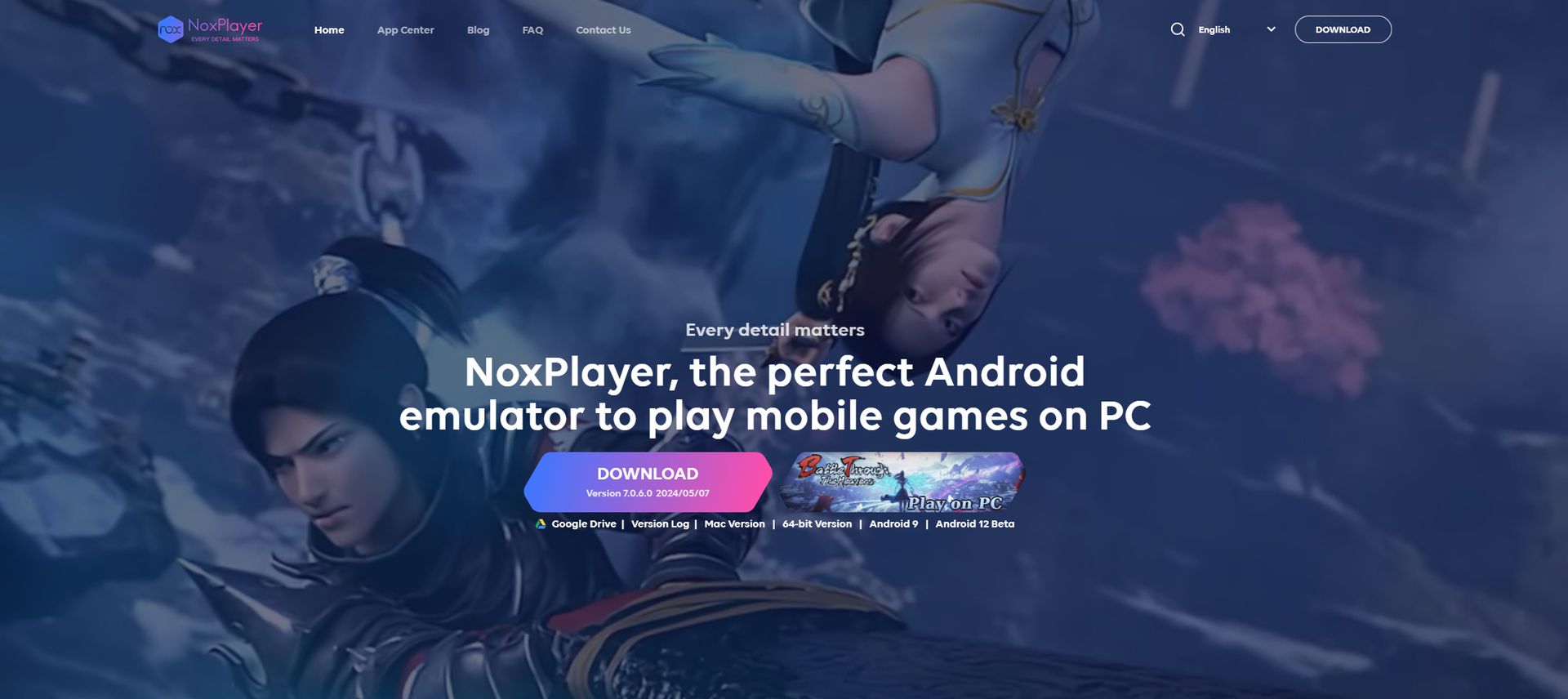
If your PC is really struggling, NoxPlayer might be your new best friend. It can run on systems with as little as 2GB of RAM. While it might not be the fanciest option out there, it gets the job done without putting too much strain on your system.
MEmu Play: The smooth operator
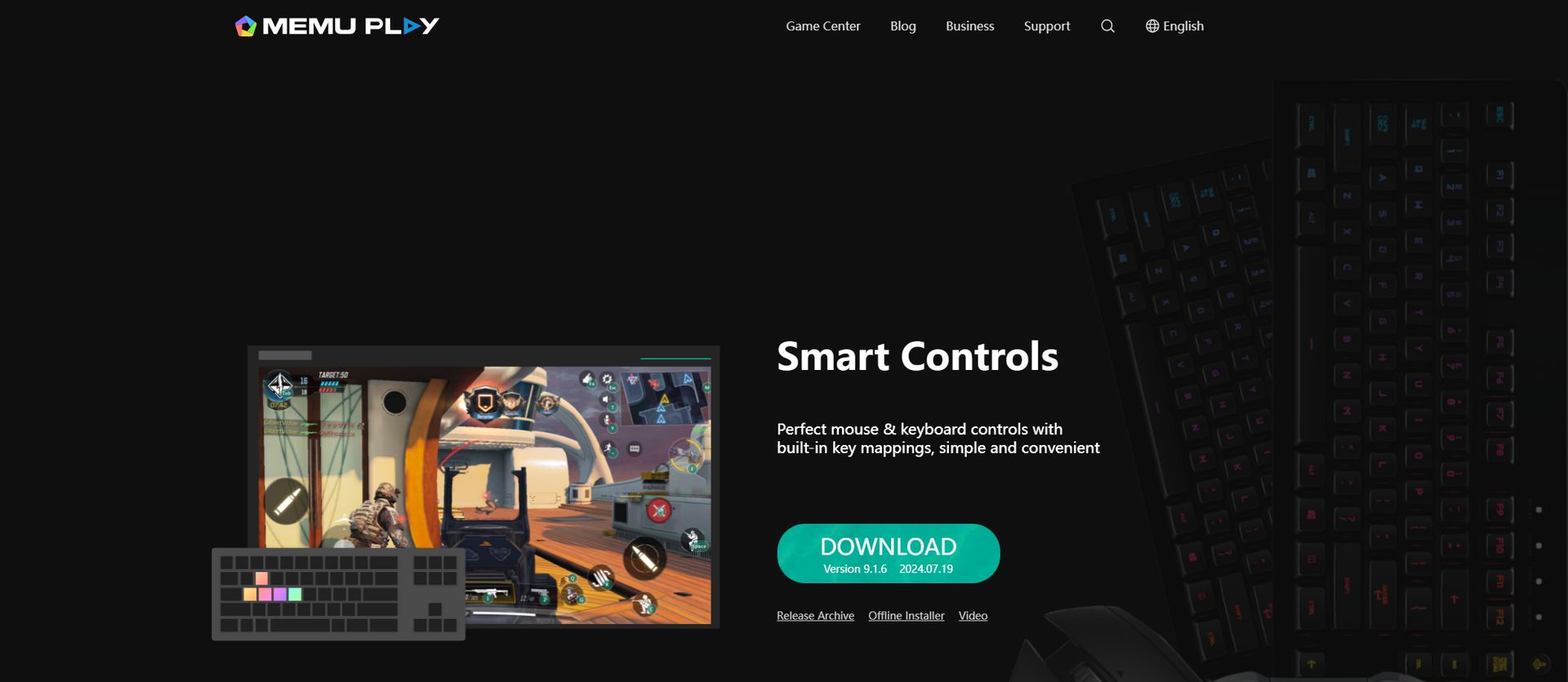
MEmu Play strikes a nice balance between features and performance. It runs well on PCs with 2GB of RAM and doesn’t hog too much disk space. It’s particularly good at handling games and supports both AMD and Nvidia graphics chips.
KoPlayer: The multitasker
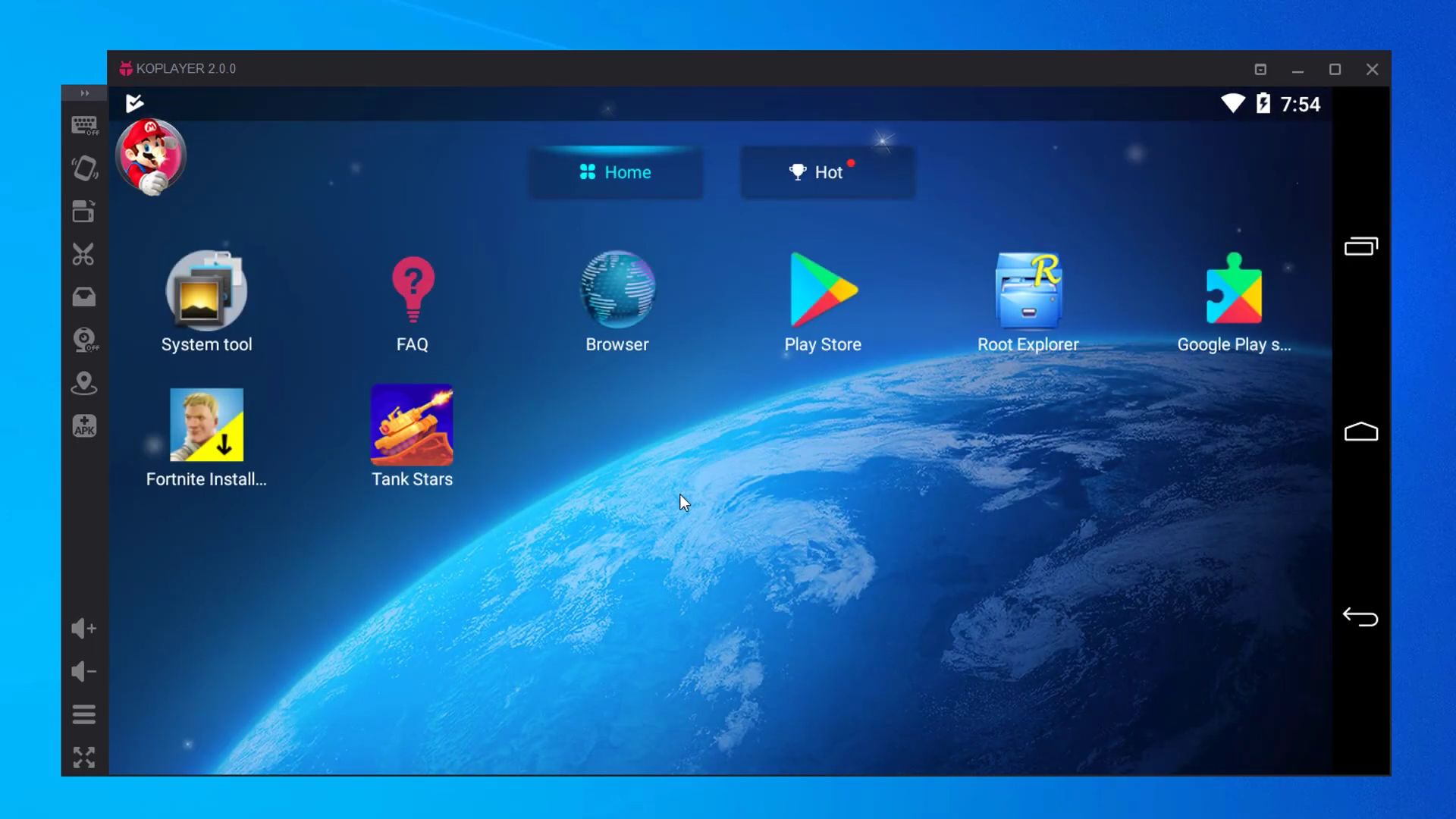
KoPlayer is another lightweight option that’s great for low-end PCs. It lets you run multiple accounts at once and even record your gaming sessions. It’s not always the smoothest ride, but it’s a solid choice if you’re working with limited resources.
GameLoop: The gaming guru
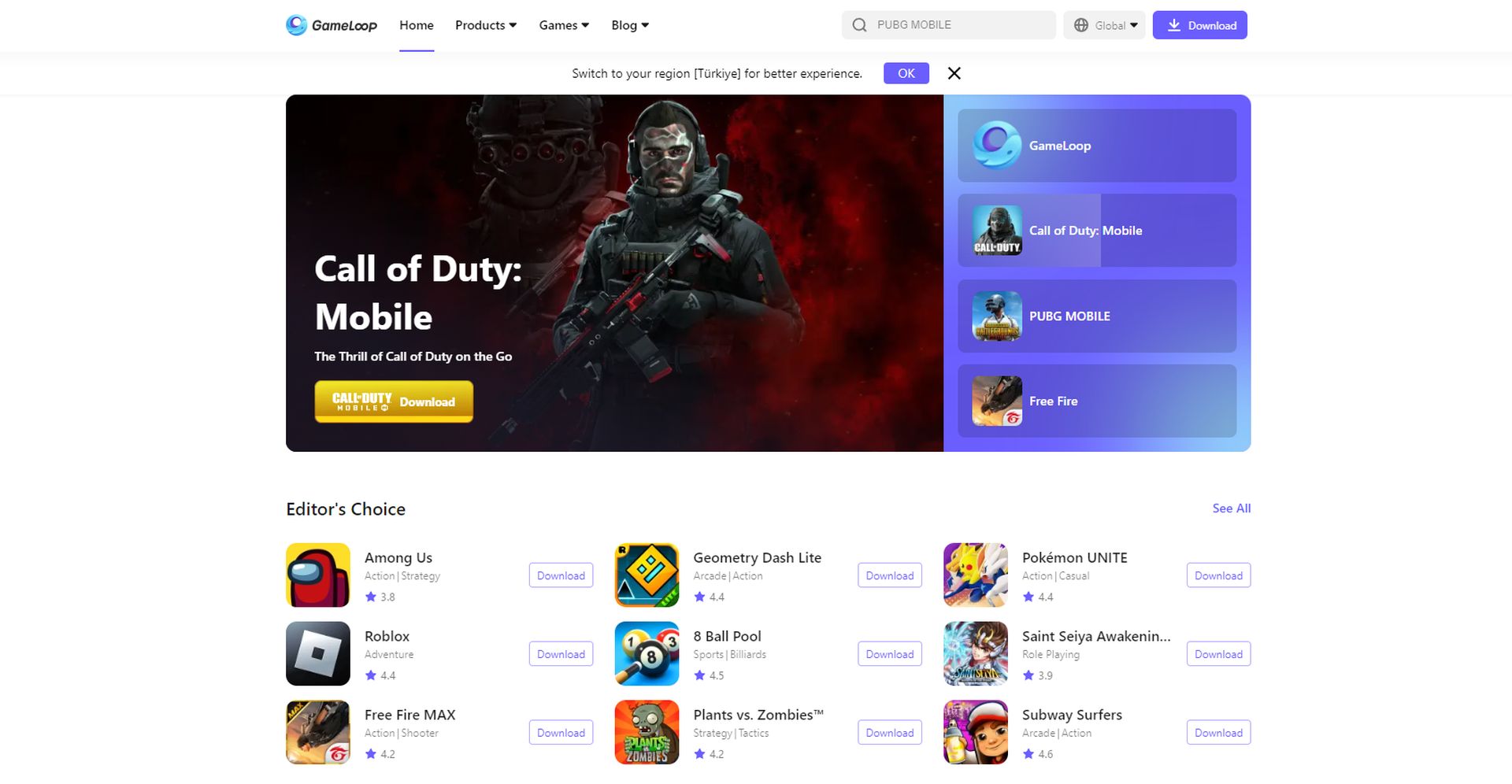
Formerly known as Tencent Gaming Buddy, GameLoop is all about gaming performance. It’s designed to run smoothly on lower-end hardware and offers features like key mapping and high frame rates. If mobile gaming is your jam, GameLoop might be your perfect match.
Android action: The best emulator for low end PC
When we talk about the best emulator for low end PC, Android emulators often steal the show. These clever programs let you run Android apps and games on your computer. It’s like having a giant Android phone right on your desktop!
Android emulators are particularly popular among mobile gamers who want to play on a bigger screen. They’re also a hit with app developers who need to test their creations without buying a bunch of different phones. Most Android emulators use a thing called QEMU (Quick EMUlator) to work their magic. QEMU is like a universal translator for computer languages. It helps your PC understand and run Android software smoothly.
Some Android emulators also use something called a Hypervisor. This is like a traffic cop for your computer’s resources, making sure everything runs efficiently. It’s part of what makes the best emulator for low end PC able to run smoothly even on modest hardware.
Picking the best emulator for low end PC is like choosing the perfect pair of shoes – it all depends on what you need. Each of these emulators has its strengths, so take some time to try them out and see which one fits your PC like a glove. With the right emulator, even an old clunker of a computer can become a gaming powerhouse. So go ahead, give your PC a new lease on life, and start gaming!
Featured image credit: