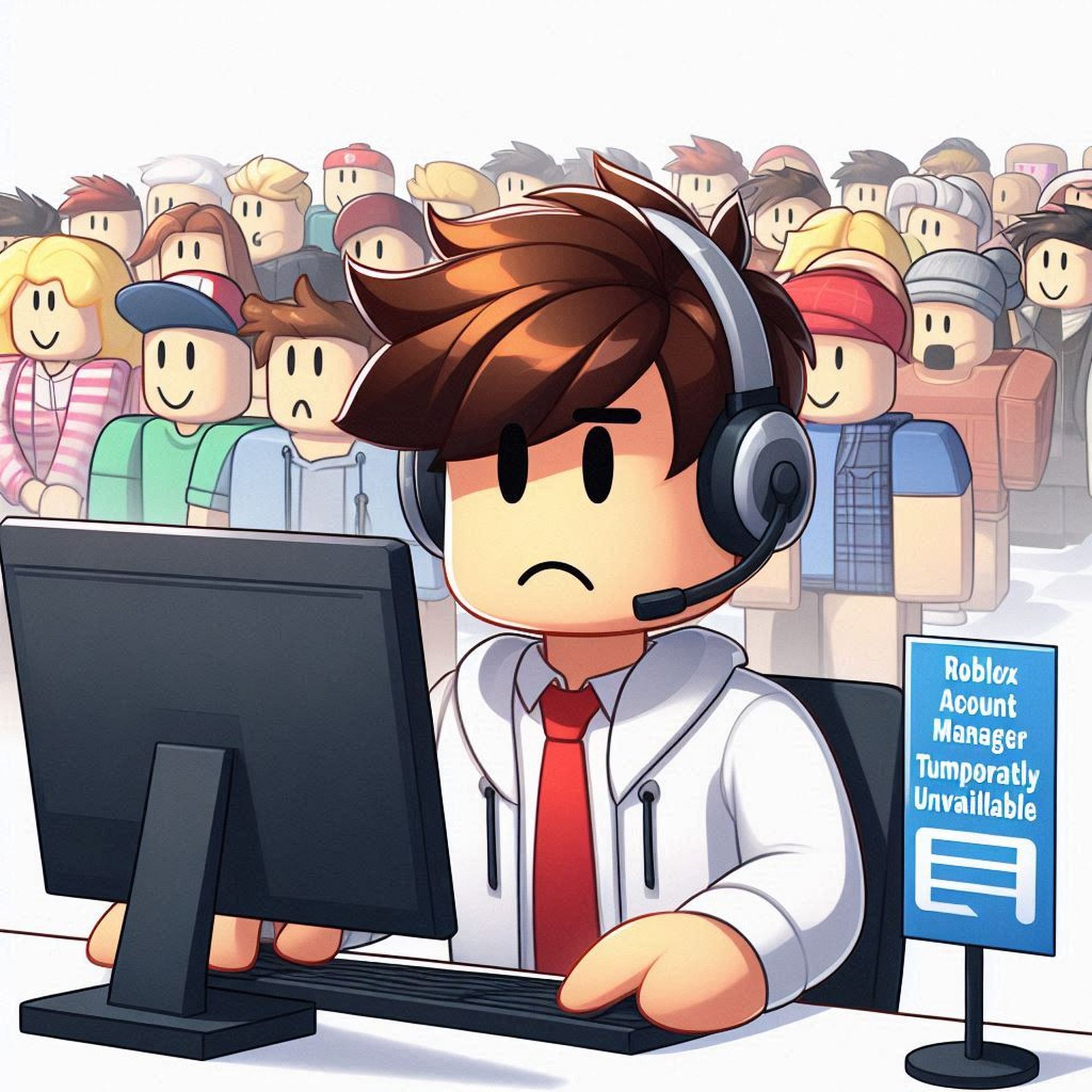

TechBriefly
  • Tech
  • Business
  • Crypto
  • Science
  • Geek
  • How to
  • About
    • About TechBriefly
    • Terms and Conditions
    • Privacy Policy
    • Contact Us
    • Languages
      • 中文 (Chinese)
      • Dansk
      • Deutsch
      • Español
      • English
      • Français
      • Nederlands
      • Italiano
      • 日本语 (Japanese)
      • 한국인 (Korean)
      • Norsk
      • Polski
      • Português
      • Pусский (Russian)
      • Suomalainen
      • Svenska
No Result
View All Result
TechBriefly
Home How to
Is Roblox Account Manager not working? You are not alone

Is Roblox Account Manager not working? You are not alone

Eray EliaçıkbyEray Eliaçık
18 July 2024
in How to
Reading Time: 2 mins read
Share on FacebookShare on Twitter

Are you frustrated with Roblox Account Manager not working issues and it unexpectedly launching the installer every time you try to access your accounts? This annoying problem can disrupt your gaming experience, but understanding its causes and applying the right solutions can help you swiftly regain control.

Why is Roblox Account Manager not working, and how can it be fixed?

If you’re encountering issues with your Roblox Account Manager suddenly opening the installer every time you try to launch an account, you’re not alone. This frustrating problem can be caused by several factors, but fear not—there are steps you can take to resolve it:

  • Check for recent updates and security issues
  • Administrative and compatibility checks
  • Reinstallation and account management
  • Control the third-party interference

Here is what to do for each workaround:

Check for recent updates and security issues

Some users have reported Windows Defender flagging the Roblox Account Manager executable as a Trojan after recent updates. This could prevent the software from running correctly. Ensure your antivirus software is updated and try adding an exception for the Roblox Account Manager executable if possible.
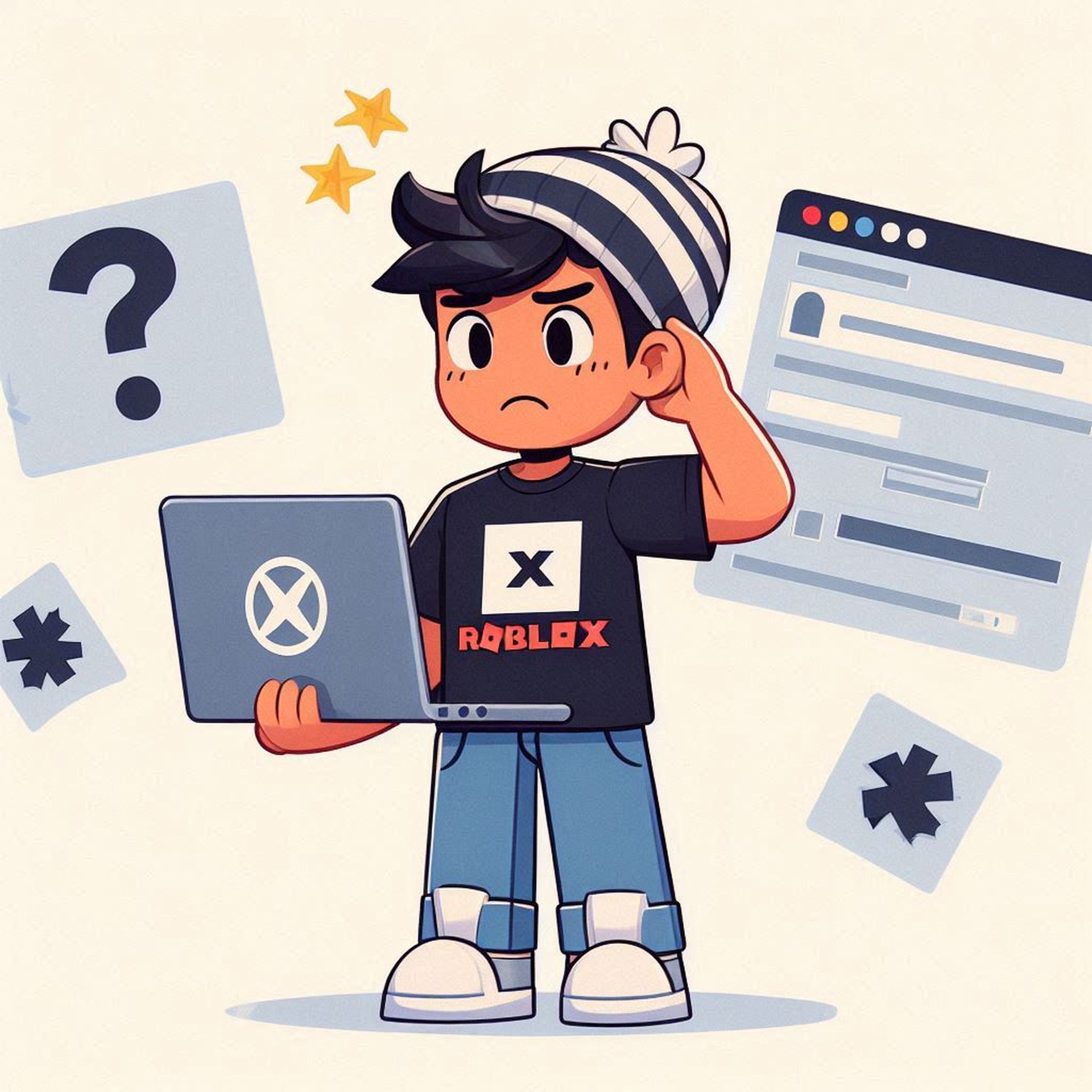
Roblox Account Manager not working
Why is Roblox Account Manager not working? The Roblox Account Manager may fail to function due to recent updates triggering security alerts

Administrative and compatibility checks

Right-click on the Roblox Account Manager executable and select “Run as administrator” to ensure it has the necessary permissions.

Try running the Roblox Account Manager in compatibility mode for an earlier version of Windows, such as Windows 8, as some users have found this resolves compatibility issues.

Reinstallation and account management

Sometimes, a clean reinstall of the Roblox Account Manager can fix underlying issues caused by corrupted files or incomplete updates. Uninstall the application completely, restart your computer, and then download and install the latest version from a trusted source.

Remove all Roblox accounts from the manager and re-add them after reinstalling the application. This can help reset any corrupted account settings that might be causing the installer to launch repeatedly.

Control the third-party interference

Certain third-party applications like Rivatuna or MSI Afterburner might interfere with the Roblox Account Manager’s operation. Close any unnecessary background apps before launching Roblox Account Manager.
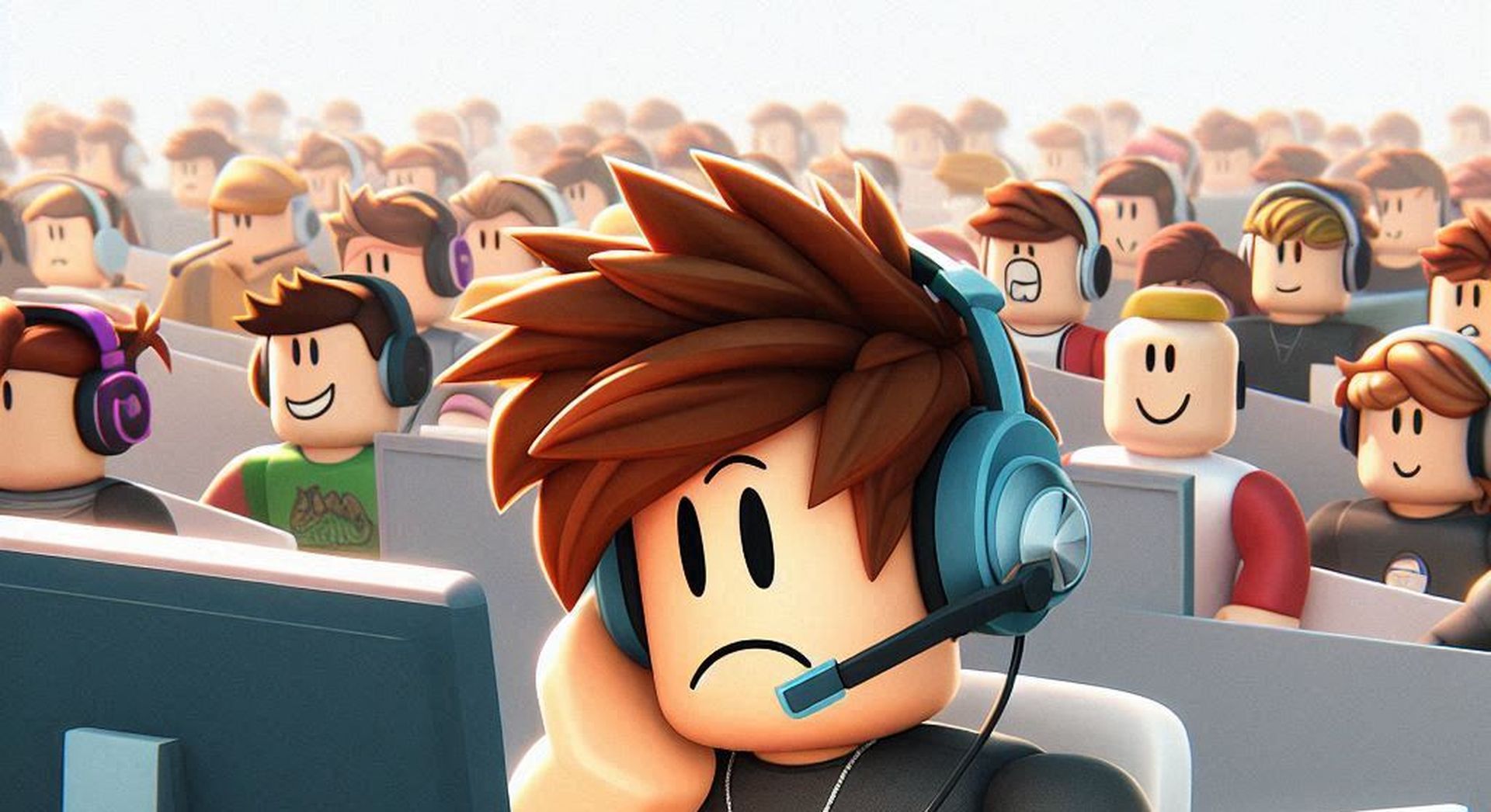
Roblox Account Manager not working
Why is Roblox Account Manager not working? Compatibility issues with your operating system or conflicting third-party applications can disrupt its operation

Community insights and additional tips

Some users have reported issues with multi Roblox not being included in the RAM folder, which can lead to unexpected behaviors. Ensure all necessary components are properly installed and configured.

Consider using the open browser option to access your Roblox accounts if the Roblox Account Manager continues to malfunction.

If you’ve tried these troubleshooting steps and are still experiencing issues with your Roblox Account Manager, consider reaching out to the software’s support team or community forums for further assistance. They may have additional insights or updates that could help resolve your specific issue.


All images are generated by Eray Eliaçık/Bing

Tags: not workingroblox
ShareTweet
Eray Eliaçık

Eray Eliaçık

Meet Eray, a tech enthusiast passionate about AI, crypto, gaming, and more. Eray is always looking into new developments, exploring unique topics, and keeping up with the latest trends in the industry.

Related Posts

How to download and migrate your content from Microsoft Stream

How to download and migrate your content from Microsoft Stream

6 January 2026
Easy ways to make a YouTube music video with just pictures

Easy ways to make a YouTube music video with just pictures

6 January 2026
Easy steps to build your own music video for YouTube

Easy steps to build your own music video for YouTube

6 January 2026
How to add videos and movies to compatible iPod models easily

How to add videos and movies to compatible iPod models easily

6 January 2026

LATEST

How to download and migrate your content from Microsoft Stream

Easy ways to make a YouTube music video with just pictures

Easy steps to build your own music video for YouTube

How to add videos and movies to compatible iPod models easily

Narwal unveils Flow 2 with AI pet monitoring at CES 2026

Hyundai reveals Boston Dynamics and DeepMind alliance at CES 2026

Intel unveils Core Ultra Series 3 at CES 2026

Amazon takes Alexa to the web with launch of Alexa.com at CES 2026

Amazon enters lifestyle TV market with $899 Ember Artline

Google previews Gemini AI features for Google TV

TechBriefly

© 2021 TechBriefly is a Linkmedya brand.

  • Tech
  • Business
  • Science
  • Geek
  • How to
  • About
  • Privacy
  • Terms
  • Contact
  • | Network Sites |
  • Digital Report
  • LeaderGamer

Follow Us

No Result
View All Result
  • Tech
  • Business
  • Crypto
  • Science
  • Geek
  • How to
  • About
    • About TechBriefly
    • Terms and Conditions
    • Privacy Policy
    • Contact Us
    • Languages
      • 中文 (Chinese)
      • Dansk
      • Deutsch
      • Español
      • English
      • Français
      • Nederlands
      • Italiano
      • 日本语 (Japanese)
      • 한국인 (Korean)
      • Norsk
      • Polski
      • Português
      • Pусский (Russian)
      • Suomalainen
      • Svenska