

TechBriefly
  • Tech
  • Business
  • Crypto
  • Science
  • Geek
  • How to
  • About
    • About TechBriefly
    • Terms and Conditions
    • Privacy Policy
    • Contact Us
    • Languages
      • 中文 (Chinese)
      • Dansk
      • Deutsch
      • Español
      • English
      • Français
      • Nederlands
      • Italiano
      • 日本语 (Japanese)
      • 한국인 (Korean)
      • Norsk
      • Polski
      • Português
      • Pусский (Russian)
      • Suomalainen
      • Svenska
No Result
View All Result
TechBriefly
Home How to
Navigating the “Maximum concurrent usage limit exceeded” error on Luma AI Dream Machine

Navigating the “Maximum concurrent usage limit exceeded” error on Luma AI Dream Machine

Eray EliaçıkbyEray Eliaçık
10 July 2024
in How to
Reading Time: 2 mins read
Share on FacebookShare on Twitter

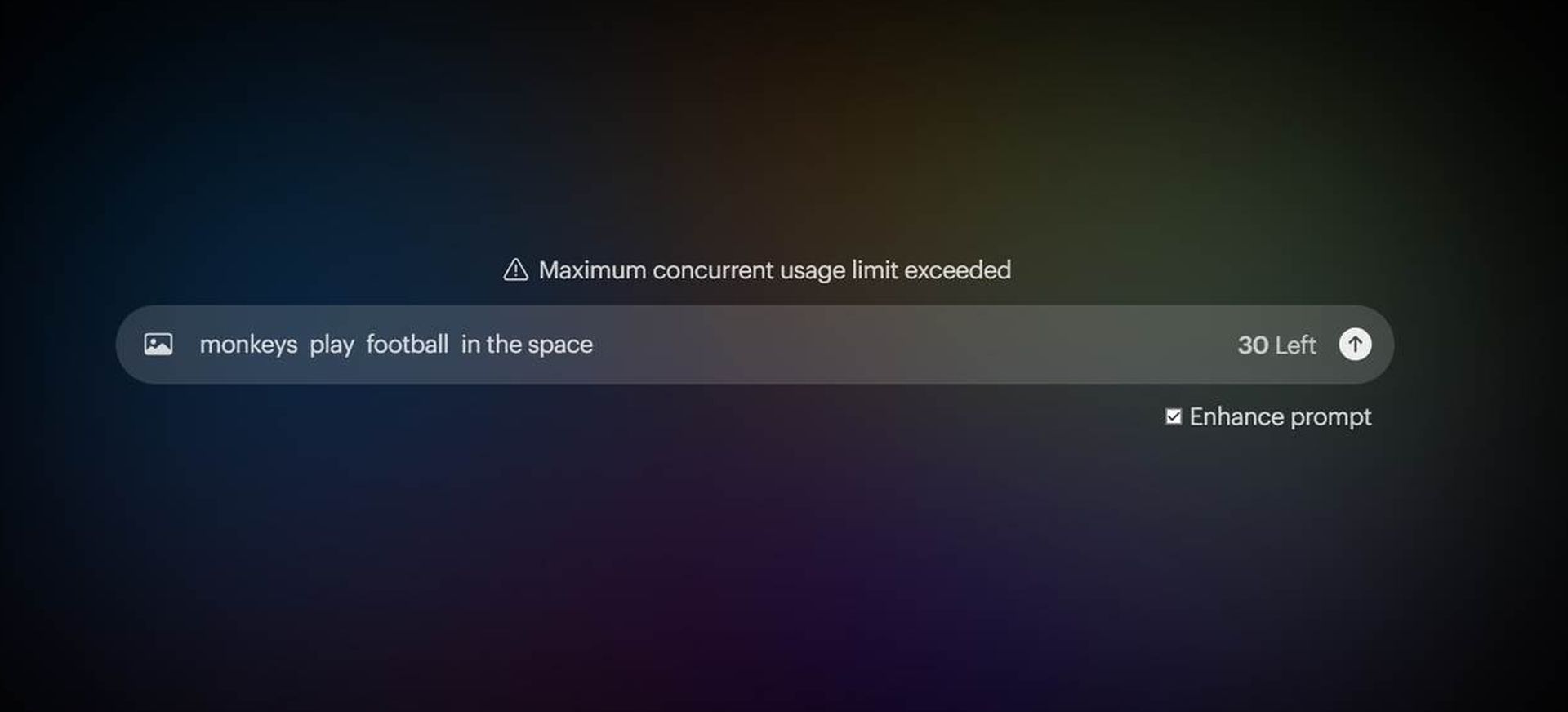
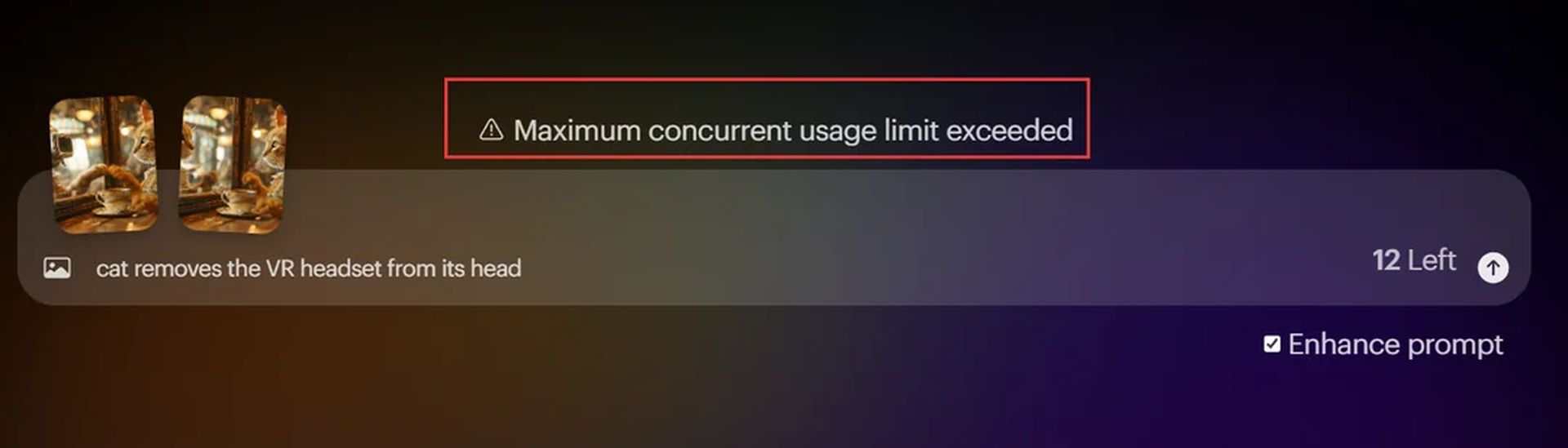
Users of Luma AI Dream Machine are currently facing the frustrating “maximum concurrent usage limit exceeded” error. This error typically appears when the service’s servers reach their capacity, preventing additional users from accessing the platform.

What is Luma AI Dream Machine maximum concurrent usage limit exceeded error?

The “maximum concurrent usage limit exceeded” error signifies that the Luma AI Dream Machine servers are handling the maximum number of users allowed at one time. This often occurs during peak usage hours or unexpected spikes in user traffic. When server capacity is maxed out, additional users attempting to log in are met with this error message.

Many users have taken to forums and social media platforms like Reddit to share their experiences with this error. Some speculate that server malfunctions or misconfigurations may be contributing factors. However, the exact technical reasons remain undisclosed by the service providers.
Navigating the "Maximum concurrent usage limit exceeded" error on Luma AI Dream Machine
(Image credit)

Workarounds for the Luma AI Dream Machine maximum concurrent usage limit exceeded error

If you’re encountering the “maximum concurrent usage limit exceeded” error on Luma Dream Machine AI, there are several workarounds you can try. First, clearing your browser’s cache and cookies can refresh your session data and improve access. Alternatively, switching to a different web browser or using incognito mode might help bypass specific browser-related issues. Another option is to utilize a VPN to change your IP address and potentially circumvent regional server load issues.

If these steps don’t resolve the issue, you may need to stay updated with Luma AI’s communications for further instructions or wait for server adjustments. Because you kind of have to.

It’s important to note that such errors are typically resolved by the service’s technical team. While user actions like refreshing the page or relogging may help, they do not address the underlying server capacity issues.

If you have tried all the steps above and the error persists, it’s best to check Luma AI’s X account for further updates about the situation. Patience is often the simplest solution, as many users report that the issue resolves itself after some time, likely due to server adjustments or maintenance on Luma Dream Machine AI’s backend.


Featured image credit: Eray Eliaçık

Tags: AIerrorhow toTrends
ShareTweet
Eray Eliaçık

Eray Eliaçık

Meet Eray, a tech enthusiast passionate about AI, crypto, gaming, and more. Eray is always looking into new developments, exploring unique topics, and keeping up with the latest trends in the industry.

Related Posts

How to choose the right reset method for Samsung Galaxy devices

How to choose the right reset method for Samsung Galaxy devices

9 January 2026
What resetting end-to-end encryption does on iPhone, iPad or Mac

What resetting end-to-end encryption does on iPhone, iPad or Mac

9 January 2026
How to easily monitor your AT&T data usage and avoid overages

How to easily monitor your AT&T data usage and avoid overages

9 January 2026
How to reset your Bosch dishwasher when buttons won’t respond

How to reset your Bosch dishwasher when buttons won’t respond

9 January 2026

LATEST

How to choose the right reset method for Samsung Galaxy devices

What resetting end-to-end encryption does on iPhone, iPad or Mac

How to easily monitor your AT&T data usage and avoid overages

How to reset your Bosch dishwasher when buttons won’t respond

Disney+ brings TikTok-style scrolling to its streaming app

Xbox reveals lineup for next Developer Direct: Fable, Forza and more

FIFA and TikTok partner to stream live World Cup clips

YouTube updates search filters to separate Shorts from long videos

Google introduces AI Inbox to organize Gmail tasks and updates

Announcements made by Samsung Display at CES 2026

TechBriefly

© 2021 TechBriefly is a Linkmedya brand.

  • Tech
  • Business
  • Science
  • Geek
  • How to
  • About
  • Privacy
  • Terms
  • Contact
  • | Network Sites |
  • Digital Report
  • LeaderGamer

Follow Us

No Result
View All Result
  • Tech
  • Business
  • Crypto
  • Science
  • Geek
  • How to
  • About
    • About TechBriefly
    • Terms and Conditions
    • Privacy Policy
    • Contact Us
    • Languages
      • 中文 (Chinese)
      • Dansk
      • Deutsch
      • Español
      • English
      • Français
      • Nederlands
      • Italiano
      • 日本语 (Japanese)
      • 한국인 (Korean)
      • Norsk
      • Polski
      • Português
      • Pусский (Russian)
      • Suomalainen
      • Svenska