
Google Vids is the latest addition to Google’s suite of productivity tools, making video creation easier than ever. Announced in April and now gradually rolling out to users, Google Vids aims to simplify making video presentations, just like creating a document or a spreadsheet.
Designed to work with Google tools like Docs, Sheets, and Slides, this innovative app uses artificial intelligence to offer a user-friendly video creation experience.
What is Google Vids?
Google Vids is an AI-powered tool that simplifies video production. Users can create video presentations by entering text prompts, with AI handling much of the work.
Google Vids’ main goal is to integrate smoothly with Google’s existing productivity suite. Users can import documents from Google Docs or data from Google Sheets directly into Google Vids.
Another key feature is collaboration. Multiple users can simultaneously work on a video project, making real-time edits and adjustments.
How to Use Google Vids?
Using Google Vids is straightforward, especially if you’re already familiar with Google’s tools. It’s currently available to a select group of testers in Google Workspace Labs. If you have access, here’s how you use it:
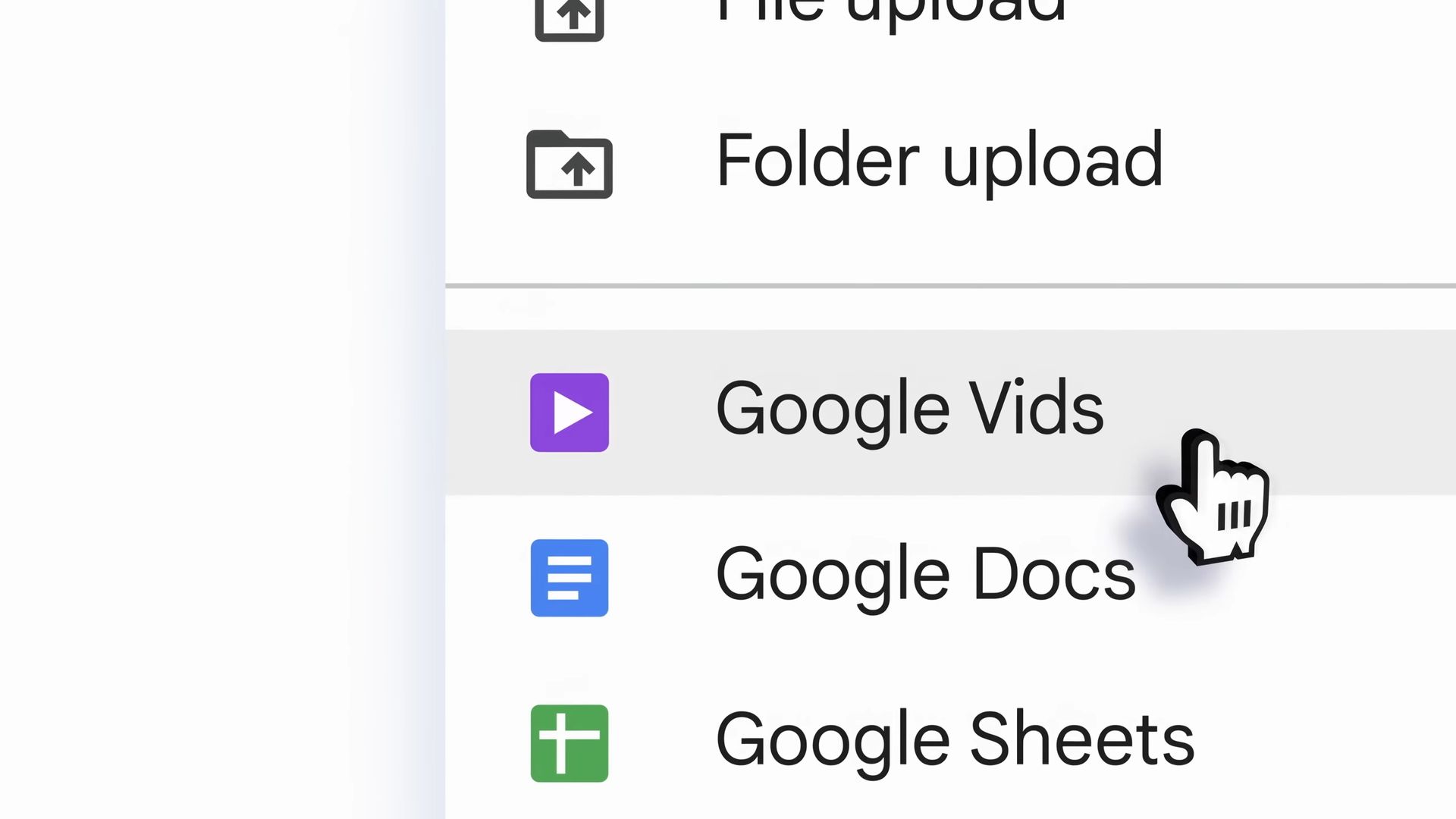
- Access Google Vids: Go to the Google Workspace dashboard and click the Google Vids icon to start the application.
- Create a new project: Click “New Project” and enter your text prompt to create your video. The AI will process the prompt and start generating the content.
- Add narration: Add a pre-written script and choose an AI-generated voice for narration.
- Collaborate: Share the project link with team members to invite them to collaborate.
- Customize your video: Choose styles and templates to match the tone and purpose of your video. Import documents from Google Docs or data from Google Sheets to include in your video, making your information visually appealing.
- Edit and preview: Use the editing tools to adjust text, images, and transitions. Preview your video to make final adjustments before saving and exporting.
- Export and share: You can export your video in different formats, share it via email or social media, or embed it in other presentations.
Access to Google Vids will expand for those who were not part of the initial testing group as Google refines the tool based on feedback.
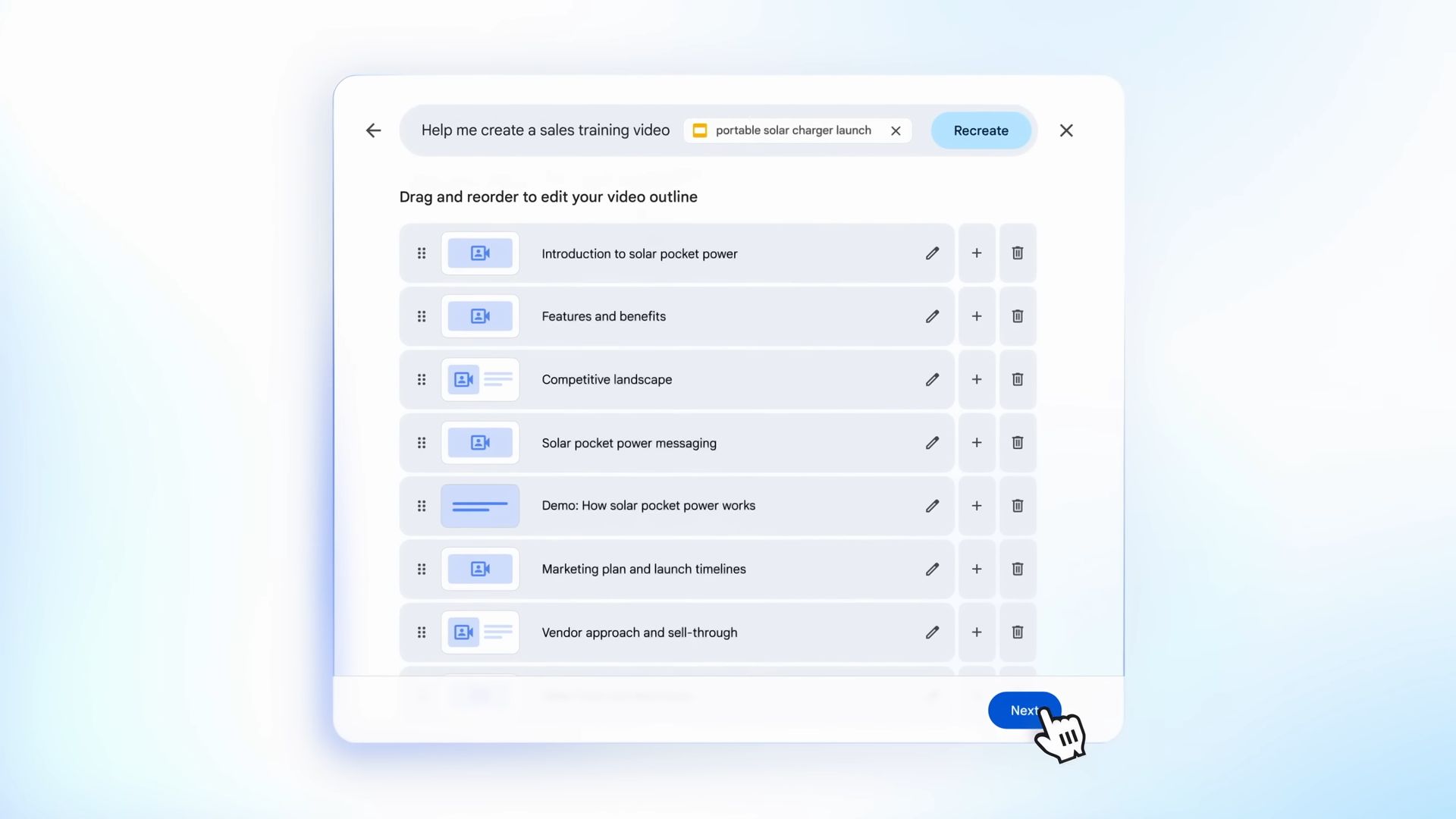
Google Vids and its integration with Google’s Suite
Google Vids is designed to work seamlessly with other Google productivity tools, making it an integral part of the Google Workspace ecosystem. Users can import documents from Google Docs and data from Google Sheets directly into their video projects, quickly transforming static documents and spreadsheets into engaging video presentations.
Additionally, Google Vids’ collaborative features align with Google’s emphasis on teamwork and productivity. Users can share their video projects with colleagues, making collaboration easy, providing feedback, and editing in real-time.
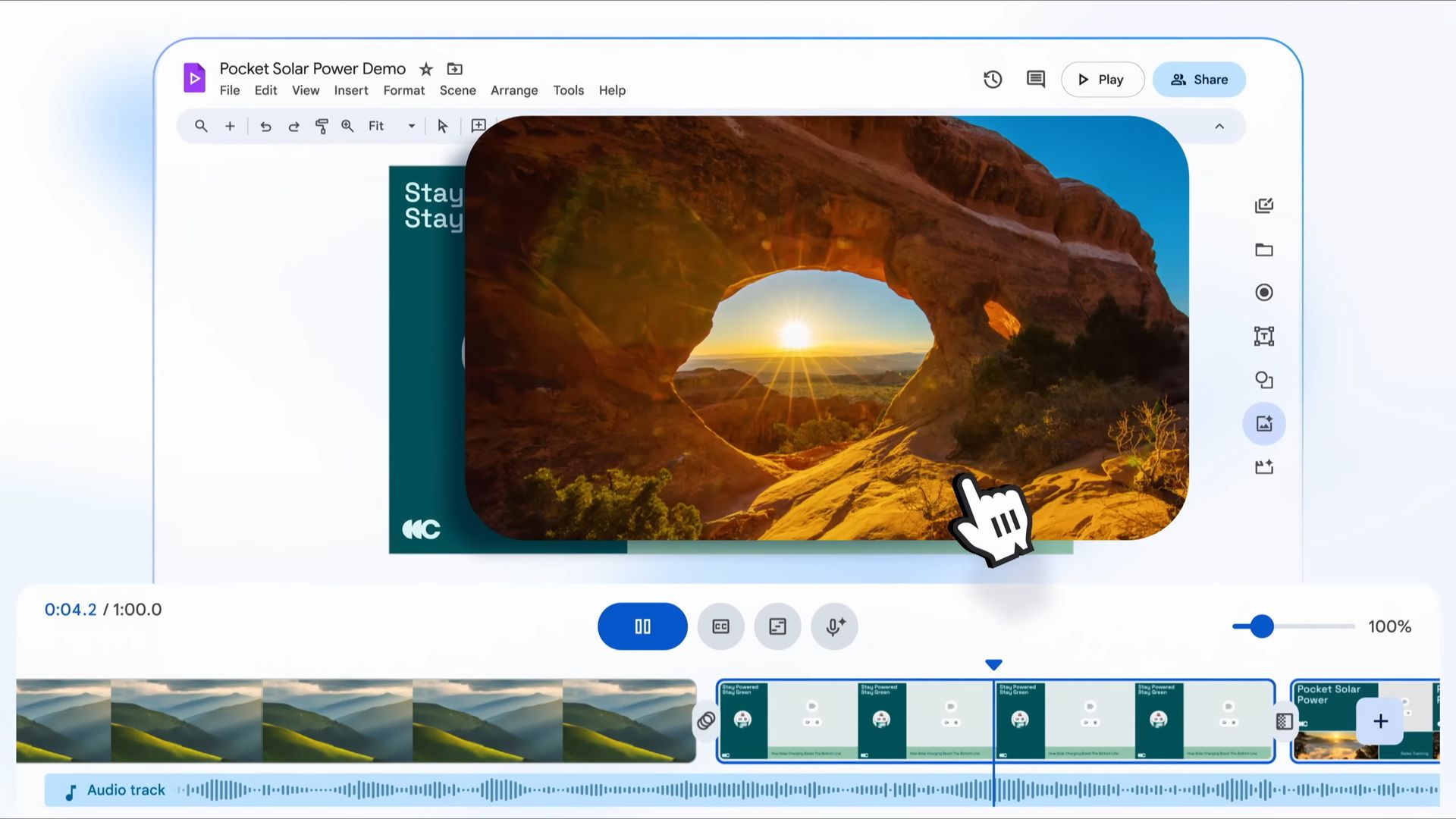
The rollout of Google Vids
The rollout of Google Vids has been gradual, with the application initially available to a limited group of users. The phased approach allows Google to gather feedback and make necessary improvements before a broader release. Early impressions from users have been mixed, with some appreciating the simplicity and potential of the tool, while others feel there is room for improvement.
Despite the initial lukewarm reception, Google Vids offers significant potential for customization. Users can adjust various elements of their videos to suit their needs and preferences better.
Features and capabilities of Google Vids
Google Vids stands out for its AI-driven video creation process. Users can generate videos quickly and efficiently by entering a simple text prompt.
Another notable capability is the integration of pre-written scripts and AI-generated voices. The integration feature simplifies adding narration to videos, reducing the effort required to create professional-looking presentations. The ability to choose from various styles and templates further enhances the customization options available to users.
Collaboration is a core component of Google Vids. The app allows multiple users to simultaneously work on the same video project, facilitating real-time editing and feedback.
Google Vids represents a significant advancement in video creation, making the process more accessible and efficient through the use of AI. Its seamless integration with Google’s productivity tools and collaborative features make it a valuable addition to the Google Workspace suite. As Google Vids continues to roll out and evolve based on user feedback, it is poised to become an essential tool for creating engaging and professional video presentations.
Featured image credit: Google Workspace YouTube Channel