
TechBriefly
  • Tech
  • Business
  • Crypto
  • Science
  • Geek
  • How to
  • About
    • About TechBriefly
    • Terms and Conditions
    • Privacy Policy
    • Contact Us
    • Languages
      • 中文 (Chinese)
      • Dansk
      • Deutsch
      • Español
      • English
      • Français
      • Nederlands
      • Italiano
      • 日本语 (Japanese)
      • 한국인 (Korean)
      • Norsk
      • Polski
      • Português
      • Pусский (Russian)
      • Suomalainen
      • Svenska
No Result
View All Result
TechBriefly
Home How to
How to get Raging Wolf Helm Twitch Badge: A step-by-step guide

How to get Raging Wolf Helm Twitch Badge: A step-by-step guide

Twitch is offering limited-time exclusive content to celebrate the release of Elden Ring's highest-rated DLC, Shadow of the Erdtree.

Barış SelmanbyBarış Selman
24 June 2024
in How to
Reading Time: 2 mins read
Share on FacebookShare on Twitter

If you’re wondering how to get the Raging Wolf Helm Twitch badge, you’ve come to the right place. For a limited time, Twitch’s popular streaming platform offers Elden Ring fans a special badge and emote.

The Shadow of the Erdtree DLC, which developer FromSoftware released on Friday, June 21st, is already the highest-rated DLC of all time, surpassing many games and their DLCs.

How to get the Raging Wolf Helm Twitch Badge

To celebrate this achievement, Twitch is giving away the Raging Wolf Helm badge to users who watch at least a minute of any Elden Ring stream starting today through Tuesday, June 25. The badge is inspired by Raging Wolf Vargram’s iconic helmet.

Forefathers, one and all, bear witness! A new badge and emote have arisen!

By June 25th, watch an Elden Ring stream for a minimum of 5 minutes to unlock the new Raging Wolf Helm badge! The badge will be available to use the following business day. pic.twitter.com/3aoaUj9b0B

— Twitch (@Twitch) June 21, 2024

On the other hand, a new Global Emote that can be used between June 21 and July 19 is also waiting for you. To use this emote, simply type “SpiritEel regex” into the chat.

This exclusive content on Twitch is easily obtainable before entering the challenging world of Shadow of the Erdtree. The DLC requires players to have defeated challenging bosses such as Starscourge Radahan and Mohg, Lord of Blood. Even high-level players face challenges in Shadow Lands.
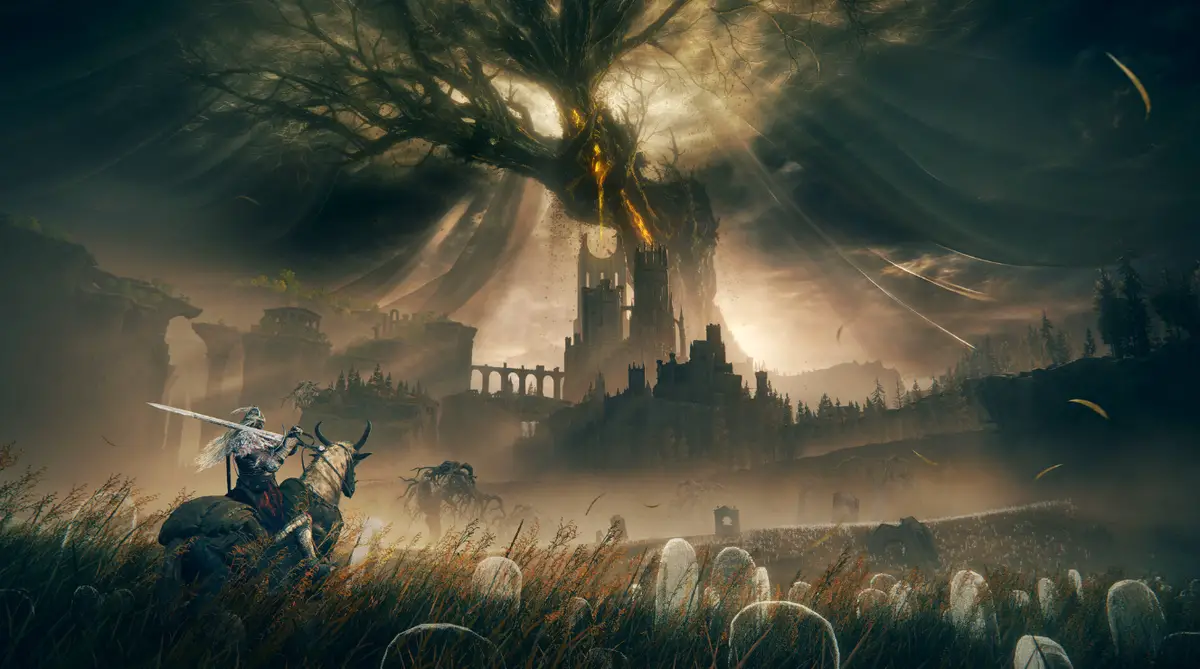
How to get the Raging Wolf Helm Twitch Badge
The Shadow of the Erdtree DLC is the highest-rated DLC of all time (Image credit)

What level should you be for Shadow of the Erdtree?

The recommended level for starting the Shadow of the Erdtree DLC in Elden Ring varies depending on the source and individual player skill but generally falls within the following range:

  • Minimum: Level 120-125
  • Recommended: Level 150-170

Some players have reported successfully completing the DLC at lower levels. In contrast, others suggest aiming closer to level 200 for a smoother experience.

With the new expansion, Elden Ring rewards its community with exclusive content on Twitch while offering new challenges and experiences for players.

Featured image credit: Elden Ring / Steam

Tags: elden ring
ShareTweet
Barış Selman

Barış Selman

A technology and gaming enthusiast by day, Barış is a passionate composer and black/death metal guitarist by night. He keeps his finger on the pulse of the intersection of art and technology whenever he can from his tours worldwide.

Related Posts

Simple ways to install and remove programs on Ubuntu

Simple ways to install and remove programs on Ubuntu

12 January 2026
A guide to preventing accidental typing on Windows and Mac

A guide to preventing accidental typing on Windows and Mac

12 January 2026
Accessing your Google Chrome bookmarks

Accessing your Google Chrome bookmarks

12 January 2026
A guide to installing restricted extensions in Google Chrome

A guide to installing restricted extensions in Google Chrome

12 January 2026

LATEST

Xiaomi to launch fully self-developed smartphone in 2026

New WhatsApp parental controls will block strangers

Galaxy Unpacked 2026: S26 Ultra arrives just before MWC

Meta purges 550,000 Australian accounts to comply with under-16 ban

Simple ways to install and remove programs on Ubuntu

A guide to preventing accidental typing on Windows and Mac

Accessing your Google Chrome bookmarks

A guide to installing restricted extensions in Google Chrome

Anthropic launches health features for Claude

Google removes AI Overviews from medical queries

TechBriefly

© 2021 TechBriefly is a Linkmedya brand.

  • Tech
  • Business
  • Science
  • Geek
  • How to
  • About
  • Privacy
  • Terms
  • Contact
  • | Network Sites |
  • Digital Report
  • LeaderGamer

Follow Us

No Result
View All Result
  • Tech
  • Business
  • Crypto
  • Science
  • Geek
  • How to
  • About
    • About TechBriefly
    • Terms and Conditions
    • Privacy Policy
    • Contact Us
    • Languages
      • 中文 (Chinese)
      • Dansk
      • Deutsch
      • Español
      • English
      • Français
      • Nederlands
      • Italiano
      • 日本语 (Japanese)
      • 한국인 (Korean)
      • Norsk
      • Polski
      • Português
      • Pусский (Russian)
      • Suomalainen
      • Svenska