
TechBriefly
  • Tech
  • Business
  • Crypto
  • Science
  • Geek
  • How to
  • About
    • About TechBriefly
    • Terms and Conditions
    • Privacy Policy
    • Contact Us
    • Languages
      • 中文 (Chinese)
      • Dansk
      • Deutsch
      • Español
      • English
      • Français
      • Nederlands
      • Italiano
      • 日本语 (Japanese)
      • 한국인 (Korean)
      • Norsk
      • Polski
      • Português
      • Pусский (Russian)
      • Suomalainen
      • Svenska
No Result
View All Result
TechBriefly
Home Tech Software
iOS 18 brings customizable home screen to iPhones

iOS 18 brings customizable home screen to iPhones

iOS 18 will introduce powerful new customization features, allowing users to personalize their iPhone home screens with unprecedented freedom

Barış SelmanbyBarış Selman
25 March 2024
in Software, Tech
Reading Time: 2 mins read
Share on FacebookShare on Twitter

iOS 18 will allow users to customize the home screen on their iPhones further.

The home screen of our iPhones is our personal space for quick access to our favorite apps and widgets. With iOS 18, we can customize this personal space even more!

So which feature is coming? Let’s take a closer look.

More freedom and more customization with iOS 18

iOS 18 gives you more control over app icons, allowing you to organize your Home Screen however you want. You can create empty spaces, rows, and columns for a more organized and aesthetic look.
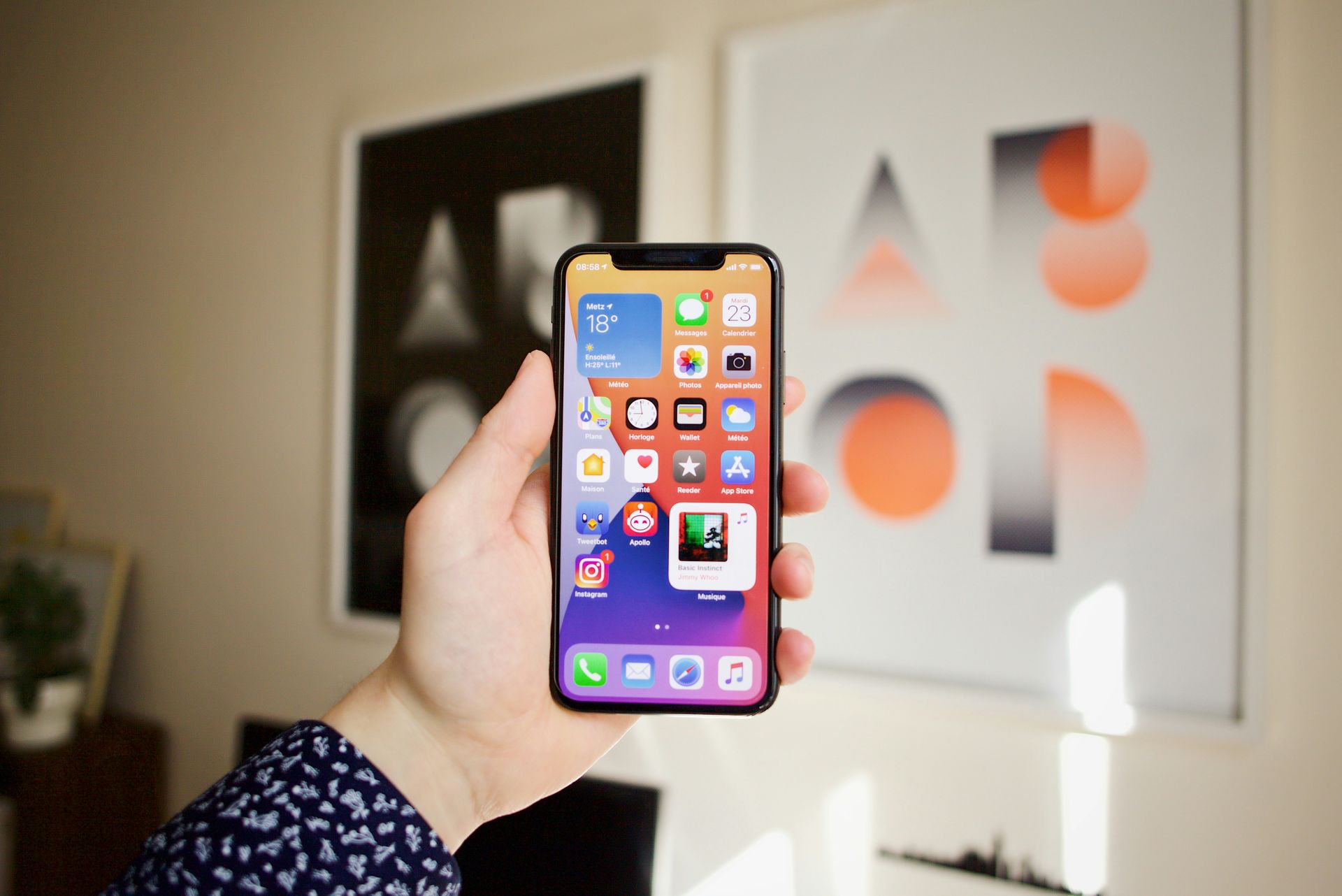
More freedom and more customization with iOS 18
iOS 18 will significantly enhance iPhone home screen customization options (Image credit)

What’s in iOS 18?

Much anticipated by many iPhone users, iOS 18 will let you drag and drop icons wherever you want, add spaces, and organize them however you want.

In other words, once you install iOS 18 on your phone, you’ll have unlimited customization options to design your dream home screen. You’ll also be able to create rows and columns of apps and make a clearer distinction between widgets and apps.

With the new feature, our iPhones will become even more customizable. I’m really looking forward to the introduction of iOS 18. Considering the features that came with iOS 17, the new update will add a lot.

In the meantime, you can check out our related article if you are wondering which iPhone models will receive the iOS 18 update.
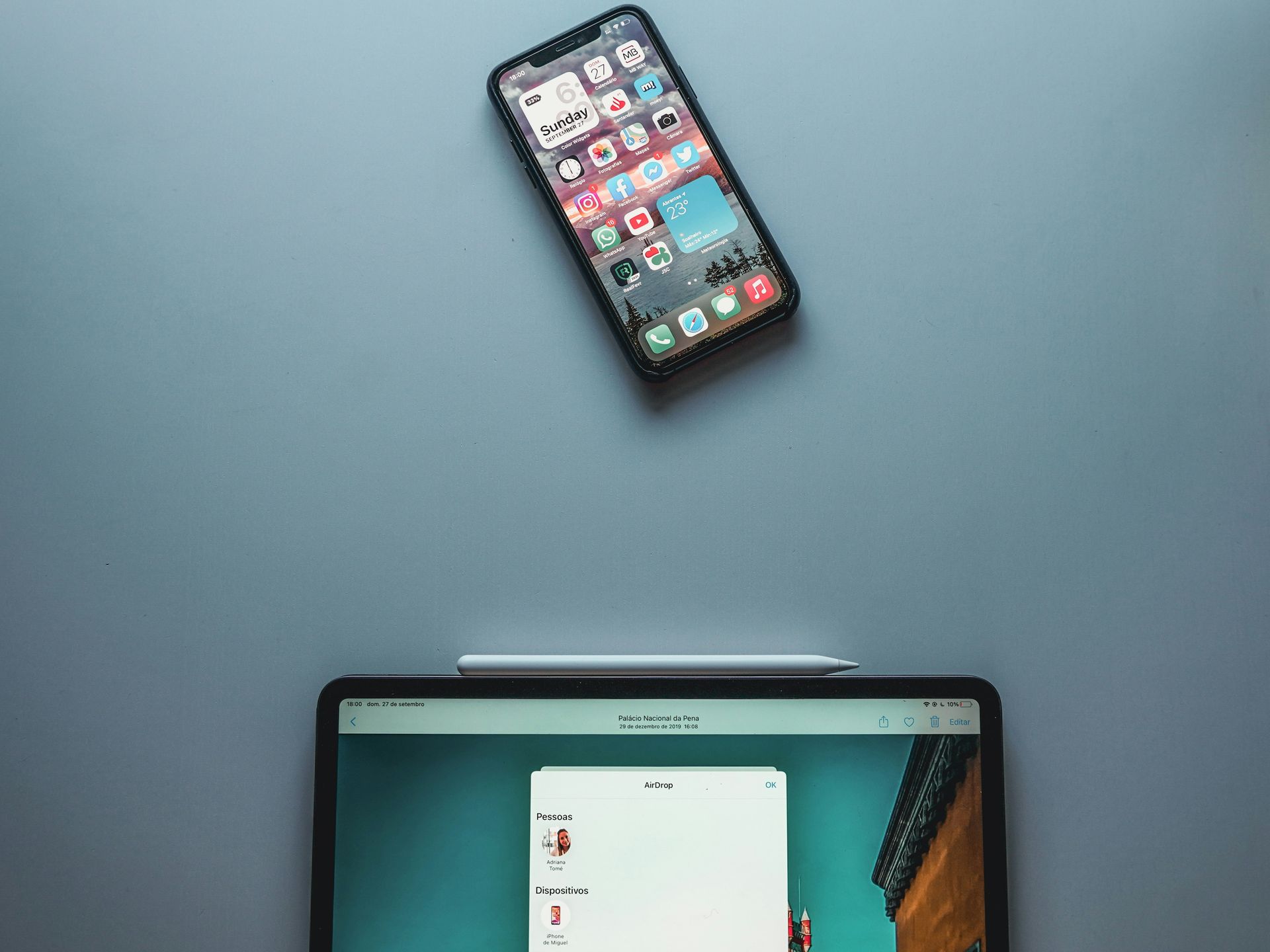
More freedom and more customization with iOS 18
Users will be able to freely arrange app icons on their home screen in iOS 18 (Image credit)

When is iOS 18 coming?

iOS 18 is expected to be announced at the WWDC conference in June. The update will be available to all iPhone users in the fall.

With iOS 18, you will completely control your Home Screen. Are you looking forward to creating a Home Screen that reflects your style and meets your needs? I am!

Featured image credit: Mike Yukhtenko / Unsplash

Tags: iOS 18
ShareTweet
Barış Selman

Barış Selman

A technology and gaming enthusiast by day, Barış is a passionate composer and black/death metal guitarist by night. He keeps his finger on the pulse of the intersection of art and technology whenever he can from his tours worldwide.

Related Posts

New WhatsApp update brings 2026 stickers and video call effects

New WhatsApp update brings 2026 stickers and video call effects

30 December 2025
Leaker reveals Xiaomi plans for high end eSIM device in 2026

Leaker reveals Xiaomi plans for high end eSIM device in 2026

30 December 2025
HP prepares OMEN OLED monitor reveal for CES 2026

HP prepares OMEN OLED monitor reveal for CES 2026

30 December 2025
High RAM costs from AI boom could delay next Xbox and PlayStation

High RAM costs from AI boom could delay next Xbox and PlayStation

30 December 2025

LATEST

New WhatsApp update brings 2026 stickers and video call effects

Leaker reveals Xiaomi plans for high end eSIM device in 2026

HP prepares OMEN OLED monitor reveal for CES 2026

High RAM costs from AI boom could delay next Xbox and PlayStation

LG to unveil its Gallery TV at CES 2026

Bitcoin drops 3% to $87,300 as altcoins decline

How to install mods and custom content in The Sims 2

Running Python files and fixing path errors on Windows

How to boot your PC into Command Prompt for troubleshooting

How to delete a virus using Command Prompt

TechBriefly

© 2021 TechBriefly is a Linkmedya brand.

  • Tech
  • Business
  • Science
  • Geek
  • How to
  • About
  • Privacy
  • Terms
  • Contact
  • | Network Sites |
  • Digital Report
  • LeaderGamer

Follow Us

No Result
View All Result
  • Tech
  • Business
  • Crypto
  • Science
  • Geek
  • How to
  • About
    • About TechBriefly
    • Terms and Conditions
    • Privacy Policy
    • Contact Us
    • Languages
      • 中文 (Chinese)
      • Dansk
      • Deutsch
      • Español
      • English
      • Français
      • Nederlands
      • Italiano
      • 日本语 (Japanese)
      • 한국인 (Korean)
      • Norsk
      • Polski
      • Português
      • Pусский (Russian)
      • Suomalainen
      • Svenska
