
TechBriefly
  • Tech
  • Business
  • Crypto
  • Science
  • Geek
  • How to
  • About
    • About TechBriefly
    • Terms and Conditions
    • Privacy Policy
    • Contact Us
    • Languages
      • 中文 (Chinese)
      • Dansk
      • Deutsch
      • Español
      • English
      • Français
      • Nederlands
      • Italiano
      • 日本语 (Japanese)
      • 한국인 (Korean)
      • Norsk
      • Polski
      • Português
      • Pусский (Russian)
      • Suomalainen
      • Svenska
No Result
View All Result
TechBriefly
Home Tech AR/VR
Never forgot your Vision Pro passcode! Here’s why

Never forgot your Vision Pro passcode! Here’s why

Barış SelmanbyBarış Selman
6 February 2024
in AR/VR, Tech
Reading Time: 2 mins read
Share on FacebookShare on Twitter

If you’ve just bought yourself an Apple Vision Pro, you’ll realize after reading this article that you shouldn’t forget your Vision Pro passcode.

Have trouble remembering your Vision Pro passcode? Don’t worry, you’re not alone. Unfortunately, resetting a forgotten Vision Pro passcode is not simple, unlike other Apple devices.

If you forgot Vision Pro passcode, what can you do?

Currently, you have two options, neither of which is very convenient:

  • Visit an Apple Store: This may be your best option, but it requires you to take your Vision Pro to the nearest Apple reseller. They can then wipe and reset your device for you.
  • Mail it to AppleCare: This is less ideal, especially given the delicate nature of the headphones. However, this is your only other option if you don’t have an Apple Store near you.
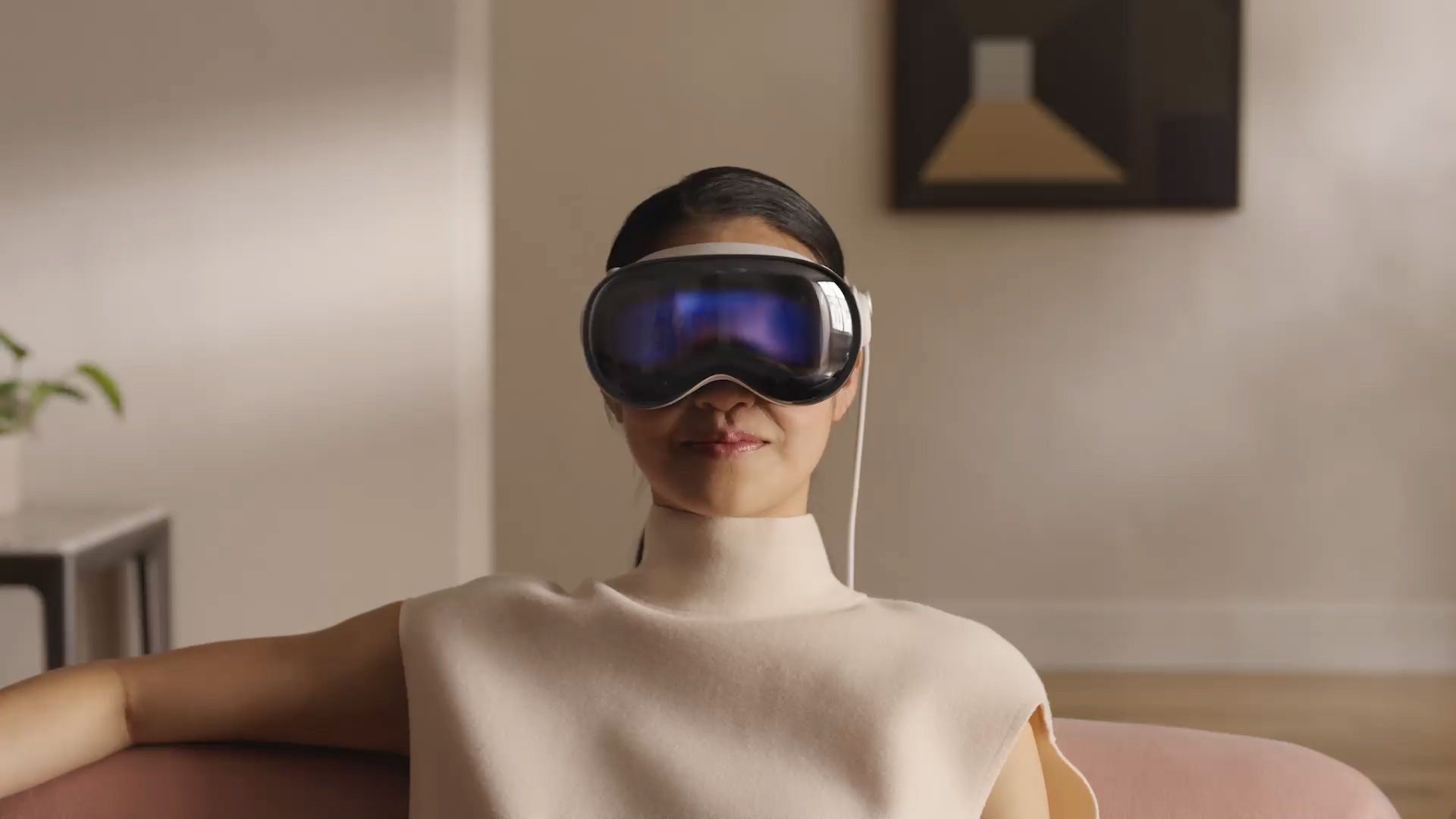
If you forgot Vision Pro passcode, what can you do?
Vision Pro passcode: Apple is aware of the problem and hopes to release a software update in the future that will make password resets easie (image credit)

Important note: Both options require you to erase your Vision Pro, meaning you’ll lose all your saved data or settings. To avoid this, make sure you back up your device regularly!

Why is this happening?

This limitation is due to Vision Pro not having a USB-C port. Unlike iPhones or Apple Watches, you cannot connect it to your Mac for troubleshooting. While a special developer strap allows connection, it is not intended for consumers and costs as much as $300.

Apple is aware of the problem and hopes to release a software update in the future that will make password resets easier. But for now, forgetting your passcode means a trip to the Apple Store or sending your headphones in the mail.

What can you do to avoid getting locked out?

Here are some tips to keep your Vision Pro accessible:

  • Choose a strong but memorable passcode: Avoid obvious choices like birthdays or anniversaries. Choose something you’ll remember but still secure.
  • Write it down: Keep a physical note of your password in a safe place, but not next to your Vision Pro!
  • Store it electronically: Use a secure password manager app to store your password. Remember only the master password!
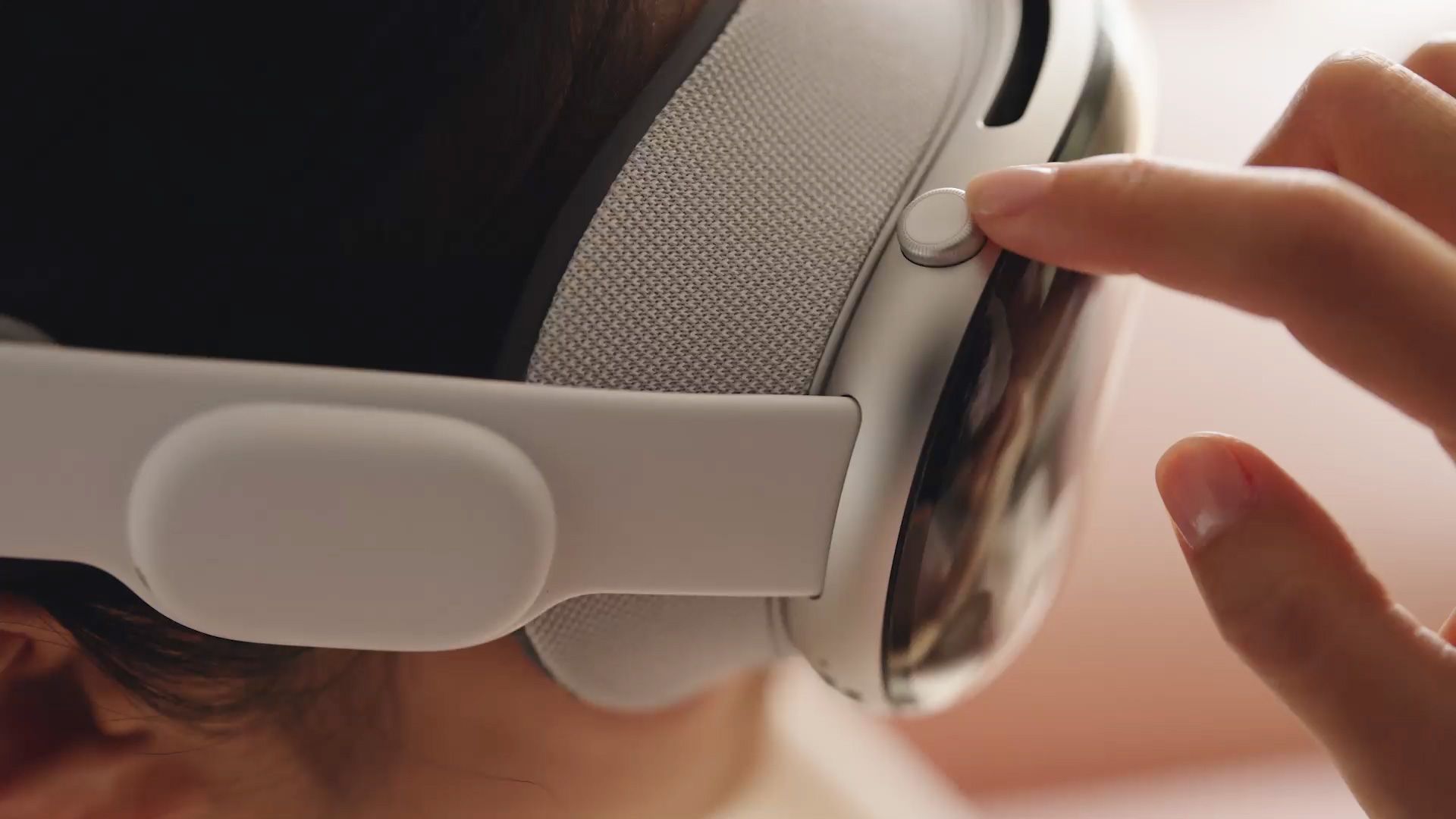
  • Activate Optic ID: This facial recognition system is the main way to unlock your Vision Pro. Set it up and use it whenever possible.
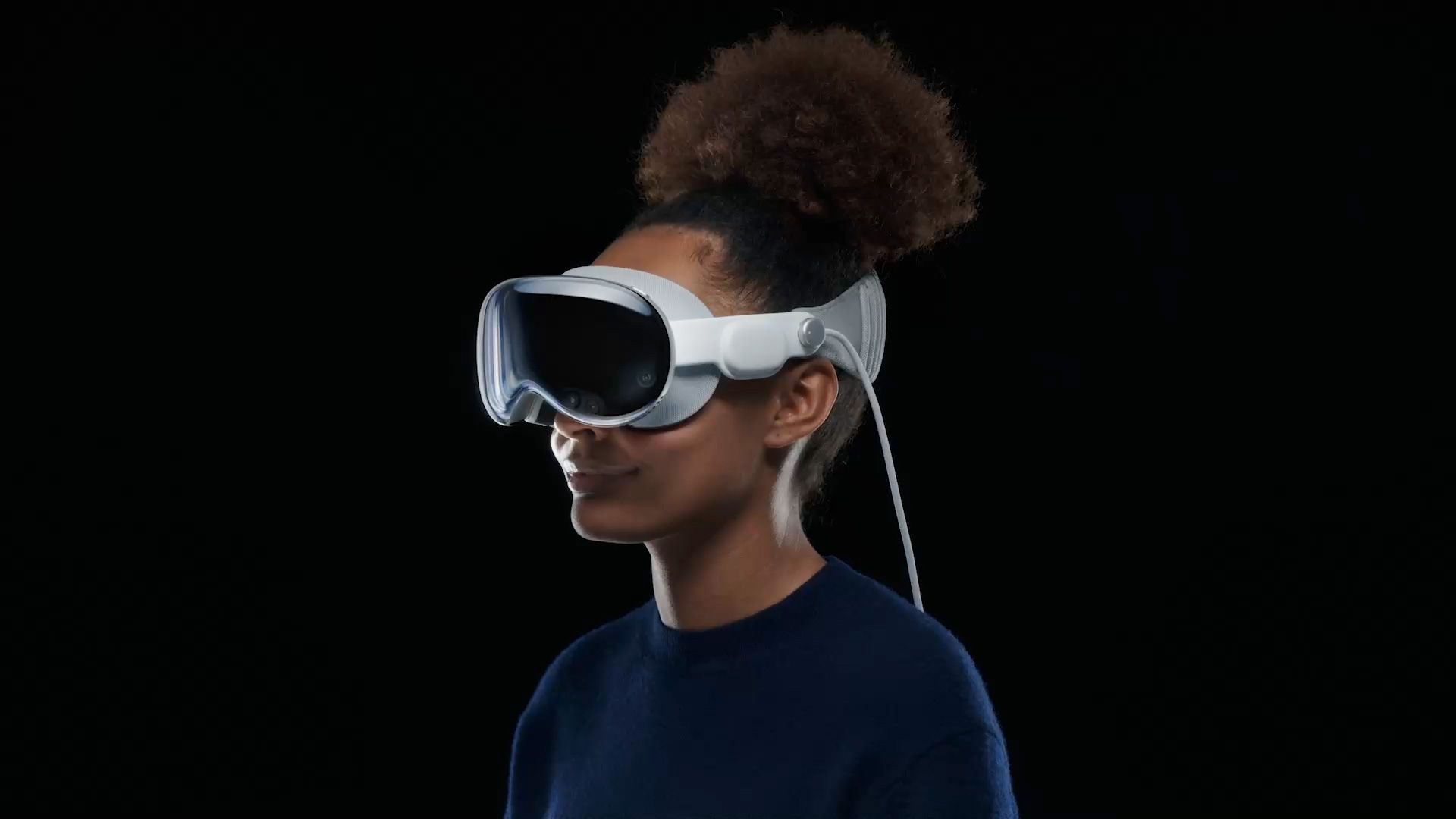
If you forgot Vision Pro passcode, what can you do?
Vision Pro passcode: The password issue is not the only obstacle some Vision Pro users face (image credit)

Beyond the password problem

The password issue is not the only obstacle some Vision Pro users face. Some have reported discomfort after wearing the headset for long periods of time. While solutions are being developed, it’s worth keeping comfort in mind when making your purchase decision.

Keep in mind that Vision Pro is a state-of-the-art device, and initial challenges may arise with such innovation. We hope Apple will address these issues with software updates soon. But for now, keep your password safe and be ready to go to the Apple Store if you forget it.

Tags: apple vision profeatured
ShareTweet
Barış Selman

Barış Selman

A technology and gaming enthusiast by day, Barış is a passionate composer and black/death metal guitarist by night. He keeps his finger on the pulse of the intersection of art and technology whenever he can from his tours worldwide.

Related Posts

New Punkt MC03 features split OS for better privacy control

New Punkt MC03 features split OS for better privacy control

2 January 2026
Samsung reveals brighter Freestyle+ projector ahead of CES 2026

Samsung reveals brighter Freestyle+ projector ahead of CES 2026

2 January 2026
OpenAI explores prioritized ads for ChatGPT responses

OpenAI explores prioritized ads for ChatGPT responses

2 January 2026
Apple teases something big for Fitness+ in 2026

Apple teases something big for Fitness+ in 2026

2 January 2026

LATEST

New Punkt MC03 features split OS for better privacy control

Samsung reveals brighter Freestyle+ projector ahead of CES 2026

OpenAI explores prioritized ads for ChatGPT responses

Apple teases something big for Fitness+ in 2026

Samsung SDI rumored to test massive 20000mAh battery

Honor sells over 71 million smartphones in 2025

New WhatsApp update brings 2026 stickers and video call effects

Leaker reveals Xiaomi plans for high end eSIM device in 2026

HP prepares OMEN OLED monitor reveal for CES 2026

High RAM costs from AI boom could delay next Xbox and PlayStation

TechBriefly

© 2021 TechBriefly is a Linkmedya brand.

  • Tech
  • Business
  • Science
  • Geek
  • How to
  • About
  • Privacy
  • Terms
  • Contact
  • | Network Sites |
  • Digital Report
  • LeaderGamer

Follow Us

No Result
View All Result
  • Tech
  • Business
  • Crypto
  • Science
  • Geek
  • How to
  • About
    • About TechBriefly
    • Terms and Conditions
    • Privacy Policy
    • Contact Us
    • Languages
      • 中文 (Chinese)
      • Dansk
      • Deutsch
      • Español
      • English
      • Français
      • Nederlands
      • Italiano
      • 日本语 (Japanese)
      • 한국인 (Korean)
      • Norsk
      • Polski
      • Português
      • Pусский (Russian)
      • Suomalainen
      • Svenska