


Today, we’re tackling a common query among players: How to drop key items in Palworld. The game’s inventory management can often be confusing, especially for new players. In this article, we aim to demystify these mechanics, focusing particularly on key items and their unique treatment in the game.
Palworld is more than just a solo adventure; it’s an engaging multiplayer experience where item sharing plays a crucial role. However, when it comes to key items, the rules are slightly different. These items are unique and integral to gameplay, raising questions about their transferability among players. Let’s explore the subject of how to drop key items in Palworld!
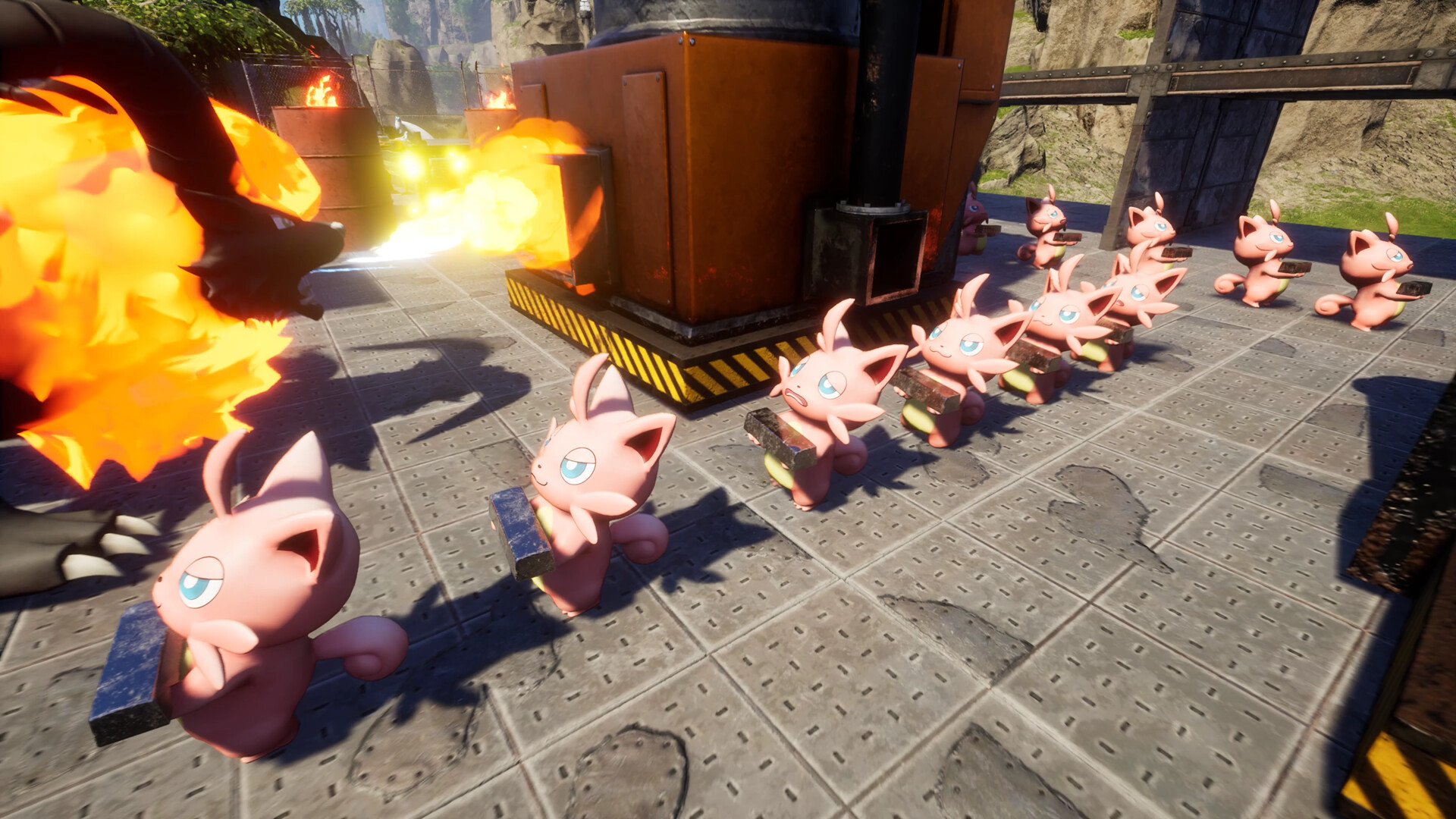
How to drop key items in Palworld: Is it possible?
Let’s begin our guide on how to drop key items in Palworld. In Palworld, your inventory acts as a personal arsenal, holding various items with different functionalities. Among these, key items stand out due to their specific uses and significance. Contrary to regular items, key items cannot be dropped or shared directly with other players. Most key items are crafted Pal Gear, essential to the gameplay, and hence, are non-transferable in this manner.
Consider the example of the Daedream’s Necklace, a key item in the game. If you possess this item and have Daedream in your party, it triggers automatic defense mechanisms against hostile Pals. However, since you cannot drop this key item, Daedream’s behavior remains consistent unless manually altered. Players can modify Daedream’s aggressive stance through the Pal Commands Menu, which can be accessed by pressing ‘4’ on the keyboard or using the Right Stick on a controller.
Palworld Xbox Game Pass vs. Steam differences explained
Despite these restrictions, Palworld offers alternatives for managing key items. Let’s delve into these methods:
Drag and drop button
Surprisingly, Palworld allows players to drop any item, including key items, from their inventory. This is done by dragging the item to the Drop button at the bottom left of the screen. This feature becomes particularly useful in multiplayer mode as other players can pick up the items you drop. This method is especially handy when your carrying capacity reaches its limit and requires immediate reduction.

Discard button
Alternatively, if you wish to remove an item from your inventory permanently, you can use the Discard option. Located beside the Drop button, this function permanently deletes the selected item. Caution is advised, as this action is irreversible, and the discarded item cannot be retrieved.
How to drop Pals in Palworld
Moving beyond items, Palworld also allows players to drop their Pals. This can be done by opening the game menu, navigating to the Party Tab, selecting the desired Pal, and then pressing ‘F’ on the keyboard or the Right Stick on a controller. Similar to items, dropped Pals can be picked up by other players in multiplayer mode, fostering a sense of community and interaction within the game.
In conclusion, while Palworld imposes certain restrictions on the transferability of key items, it also provides flexible options for item management. Understanding these mechanisms enhances the gaming experience, allowing players to strategize and engage more effectively within the game’s environment. As Palworld continues to evolve, it remains a source of intrigue and enjoyment for its growing community. Remember, exploring, strategizing, and sharing is at the heart of the Palworld experience.
Featured image credit: Palworld/Steam


