

Here is the new Discord UI! Discord, the popular voice, video, and chat platform, has just released a major update for its mobile app, bringing a redesigned user interface (UI) and many new features and improvements. With this update, Discord aims to enhance the user experience by making the app easier to navigate, faster to load, and more functional overall.
New Discord UI: What’s new?
You can see the innovations that came with the new update to Discord’s mobile application below.
- Faster loading and streamlined navigation
- Improved messaging and search
- Revamped notifications and You Tab
Let’s take a closer look at new features!
Faster loading and streamlined navigation
One of the most noticeable improvements is the significantly faster loading time, with Discord claiming a 55% and 43% speedup on Android and iOS devices, respectively. Additionally, the app has been reorganized with separated tabs for “Servers” and “Messages“, making it easier to switch between different sections. The familiar vertical server navigation remains the same, ensuring a smooth transition for existing users.
Improved messaging and search
The new update introduces a unified “Messages” tab that combines Direct Messages (DMs) and Group Direct Messages (GDMs). Users can now favorite conversations to pin them to the top for easy access and long-press on a message in a group chat to access a quick reply option. Additionally, swiping a message allows users to reply directly to that specific message.
Discord has also revamped the search functionality, allowing users to search for messages, pins, attachments, and files directly from the search bar. This makes finding specific information within a chat much more efficient.
Revamped notifications and You Tab
The Notifications tab has been redesigned to provide a clearer overview of @mentions, server events, and friend requests. Each notification is now clickable, taking users directly to the relevant chat window. Additionally, tapping a notification marks it as read and automatically clears it from the list.
The You tab has been reorganized for easier access to profile settings, status updates, profile pictures, friends list, and account settings. Users can also quickly access the app’s settings and search for specific features by double-clicking the You tab.

Additional enhancements
The new Discord mobile app also boasts several other improvements, including:
- Updated night mode: For a more comfortable experience in low-light environments.
- Improved media sharing and viewing options: For a smoother multimedia experience.
- Revamped voice and video call interface: Clearer communication and improved call quality.
How to revert Discord update?
Below, you can see how to revert Discord update step by step:
Step 1: Disable auto-update
First, we need to prevent your phone from automatically downloading the latest Discord version. Open the Google Play Store and navigate to Settings > Network Preferences. Here, disable the “Auto-update apps” option. This ensures your phone won’t overwrite your chosen Discord version with the latest update.
Step 2: Download the APK
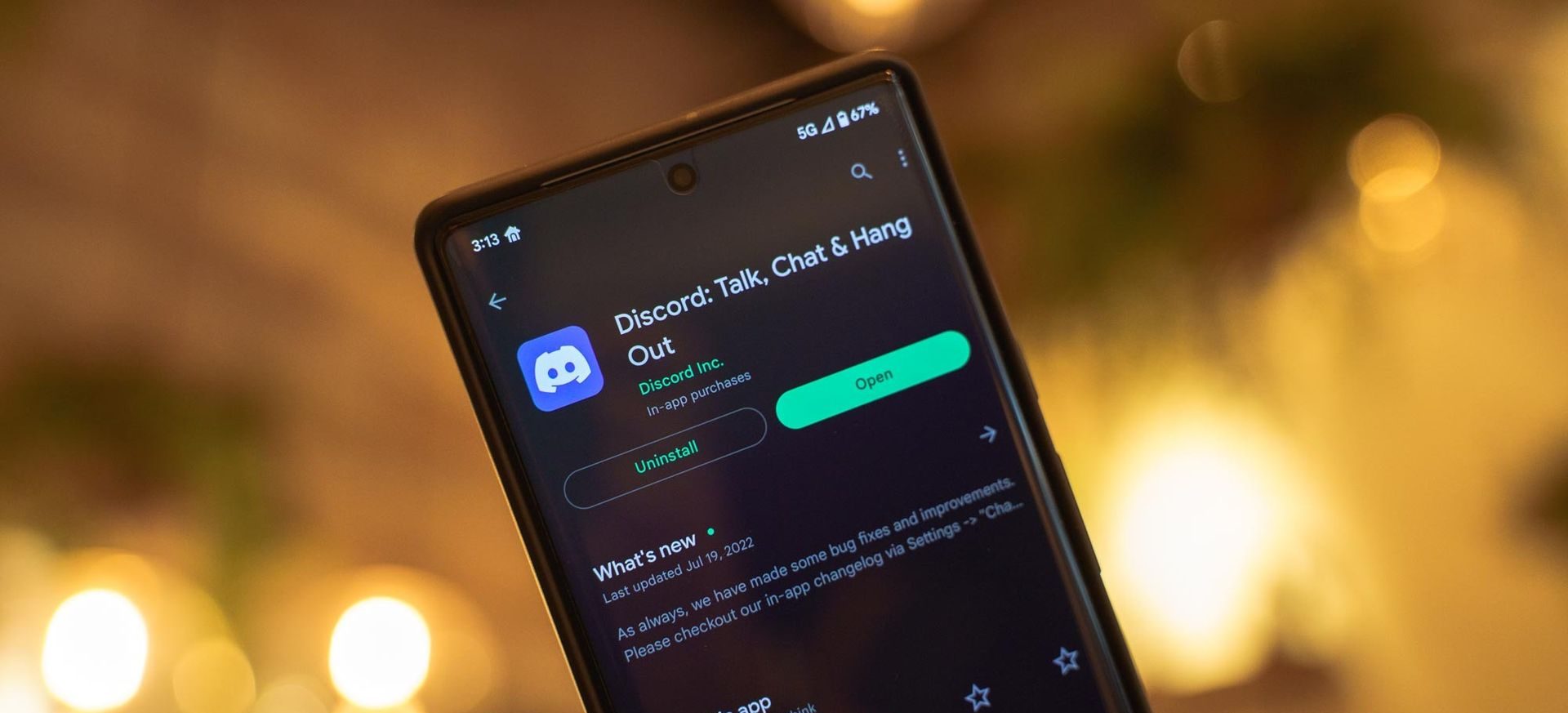
Head over to https://discord-chat-for-gamers.en.uptodown.com/android/versions. This website provides access to older versions of the Discord APK. Choose a version you prefer, anything before the mid-August update. For instance, consider version 126.21 from July 20th.
Step 3: Uninstall and install the APK
Now, uninstall the existing Discord app from your phone. Once it’s gone, open your file manager and locate the downloaded APK file. In some cases, you might encounter a security warning about installing apps from unknown sources. Ignore this by enabling the “Allow installation from unknown sources” option in your phone’s settings.
Step 4: Enjoy the old Discord!
Finally, tap on the downloaded APK file to install it. After installation, launch Discord and bask in the familiar interface and features you remember. You should notice a smoother experience with all your favorite functions restored.
Overall, the New Discord UI represents a significant step forward for the platform, offering mobile users a more streamlined, user-friendly experience. With faster loading times, improved navigation, and powerful new features, the Discord mobile app is now more versatile and convenient than ever before.
Featured image credit: Alexander Shatov / Unsplash


