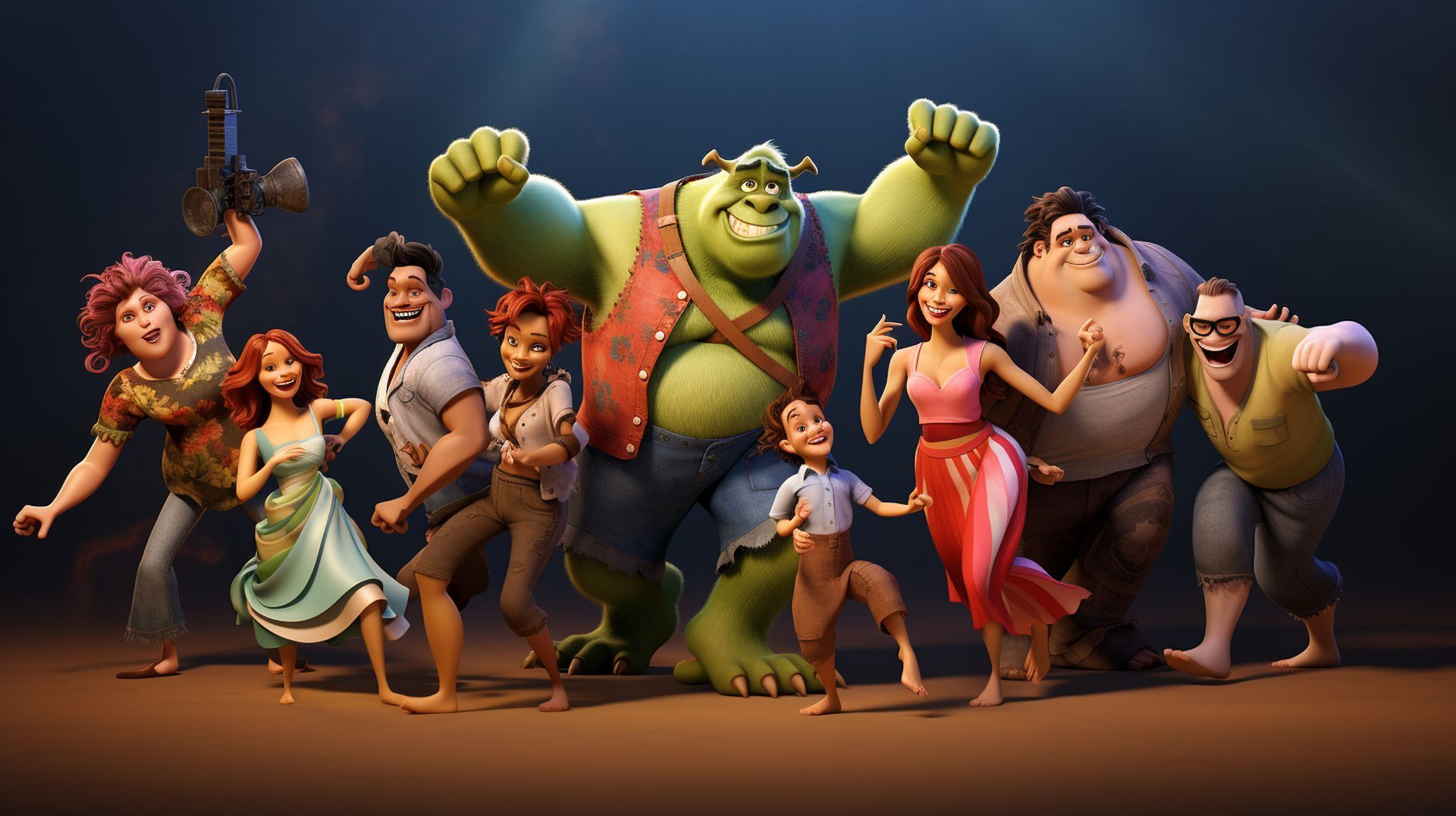

If you ever got curious about how to create Disney AI posters, today’s the day you crack it because crafting fresh and beautiful Disney posters has become a breeze with the help of AI. The internet’s abuzz with these new-age creations, where fans are using artificial intelligence to whip up fake Disney and Pixar movie posters. While they’re undeniably eye-catching, they’ve also caused a bit of a stir among enthusiasts.
Disney’s charm has always been its knack for whisking us away to fantastical worlds, brimming with captivating characters and heartwarming stories. Now, thanks to AI tech, that magic has gone digital. Artists and tech geeks are merging their love for Disney with cutting-edge AI tools, churning out posters so authentic-looking, they’re fooling even die-hard Disney buffs.
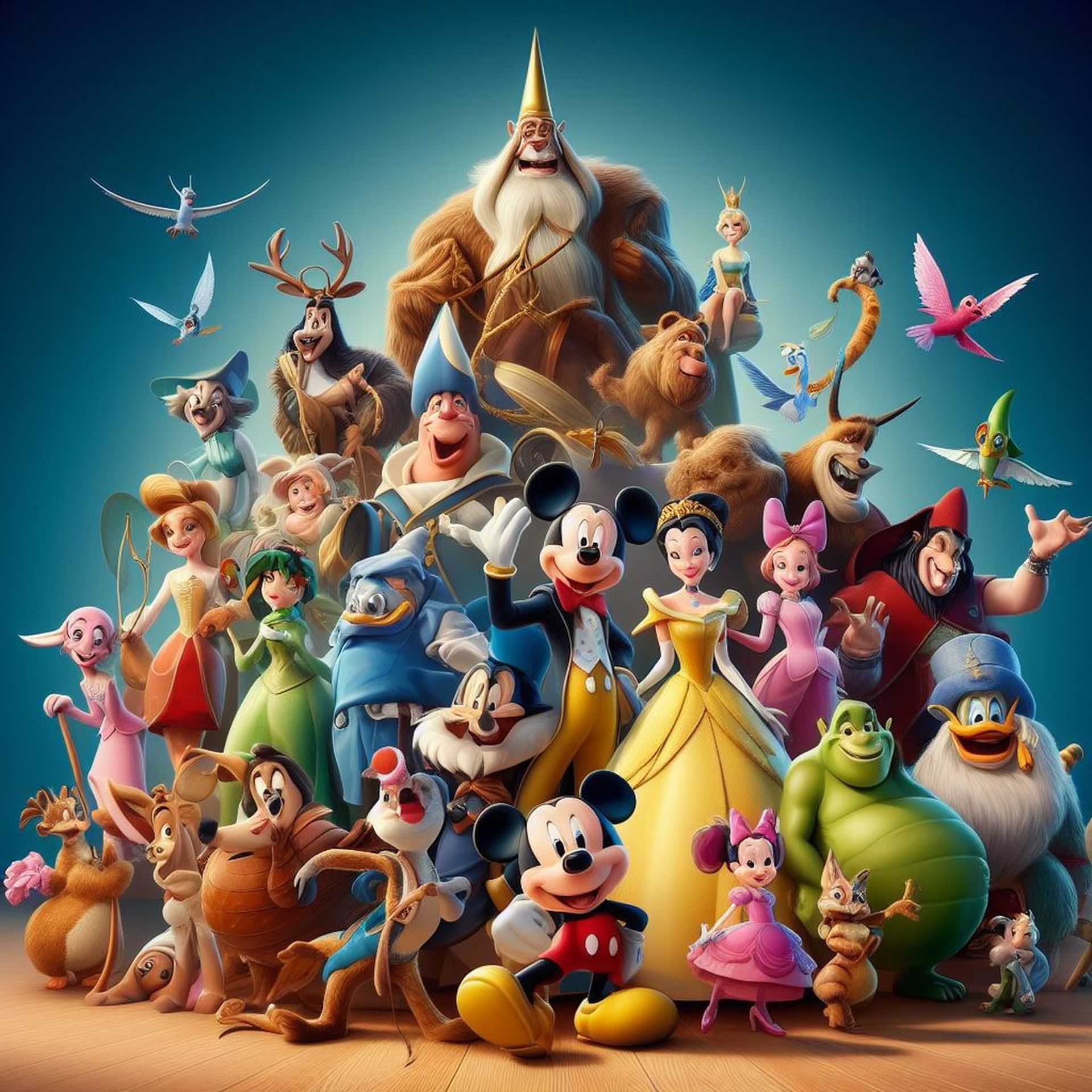
But, as with everything online, there’s a catch. Many fans stumbling upon these AI-generated posters think they’re sneak peeks of upcoming Disney projects. The level of realism and attention to detail has sparked a storm of online chatter, with fans speculating about potential storylines, characters, and release dates. Some have even circled dates on their calendars, eagerly awaiting a movie that, in reality, won’t hit the screens.
So, next time you spot those Disney AI posters that seem too good to be true, take a sec to savor the fusion of art and tech before drawing any conclusions. After all, in Disney’s enchanting universe, anything goes.
How to create Disney AI posters using ChatGPT and Midjourney?
We headed to ChatGPT with a prompt:
Create me 3 different made-up Disney character descriptions, don’t pass 20 words
ChatGPT created the characters below:
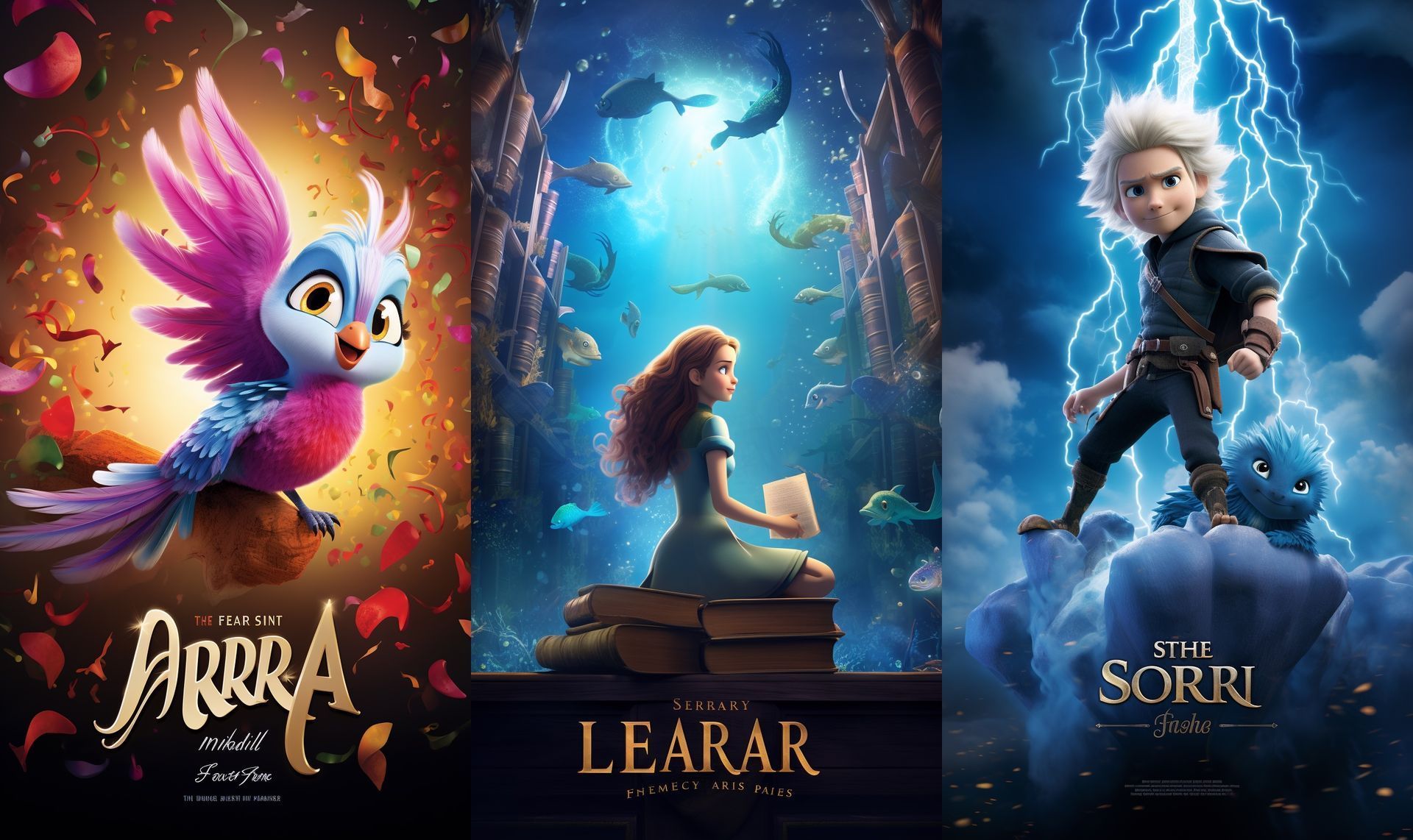
- Sorin, mischievous cloud sprite, rides lightning bolts, laughs with thunder.
- Elara, mermaid librarian, collects sunken stories, shares ocean’s secrets.
- Aria, songbird with rainbow feathers, weaves melodies of forgotten lore.
These are our characters! Now, let’s whip up some Disney AI posters for them!
Send this prompt to ChatGPT:
Now write Midjourney prompts for the characters you created in the following format:
Create a movie poster for [character name], [description of the character], Disney Pixar movie style, –ar 9:16
ChatGPT gave us the prompts we needed:
- Create a movie poster for Sorin, mischievous cloud sprite, rides lightning bolts, laughs with thunder, Disney Pixar movie style, –ar 9:16
- Create a movie poster for Elara, mermaid librarian, collects sunken stories, shares ocean’s secrets, Disney Pixar movie style, –ar 9:16
- Create a movie poster for Aria, songbird with rainbow feathers, weaves melodies of forgotten lore, Disney Pixar movie style, –ar 9:16
We headed over to Midjourney and crafted Disney AI posters using the prompts above.
Check out the outcomes!
How to create Disney AI posters using ChatGPT and DALL-E 3?
Figuring out how to create Disney AI posters with ChatGPT and DALL-E 3 is a breeze. For ChatGPT Plus users, note that GPT-4 now works seamlessly with DALL-E 3.
Here’s the process:
- Open ChatGPT.
- Opt for “GPT-4”.
- Head to “Plugins”.
- Choose “DALL-E 3”.
- Input the following prompt:
Imagine a new Disney character and create a movie poster for it
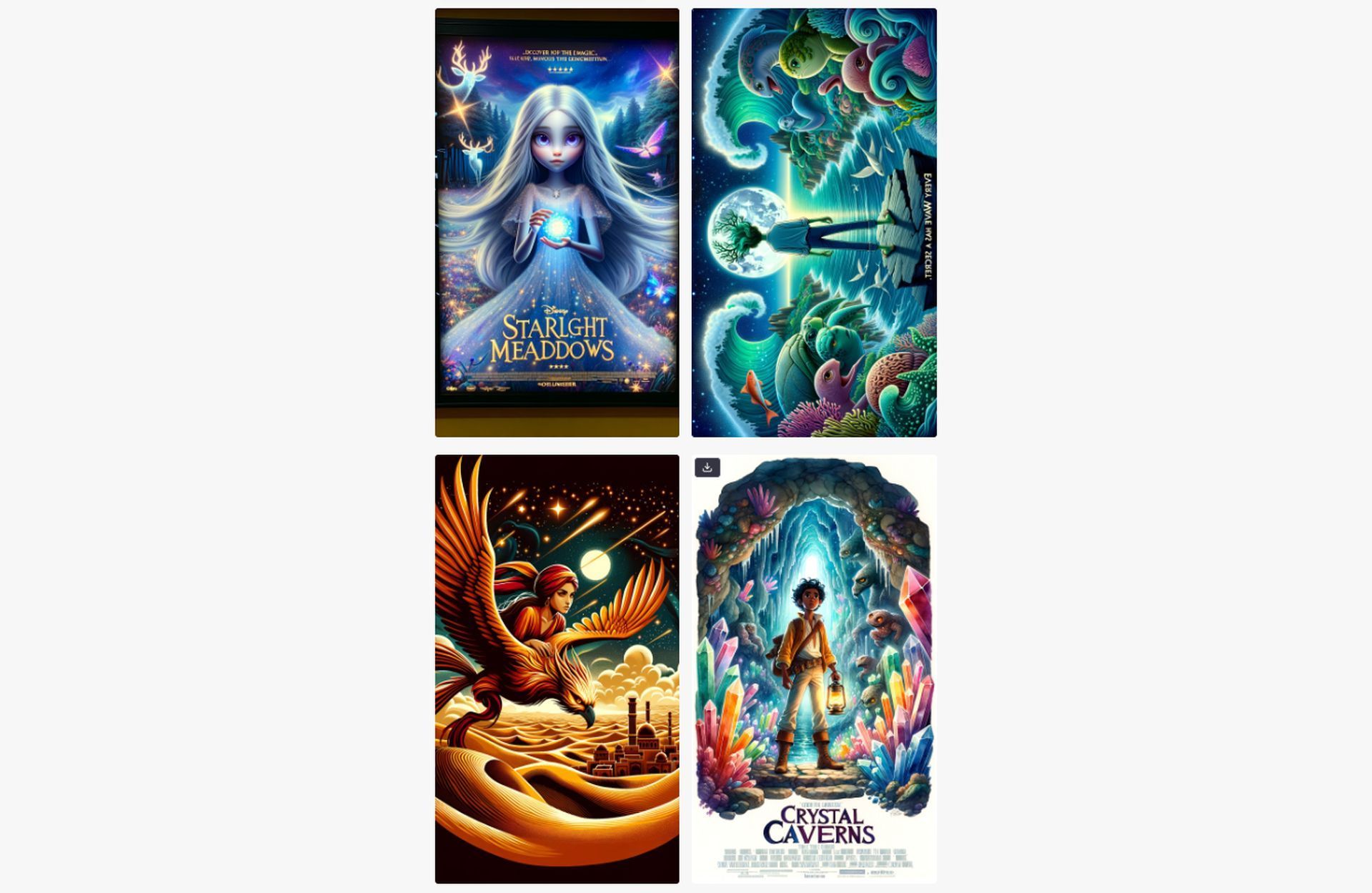
As evident from the above, ChatGPT offered us various choices and included:
Here are the movie posters for the imagined Disney characters:
Starlight Meadows – A captivating story of a young girl in a magical forest, discovering the power of the glowing orb she holds.
Whispering Waves – Dive into the journey of a teenage boy with the ocean’s secrets at his fingertips, leading him to a mysterious island.
Desert Dreams – Join the adventure of a young woman as she rides a golden phoenix across a vast desert, seeking the mysteries hidden within its dunes.
Crystal Caverns – Unearth the wonders of the deep caverns with a brave young explorer, facing mythical creatures and radiant crystals.
Which one piques your interest?
Let’s take it up a notch, by saying:
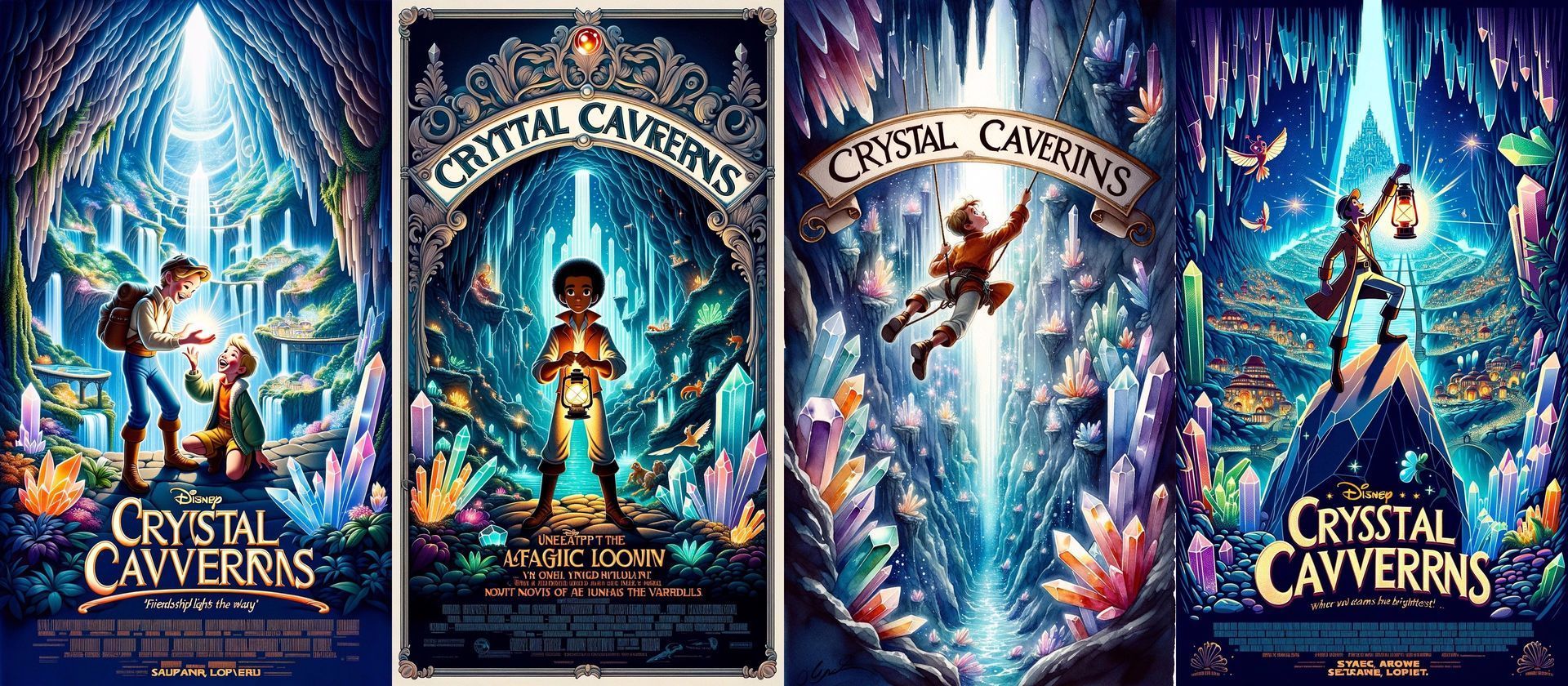
I like the Crystal Caverns, can you create me alternative posters that look reminiscent Disney movie posters?
DALL-E 3 has presented us with four distinct options to consider. Take a look!
Art made easy
When you figure out how to create Disney AI posters, creating a visual masterpiece is no longer limited to just conventional artists or illustrators. The fusion of artificial intelligence and creativity has allowed us to encounter Disney magic in an entirely fresh manner. And in the blink of an eye, with a handful of prompts and the prowess of AI, you can bring forth the enchantment of Disney in poster form. Truly, it’s that straightforward to make Disney AI posters.
Meanwhile, if you’d like to improve your abilities in the GenAI field, make sure to check out our article on the best Midjourney prompts.
Featured image credit: Kerem Gülen/Midjourney