


If you’re itching for a fresh set of wheels in Phantom Liberty, the Cyberpunk 2077 Moving Heat quest is your ticket to a sleek new ride.
This endgame mission offers flexibility in your approach, whether you prefer the subtle touch or a more explosive entrance. The rewards far outweigh the risks, promising a swift and enjoyable adventure that won’t take more than 10 to 15 minutes of your time. Once you’re done, you’ll walk away with a stash of loot and a brand-new toy to cruise around Dogtown and Night City. Here’s your guide to conquering Cyberpunk 2077 Moving Heat in Phantom Liberty.
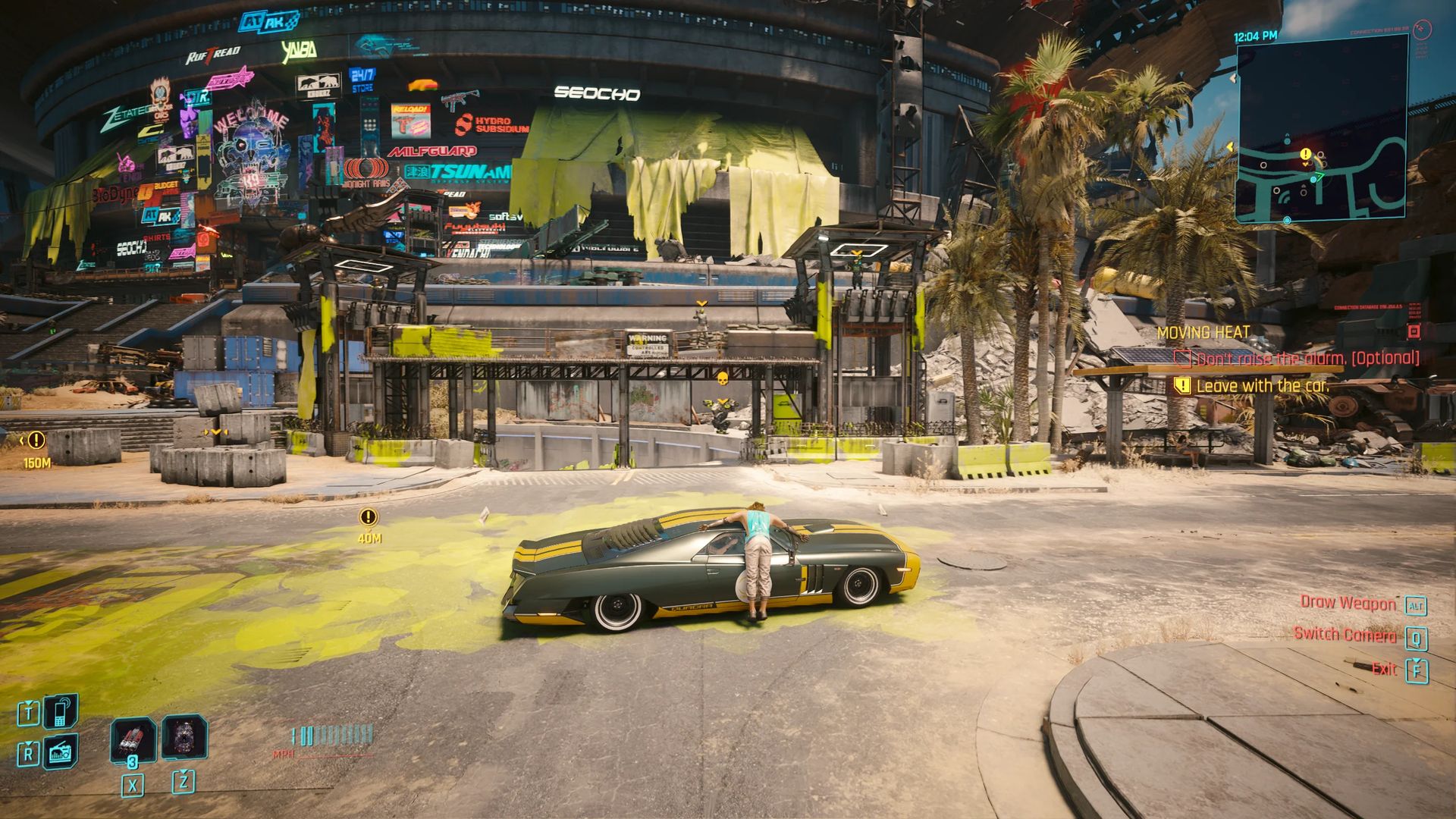
Being sneaky or bold in the Cyberpunk 2077 Moving Heat quest
After wrapping up the Phantom Liberty campaign, keep an eye out for a message from Ashlay, promising insider information on a hot set of wheels. All you need to do is infiltrate a high-security facility, wipe the car’s memory, and make a smooth exit. It’s that simple. The manner in which you tackle this task is entirely up to you.
Opting for the stealthy route is a smoother journey. Navigate to the back of the arena and descend in the elevator. You’ll encounter a guard and a watchful camera. Ashlay will handle the first camera, but it’s advisable to deal with any others using a suppressed weapon.
Proceed into the security room on your right. Dispatch the guard and continue towards the back. Here, you’ll face three more guards and two cameras. Handle them as you see fit. Once the area is clear, open the gate at the back. We’ve tried both silent and loud approaches, and either can be executed flawlessly with the right gear.
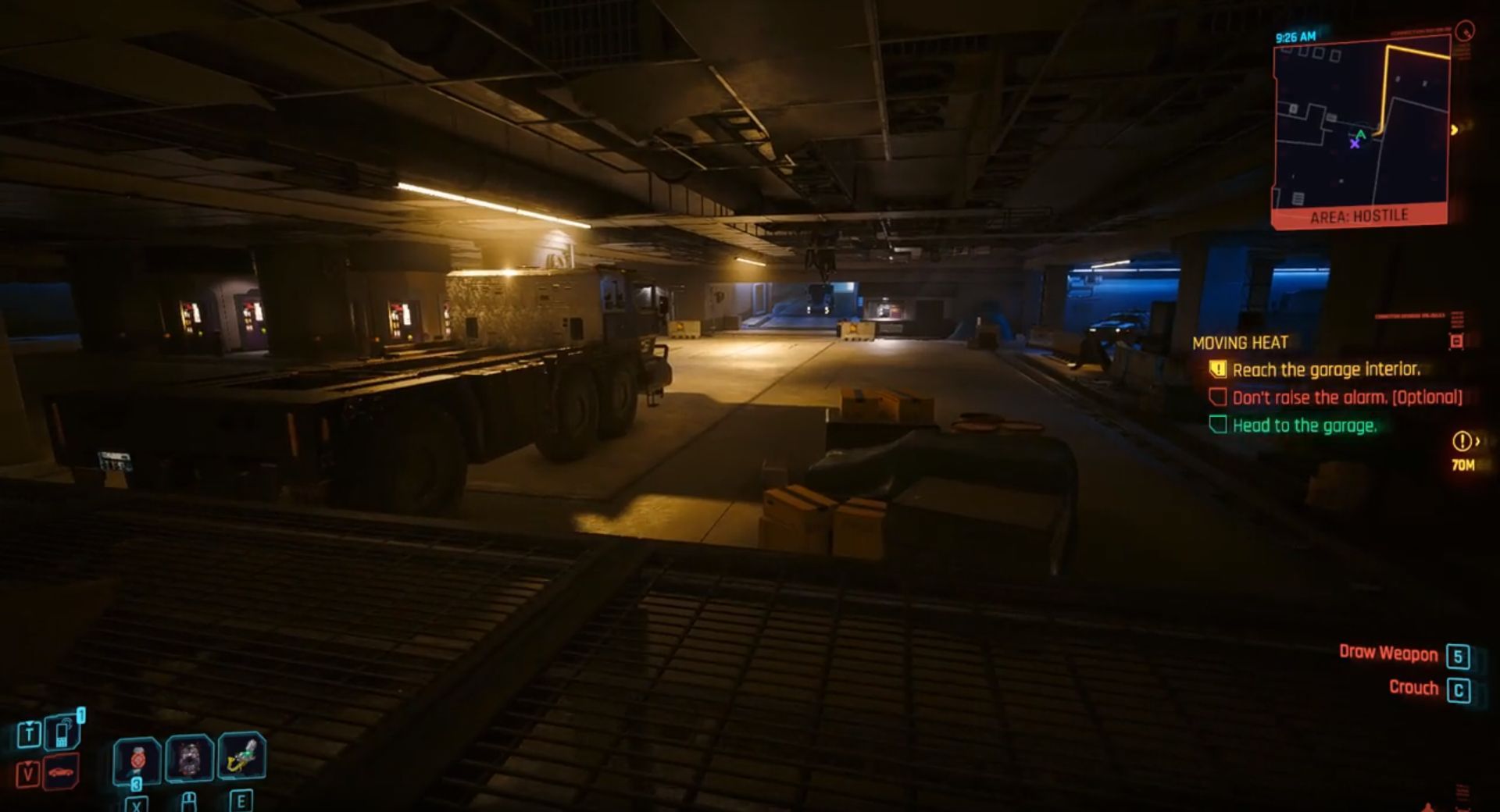
The thrill of the getaway
For a stealthy exit, make your way to the back of the truck, but move swiftly across the open lot to avoid detection. Once inside, wait for the truck to come to a halt. Then, slip out, hop into the target car, and drive out with caution. When a soldier signals for you to stop, comply, as the barrier won’t budge until the scan concludes.
If alarms were raised, prepare for a showdown. Whether in the initial area or the main parking garage, you’ll face a mix of enemies, ranging in difficulty. Turrets and even a miniboss will stand in your way. Remember, you still need to wipe the car’s memory, but this time, you’ll need to pause periodically to clear the path of additional threats.
Word of caution: Avoid our blunder. Don’t drive to the garage exit and make a run for it. This locks the door, leaving the car out of reach. We even checked our personal vehicle summon list. The new ride was nowhere to be found.
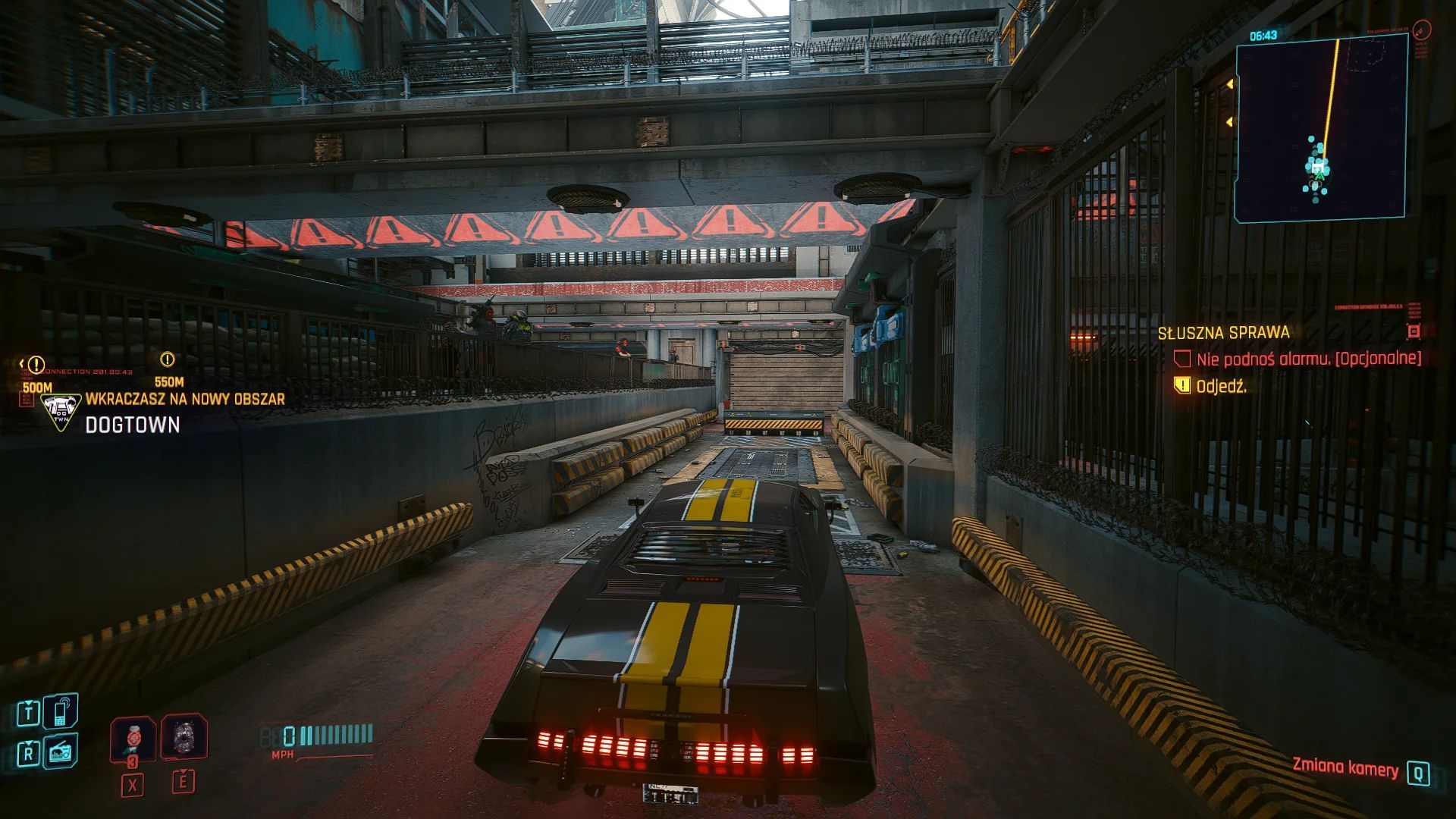
Evading the heat
If you defy Ashlay’s preference, expect a four-star wanted level as soon as you leave the parking area, with Dogtown’s authorities on your tail. In our run, a quick right turn out of the garage and a brief hideout in an underpass did the trick. They gave up the chase in under a minute.
Once you’re back on Dogtown’s dirt roads, you’ve officially wrapped up the Cyberpunk 2077 Moving Heat mission in Phantom Liberty. Your new car may sport a noticeable logo, which might not be everyone’s cup of tea, but it handles like a dream.
In a city that thrives on high-stakes missions, Cyberpunk 2077 Moving Heat stands out as a thrilling escapade that puts a top-notch vehicle in your garage. Get ready to hit the streets in style!
Meanwhile, if you ever get stuck during your adventures in games, make sure to check out our articles on them, such as the one on WoW Secrets of Azeroth Day 13 “A Curious Orb” quest.
Featured image credit: Cyberpunk 2077


