
Interestingly, a growing trend has emerged on Spotify where users proudly share their Spotify DNA strand, showcasing their favorite artists and their distinctive traits.
Well, in the world of music streaming, dissecting our listening habits has become a beloved pastime for Spotify users. Now, there’s a new contender in town called N-gen, making waves for transforming your Spotify data into captivating art pieces. Joining the ranks of sites offering similar services, N-gen introduces dynamic visualizations that reflect your unique music taste.
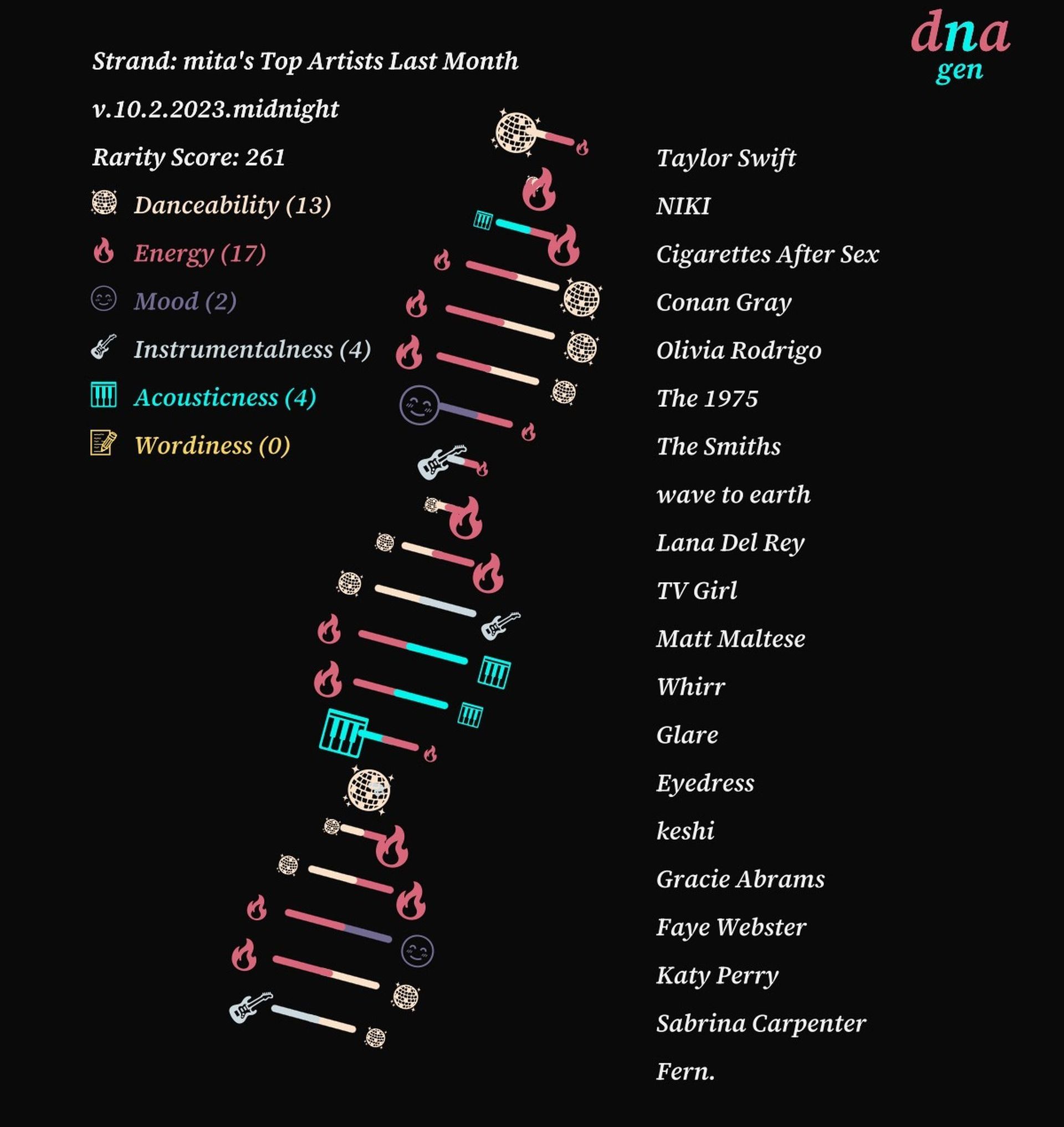
In this article, we’ll explore the process of creating personalized artworks with N-gen and guide you on obtaining your own Spotify DNA strand.
What is a Spotify DNA strand?
Spotify, the music and podcast platform, offers a treasure trove of songs, albums, and exclusive podcasts. Users can indulge in streaming on their mobile devices or tablets for free, or opt for Spotify Premium for offline listening.
The app’s features are extensive, from exploring new music and crafting playlists to delving into various genres and savoring top-notch sound quality. With lyrics, personalized mixes, and podcast curation, Spotify enriches the music experience.
Now, there’s a burgeoning trend of users proudly sharing their Spotify DNA strand, showcasing their favorite artists and their distinctive traits. This strand is a visual representation of your top artists, complete with a rarity score. Traits like danceability, energy, mood, and more are translated into a tangible form, allowing you to celebrate your unique music taste.
How to get your Spotify DNA strand?
If you’re eager to showcase your musical DNA and highlight your favorite artists with their distinctive traits, follow these user-friendly steps to obtain your personalized Spotify DNA strand:
- Start by opening your web browser and navigating to ngenart.com/spotify/dna.
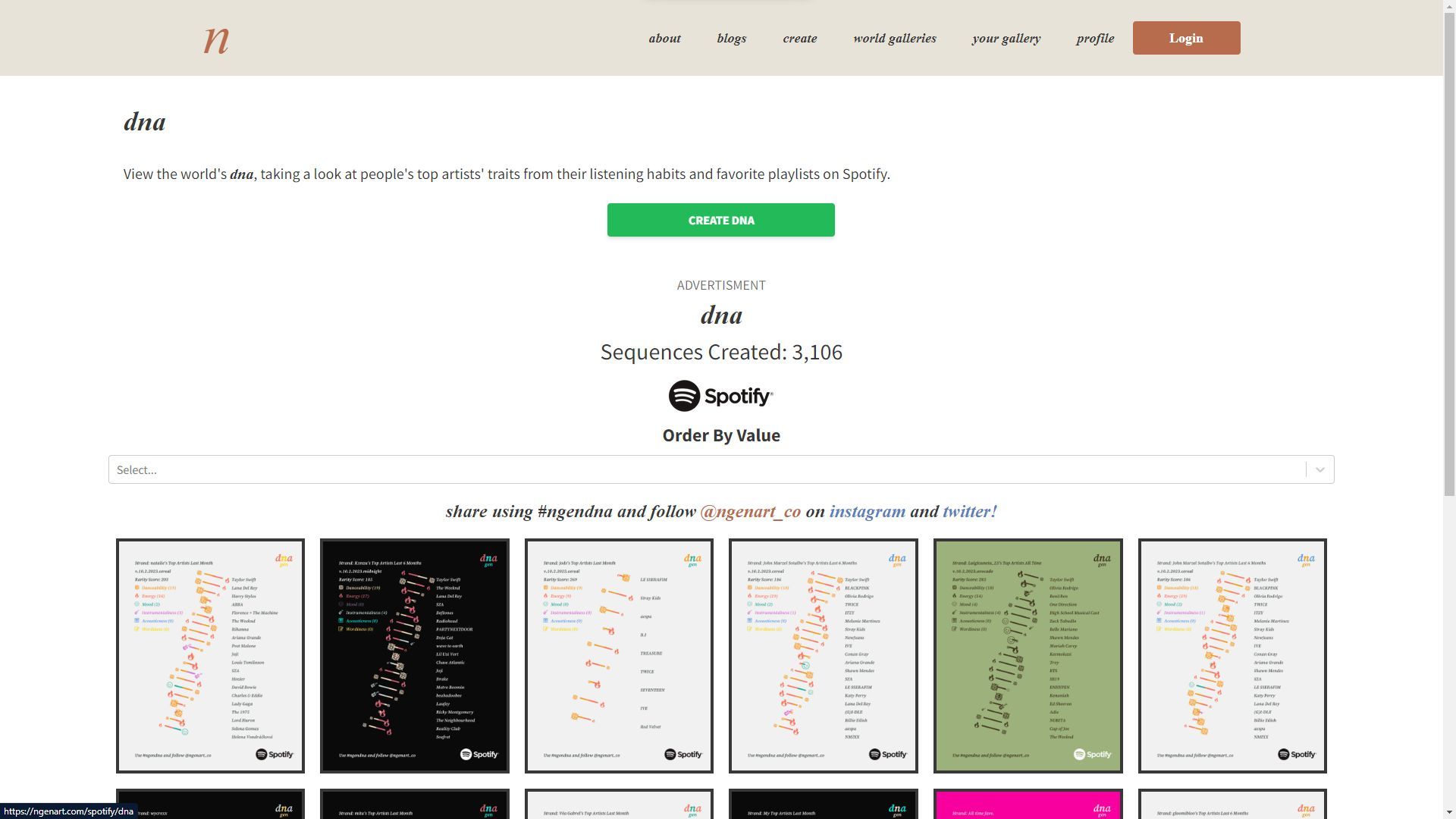
- Once you’re on the N-gen website, you’ll notice a prominent option that says “Connect with Spotify.” Click on it to initiate the process.
- A secure Spotify login screen will appear. Here, you’ll need to log in to your Spotify account, ensuring that N-gen gains access to view your Spotify data.
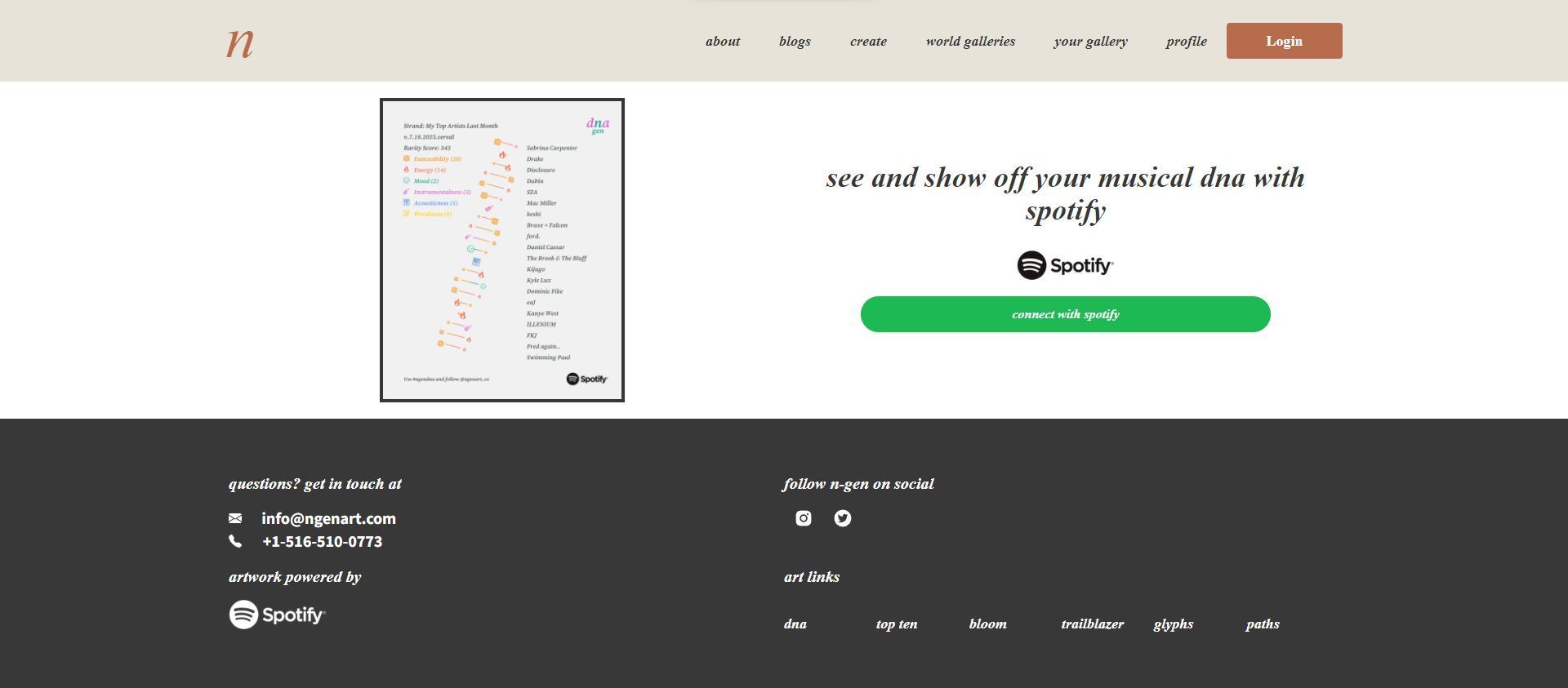
- After successfully logging in, you’ll be presented with various customization options. Scroll through the available categories or playlists, which could include options like “Top Artists of All Time” or others based on your listening history.
- Dive deeper into personalization by selecting a specific “Share card” that resonates with your music preferences.
- Now, the most visually appealing part of the process: the Spotify DNA strand image. Tap and hold this image, then select “Save to Photos.” Your unique Spotify DNA strand is now securely stored and ready to be shared.
How to create other artwork on N-gen?
Embarking on your creative journey with N-gen is a breeze. Follow these steps to bring your Spotify DNA to life:
- Step 1: Commence your artistic voyage
- Begin by visiting ngenart.com and locate the inviting green button labeled “Create with Spotify.”
- Step 2: Establishing the connection
- You’ll be seamlessly redirected to log in to your Spotify account, granting N-gen the access needed to view your account data and activity.
- Step 3: Igniting your creative spark
- Click “Create Now!” to set the artistic process in motion.
- Step 4: Choosing from a palette of styles
- N-gen offers an array of styles, each with its own distinctive charm. Delve into options such as DNA, top-ten, bloom, and chords. Customize your creation by selecting from recent tracks, top artists, and a spectrum of background colors. Don’t miss the playful Barbie-themed backdrop in the DNA visualization!
- Step 5: Safeguarding your masterpiece
- Once you’re content with your artwork, ensure its preservation by selecting “save artwork” or “save wallpaper.”
- Step 6: Delve into the artistic insights
- Unravel the narrative behind your visualization. Understand the reasoning behind its appearance. For example, in the “Chords” category, N-gen offers illuminating insights into themes, energy levels, and patterns, all tailored to your unique musical preferences.
In the ever-evolving landscape of music streaming, N-gen emerges as a dynamic tool, offering users an engaging and visually captivating window into their Spotify experience. From the mesmerizing Spotify DNA strands that showcase our favorite artists’ distinctive traits, to the vibrant top-ten visualizations and blooming patterns, N-gen opens up a world of artistic possibilities.
Meanwhile, don’t forget to make sure that you’ve also checked out how to get a Spotify bloom chart using Ngen.
Featured image credit: Haithem Ferdi / Unsplash