


Conquer the ‘Dota 2 Coordinator Logging In’ error with our expert guide. Get back into the game hassle-free!
Are you in a situation like this: You’re all set to dive into the thrilling world of Dota 2, ready to unleash your strategic prowess and dominate the battlefield. But just as you’re about to embark on your gaming adventure, you’re met with an unsettling sight—a menacing error message that reads, “Connected to Dota 2 Game Coordinator Logging In.” The ominous red color scheme of the message only adds to the drama, making it seem like a formidable adversary in itself.
Fear not, intrepid gamer! In this guide, we will unravel the mystery behind the “Dota 2 coordinator logging in” error. We’ll break it down in plain language, demystifying the jargon, and provide you with clear and effective solutions to banish this error from your gaming experience once and for all. So, let’s roll up our sleeves and get ready to conquer this digital dragon!
Why are you seeing the Dota 2 coordinator logging in error right now?
The “Dota 2 Coordinator Logging In Error” is a technical issue that players may encounter while attempting to connect to the Dota 2 game servers. In essence, it’s a message that suggests the game’s coordination system, which manages various in-game activities such as matchmaking, player statistics, and tournaments, is facing problems while trying to establish a connection.
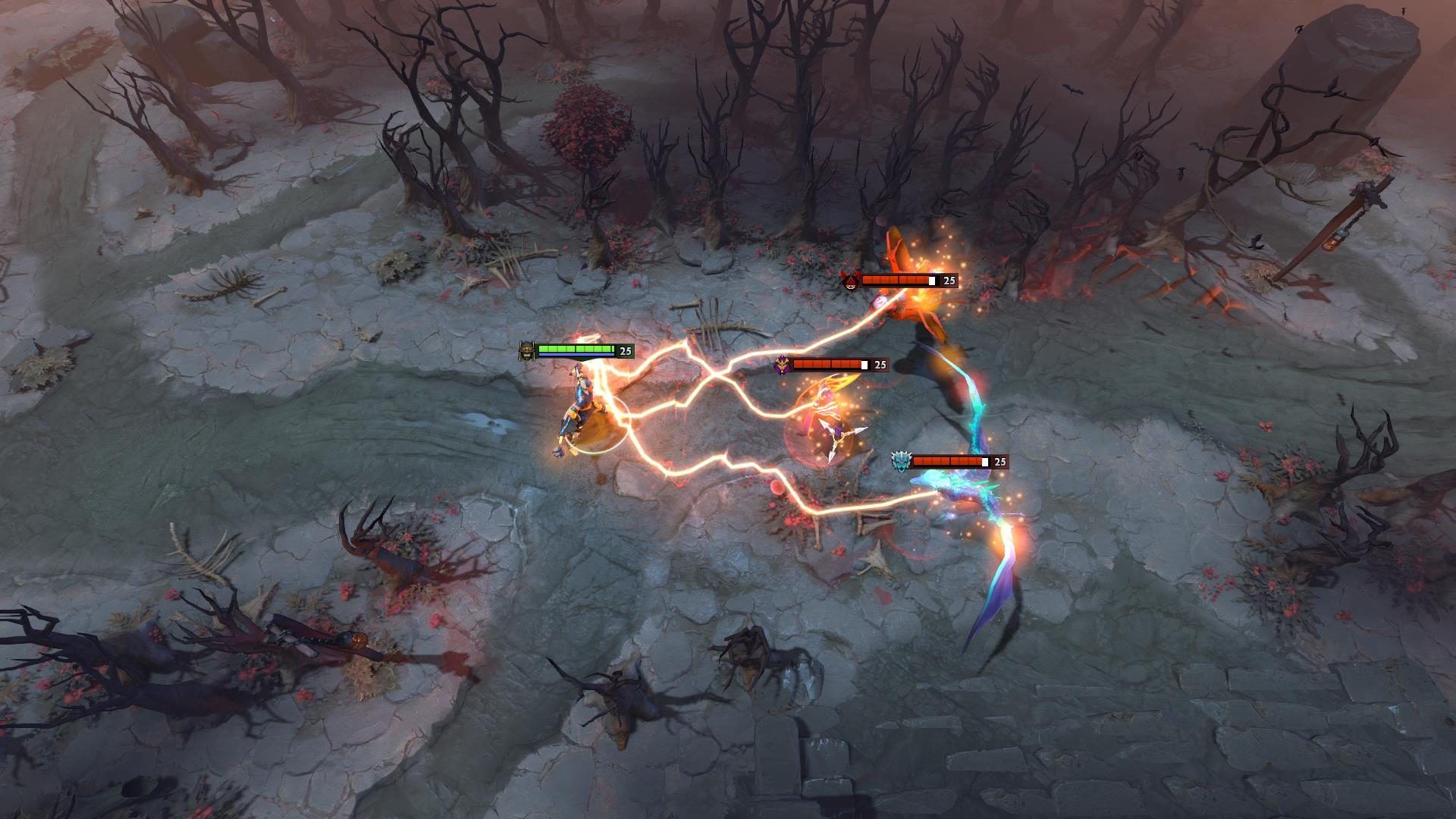
This error is typically indicated by a message on the screen with a red color scheme, making it stand out and appear somewhat intimidating. It’s important to note that this error often occurs when there are server-related problems on either the Steam platform or within Dota 2 itself. The term “Coordinator” in the error message refers to Dota 2’s servers responsible for coordinating these various in-game functions.
In simpler terms, when you see the “Dota 2 coordinator logging in” error, it means there are issues with the game’s servers or the connection between your computer and these servers. This can result in disruptions to your gameplay, including difficulties in finding matches, tracking your progress, or accessing certain game features.
While this error might seem concerning, it’s often a temporary issue that can be resolved through a combination of patience and troubleshooting steps. It’s essential to distinguish between this error, which is server-related, and other technical problems that might be specific to your computer or network connection.
How to fix the Dota 2 coordinator logging in error
It’s crucial to realize that the Dota 2 coordinator logging in error often occurs when there are server outages on Steam or Dota 2’s end. So, don’t panic; there are steps you can take to resolve this issue:
- Check Dota 2’s server status
- Consult community
- Restart your router and change DNS servers
- Understand the source of the issue
- Contact Valve Support
Let’s take a closer look at them.
Check Dota 2’s server status
The first step is to check the status of Dota 2’s servers. If they are down, you’ll need to wait for Valve to resolve the server issues. There’s little you can do until the servers are back up and running smoothly.
To get a better grasp of the situation, head to sites like Downdetector. Here, you can check if other players are reporting similar server outages. This can provide additional confirmation that the issue is on Valve’s end and not specific to your setup.
Restart your router and change the DNS servers
Sometimes, the problem might be with your home connection. In such cases, try restarting your router. Additionally, consider changing your DNS servers as a troubleshooting step. This can help establish a new and potentially more stable connection route to Dota 2’s servers. Instructions for changing DNS servers can usually be found in your router’s settings.
Understand the source of the issue
It’s important to note that the steps mentioned above can be applied regardless of the specific coordinator error you encounter. However, if Dota 2’s servers are indeed experiencing issues, there’s no quick fix on your end. In such situations, your best course of action is to be patient and wait for Valve to rectify the server problems.
Contact Valve Support
If you’ve tried all the aforementioned solutions and are still plagued by the “Dota 2 coordinator logging in” error, don’t give up. Sometimes, the issue may persist for a while. If the problem persists, it’s advisable to reach out to Valve’s support team for a more thorough investigation.
In the world of Dota 2, where every second counts, encountering an error like Dota 2 coordinator logging in error can be frustrating. However, with the right knowledge and patience, you can overcome these technical hurdles. Remember that, in most cases, the error will resolve itself once Valve’s servers are back in order. So, keep your cool, follow the steps outlined in this guide, and get ready to rejoin the battle in the Dota 2 universe.
Featured image credit: Dota 2


