


Many players are looking for the best methods of Starfield performance optimization as Bethesda’s highly anticipated space-faring game promises a visually stunning and immersive experience on PC but achieving optimal performance can be a challenge, even for those with high-end gaming hardware.
In this guide, we’ll walk you through the best optimization settings and explore performance-enhancing mods to ensure a seamless gameplay experience with improved visuals.
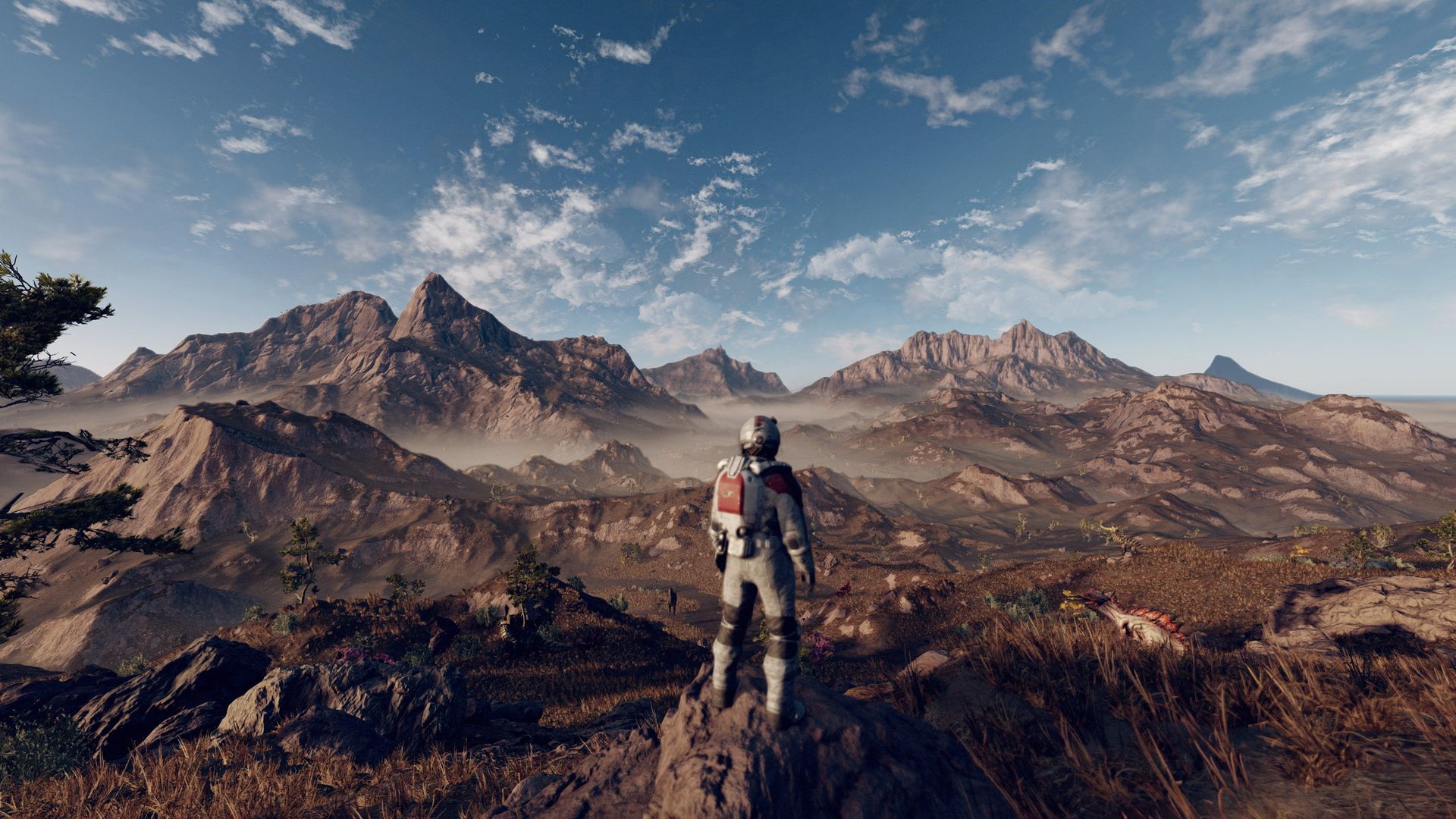
How can you make your Starfield performance optimization perfect?
Before diving into mods, it’s crucial to check out the updates on your software and fine-tune your in-game settings for the perfect balance between performance and visual quality.
Apply driver updates
Before launching Starfield, make sure you have the latest Intel, Nvidia, or AMD graphics drivers installed. These updates are often tailored for new games, providing enhanced compatibility and performance.
You can download the latest GPU drivers from the following links:
Verify game files
To prevent unexpected issues, verify the integrity of your Starfield game files on Steam. Right-click on Starfield in your Steam library, select “manage,” and choose the “verify integrity” option. This ensures your game files are intact and not corrupted.
Graphics settings
Adjust these in-game graphical settings to optimize Starfield’s performance while maintaining visual appeal:
- Borderless fullscreen: Enable for better performance
- Window size: Set to your display’s native resolution
- Dynamic scaling: Turn off
- Render resolution scale: Optimal performance at 75%
- Upscaling: Use FSR2
- Sharpening: Set to 70% for a balance between performance and visual quality
- Graphics preset: Select “Custom”
- VRS: Keep it off
- Motion blur: Disable for improved clarity
- Film grain: Turn off for a cleaner image
- Vsync: Enable unless you have a Variable Refresh Rate (VRR) display
- Shadow quality: Set to Medium
- Indirect lighting: Medium
- Reflections: Low (adjust if you have extra performance headroom)
- Particle quality: Set to Low for significant performance impact
- Volumetric lighting: Choose Medium (lower for less powerful systems)
- Crowd density: Keep it on Low (CPU-dependent)
- GTAO quality: Medium
- Grass quality: Medium (lower for improved performance)
- Contact shadows: Low
- Depth of field: Turn it off
Applying these settings can yield a substantial performance boost, approximately 33% more than the game’s default presets.

Enhancing performance with mods
While in-game settings play a significant role, mods can elevate your Starfield experience further by improving both performance and visual quality. Here are five standout mods:
Starfield upscaler
Mod author: PureDark
Download link: Starfield upscaler
This mod replaces the standard FSR2 upscaling option with DLSS or XeSS, depending on your GPU manufacturer. It offers substantial performance gains while maintaining visual quality.
Starfield performance optimizations
Mod author: Erok
Download link: Starfield performance optimizations
This mod goes beyond in-game settings, optimizing certain parameters behind the scenes for a noticeable performance boost.
Starfield performance boost
Mod author: A1000N vito47m
Download link: Starfield performance boost
This mod focuses on reducing shadow detail, a known performance bottleneck. Modern GPUs may see a modest 5% performance increase, while older GPUs can gain up to 15%.
Smooth ship reticle (120 FPS smooth UI)
Mod author: alexbull_uk
Download link: Smooth ship reticle (120 FPS smooth UI)
While not directly related to in-game performance, this mod significantly enhances the user interface’s performance. It provides a smoother experience, especially with ship-targeting reticles.
Starfield performance texture pack
Mod author: Bulwarkhd
Download link: Starfield performance texture pack
Starfield’s high-resolution textures contribute to its visual appeal but can be demanding on your system. This texture pack offers lower-resolution alternatives (1K and 512 versions) to improve performance without sacrificing too much quality.

By combining in-game adjustments with performance-enhancing mods, you can enjoy Starfield with smoother gameplay and stunning visuals. Embark on your journey through the vast universe of Starfield, now optimized for an exceptional gaming experience.
Meanwhile, to optimize your gameplay and adventure in the game, make sure to check out our articles that can assist you at any point that you need some help, such as the ones on how to access and increase your ship storage and how to use the jetpack in Starfield.
In addition to Starfield performance optimization, if you can’t use the mods, refer to our article on how to fix the Starfield mods not working issue, and to resolve the performance issues completely, check out how to fix the Starfield “graphics card does not meet minimum requirements” error.
Featured image credit: Uhdpaper


