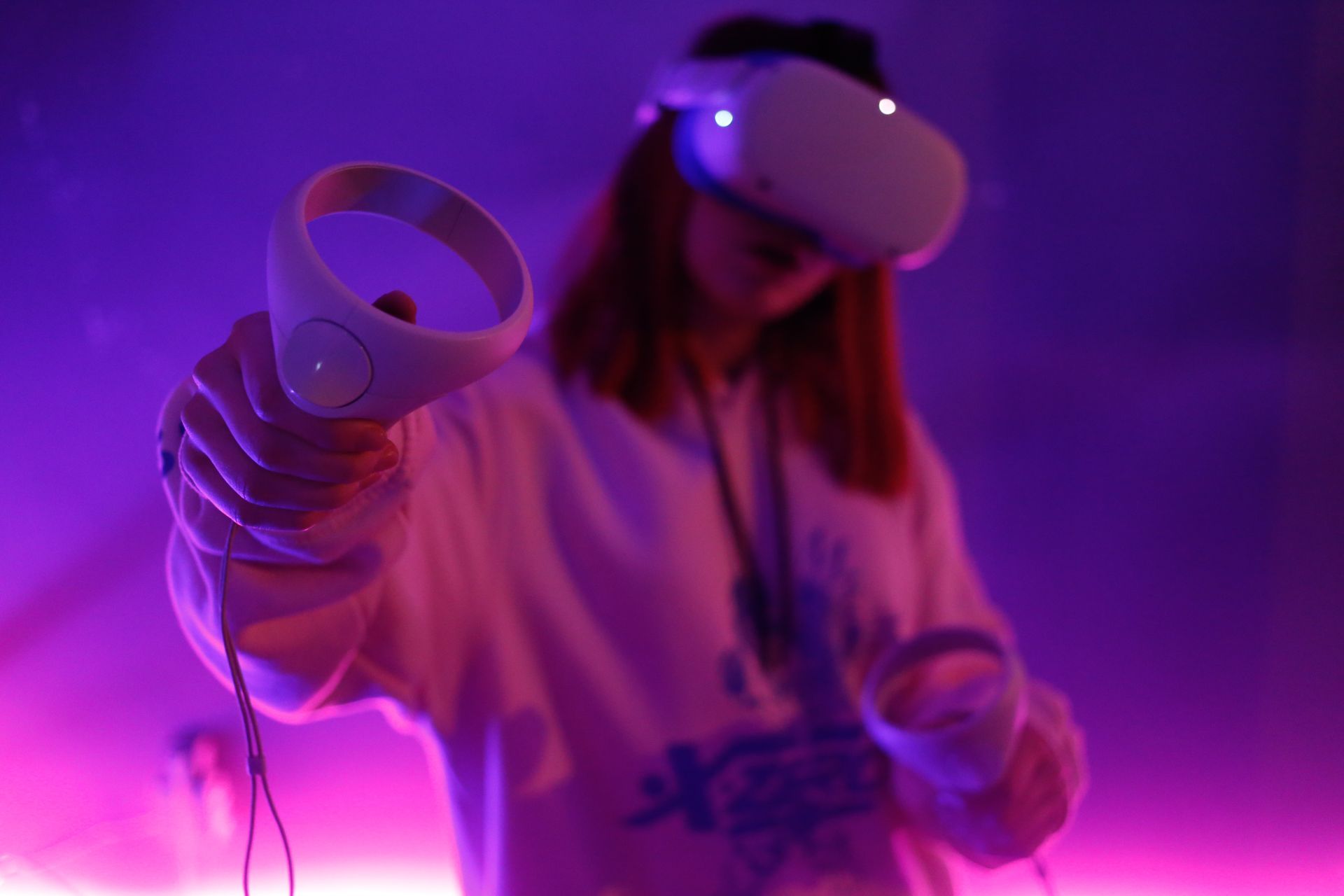

The virtual reality landscape is about to get a lot more exciting as Roblox, making users wonder about how to play Roblox on Oculus Quest 2, debuts on the Meta Quest VR ecosystem.
In a very exciting development for VR gaming enthusiasts, the Roblox company has officially launched the Roblox Open Beta app on the Meta Quest App Lab, allowing Quest 2 and Quest Pro users to immerse themselves in the realm of limitless creativity and endless fun.
#RobloxDev Update:
The Roblox Open Beta is now available via App Lab for Meta Quest 2 and Quest Pro. We can’t wait to see the engaging experiences you can now optimize for @metaquestvr devices.
More information on our Dev Forumhttps://t.co/pQnTIdw6yS
— Roblox (@Roblox) July 27, 2023
Announced via a press release on the company’s developer forum on July 27, 2023, the Roblox Open Beta app is now open for exploration by all Quest 2 and Quest Pro owners who have updated their devices to version 55 or higher of the Meta Quest software. This strategic move marks a significant step in the evolution of both Roblox and the Meta Quest VR platform, unlocking a whole new world of possibilities for players and creators alike.
So how to play Roblox on Oculus Quest 2 and Quest Pro?
For eager users ready to dive into the Roblox Open Beta, the process is simple and seamless. Here is the step-by-step explanation on how to do so:
- Make sure your Meta Quest device is up-to-date with the latest software version.
- Find the Roblox app in the Quest Store and install it from there.
- Alternatively, directly download the Roblox app from the Oculus Store page dedicated to Roblox.
- Launch Roblox on your Quest device once the app is installed.
- Sign in to your existing Roblox account using the Quick Login option on your computer or phone.
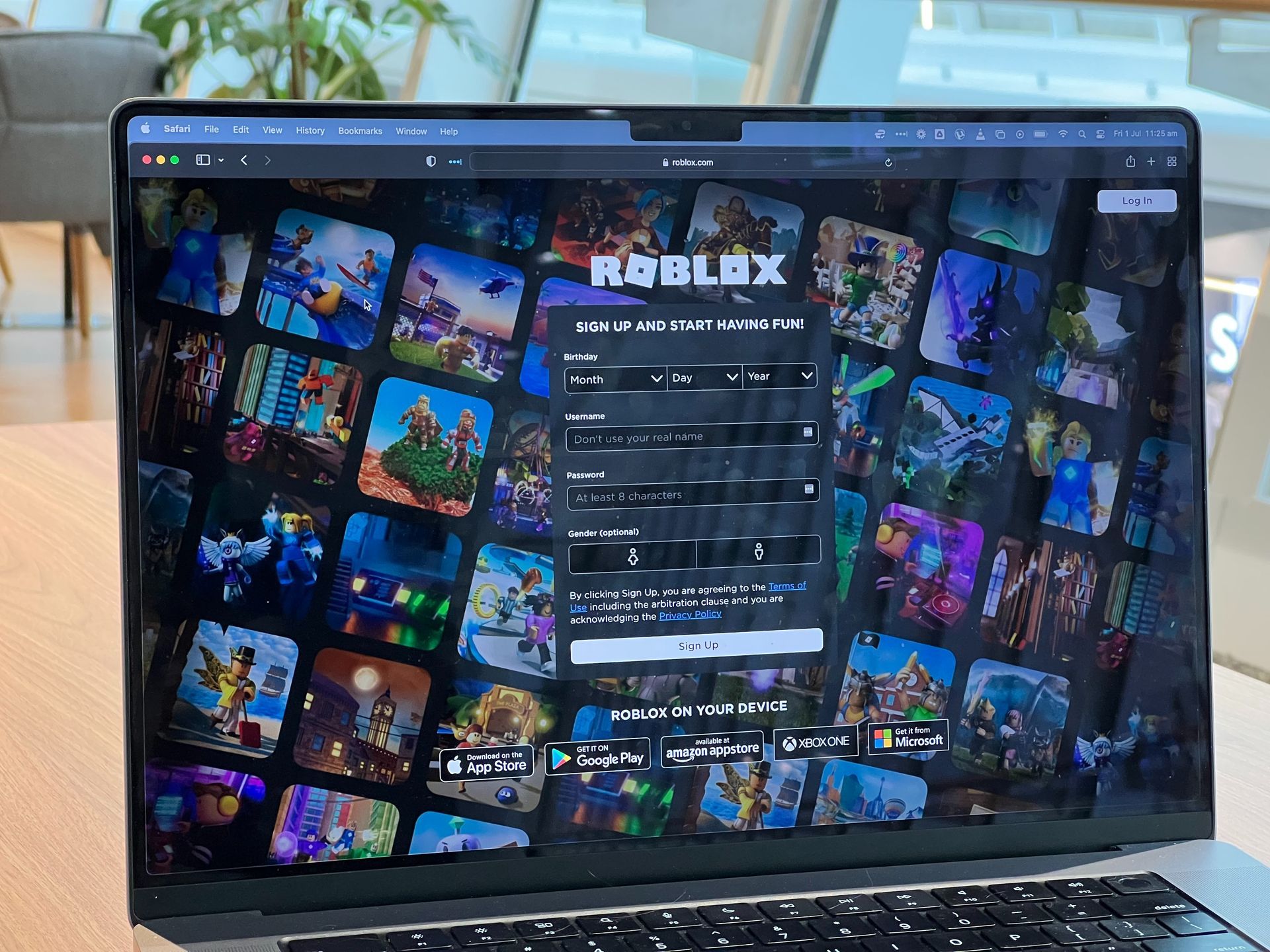
It’s important to note that while the Roblox Open Beta app offers an exciting preview of the platform’s potential on VR, there are a couple of limitations during this early stage. Account creation and password sign-ins are not currently supported directly within the Open Beta app, requiring users to sign in from a PC or phone to access their accounts. Additionally, purchasing Robux, the virtual currency in Roblox, is not available within the app for the time being. However, this feature is expected to be added soon, allowing users to fully immerse themselves in the vibrant Roblox economy.
A new dimension opens up
As one of the world’s leading gaming platforms, Roblox has enjoyed an ever-growing community of passionate players and creators. Now, with its integration into the Meta Quest VR ecosystem, the possibilities for new and thrilling experiences are almost boundless. The combination of Roblox’s creative freedom and the immersive capabilities of Meta Quest HMDs is sure to captivate both longtime fans and newcomers who check out how to play Roblox on Oculus Quest 2 and Quest Pro 2 to the world of virtual reality gaming.
The launch of the Roblox Open Beta app is just the beginning of what promises to be a remarkable journey for Roblox and Meta Quest users. As players get a taste of what’s to come, anticipation builds for future updates and the eventual Version 1.0 release of Roblox on Meta Quest VR platforms.
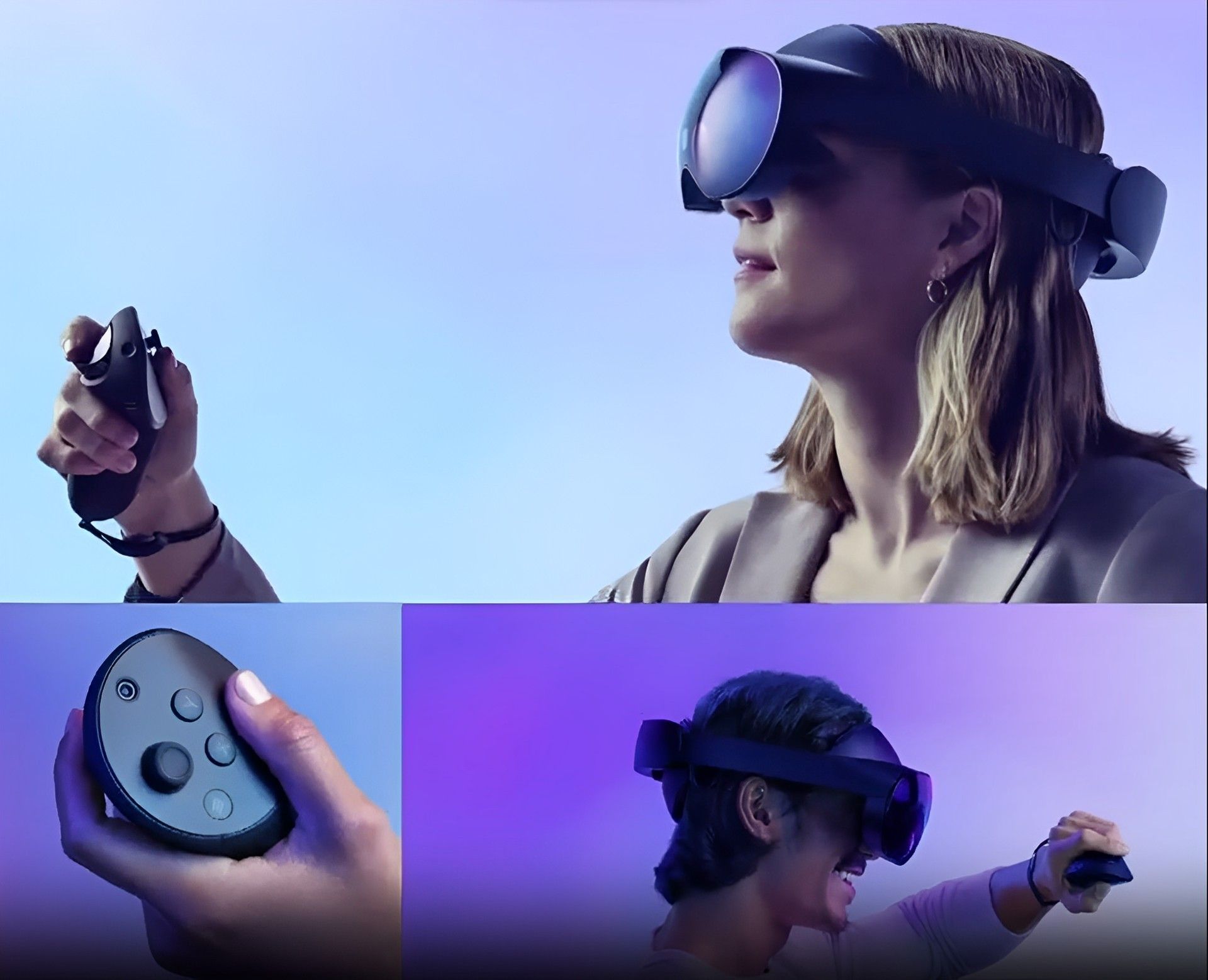
So, if you own a Quest 2 or Quest Pro, make sure to check out instructions on how to play Roblox on Oculus Quest 2 and Quest Pro 2 above and prepare to free your imagination in a VR realm where the possibilities are limited only by your creativity. The Roblox universe awaits your arrival, so dive in, create, and explore the endless wonders that lie ahead!
If you are a dedicated Roblox fan, make sure to check out how to vote in Roblox Innovation Awards 2023 and make sure to appreciate the creators that you most adore!
Featured Image: Credit