Threads, the latest social media platform from Meta, has garnered significant attention since its recent launch. However, using Threads without Instagram has been a point of interest because using text-based social media with an overly personal and private account in which people share their pictures and memories implied a potential for things to go toxic for many users.
With its integration with Instagram, Threads aims to tap into the existing user base of the popular photo-sharing app. This article explores the sign-up process for Threads, shedding light on whether it is possible to use Threads without Instagram account.
If you wish to take a different route, check out how to unlink Threads to Instagram.
Is it possible to use Threads without Instagram account?
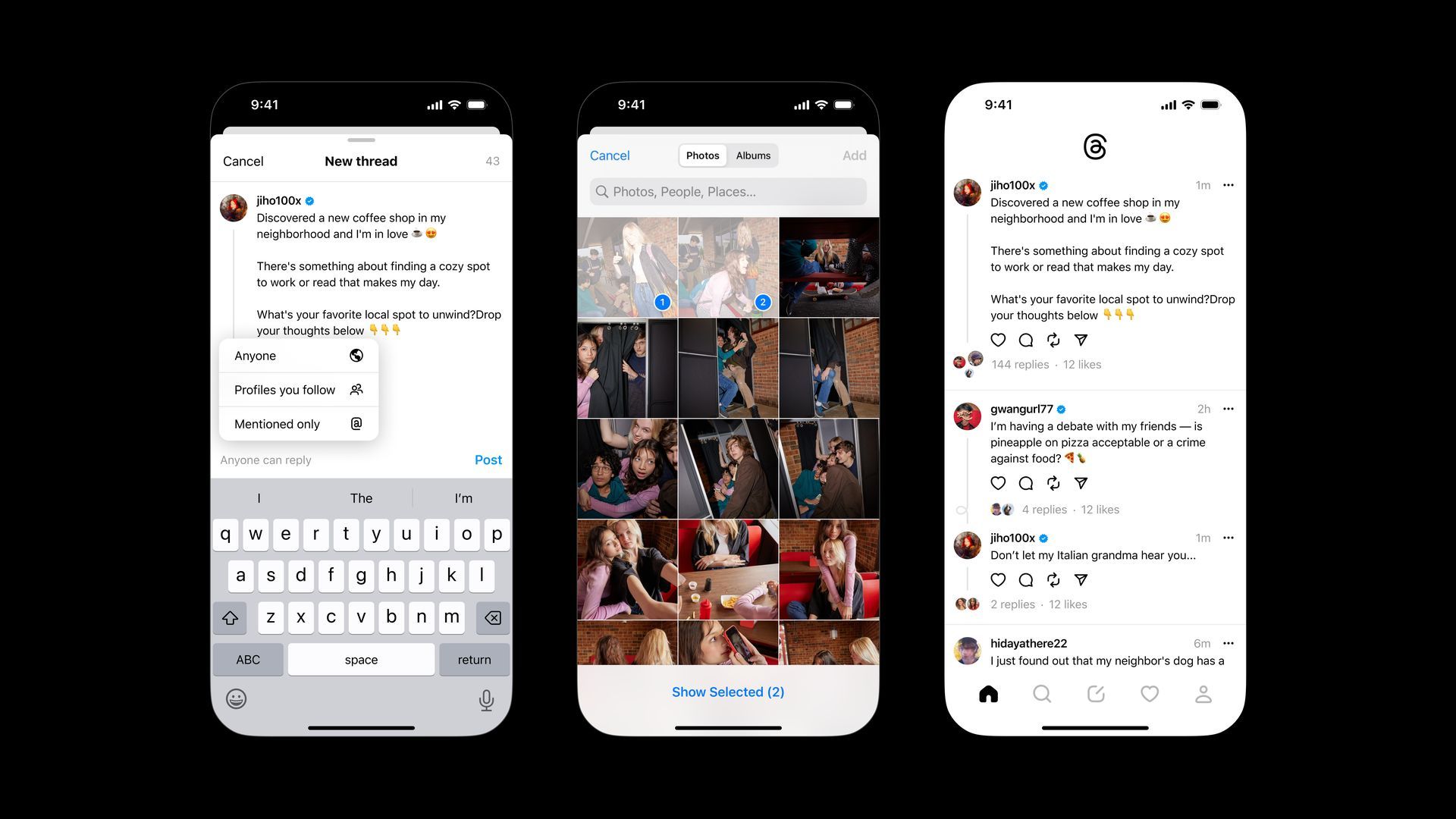
Threads is currently available exclusively as a mobile app for iOS and Android. To sign up for Threads, it is necessary to have an existing Instagram account. The integration between the two platforms allows for the sharing of data, enabling Threads to suggest relevant threads and accounts to users. It’s worth noting that the username remains the same across both platforms.
Regrettably, creating a Threads account requires an Instagram account and one can’t use Threads without Instagram account. The interdependence between the two platforms means that certain account settings for Threads are managed through Instagram. As of now, Threads does not offer a website access or desktop app. However, it is plausible that this might change in the future as the platform evolves and Meta introduces new features.
How to create an Instagram account?
For those who do not possess an Instagram account, it is possible to sign up by following the instructions right below:
- Visit the Instagram website or download the Instagram app:
- You can access the Instagram website on your computer or download the app from your device’s app store (available for both iOS and Android).
- Sign up using your email address or phone number:
- On the Instagram login page, click on “Sign up” and enter your email address or phone number. Alternatively, you can sign up using your Facebook account by clicking on “Log in with Facebook” and following the prompts.
- Choose a unique username:
- Create a unique username that will serve as your Instagram handle. It should be memorable and representative of your identity or brand.
- Complete your profile information:
- Add a profile picture that represents you or your brand. This could be a personal photo or a logo.
- Write a short bio that describes who you are or what your brand is about.
- Add a link to your website or relevant webpage if desired.
- Adjust your account privacy settings:
- Decide whether you want your account to be public (visible to everyone) or private (only approved followers can see your content). You can modify this setting later in your account settings.
- Explore and follow other accounts:
- Start by following accounts that interest you, such as friends, celebrities, or brands. This will populate your Instagram feed with content you enjoy.
Once the account is created, the Threads app can be downloaded, and users can log in using their newly created Instagram account credentials. If the Instagram app is already installed on the device and the user is logged in, the Threads account will be automatically detected and prompt the user to log in using the same credentials.
How to transfer Instagram profile to Threads?
Users have the option to transfer their Instagram profile information to their Threads account, but this is not mandatory. While the username remains consistent across both platforms, users can decide whether they want to use the same profile image, bio, and links on Threads. During the sign-up process for Threads, users can choose to import their data from Instagram or customize their profile image, bio, and links exclusively for their Threads profile.
Signing up for Threads necessitates an existing Instagram account due to the integration and data sharing between the two platforms. Although Threads is currently limited to mobile apps for iOS and Android, the future may bring changes and expanded accessibility options. By understanding the sign-up process and Instagram integration, users can make informed decisions about their presence on Threads.
If you are still invested in the new social media platform despite not being able to use Threads without Instagram account, also check out how to view the following list of someone on Threads.
Featured Image: Credit