
Are you looking for a guide on how to unlink Threads to Instagram? We have one good and bad news for you. In the fast-paced world of social media, staying connected has become more important than ever. With the advent of apps like Threads by Meta, users have enjoyed a streamlined and intimate way of communicating. However, as with any platform, there may come a time when you wish to disentangle yourself from the clutches of constant notifications and maintain a more private digital space.
In this blog post, we aim to shed light on a commonly requested topic: how to unlink Threads to Instagram. While it may come as a surprise, unlinking Threads from Instagram is not a feature provided by the platform itself. Instagram, owned by Facebook, has designed Threads to be an integral part of the Instagram ecosystem, making it challenging to sever the direct connection between the two.
But fret not! There is a solution to help you regain control over your digital boundaries without severing ties completely. We will walk you through the steps to effectively hide Threads, allowing you to enjoy a more discreet and personalized Instagram experience. By mastering the art of hiding Threads, you can regain a sense of privacy and prioritize your mental well-being without sacrificing your cherished connections.
So, whether you’re seeking respite from constant notifications, a break from the thread-like entanglement of conversations, or simply a way to maintain a more private digital presence, this guide is here to help. Let’s delve into the world of hiding Threads and discover how you can tailor your Instagram experience to suit your needs, one step at a time.

Threads is not for politics, says 2nd person to join threads. Visit the article and learn more!
How to unlink Threads to Instagram: You can hide it!
Wondering how to unlink Threads from Instagram? While it’s not possible, we have an alternative solution. Unfortunately, you cannot unlink Threads from Instagram. Once you sign up for Threads using your Instagram account, the two are linked together permanently. The only way to delete your Threads account is to delete your Instagram account.
However, you can hide the Threads badge from your Instagram profile. To do this, follow these steps:
- Open the Instagram app.
- Tap on your profile picture in the bottom right corner.
- Tap on the number with the Threads symbol under your name.
- Tap on “Hide badge.”
Once you hide the badge, it will no longer be visible on your Instagram profile. However, your Threads account will still be linked to your Instagram account.
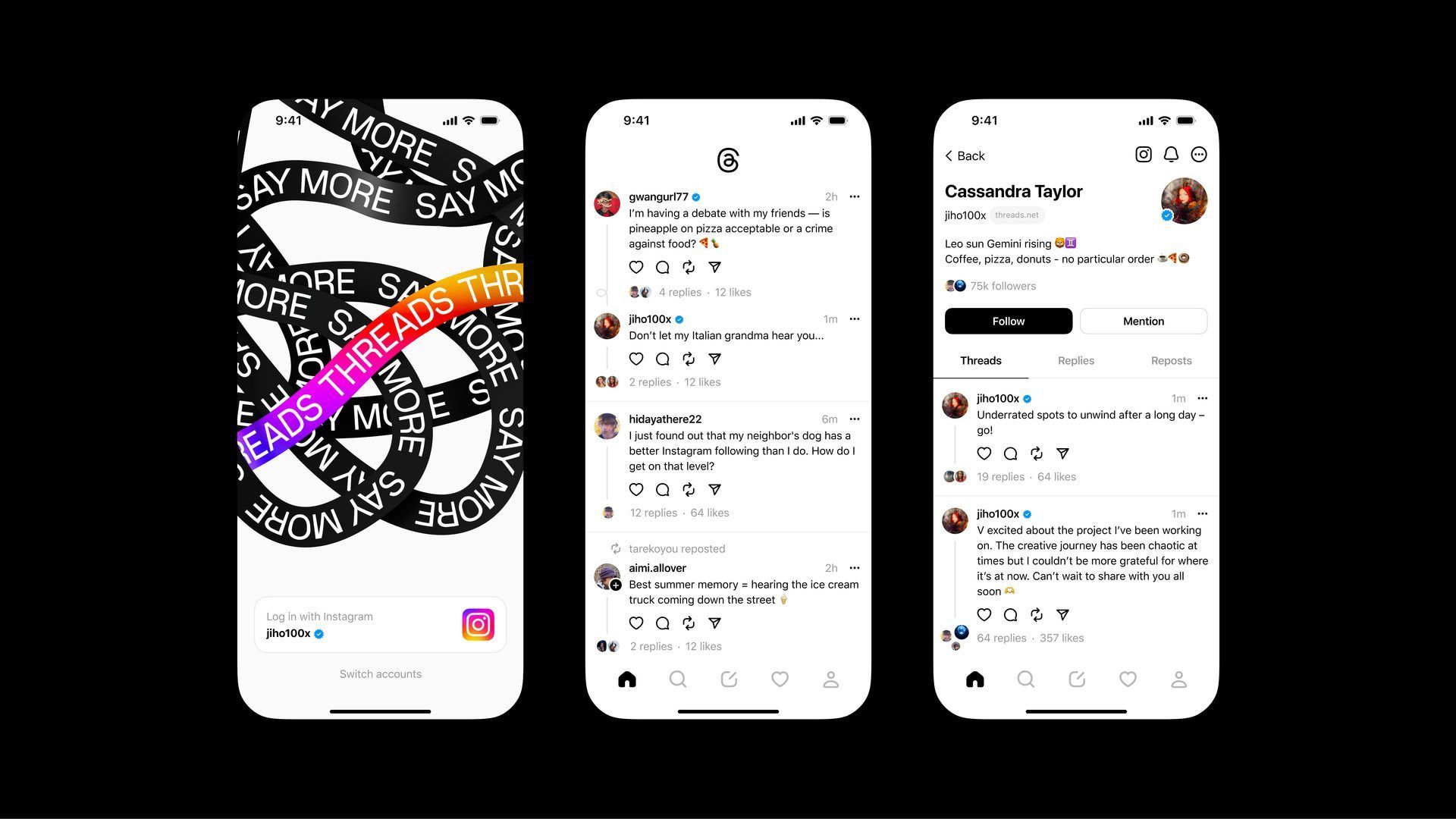
If you want to delete your Threads account completely, you will need to delete your Instagram account. To do this, follow these steps:
- Open the app.
- Tap on your profile picture in the bottom right corner.
- Tap on the three lines in the top right corner.
- Tap on “Account.”
- Tap on “Deactivate account.”
- Tap on “Deactivate Threads profile” and confirm.
For more information, click here.
Featured image credit: Meta