

Instagram’s new Twitter competitor has been out for a few hours now, and the question of how to install Threads in EU has been echoing on social media.
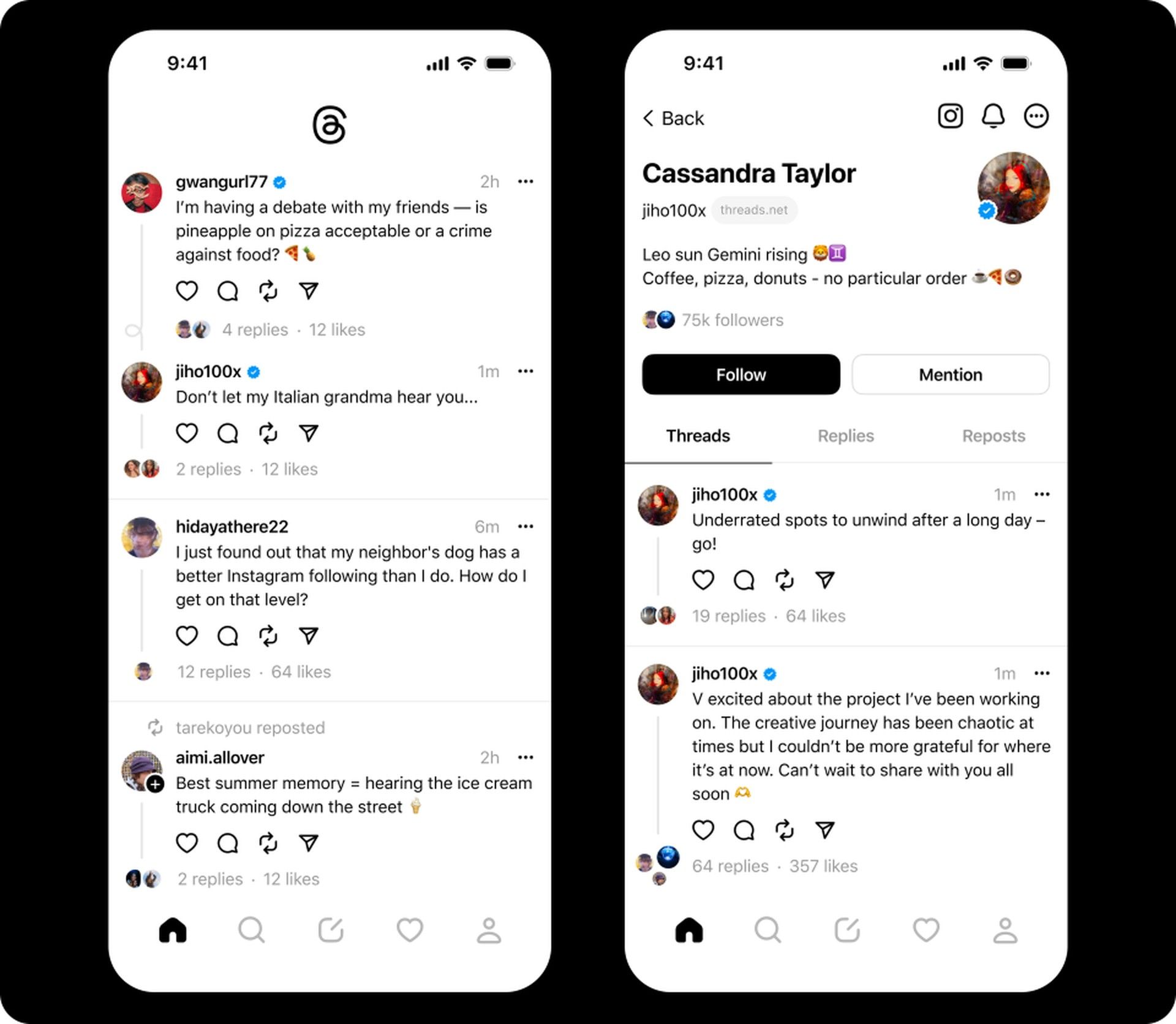
Threads is a new app from Instagram that allows users to share text updates and photos with a select group of people but Meta decided not to launch it in the EU yet.
Twitter user @Steak2604 has shared this hilarious tweet about the situation:
gm web3 ☕️
sadly threads is not available in eu 💔 pic.twitter.com/2A3EzJ6dNM— Steak (@Steak2604) July 6, 2023
Currently, Threads is only available in the United States. However, if you live in Europe and want to install the app, there are workarounds that you can use.
How to install Threads in Europe on Android
To install Threads on an Android device while residing in Europe, you can follow these steps:
- Download the latest Threads APK file from a trusted source
- Enable Unknown Sources in your Android device’s settings from Settings > Security > and check the box next to Unknown Sources.
- Install the APK file by following the on-screen instructions on your Android device
After the installation is complete, open the Threads app and sign in using your Instagram account credentials.
Note: There are several websites that offer the Threads APK file, but it’s crucial to download it from a trusted source to avoid any potential malware
How to install Threads in Europe on iOS
The question of how to install Threads in Europe is a bit more difficult to answer for iOS users because Apple does not yet allow sideloading and you need to change your App Store country selection.
To do this:
- Create a US Apple ID by visiting Apple ID website
- During the registration process, make sure to select the United States as your country
- Use your US Apple ID to access the App Store
- Change the country of the App Store to the United States from Settings > [Your Name] > iTunes & App Store > Apple ID > View Apple ID
- Download Threads from the App Store by searching for the Threads app and downloading it to your iOS device
After the app installation is complete, open Threads and sign in using your Instagram account credentials. If you need further assistance, check out our article titled ”How to change country in App Store”.
Why Threads is not available in Europe?
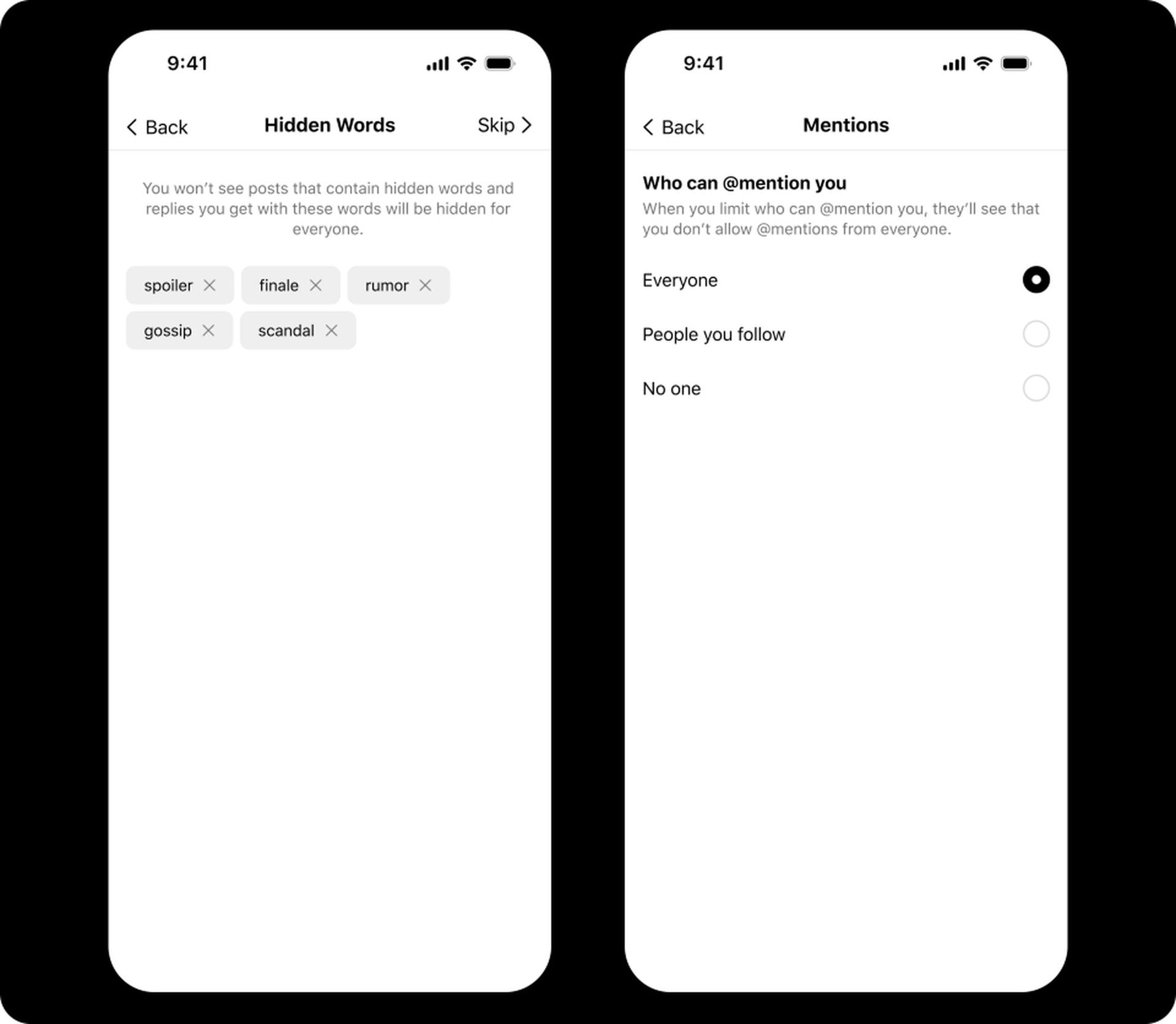
There are several reasons why Threads is not yet available in Europe. Firstly, Instagram is currently testing the app in the United States to gather user feedback and improve its performance before a wider release. Secondly, there have been concerns regarding privacy associated with the app. Some individuals worry that Threads may enable the tracking of users’ movements, leading to privacy breaches which ultimately led to how to install Threads in EU question echoing in social media.
Instagram has acknowledged these concerns and has expressed its intention to make Threads available in Europe in the future. Until then, European users can utilize the methods described in our how to install Threads in EU on iOS and Android writing to use the app.
In this blog post, we have provided you with instructions on how to install Threads in Europe on both Android and iOS devices. We have also addressed the reasons behind Threads’ unavailability in Europe at the moment. By following the steps outlined above, you can enjoy using Threads to share updates and connect with your select group of contacts.
You may read more about Meta’s Threads by clicking our links below.
- How to use Threads: A comprehensive guide to Instagram’s new app
- Twitter Vs Threads: How is Threads different than Twitter?
- Threads reaches 10 million users in seven hours
- Instagram Threads not working: How to fix it
Featured image: Photo by Dima Solomin on Unsplash.


