


In Minecraft, encountering errors while using mods is not uncommon, such as the “Minecraft Mod needs language provider Javafml 44” error. Minecraft has captivated millions of players worldwide with its endless possibilities for creativity and adventure. One of the reasons for its immense popularity is the ability to modify the game through the use of mods, which can enhance the gaming experience in numerous ways.
In this article, we will delve into the causes of this error and provide you with a comprehensive guide on how to fix it. Below, you can check out several potential solutions for the Minecraft Mod needs language provider Javafml 44 issue.
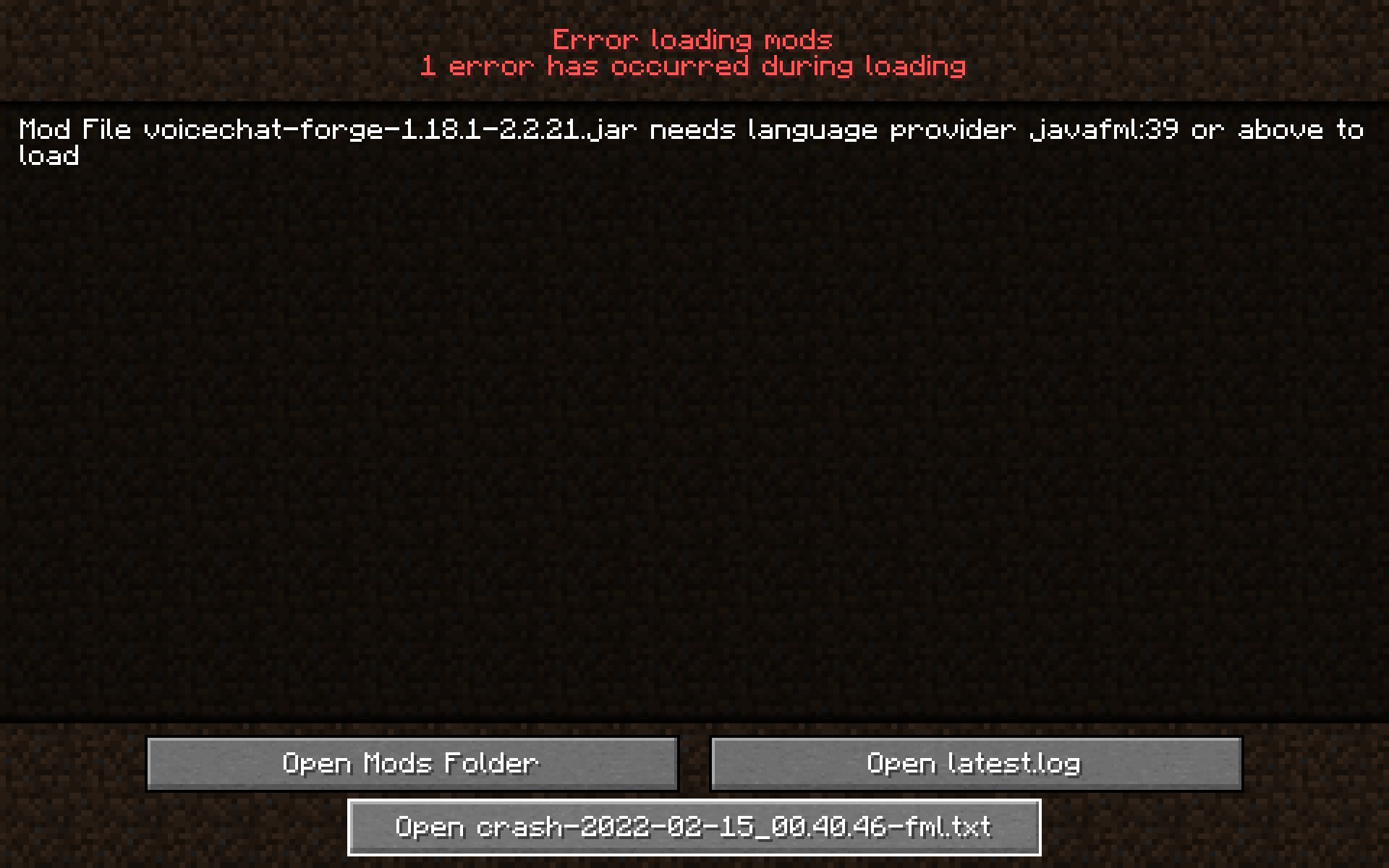
Verifying Minecraft version
The first step in troubleshooting this error is to ensure that you are using the correct version of Minecraft. Launch the Minecraft launcher to determine the version you are currently playing. This information will be crucial in finding the appropriate solution.
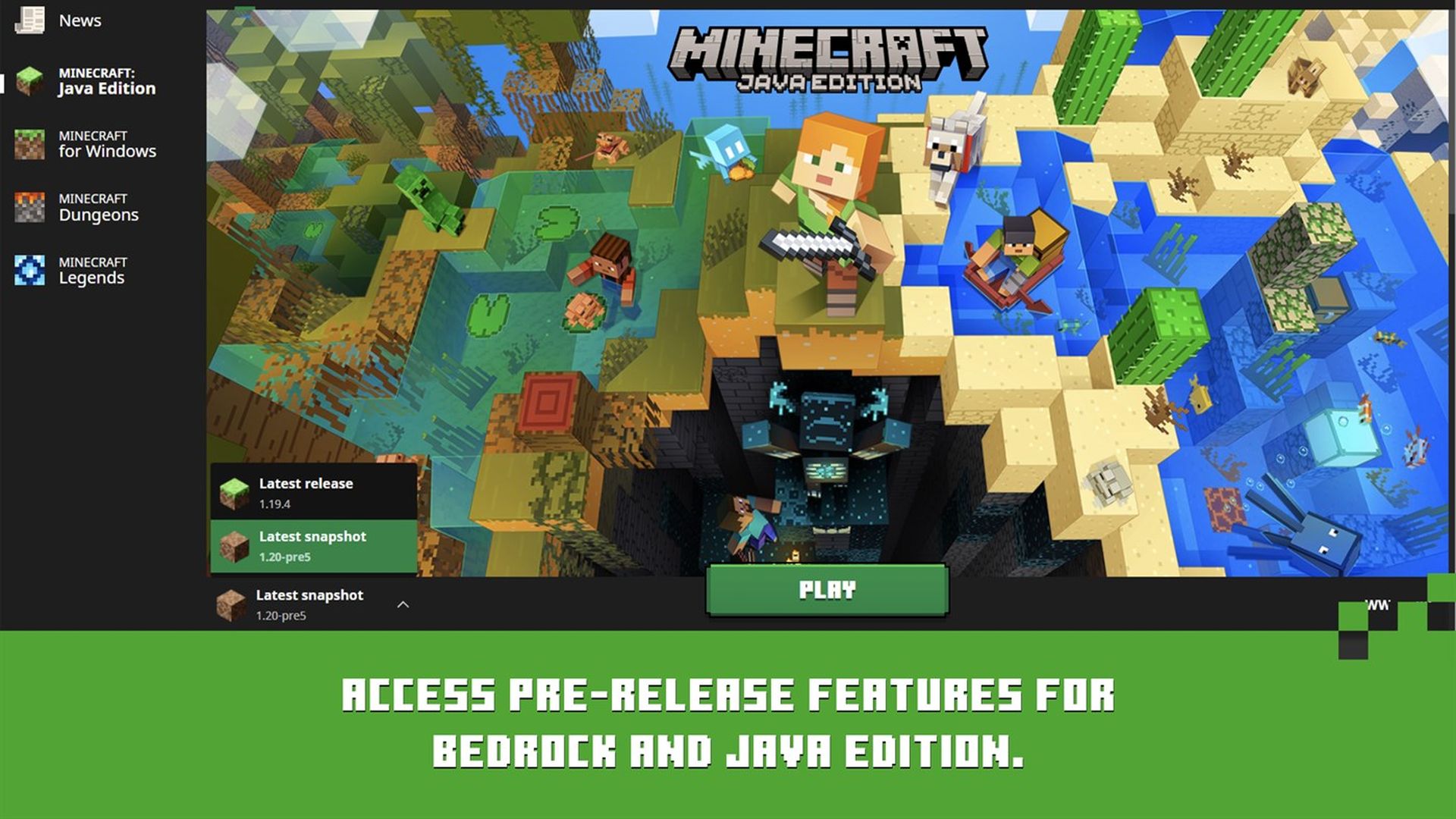
Replacing mod files
While the mod is being downloaded, access the “%AppData%” folder by searching for it in the start menu search bar and pressing Enter. Once inside the folder, navigate to the following directory: AppData > Roaming > .minecraft.
Within the “.minecraft” folder, locate the “Mods” folder. Identify the mod that is causing the error and delete it. Once deleted, replace it with the freshly downloaded version that corresponds to the Minecraft version you intend to play. Close the folder and proceed to launch Minecraft to check if the Minecraft Mod needs language provider Javafml 44 error has been resolved.
Repairing and resetting Minecraft app
If the error persists even after replacing the mod files, it is recommended to repair and reset the Minecraft app. Before proceeding, it is advisable to back up your Minecraft saves to a separate location on your desktop or any other suitable location.
Open the Windows settings and navigate to the “Apps” section. Locate and click on “Installed Apps.” Search for Minecraft in the list of installed apps and click on the burger menu icon next to your Minecraft version. From the options that appear, select “Advanced options.”
Within the advanced app options for Minecraft, scroll down and click on “Repair”. This action will verify the integrity of your game files and fix any corrupted data. If you wish to completely reset the Minecraft app, returning it to a fresh installation state, click on “Reset”. This will resolve the “language provider” Minecraft error on your PC.
Downloading the correct mod version
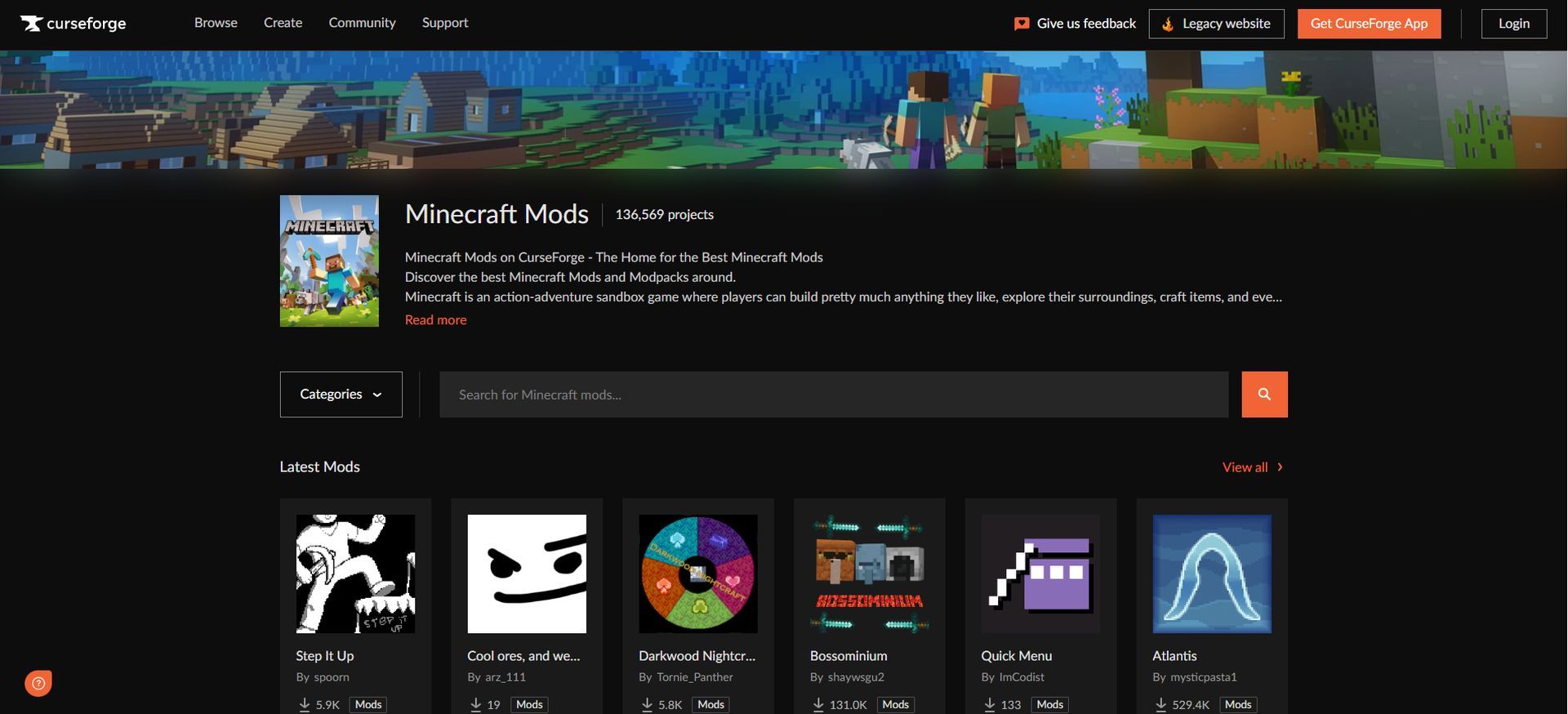
Proceed to the mod download page of your choice. For instance, let’s consider the popular Curse Forge website. Locate the desired mod and navigate to the “Files” tab. Here, you will find a list of available versions for that particular Minecraft mod. Select the version that matches your Minecraft launcher version to avoid compatibility issues.
By following these step-by-step instructions, you should be able to resolve the “Minecraft Mod needs language provider Javafml 44” error and continue your Minecraft adventures with the desired mods. Remember to always use the correct mod versions and ensure compatibility with your Minecraft launcher version for a seamless gaming experience. Happy Minecrafting!
When you rid yourself of the issue, make sure to take a look at our Minecraft storage room ideas to master your inventory!
Featured Image: Credit


