
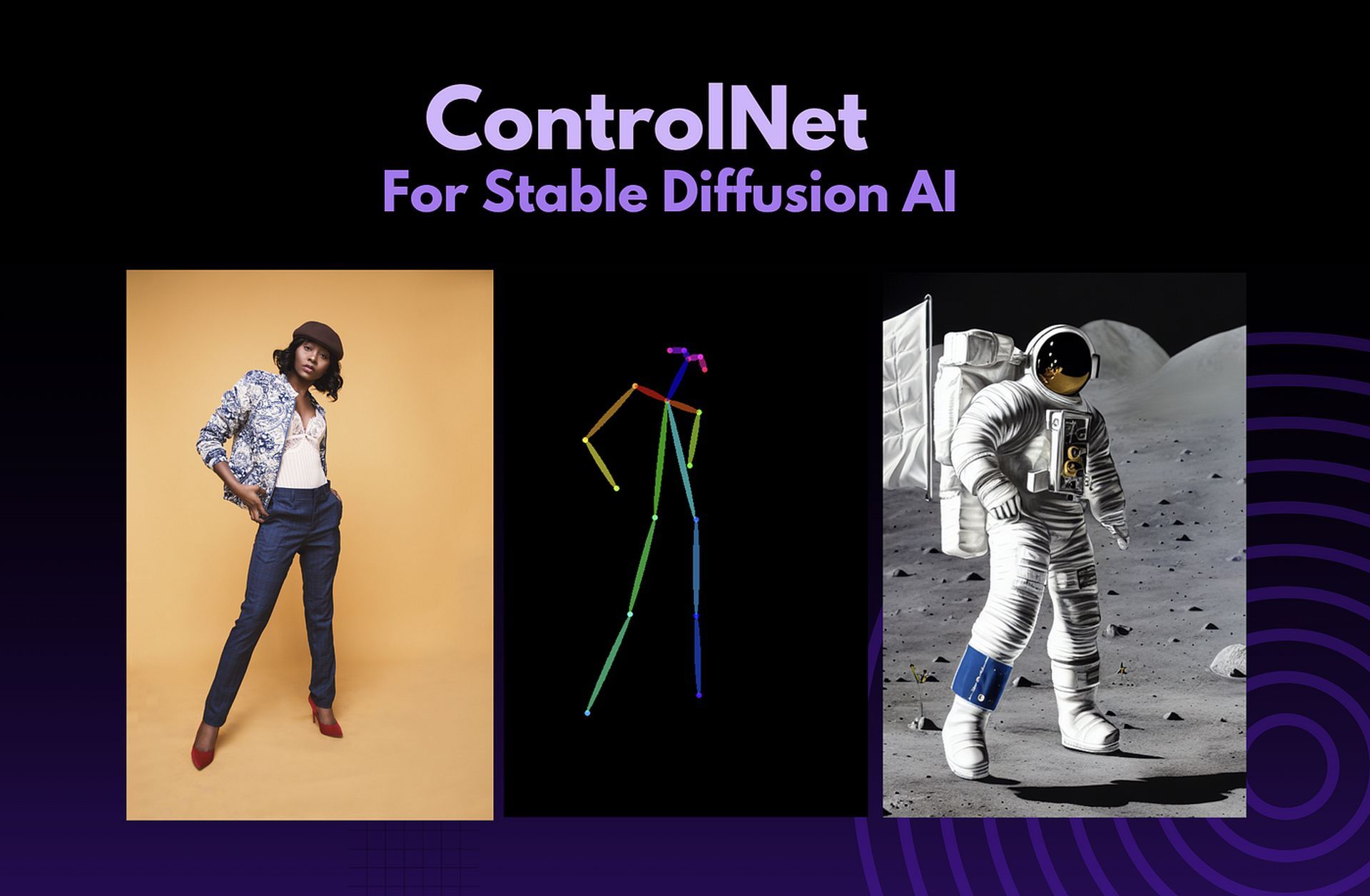

AI picture production is about to take a giant leap forward thanks to a new technique called ControlNet Stable Diffusion. This revolutionary concept not only ensures stunning image quality but also gives customers unparalleled control over the final product. ControlNet allows you to have complete creative freedom when designing digital works since it can easily incorporate supplementary data like text prompts and graphics.
The groundbreaking Stable Diffusion model, upon which ControlNet is based, is well-known for its ability to generate stunning images that blur the line between real and manufactured. But what truly distinguishes ControlNet is its unprecedented capacity to understand your creative purpose.
Supplementing the noise vector with other information gives you more control over the final picture’s layout, tone, and subject matter. In this article, we will explain everything about ControlNet Stable Diffusion.

ControlNet Stable Diffusion: What is it?
Using a unique technology called ControlNet Stable Diffusion, artificial intelligence picture synthesis has never before been possible with such fine-grained control. ControlNet adds a new dimension of command by letting users augment the model with data they offer via mediums like text prompts and graphical representations.
The extra information may affect the final image’s structure, style, and content. This model is based on Stable Diffusion, a diffusion model widely utilized in the production of high-quality photographs.
ControlNet Stable Diffusion has advantages over other AI image-generating algorithms. First, it offers precise image control. ControlNet employs many methods to understand the link between input data and output pictures. ControlNet is stable. It produces sharper photos. ControlNet is quick. You can produce photos rapidly.
ControlNet Stable Diffusion has restrictions. First, it lacks versatility. Because ControlNet generates pictures that meet certain standards. Second, ControlNet is complicated. It needs users to provide the model with a lot of information about the generated image.
ControlNet Stable Diffusion: How to use it?
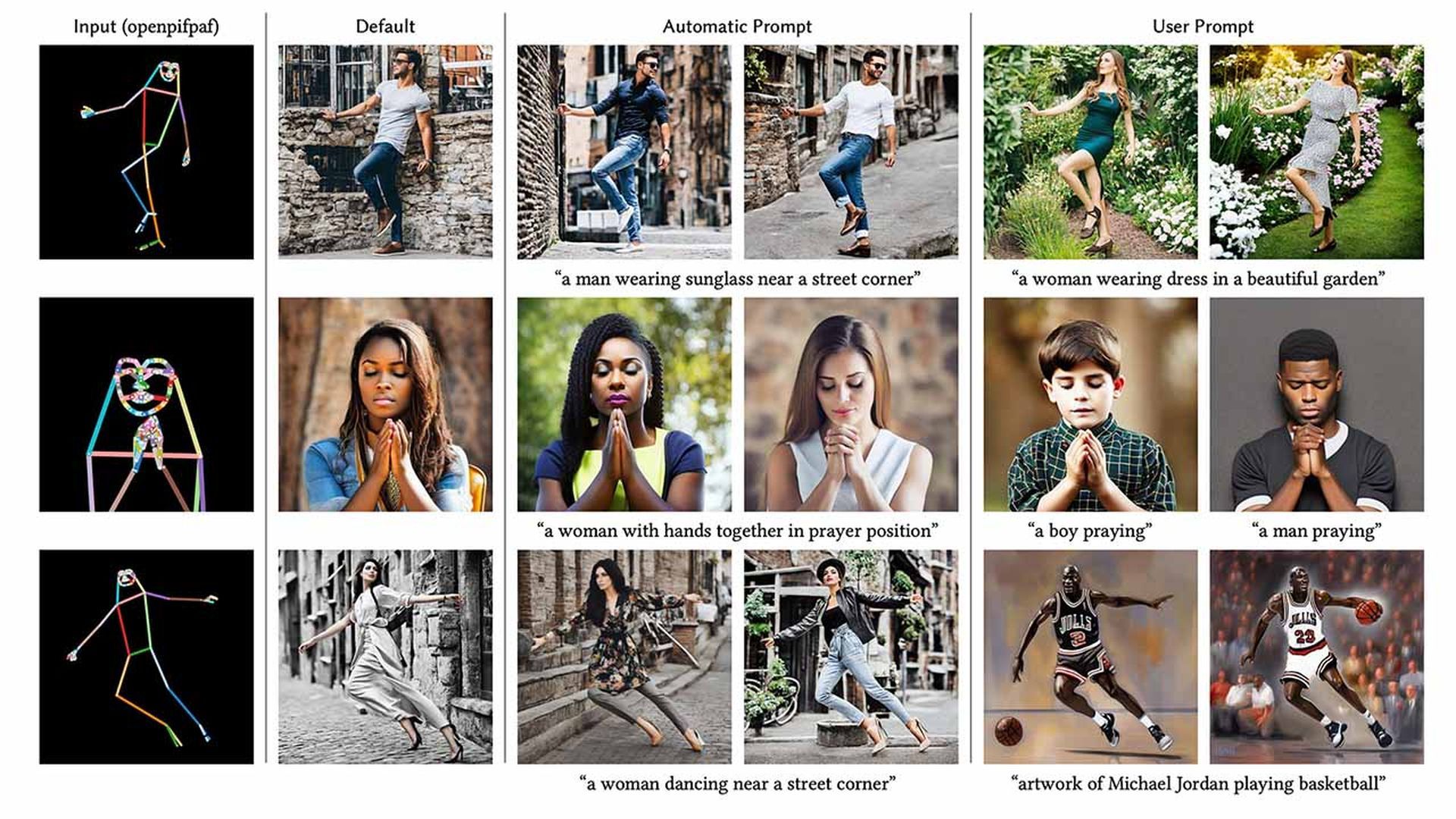
To run ControlNet Stable Diffusion, you’ll need a copy of the model and a graphics processing unit (GPU). The Stable Diffusion website offers a free download of the model. The model may then be used to create pictures by being fed either text or images.
For example, you could use the text below:
full-body, a young female, highlights in hair, dancing outside a restaurant, brown eyes, wearing jeans
Then, for picture creation, provide an image size and that’s it.
The model will then provide a suitable image depending on the input text or image. You may tweak the model’s settings to improve the final image’s quality and attractiveness. ControlNet Stable Diffusion allows you to modify several parameters, including:
- Width
- Height
- Grading System for the CFG
- Sum of batches
That’s all you need to know about how to use ControlNet Stable Diffusion. Let’s continue with the installation.
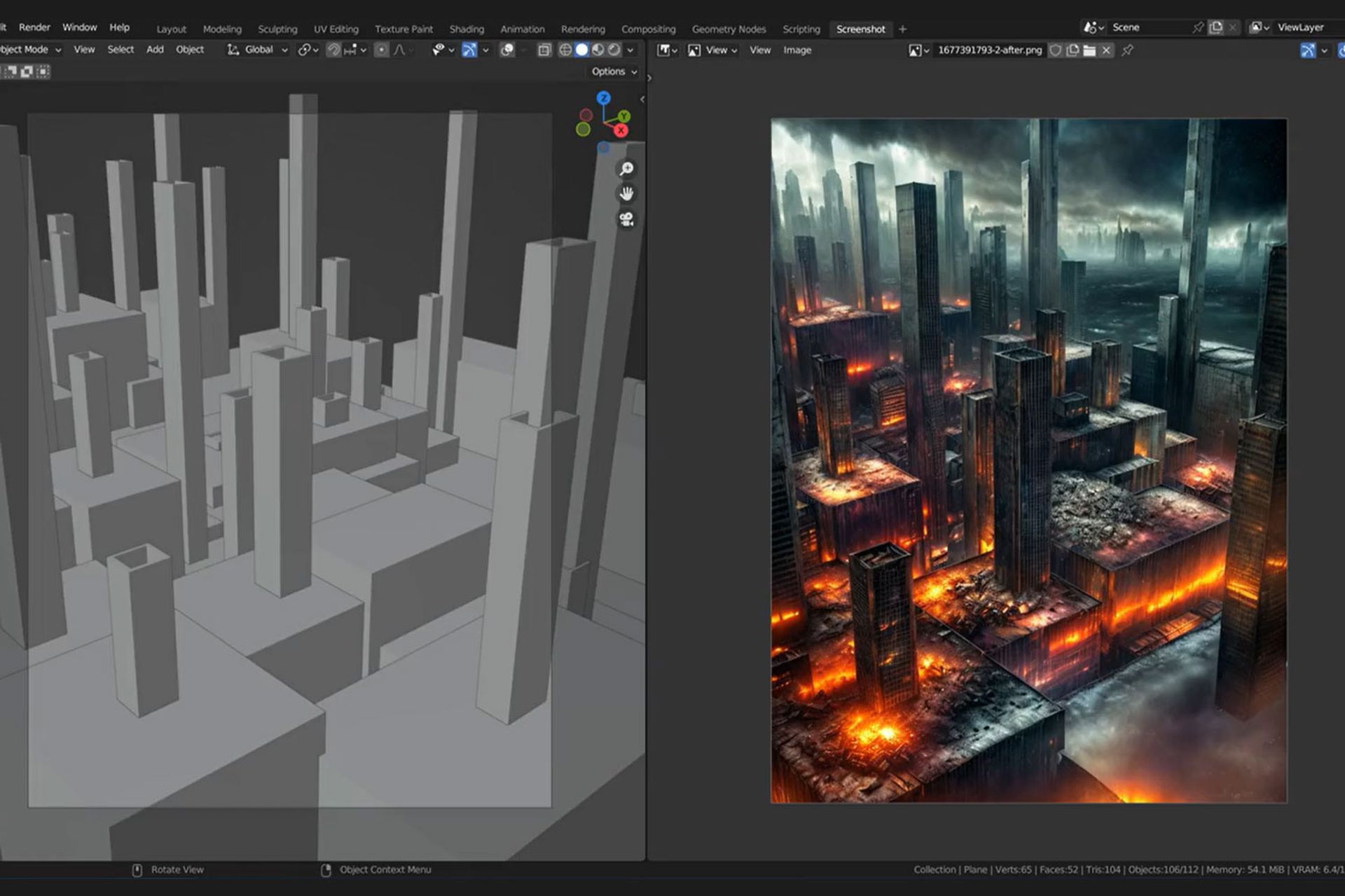
ControlNet Stable Diffusion: How to install?
On a Mac or Windows PC, ControlNet may be used with AUTOMATIC1111. If you haven’t installed AUTOMATIC1111 yet, do so by following the directions in this article. Ensure that AUTOMATIC1111 is up to date if you already have it installed.
Install ControlNet extension (Windows/Mac):
- Go to the Extensions page by navigating.
- Select the tab labeled Install from the URL.
- Fill up the URL for the extension’s repository field with this URL.
- Select Install from the menu.
- Watch for the notification that the extension has been installed.
- Start AUTOMATIC1111 again.
- Go to the page for ControlNet models.
- Download each model file (.pth file extension).
(If you don’t want to download them all, you can download the most popular models, openpose and Canny, for the time being.)
- Place the model file(s) in the model’s directory of the ControlNet extension.
- Restart the web UI for AUTOMATIC1111.
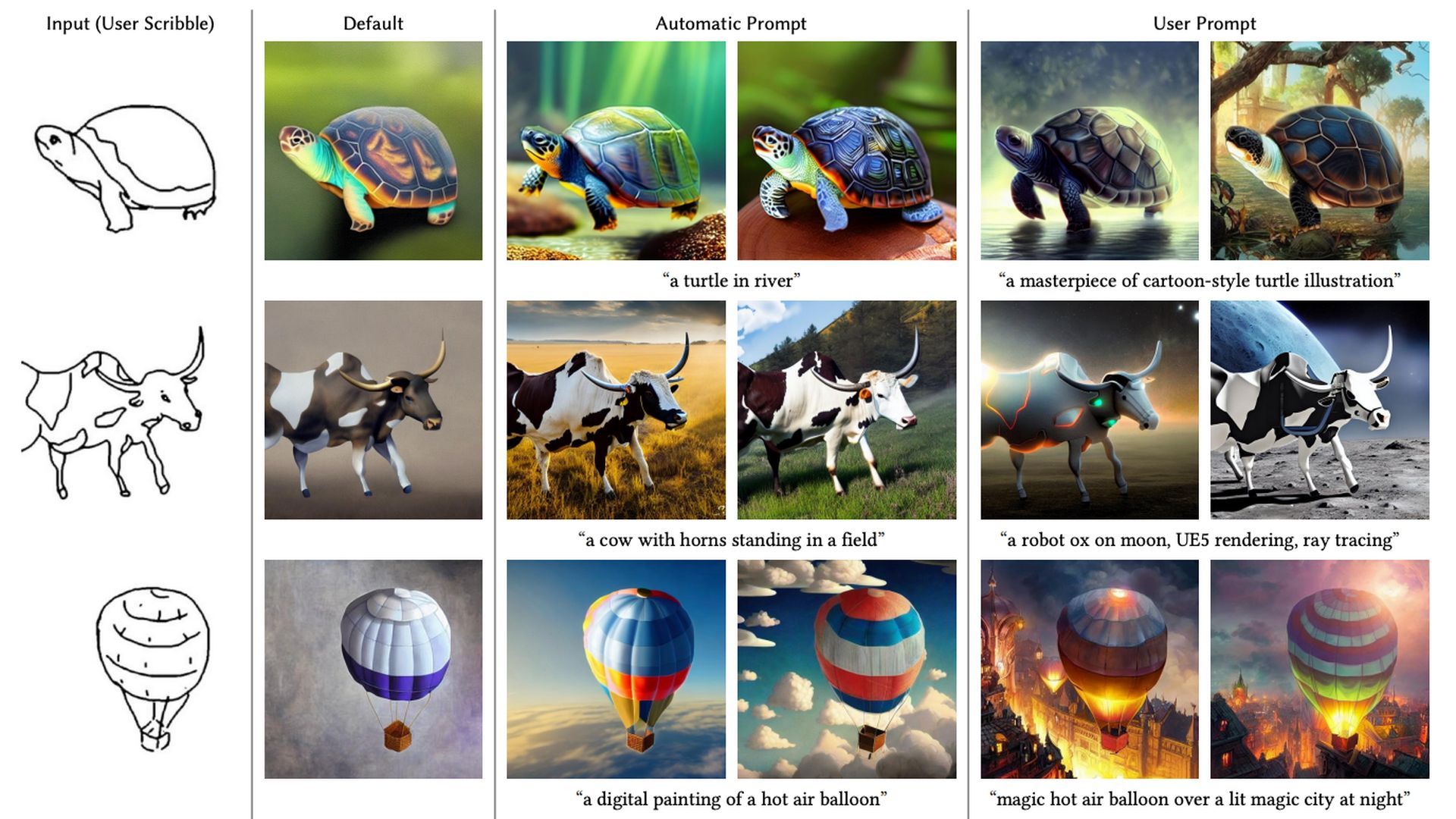
If the extension was installed properly, ControlNet will appear as a new collapsible section in the txt2img tab. It needs to be directly above the drop-down selection for Script.
That’s everything you need about ControlNet Stable Diffusion. To stay up with the quickly expanding sector, be sure to read the articles below if you’d want to see more AI news.


