

With the recent release of the Fortnite update, many players are trying to learn how to play Creative 2.0 on consoles. Since 2017, Fortnite has been known as the Battle Royale mascot. However, the introduction of the Sandbox Mode has changed that forever. The new Mode is a stage for artistic expression.
This might be the next big thing in gaming, especially for Epic Games. Given that many believe Fortnite is a dying Battle Royale game, the Creative 2.0 will win over many old fans, attract new ones, and revive the inventiveness that was once present in games like Garry’s Mod, Minecraft, and Dreams when they were all merged with the Unreal Engine. In this article, we are going to explain how to play Creative 2.0 on consoles, for those who are trying to access the new feature on PS4, PS5, or XBOX. For more details about Creative 2.0, keep reading toward the end of the article.
How to play Creative 2.0 on consoles?
Details concerning the question of how to play Creative 2.0 on consoles are actually quite simple. All you have to do is visit Fortnite as usual to begin playing Creative 2.0. Neither the PlayStation Store nor the Xbox Store does not have an entry for this Mode under a separate game. Instead, all you need to do is access Fortnite as though you were beginning a Quick Play game. But, you may find everything created by EPIC by going to the Explore option on the Main Menu.
The first choice under this tab is your typical Battle Royale, but if you turn to the third option, you’ll notice Creativity 2.0. If you do this, Creativity 2.0 will open, where you can choose from the numerous Maps that Creators have created thus far.
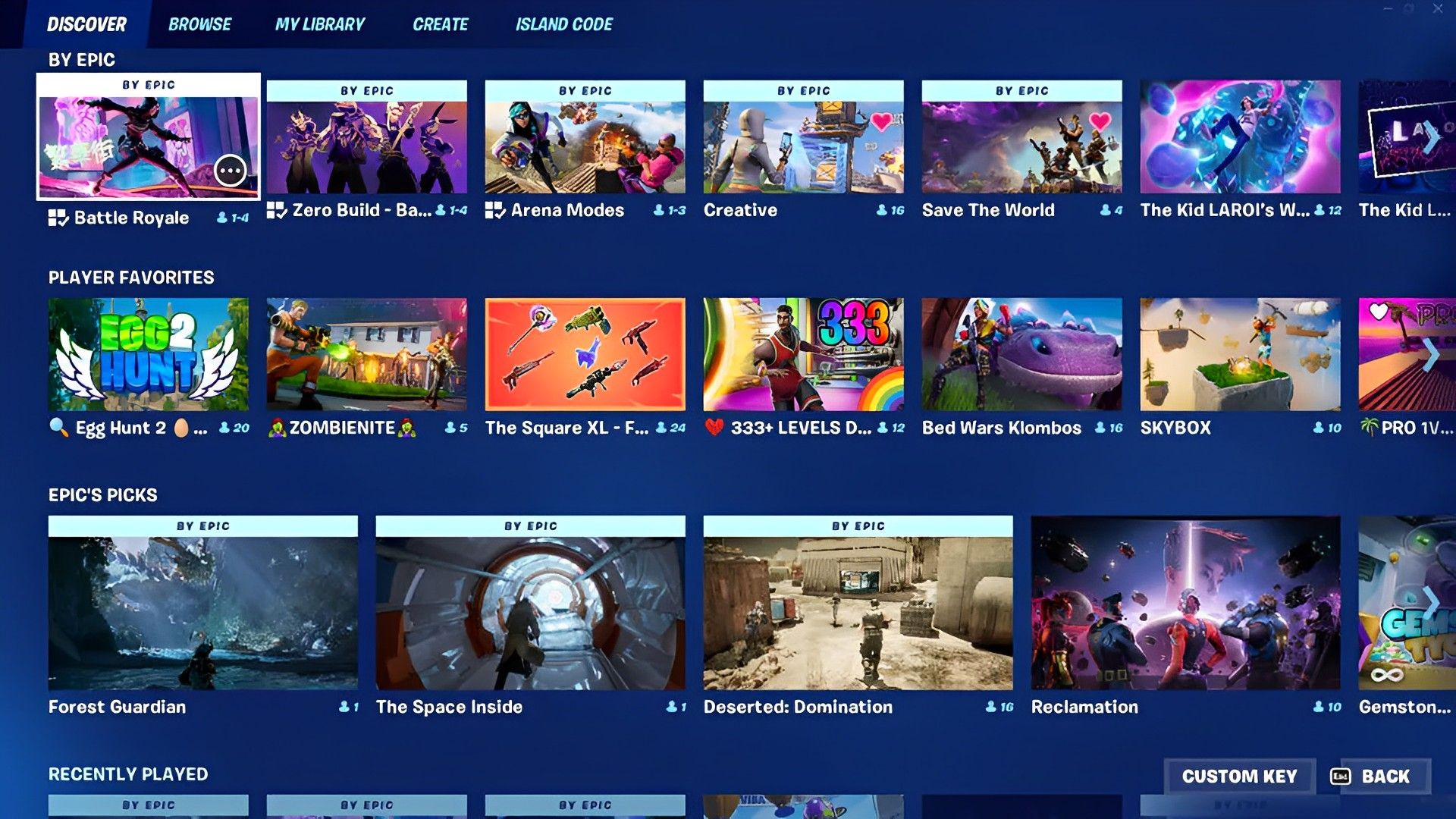
By selecting the Change symbol from above the Map display on the right side of the screen, you can also go directly to Creative 2.0. Go to Island Code and enter the Code for the particular Map you want to play on.
The fact that only PC users can currently create and publish their own Unreal Maps is important to note. This will probably change, but it’s doubtful that it will happen soon. Console players should instead take in other players’ ingenuity and bask in the dream that the early stages of Creative 2.0 can offer.
How to play in the Creative 2.0 maps?
Even though the Unreal Editor for Fortnite (UEFN) just went online a short while ago, there are now only a few maps available for people to test out. It will take a few days or weeks for other users to catch up because only a small number of developers have early access to the application.
Players can currently test out three different Creative 2.0 map codes. They are all completely developed experiences that vary in terms of gameplay and originality:
- Deserted Domination (Code: 8035-1519-2959) v2
- Forest Guardian (Code: 0348-4483-3263) v27
- The Space Inside (Code: 9836-7381-5978) v1
Remember that despite the fact that UEFN has not yet been completely released on console devices, Creative 2.0 Maps are available to users on all platforms. Even though this is a little disappointing, it was to be expected given some devices’ hardware restrictions. In light of that, below is some additional information on the maps mentioned above.
Deserted: Domination
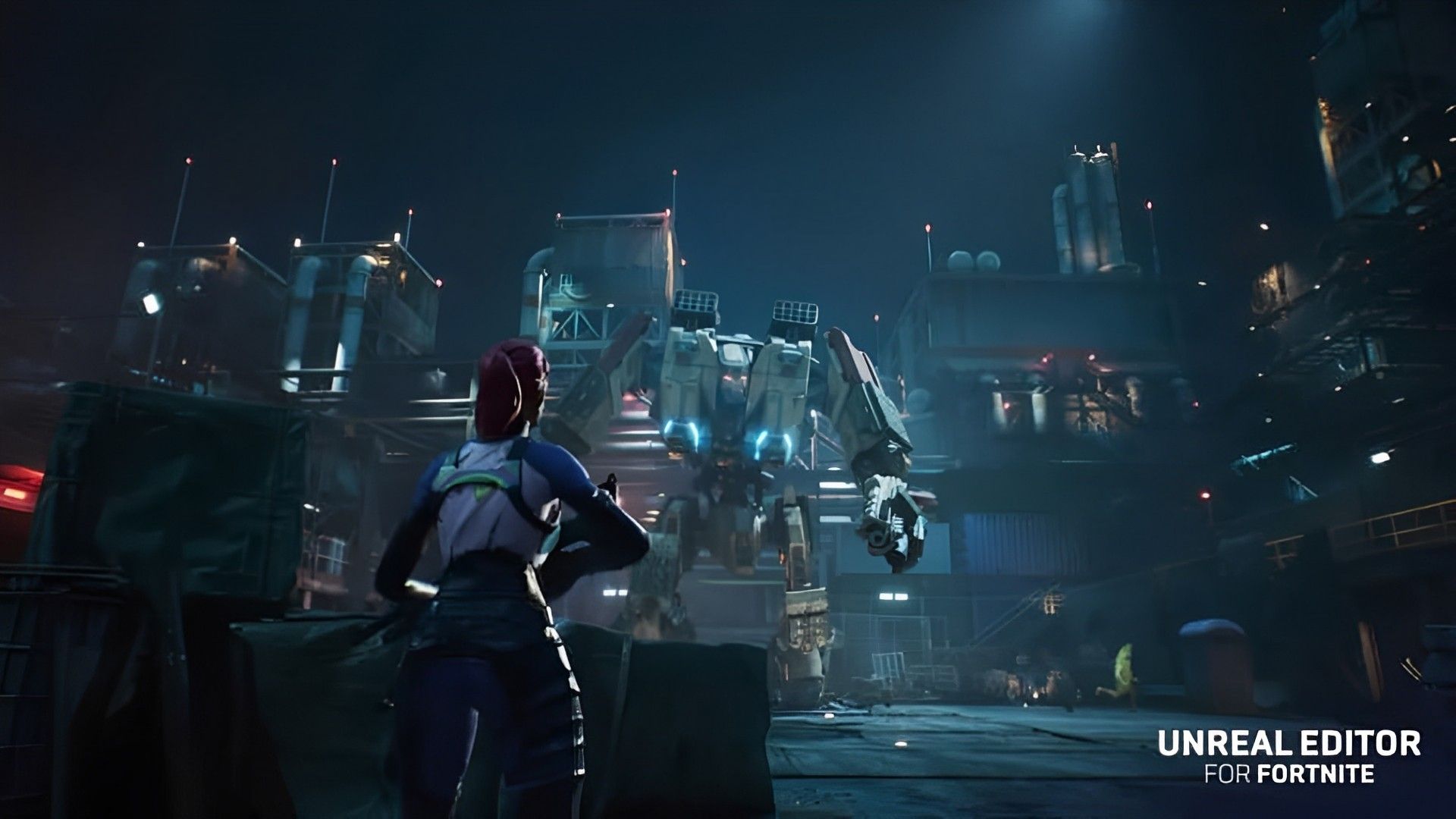
An abandoned oil refinery is the focal point of the map called Deserted Domination. It was probably created with the original Call of Duty multiplayer maps in mind (those based on desert warfare, that is).
While looking quite different from CoD, the map exudes an old-school charm that makes it difficult to tell it apart from the original.
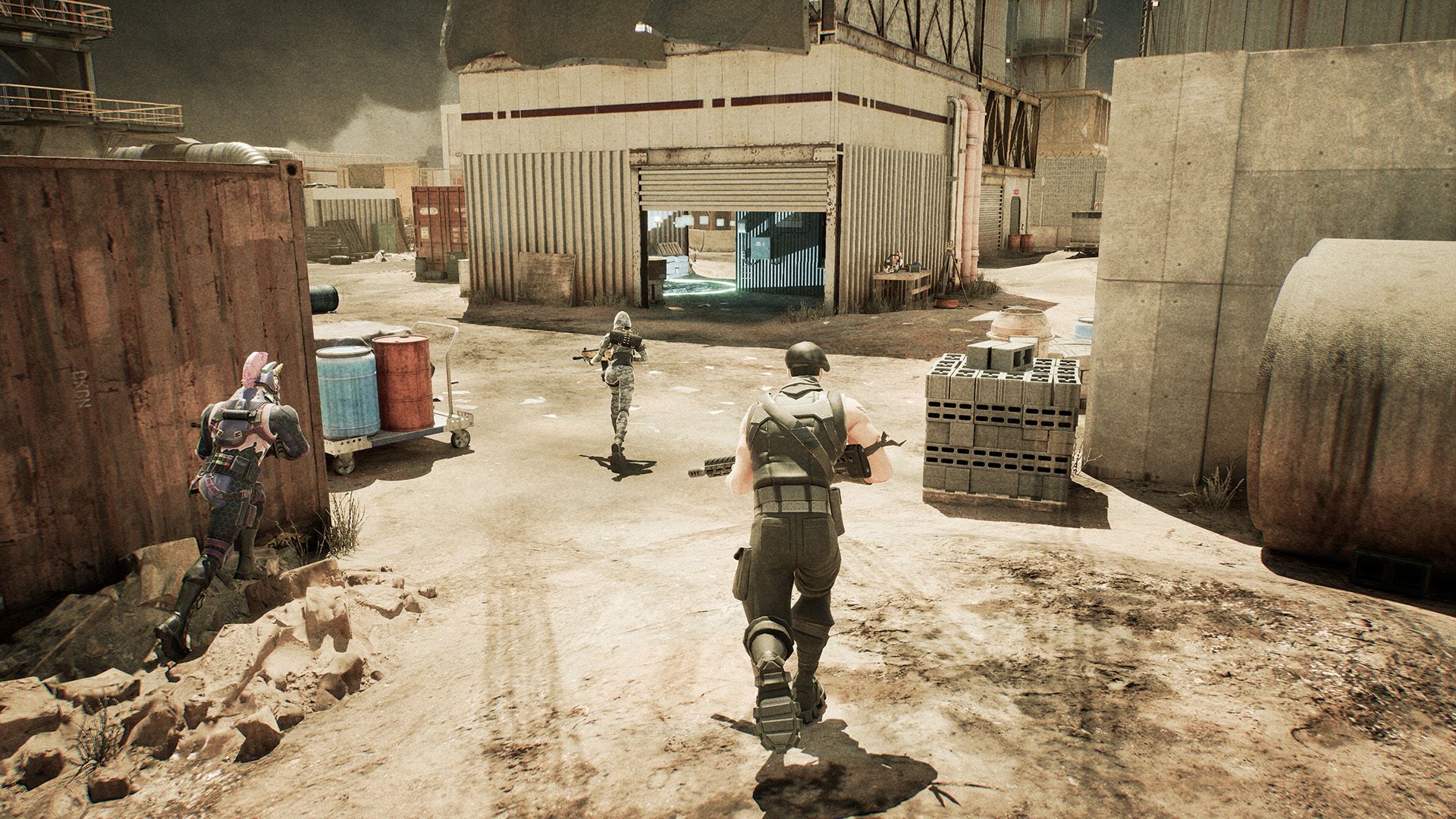
Epic Labs, the official development team for Epic Games, produced Deserted Domination. Players must take over and control zones on this Fortnite Creative 2.0 map in order to score points. Also, they will be able to experiment with various load-outs.
Players must be alert and deal with any opponents they encounter in addition to locking down zones once they have been captured.
Forest Guardian
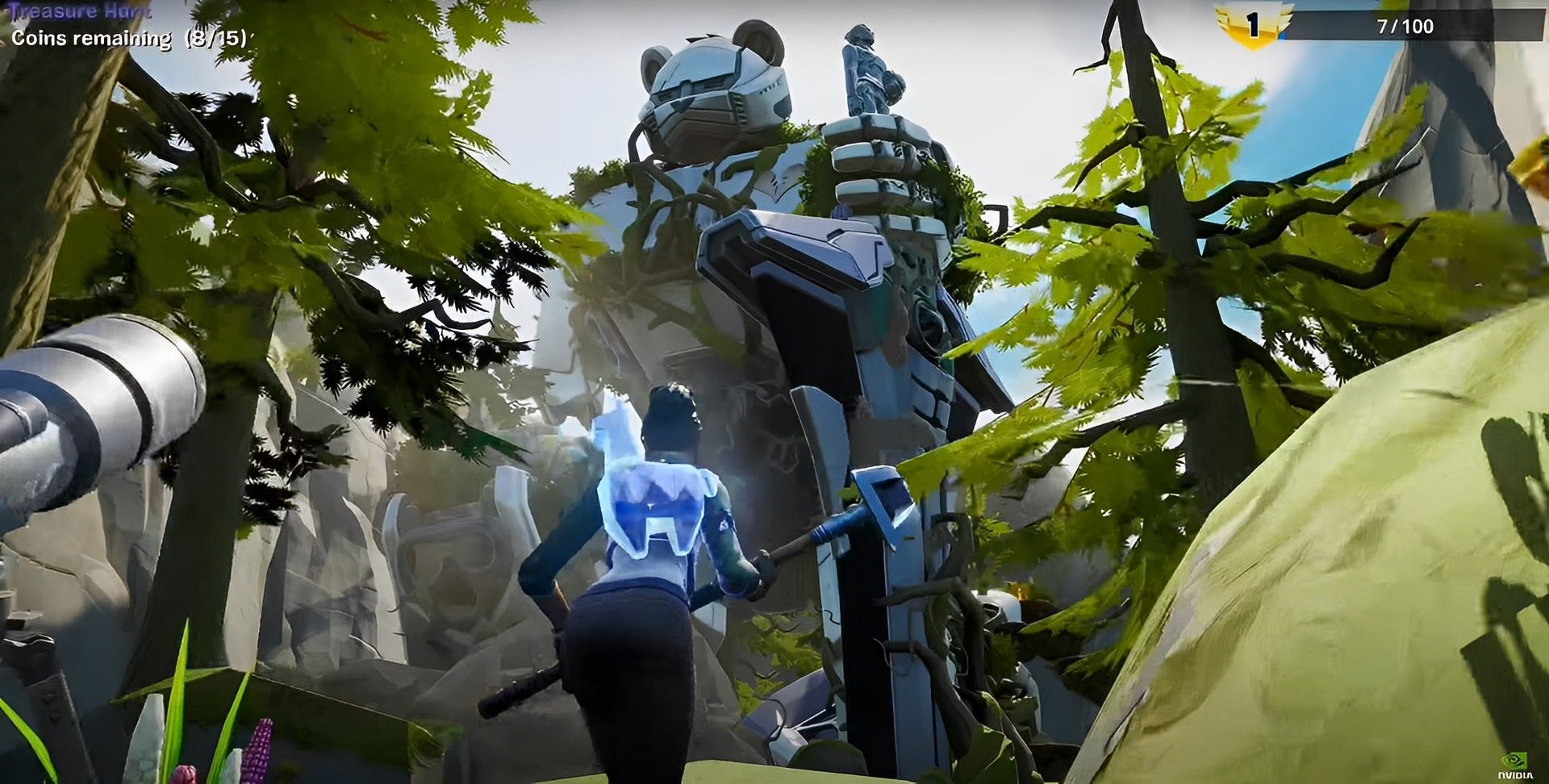
It should come as no surprise that Epic Games designed a map using similar design cues given that Chapter 4 Season 2 is based on Japanese culture and architecture. The stunning landscape that has been created for Forest Guardian by the Fortnite Unreal Editor will be available for users to explore.
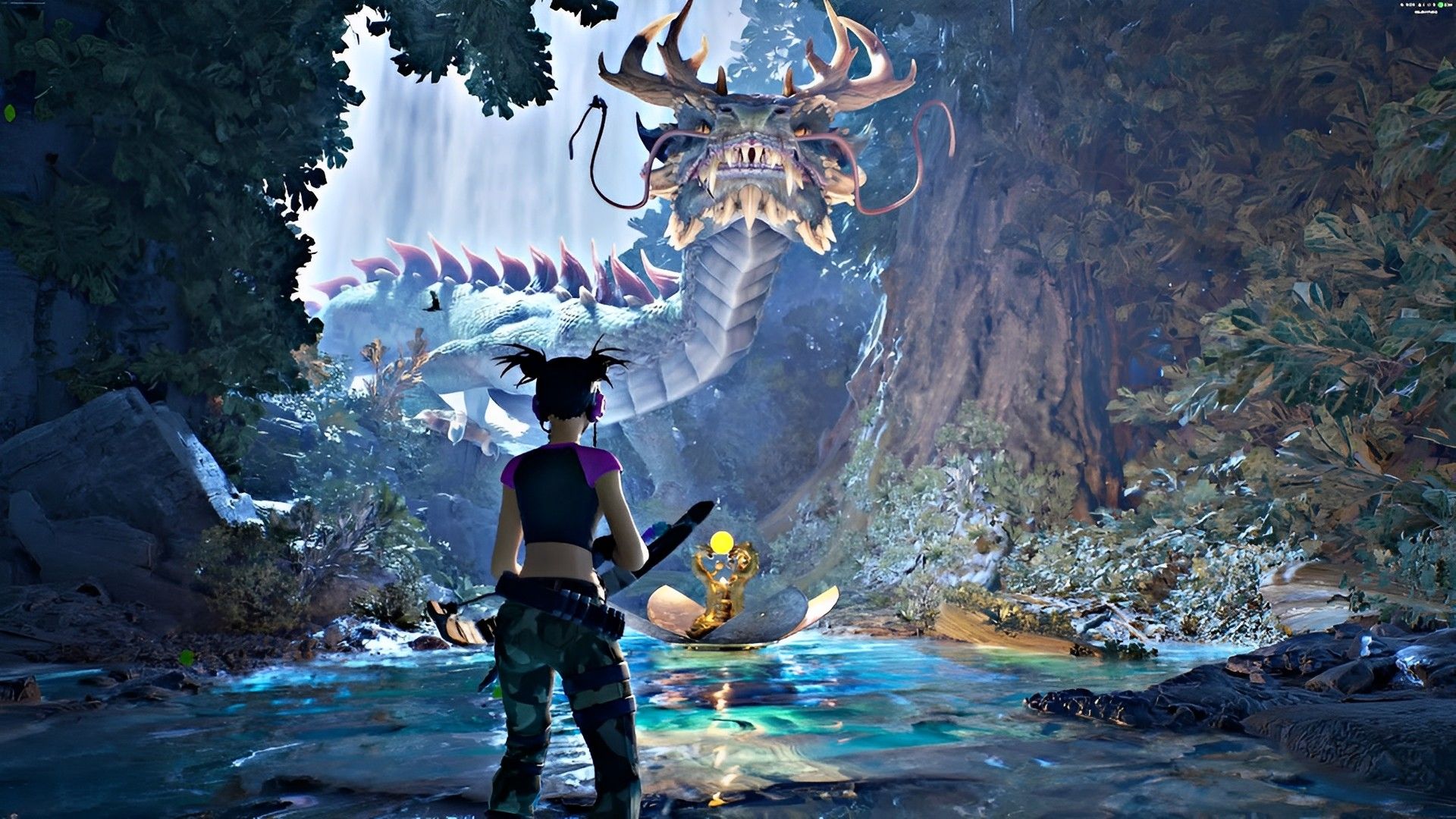
Yet, this realm is just like the combat island in that it is full of dangers, strange animals, and a mysterious Guardian. To achieve their destiny, players must complete the trials that are presented to them.
The Space Inside
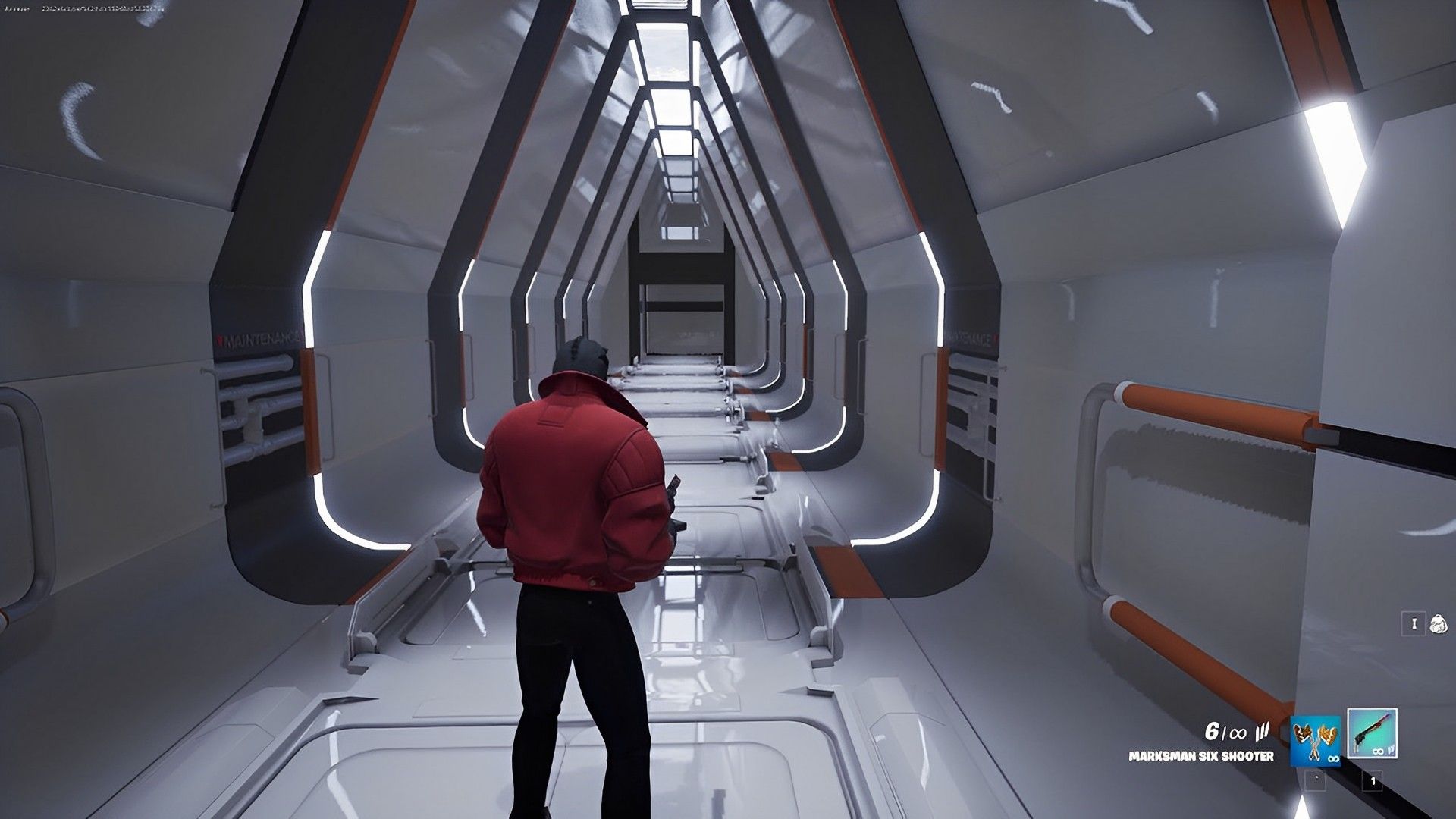
One’s mental fortitude will be put to the test by the mysterious, beautiful Fortnite Creative 2.0 terrain called The Space Inside. To accomplish the task, players must go through a number of escape rooms.
This personalized experience is not a combat game, but it is aesthetic nonetheless. At the very least, when using this map, players will be able to take in their surroundings in-game.
If you want to join the Creative 2.0 frenzy, Epic Games offers a guide as to how to begin on its website. Check out the instructions to see if you can build a modified world within Epic’s capacity. If you want to keep up with the other news about the game industry, take a look at the links below to see if you’re missing anything.


