


Smite waiting on game data is a very annoying but easy-to-fix error that prevents players from entering the game. We are ready to come to the aid of players who have encountered this error for about 3 years!
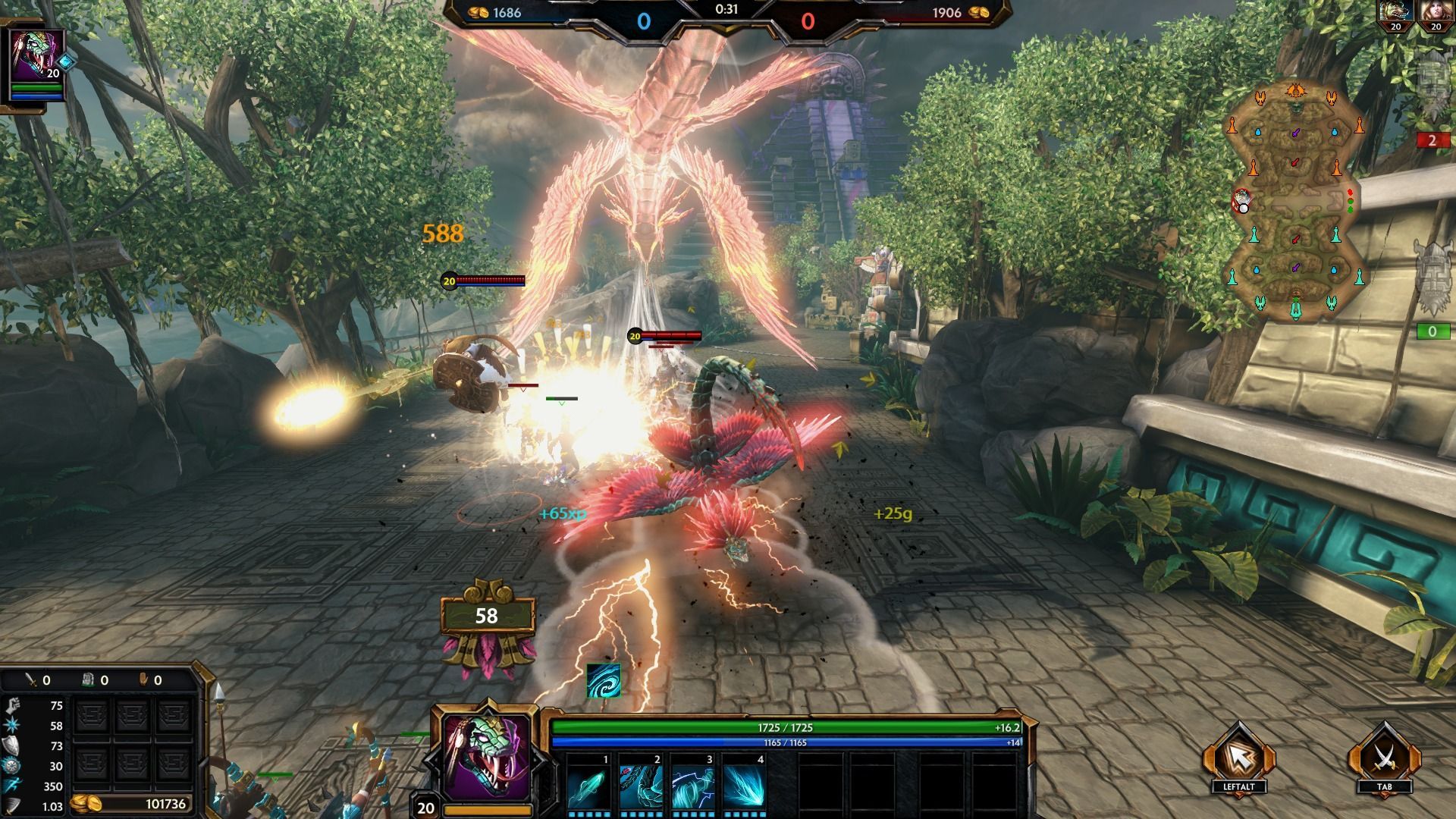
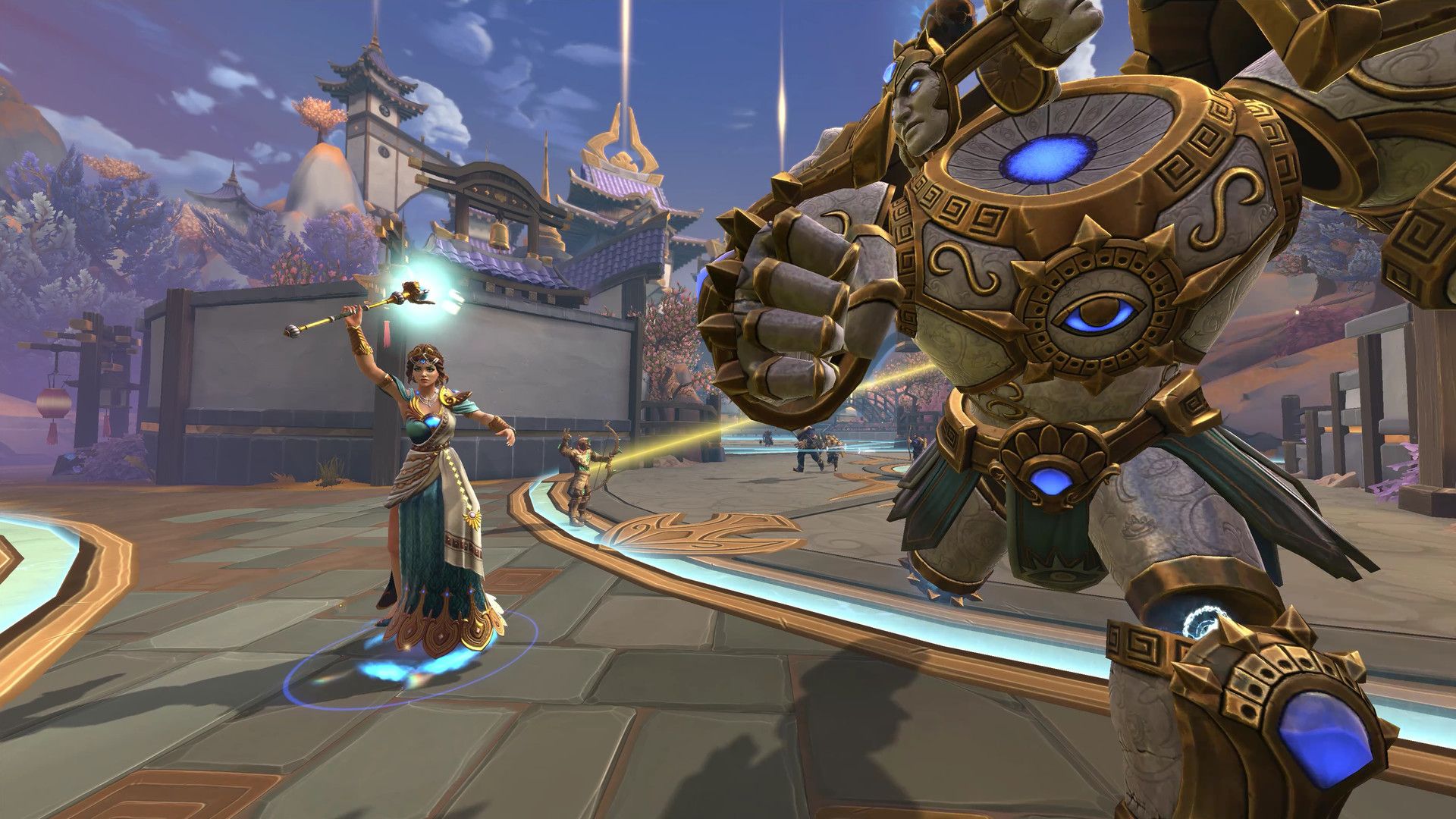
Smite is a multiplayer online battle arena (MOBA) game developed and published by Hi-Rez Studios. It features gods and other mythological figures from various pantheons as playable characters, and players use these characters to battle against each other in five-vs-five matches. The game is played from a third-person perspective and is known for its fast-paced, action-oriented gameplay. It is available on Windows, Xbox, PlayStation, and Nintendo Switch platforms.
You may check Smite’s trailer by the Smite Game Youtube channel from the video below.
The game will be a lot of fun, but Smite waiting on game data error is sadly quite a common error. Let us tell you how we can solve the Smite waiting on game data error.
How to fix Smite waiting on game data?
You may be encountering Smite waiting on game data errors due to internet connection problems, faulty game files, some Windows settings, and many other reasons. Therefore, we recommend that you try to solve your problem by following the steps that we will talk about below one by one.
Here are potential solutions to Smite waiting on game data:
- Check for Smite server status
- Restart Smite
- Try a VPN
- Try a different account
- Disable background apps
- Reinstall the game
Check for Smite server status
It would be right to check the server status of the game before applying the steps we will talk about to solve the Smite waiting on game data error, because it becomes almost impossible to enter the game in server-related problems. You can check Smite’s servers using this link.
Restart Smite
While it may seem like an extremely simple step to fix an error like Smite waiting on game data, simply restarting your game is one of the best ways to eliminate potential file errors during startup. Doing so will cause the game to recheck the files needed to run and quickly download and install new files if something is missing.
Try a VPN
We mentioned earlier that the Smite waiting on game data error could be an internet connection problem. If your Hi-Rez servers are blocked by your ISP, it is useful to try connecting to the game with VPN. That’s why we suggest you take a look at our article called 5 reasons why you should use a VPN.
Try a different account
If none of the solutions we suggested above worked to resolve the Smite waiting on game data error, the next step is to check if there is something wrong with your account. The easiest way to do this is to open a new account and try to log in to the game. If you have been able to enter the game without any problems in the new account and you do not see a reason to get banned, you should contact Smite Support from this link and consult the experts on the subject.
Disable background apps
Another wonderful solution to this problem is to disable background programs. Simply launch the task manager and stop all activities that aren’t directly related to the game if you’re using any antivirus software or additional overlay programs. That ought to be sufficient to solve your issues.

Reinstall the game
If none of our solution suggestions for you above did not work for you, we have bad news for you, you need to reinstall your game.
We conclude our how to fix Smite waiting on game data guide here. We hope that thanks to our guide, you were able to fix the problem in your game and enter a new match in this uniquely styled MOBA game.


