

In this article, we’ll try to explain the QQ Different Dimension Me not working error reasons and fixes to our beloved readers.
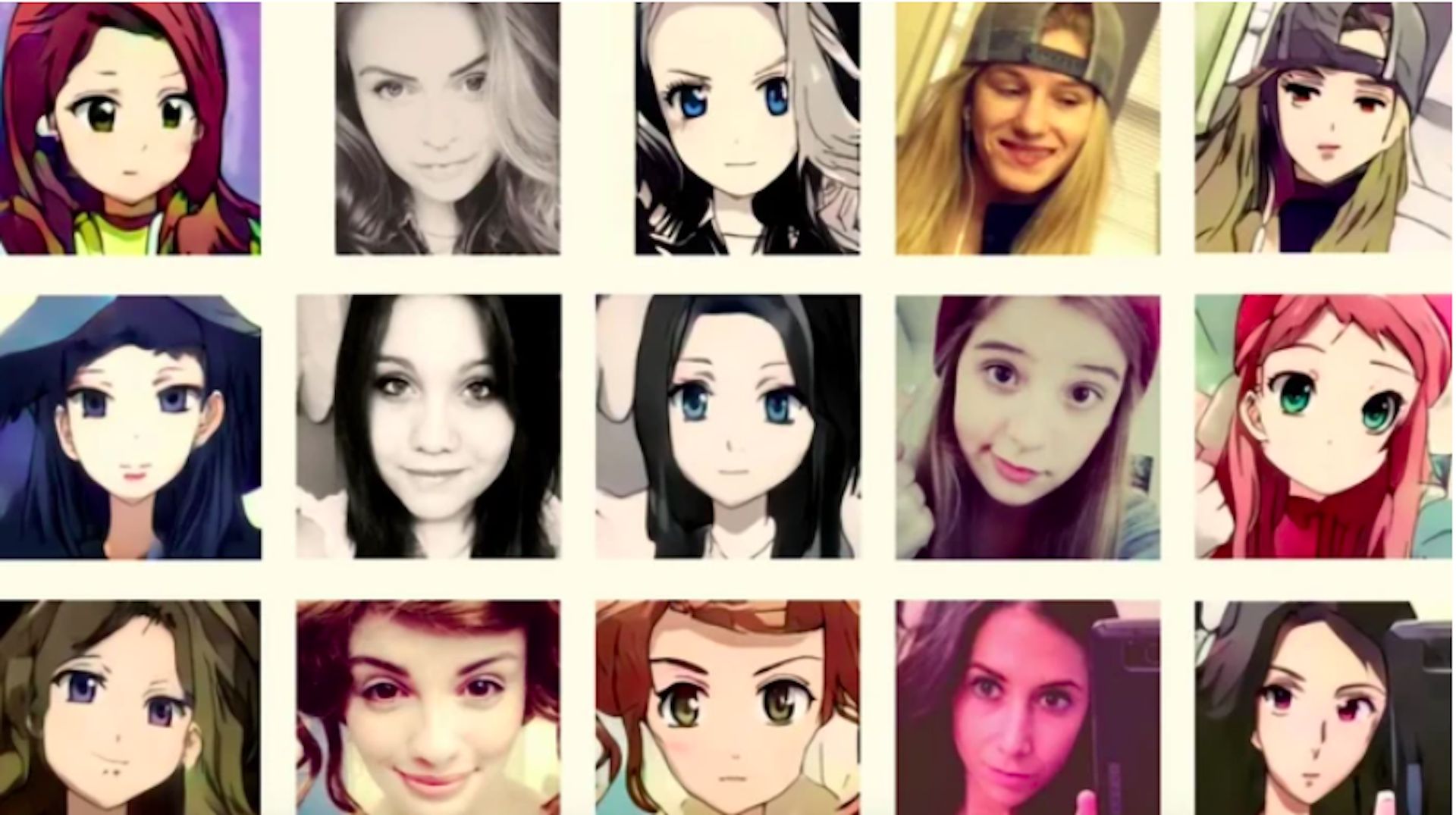
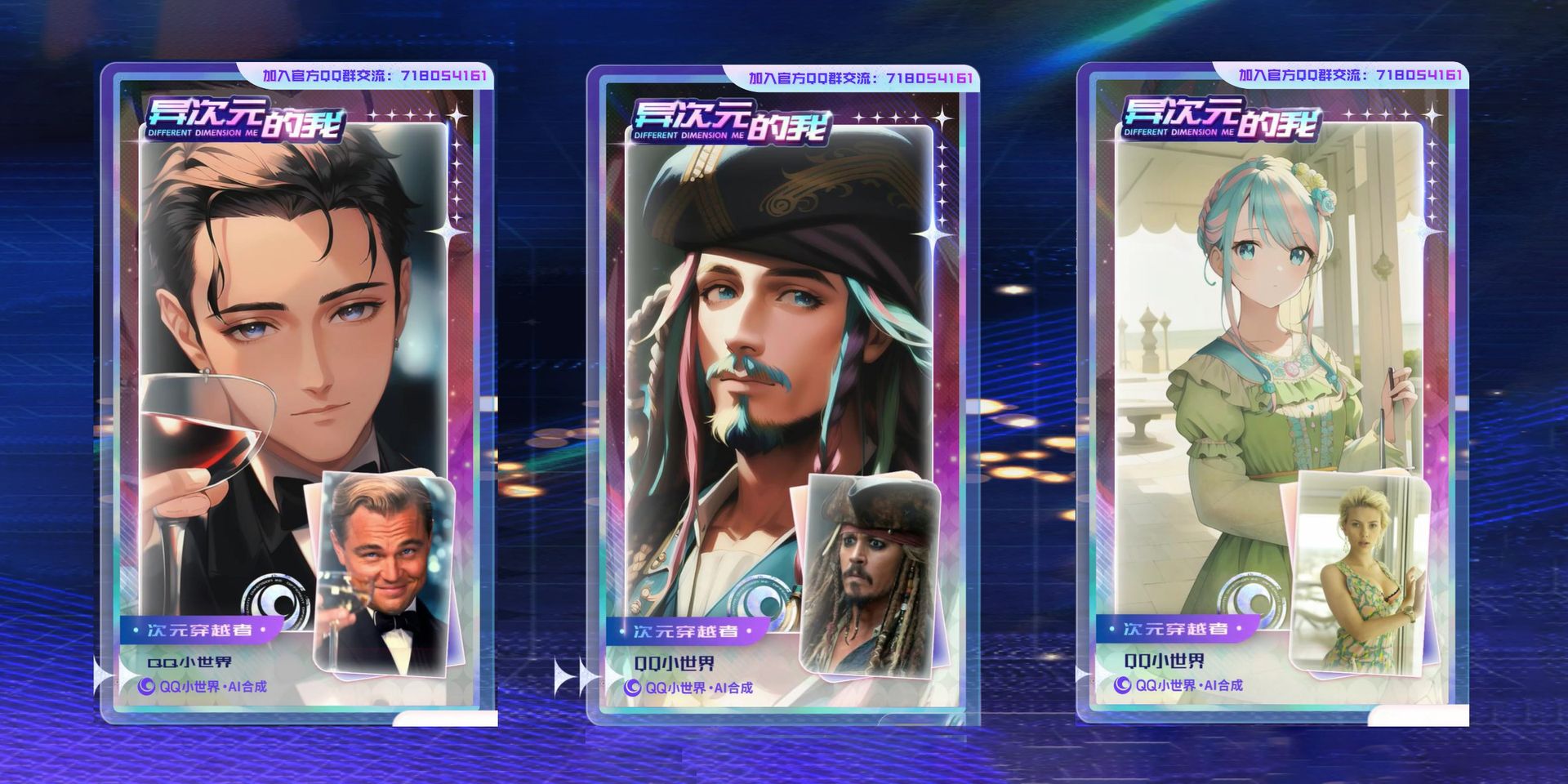
A website called Different Dimension Me uses AI to create anime versions of photos of you, your friend, or even your dog. The website didn’t launch on the Tencent QQ platform until November 2022. Still, it immediately gained popularity as individuals on social media used it to create anime versions of themselves or their favorite characters who weren’t from anime.
QQ is a platform similar to WhatsApp or WeChat that originated in China. On November 27, the generator also gained popularity after a Twitter user @LynDragonTears shared this on her Twitter:
It suddenly became cute#DifferentDimensionMe pic.twitter.com/4xRJuhfPyl
— Alice in Red 🐥🌼 🇵🇸 (@MyDragonTears) December 4, 2022
An AI model called Stable Diffusion, which has been trained in various artistic forms, including anime, is the foundation of the software. Any submitted image is transformed into a two-dimensional version by Different Dimension Me, which substitutes various elements of the subject’s attire, surroundings, and facial structure with an anime-inspired art style.
How to fix QQ Different Dimension Me not working error?
Different Dimension Me is an AI-powered website that turns images into Anime. Different Dimension Me, launched on the Tencent QQ platform in November 2022, quickly gained popularity among social media users, using it to make some anime images of themselves and other persons and characters. Different Dimension Me is trending in China and other parts of Asia.
There are several messages you get when facing QQ Different Dimension Me not working problem, such as:
- “The event is too hot, please try again later”
- “The User’s face was not detected”
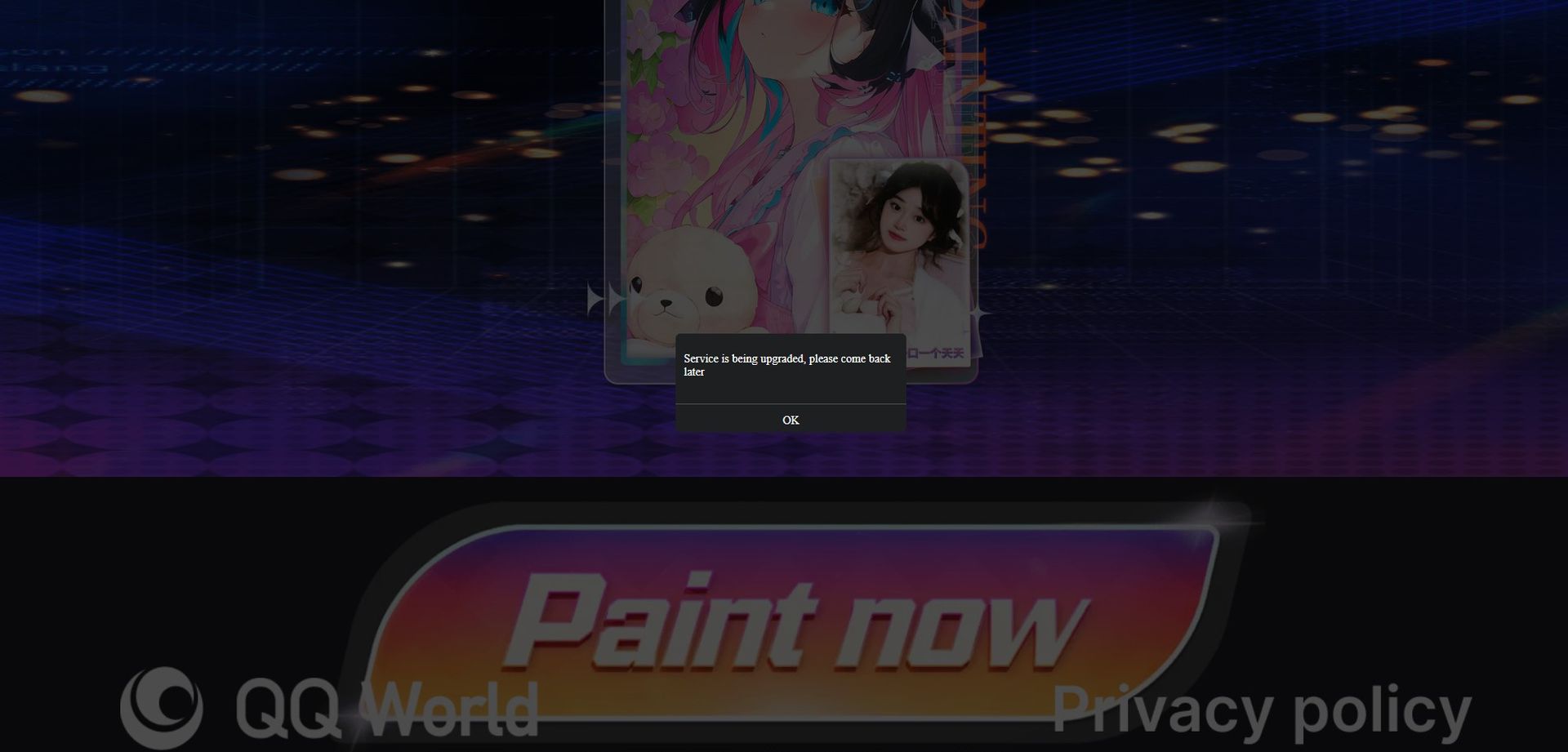
- “Service is being upgraded, Please come back later”
QQ Different Dimension Me not working problem: “The event is too hot, please try again later”
If the root of your QQ Different Dimension Me not working problem is server-related problems, the site will warn you with this message once you try to upload a picture. Even though there are several methods you may try, it’s best to wait for servers to be less populated. Your other options than waiting are:
- Using a VPN to change your location
- Refreshing the page
- Changing the internet connection type of your device
QQ Different Dimension Me not working problem: “The User’s face was not detected”
If the site pops up this message, then your QQ Different Dimension Me not working problem is caused by a faulty photo. The site’s AI is designed to change only human faces so make sure to upload a photo with a human face in it.
If you are sure that your picture includes a face, then you must do the steps below:
- Check if the photo’s resolution is high enough
- Upload a photo that is bright enough
- Limit the faces in your photo
- Choose a photo with a simple background
QQ Different Dimension Me not working problem: “Service is being upgraded, Please come back later”
If this error message pops up for you when you try to upload a photo, then that means the site is down right now. We have been getting reported that the service is down for a long time by the users.
Sadly, there is nothing to do here since we’re facing the QQ Different Dimension Me not working problem due to an error on Tencent’s side.
How to Use the QQ Different Dimension Me Anime Generator
It is quite simple to use the QQ Different Dimension Me Anime Generator. All you have to do is:
- Visit their official site
- Select “我也要玩” (I want to play too, in Japanese)
- Select a current picture on your device
- Wait for the AI to produce your photo’s anime adaptation
We hope our guide on the QQ Different Dimension Me not working problem was helpful to you. AI technologies keep getting better and better with each day and the pictures generated on QQ Different Dimension Me surely looking amazing! If you are interested in more AI art check out our article titled What is the best free AI art generator? where we ranked the best AI technologies available nowadays.


