

Yahoo Mail not working for you either? Well, like many other email services, it isn’t perfect. If you’re having problems with Yahoo Mail on your Mac or PC and feel something is wrong, use our quick troubleshooting guide to resolve the problem.
If Yahoo Mail isn’t working for you, a few potential issues could be the cause. Both ad blockers and outdated internet browsers can sometimes stop Yahoo Mail from working. You should also make sure that you’re sending emails to the correct addresses, and haven’t accidentally blocked anyone.
How to fix Yahoo Mail not working?
- Before you do anything further, disable or uninstall any adblockers you may have installed and refresh the website. Ad-blocking software can occasionally prevent webpages from loading properly.
- If the problem persists, keep reading.
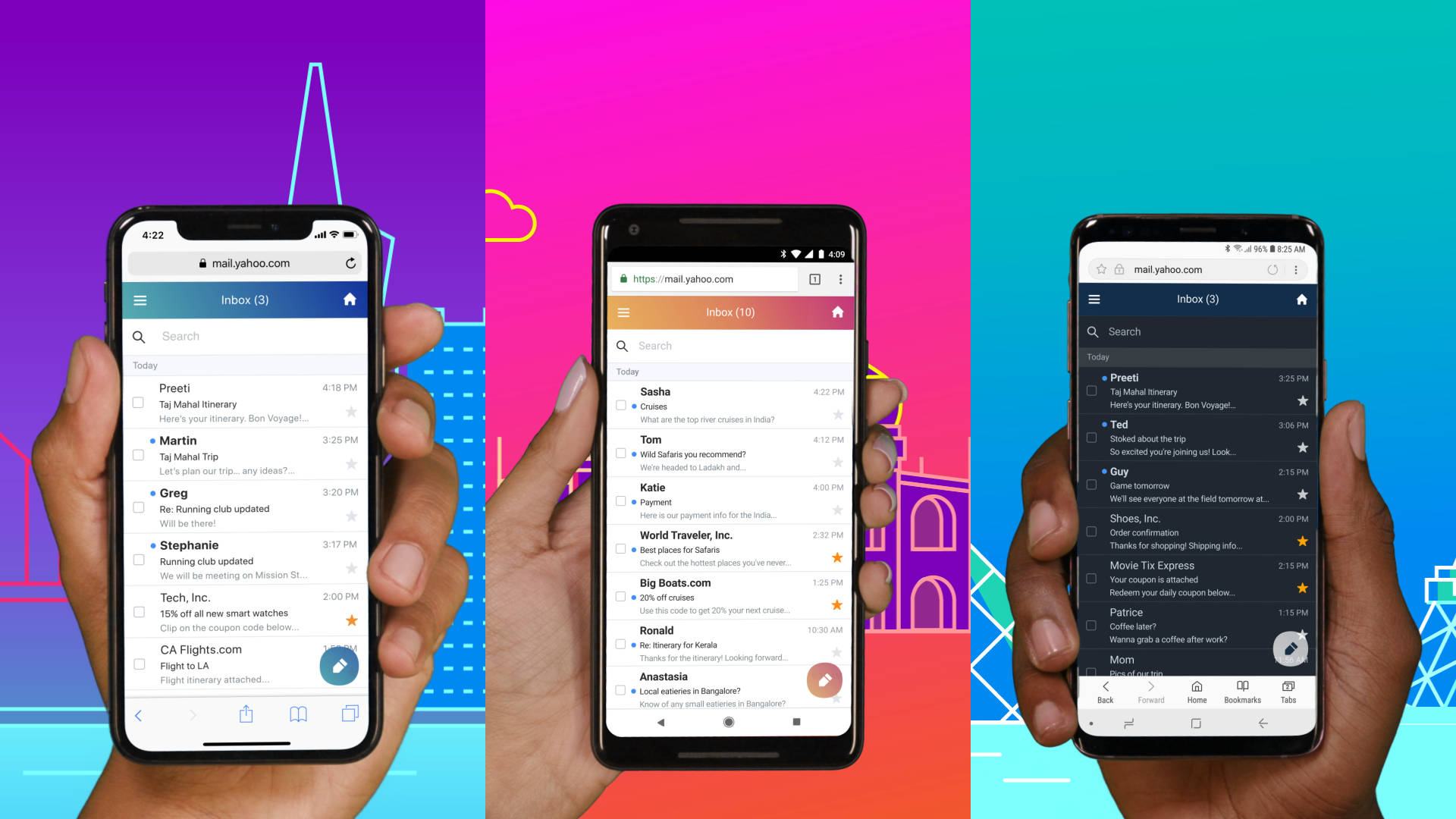
- It may be a problem with your web browser. If you’re using a desktop or laptop, make sure you’re using a Yahoo-compatible browser — either Firefox, Chrome, Safari, or Edge — and that the most current update has been installed. If you are on mobile, try updating your mail app.
- There might be a problem with your internet connection as well. Try performing a speed test and seeing if other websites are as slow. If they are, try moving closer to your router or resetting it.
- Clearing the cache in your web browser may also help if you’re using a mobile device, clean data and cache altogether.
- Have you ever used the device you currently use to access Yahoo Mail? If not, there might be a problem. Perhaps Yahoo thinks you’re a hacker trying to access the account from another machine. Try using the previous devices if you can.
- You’ll be prompted to verify your details if you’re using Yahoo Mail for the first time on a new computer or mobile device. If you make too many failed login attempts, your account may be locked for 12 hours before you can sign in again.
- If you suspect your account has been hacked, click the “Forgot Password” link and change your password immediately.
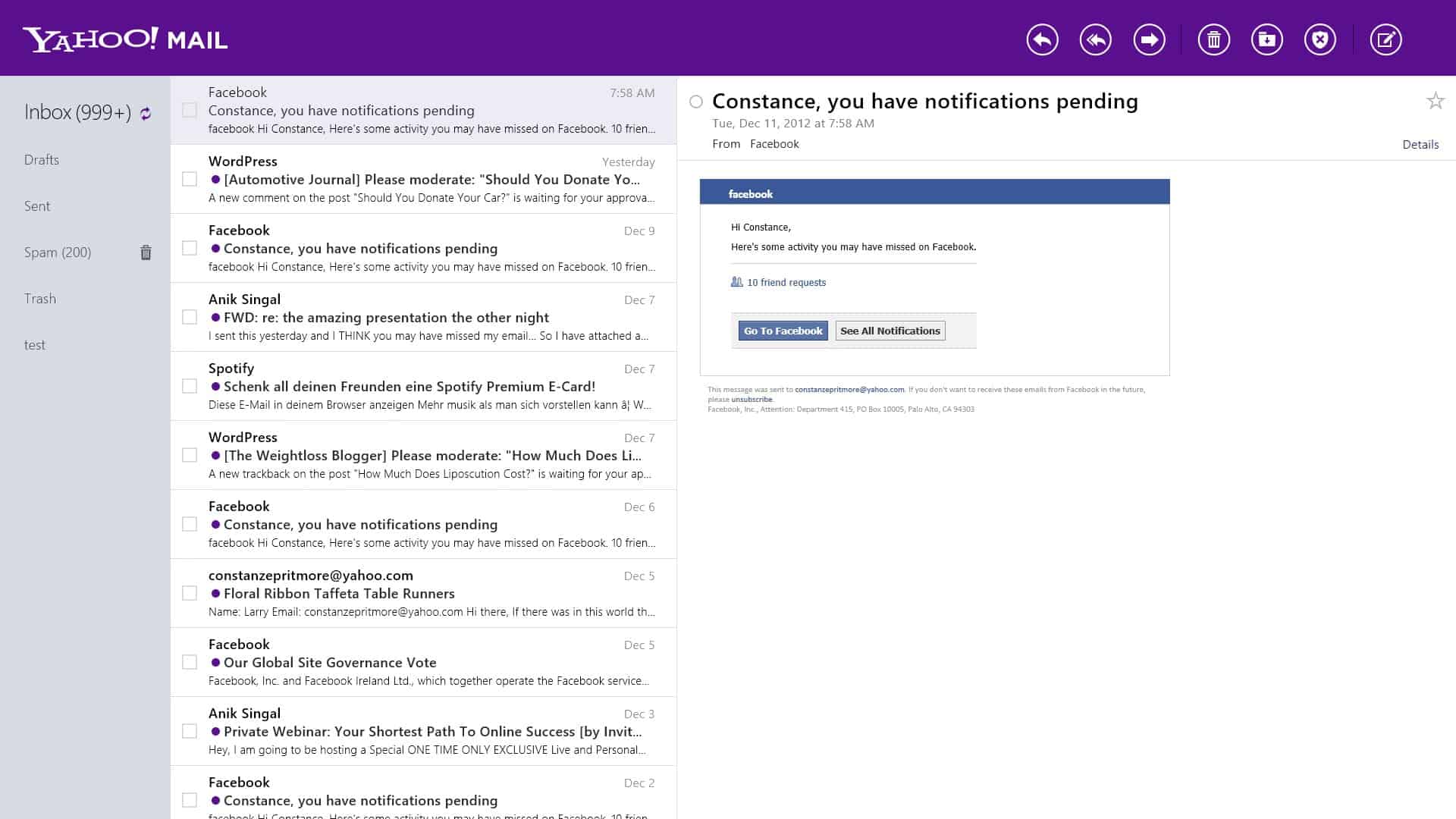
- Successfully sent emails will display in your “Sent” folder, so check there first. If it’s there, it’s been delivered. If the email isn’t there, check your “Drafts” folder; perhaps you didn’t truly send it as you thought.
- Check the spelling of the recipient’s email address to ensure that you have sent it to the correct person. Check to see if you haven’t blocked their address.
- Then, request that the recipient check their Spam folder, filters, and blocked addresses list to ensure that your email did not encounter any obstacles on its way to them.
- Send yourself a blank email or request a buddy to send you an email to see if the Yahoo Mail not working problem is with your account or the account of the person attempting to email you.
- Check your Spam folder, filters, and blocked addresses list to ensure that the sender’s email was not intercepted on its way to you.
- If nothing appears to be wrong, request that the sender confirm that they correctly spelled your email address.
- As a desperate final solution: There may be an internet connection interception problem at ISP or backend (like Cloudflare or AWS) level. Try contacting your ISP and Yahoo to see what’s going on.
We hope you can get back to your loved ones or business colleagues with these tips. If our Yahoo Mail not working: How to fix it guide was helpful to you, try taking a look at some of our other stuff like How to recall an email in Outlook or How to use Hide My Email.


