
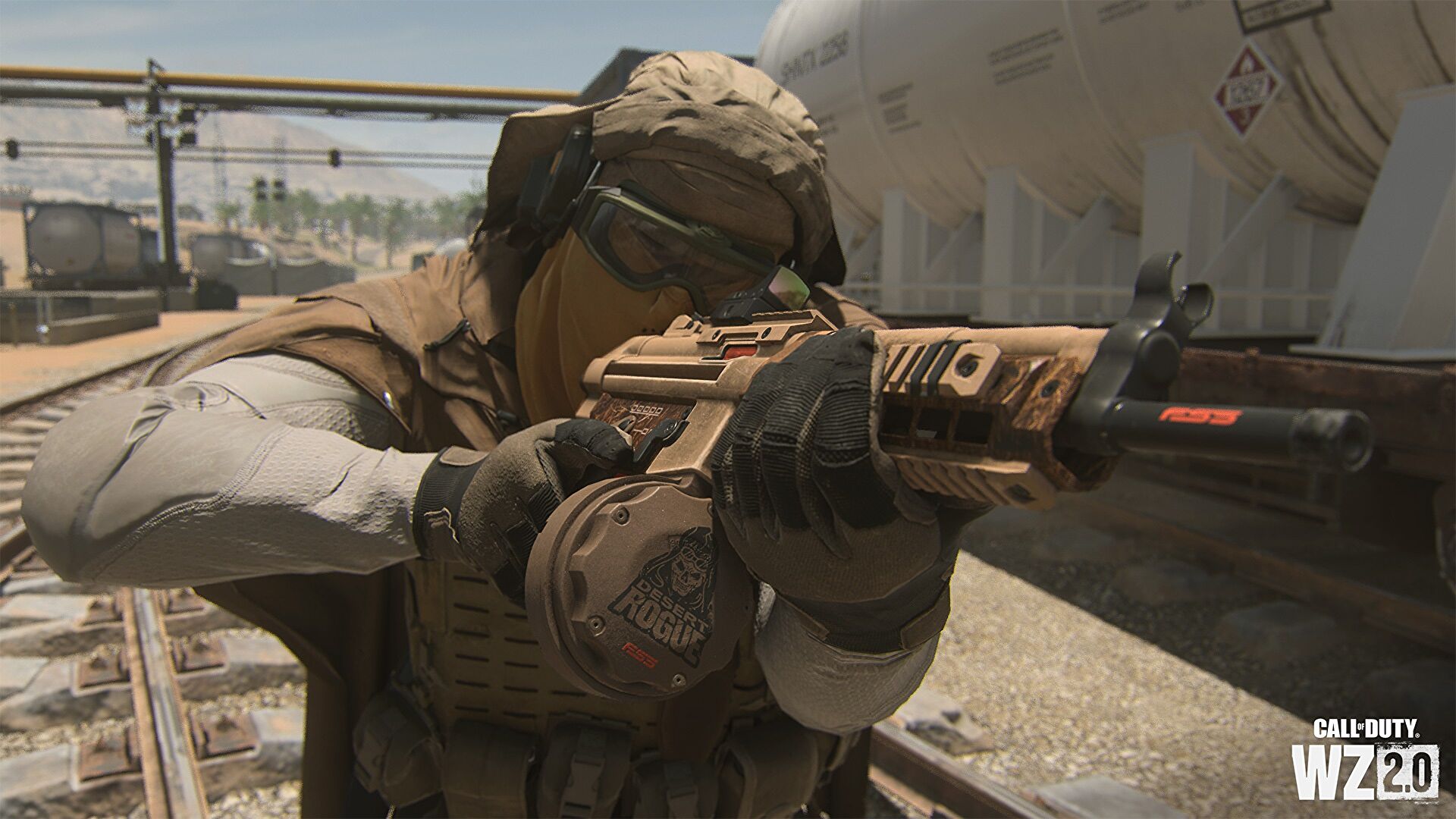

Today we explain how to add friends on Warzone 2.0. Additionally, read the entire article to learn about the bug patch if you encountered one when inviting others.
How to add friends on Warzone 2.0?
To add friends in Call of Duty: Warzone 2, follow the instructions. You must also be aware of your own Activision ID or that of your friend. If you don’t know how to find it, we’ll tell you.

Find Activision ID
- Open Warzone 2’s settings.
- Tap Account and Network in the drop-down menu to choose it.
- Select the Activision Account option found in the Account and Network menu.
- Your Activision ID will show up on the screen as you proceed.
- By selecting the Copy Icon on the right side, you can copy the ID.
- Alternately, you could jot it down or take a screenshot.
Add Friends Online In Warzone 2.0
- In the game, click to open the Social Tab. The way this menu appears depends on the platform or playing device you are using.
- Select the Friends Tab option from the menu in the top bar.
- Then choose Search from the options on the right side.
- Now type your friend’s Activision ID into the search field. To avoid issues with searching the account, make sure you write the alphabetic and numeric characters accurately.
- Send them the request last.
- There is also a solution if you are unable to remember the ID of your friend or friends. Choose the Don’t Know their Activision ID option if you are playing on a console. It can be found at the bottom of the screen.
- Additional choices will appear, and you can include your pals.
- Players who use the PlayStation to look for friends on the PlayStation Network have a very similar option at their disposal.

Accept the player request
- Go to the Notification Bar in Warzone 2 to accept the friend request. This is located in the main menu’s top bar.
- Then, from the drop-down menu, choose the request you want to accept.
How to invite your friends to your party
Due to a bug in the social tab, Call of Duty Warzone 2 players have been unable to invite friends or other players. But now that the bug has been fixed, you can easily invite your friends using this technique. Let’s now examine it in more detail.
Invite your friends on channel
- The headphone symbol for the Channel menu is located in the top right corner of the menu. Visit this one.
- The channel must then be generated.
- Choose Party Game 1 in the Channels Menu.
- Then select the “inviting to channel” option.
- The friend or friends you want to invite to your channel, and then select them.
- The option to invite guests to a party will be in the final section; choose it.
- You can play in any mode with your friends once they accept your invitation and arrive at your party.

How to add friends on PC?
On PC, you have the option of using the Battlenet App or adding the game to your Steam Library because this year we also have it on Steam. Thanks to Activision account, the process of adding friends is not significantly different from that of consoles.
Instead of going through the lengthy process of adding your friend over the Activision account, both apps make it a little easier for you to do so. You can simply invite them from the friend’s menu in each client and immediately begin playing with them.
Add friends via Steam?
By going to the Friend menu on Steam, you can add friends by either sharing your friend code with them, entering theirs, or sending a private message to start playing with them.

Add friends via Battlenet app?
To play with a friend while using the Battlenet App, all you have to do is go to the Add a Friend menu and enter their battletag; after you add them, they will receive an invite and can join you in-game through Battlenet.
Check out Warzone 2.0 keeps crashing on Xbox: How to fix it?


