
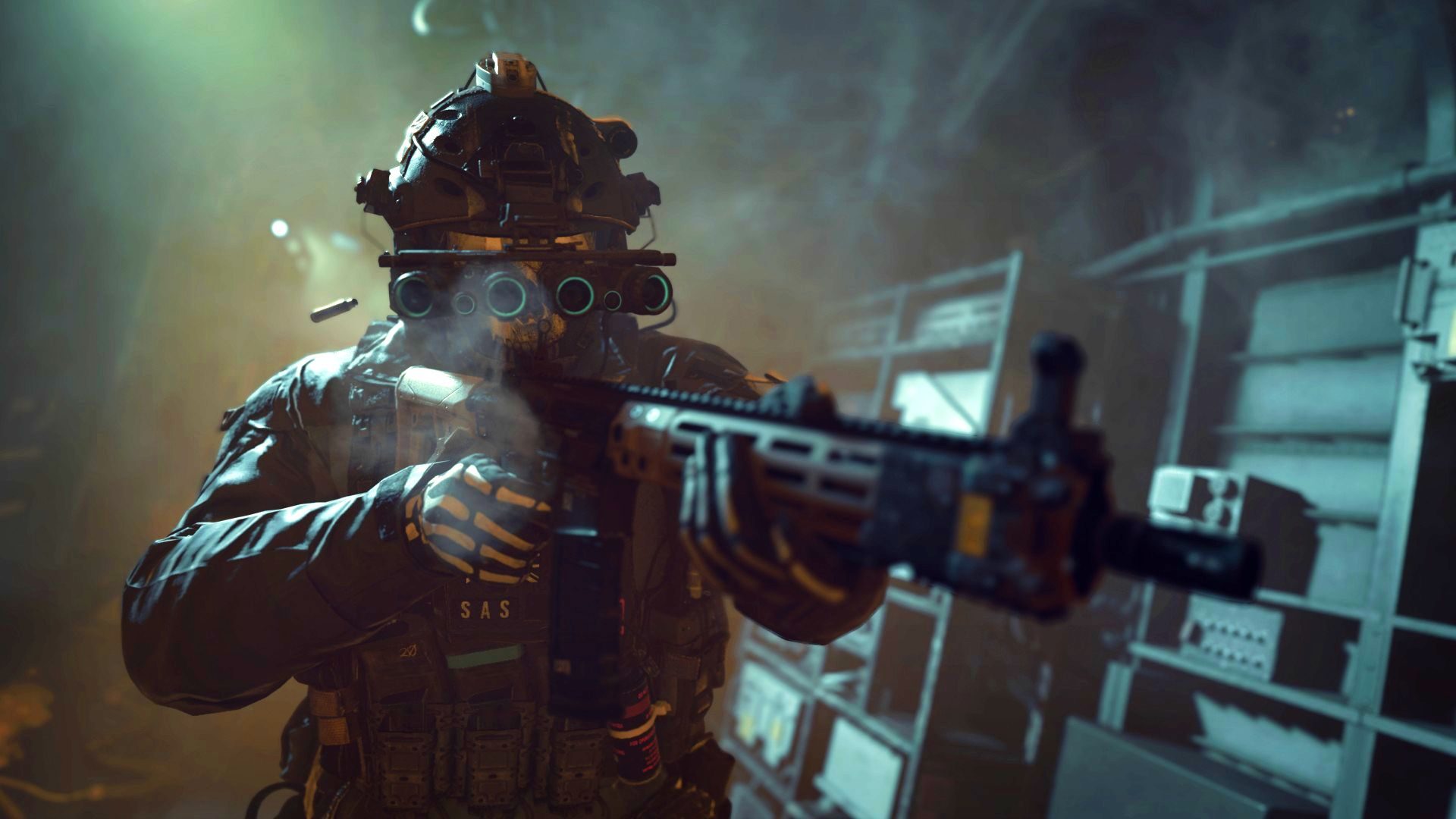

With this article, you can learn How to unlock Slimline Pro in MW2. Modern Warfare 2’s multiplayer requires that you understand how to unlock and utilize Slimline Pro Optic. One of the traditional add-ons that can be seen on top of an M4 rifle in Modern Warfare 2’s Campaign mode is the Slimline Pro Optic.
The majority of locked attachments have a notification indicating which gun needs to be leveled in order to unlock them. Some attachments, however, don’t provide any instructions describing how to unlock them. The Slimline Pro optic is one illustration of this.
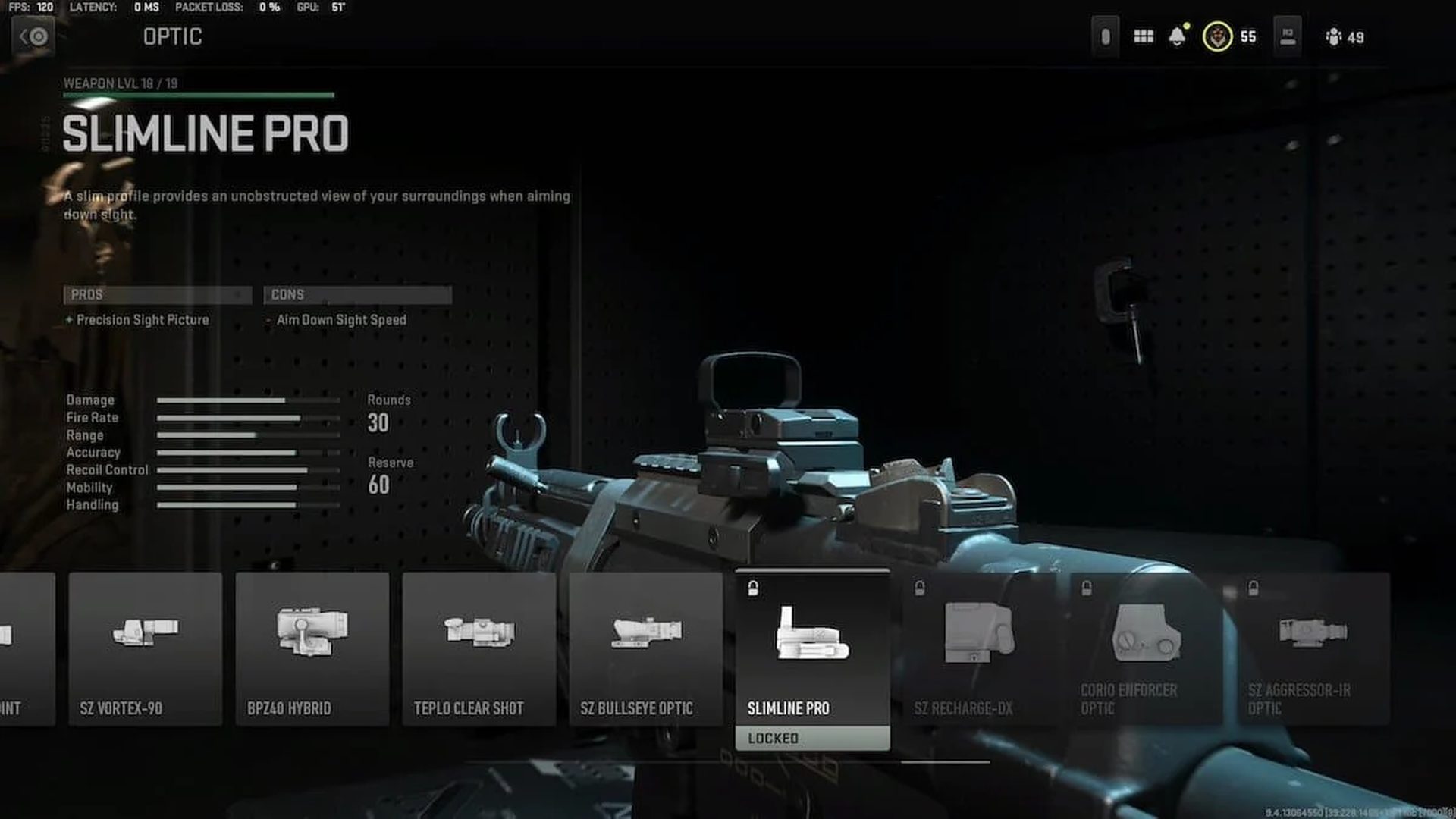
In Modern Warfare 2‘s multiplayer, players who wished to try the same thing were left wondering how to acquire Slimline Pro because even maxing out the weapon didn’t do it. But now that we know how to unlock this vintage scope, you can use it with any rifle. Keep reading our article for instructions to unlock Slimline Pro in MW2.
Do you know how did Kratos get to Midgard in God of War Ragnarok?
MW2: How to unlock Slimline Pro in Modern Warfare 2
It appears that when Season 01 starts on November 16th, players will be able to unlock the Slimline Pro optic. Currently, multiplayer is not accessible.
You must participate in a Private Match if you want to try out the slim Optic. The Optic’s availability in Modern Warfare 2 is yet to be determined, but gamers should keep a look out for the Season 1 update on November 16 to find out.
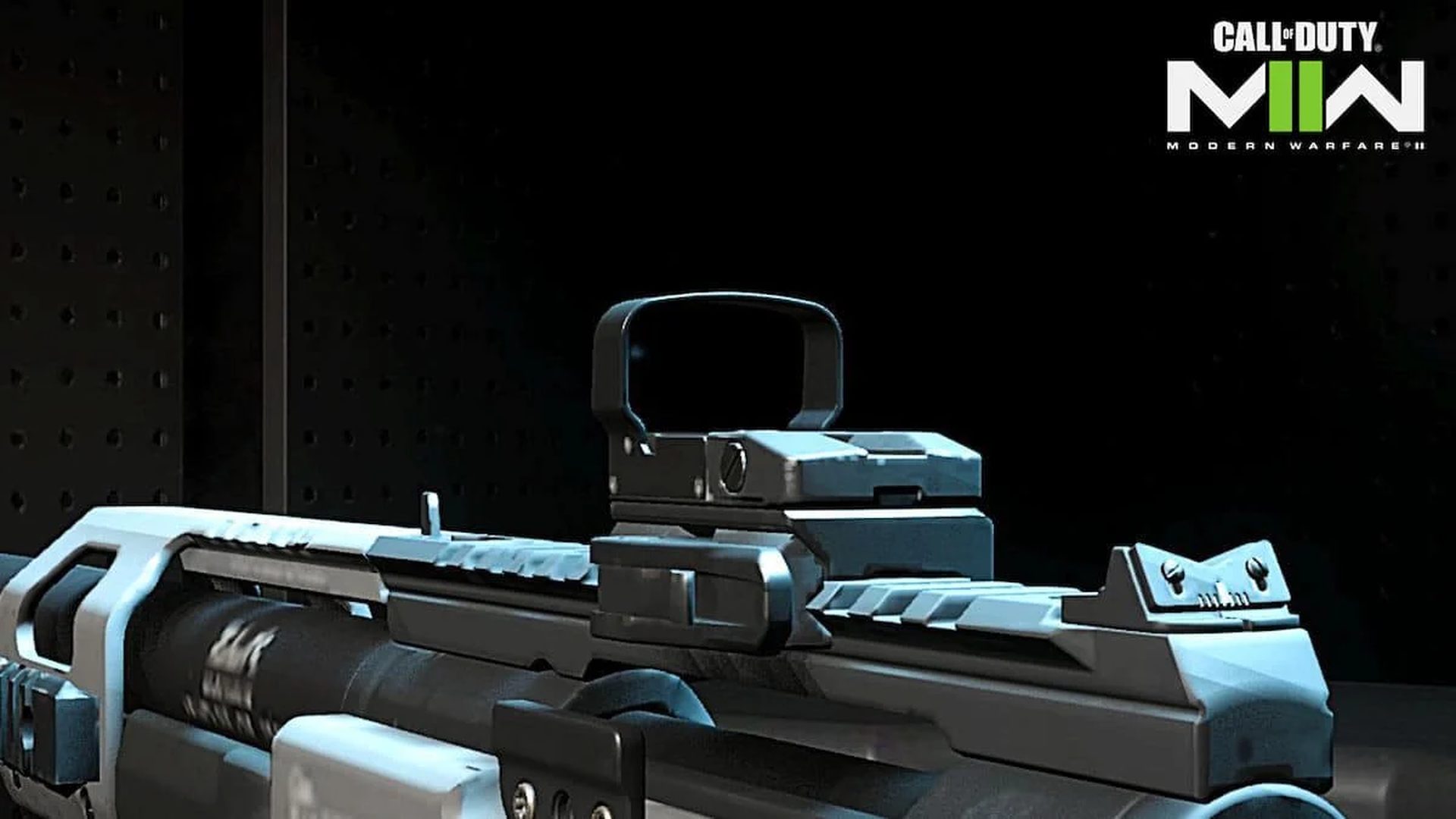
The Slimline Pro Optic can be used in Private mode in the following ways:
- Open Modern Warfare 2.
- Multiplayer > Private Match.
- Create or join a Private Match.
- Choose the game mode.
- Go to Weapons > Loadouts tab and equip the M4 assault rifle.
- Under the Optics attachment, you can select the Slimline Pro Optic.
The Slimline Pro sacrifices Aim Down Sight Speed in favor of a better Precision Sight Picture. A thin profile gives you an unhindered view of your surroundings when aiming down sight, according to the item’s official description.
Slimline Pro Optic alternative in Call of Duty: Modern Warfare 2
The Cronen Mini Red Dot is fortunately presently accessible in Modern Warfare 2 for players who want to attach a crisp precision sight Optic to their Assault Rifles or other long-range weapons.
You need to use and level up three different weapons in order to unlock the Cronen Mini Red Dot.
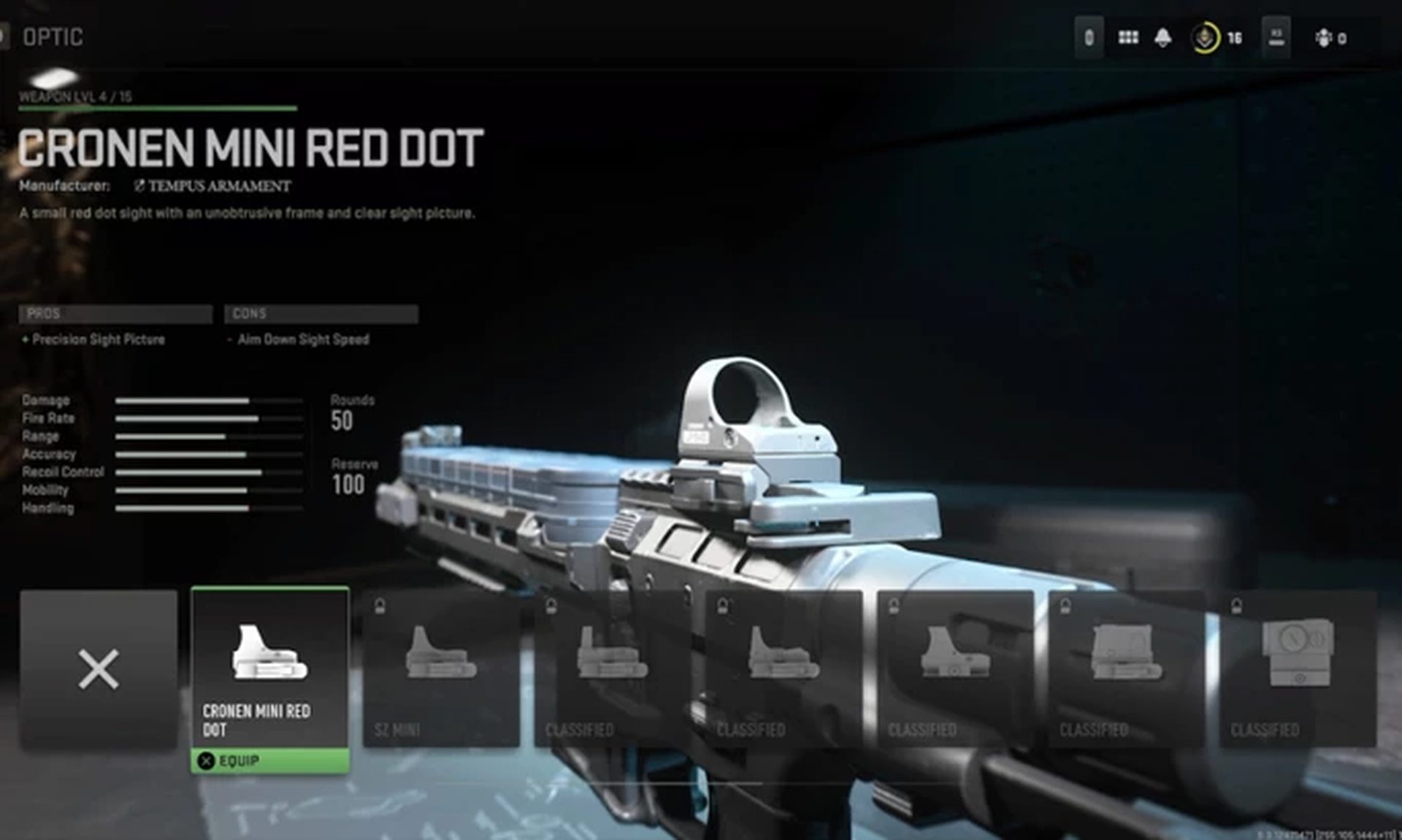
Here is how to get Modern Warfare 2’s Cronen Mini Red Dot:
- Unlock the FTAC Recon by obtaining the M4 to level 13.
- Unlock the FSS Hurricane by obtaining the FTAC Recon to level 16.
- Obtain the FSS Hurricane to level 3 to unlock the Cronen Mini Red Dot.
In Modern Warfare 2, optics are regarded as universal attachments, therefore you only need to unlock them once rather than once for each weapon.
All weapons with the ability to equip it will accept the Cronen Mini Red Dot.
How to fix the Modern Warfare 2 campaign not working?
If you try these solutions and still the game not working, the problem might be different. You might try the following simple troubleshooting for problems on day one:
- Update the GPU and operating system
- Run the Battle.Net/Steam with admin permission and verify game files
- Disable overlays and other background applications
- Disable NVIDIA instant replay and ShadowPlay
- Allow the game through the Windows Firewall
- Ensure the MW2 is starting in Native Resolution
- Delete the config file
- Issue with Steam phone number verification
If you want the learn how to do these solutions, simply go to the article and explore the Modern Warfare 2 campaign not working: How to fix the MW2 campaign not launching error?




