


Today we explain Disney Dreamlight Valley how to get rid of stumps. Disney Dreamlight Valley provides player communities throughout the world with a variety of tasks in addition to a wide range of characters and adventure. Fans may relate to small issues and concerns through the game and use their imagination to find solutions.
How to remove tree stumps in Disney Dreamlight Valley is one such issue that gamers frequently search for.

There is much to explore in Disney Dreamlight Valley’s vast landscape. In the meanwhile, the game’s obstacles like tree stumps make exploration difficult. Despite the fact that players now have a ton of resources and tools at their disposal to deal with any situation that may arise in the game, stumps continue to be a major obstacle for those looking to explore.
Fortunately, there is a simple strategy that players can take into account to get rid of all the stumps and make their gameplay and exploring in-game more tranquil. Everything you need to know about the tree stumps in Disney Dreamlight Valley and how to remove them is included in this article. Now that that has been said, let’s begin.
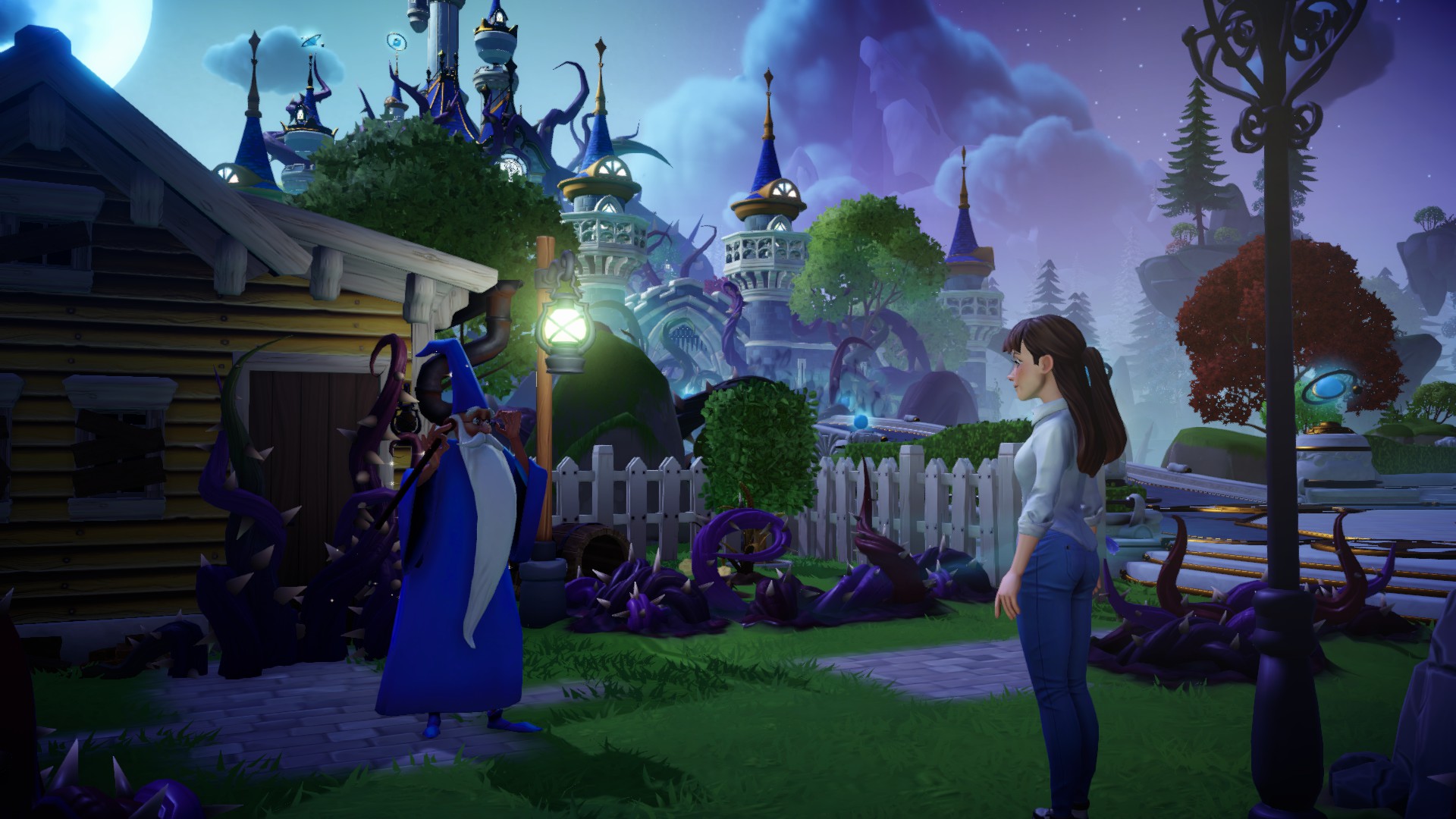
Disney Dreamlight Valley how to get rid of stumps?
As you may already know, stumps are the piece of a chopped tree that is still in the ground. Both in the game and in real life, these stumps are a nuisance. But you need not worry about your Disney Dreamlight Valley gameplay as you can quickly get rid of them with a little assistance from your buddies.
Players who are wondering why you must remove these stumps should be aware that as the plot develops, your in-game world will grow. You will also be able to access new characters and provide them with refuge in the settlements. In that case, clearing the area of obstructions like stumps is crucial for a tidy and open atmosphere.
The importance of eradicating impediments from your village grows even more now that more characters will be included in the game’s next expansions. These stumps can currently only be found in a few select biomes, and players must get rid of them as soon as possible. Players must advance their plot enough to the point where they have the required characters and resources to help with this issue because they cannot quickly remove stumps.
We’ll go over every step needed to remove the stumps from Disney Dreamlight Valley.

Unlock Anna from Frozen
Unlocking Anna from the Frozen Realm is the first and most important stage in the procedure. Advance the plot until you can access the Frozen Realm. To unlock Anna once you’ve entered the realm, you must do all of her quests.
Go to the second floor of the castle if you can’t discover the Frozen Realm. Donald Duck and Merlin, the deuteragonist, are there in the center, standing in front of a gate. He will show you how to enter the Frozen Realm with the Dreamlight.
Achieve Level 2 with Anna
The next crucial step is to reach Level 2 with Anna, who you have already unlocked from the Frozen Realm. The first thing you might want to do now that she has entered your universe is to begin leveling up till Level 2. Simply involve Anna in various activities, and she’ll quickly advance to Level 2 with your character.

Trigger Icy Invitation Quest
This is the culmination of our preparations to remove stumps from Disney Dreamlight Valley. You can start the “Icy Invitation” quest as soon as your character reaches Level 2 with Anna. For the benefit of gamers who are completionists, we won’t disclose the specifics of the quest’s goals.
But when you finish the quest, you’ll get another one that calls for gathering supplies to enhance your shovel. This queue will now assist your character in receiving the appropriate tool for eliminating the tree stumps all across the map.
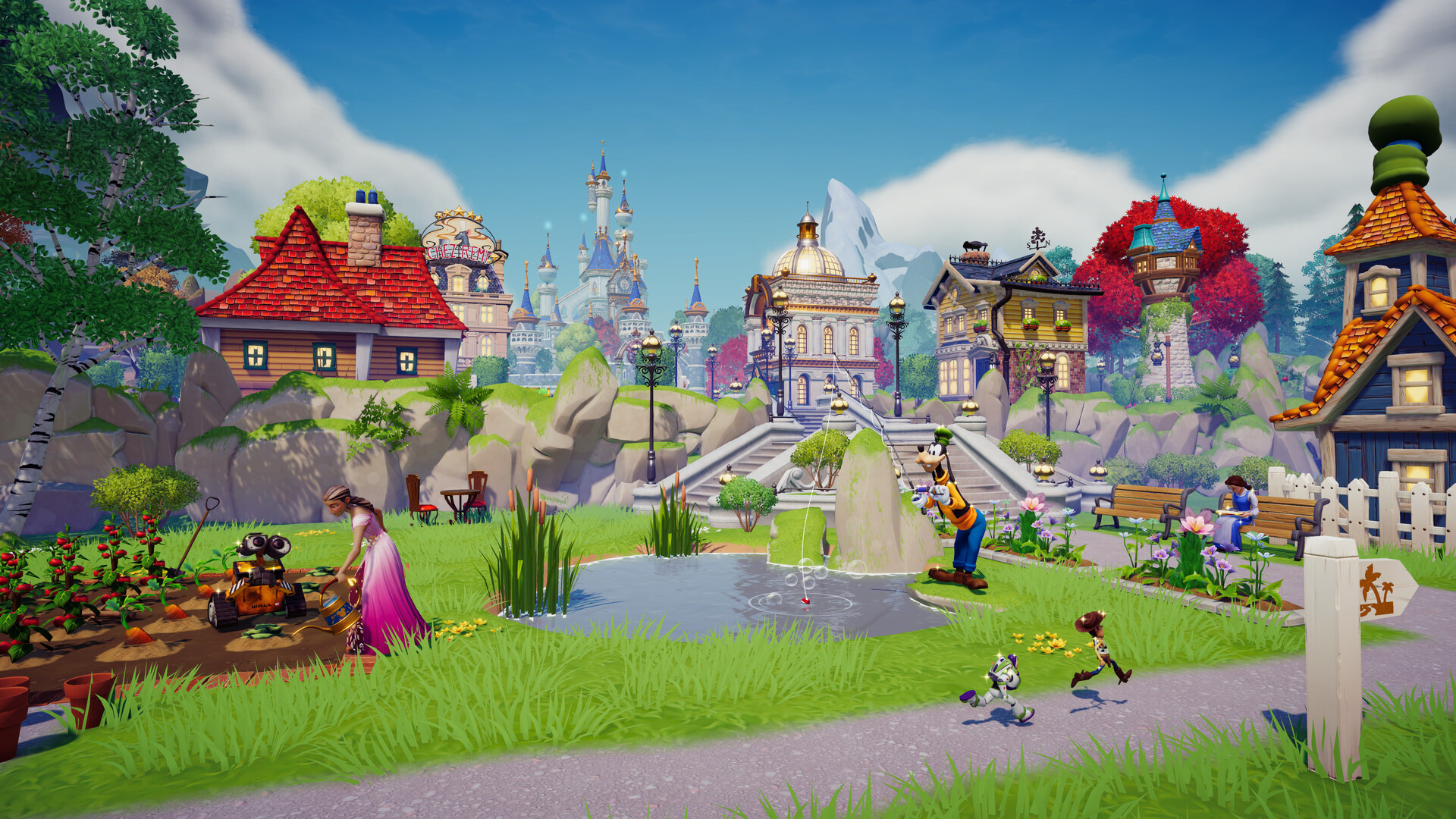
Find material for upgrading shovel
You must proceed with the second quest after the “Icy Invitation” in order to collect the necessary components for improving the shovel. Most likely, you already possess all of the necessary supplies for the task. If you don’t, though, gather them to complete getting the shovel.
Below is a list of the supplies you’ll need to make the shovel.
- Softwood: 10
- Hardwood: 4
- Iron Ingot: 4
- Tinkering Parts: 3
Other than Iron Ingot, every other item in Disney Dreamlight Valley is readily available to gamers. However, as the Iron Ingot is only found in the most advanced locations and regions of the maps, you might need to spend more time farming it.
Upgrade shovel
Using all the materials you’ve collected in the crafting station, you can now simply improve your shovel to the highest level. The shovel will finally be placed in your inventory for you to use.
You now possess an improved shovel that makes it simple to clear every stump from Disney Dreamlight Valley. The quests take some time to finish, but they are all worthwhile.
Check out Disney Dreamlight Valley marinated herring recipe


