

In this article, we are going to be covering how to use SAE MW2 and all of the other killstreaks and how they work, so you can dominate every single PvP game you play.
Call of Duty: Modern Warfare II immerses players in a never-before-seen global battle, along with the return of the famous Operators of Task Force 141. Players will deploy with pals in a totally immersive experience, from small-scale, high-stakes tactical ops to highly secret missions. Infinity Ward provides players with cutting-edge gameplay, including all-new gun handling, an enhanced AI system, a new Gunsmith, and a slew of additional gameplay and graphics enhancements that take the franchise to new heights. If you want to check out the game for yourself, make sure you visit the Steam Store page.
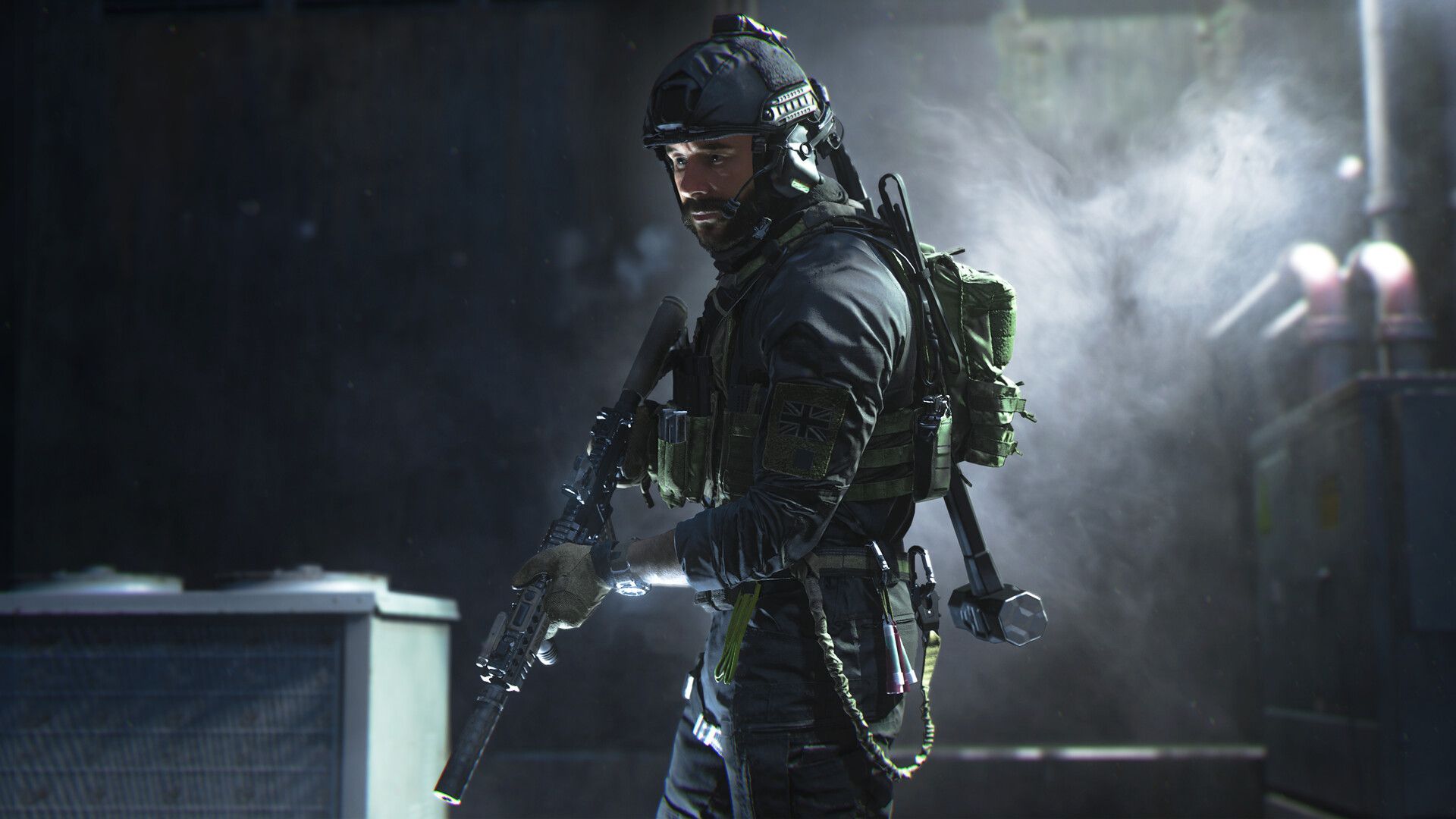
Well, well… The future of the Call of Duty franchise has here, and we couldn’t be more excited. Along with a slew of new additions, if you want to learn more about the Modern Warfare 2 killstreaks available, we’ve got you covered. When it comes to in-game assistance, Modern Warfare 2 is going back to basics, giving players the opportunity to earn killstreaks rather than scorestreaks. While it’s a little tweak, it’s a crucial one that should keep multiplayer focused on gunplay and employing the greatest firearms and weaponry available on the game’s battlefields.
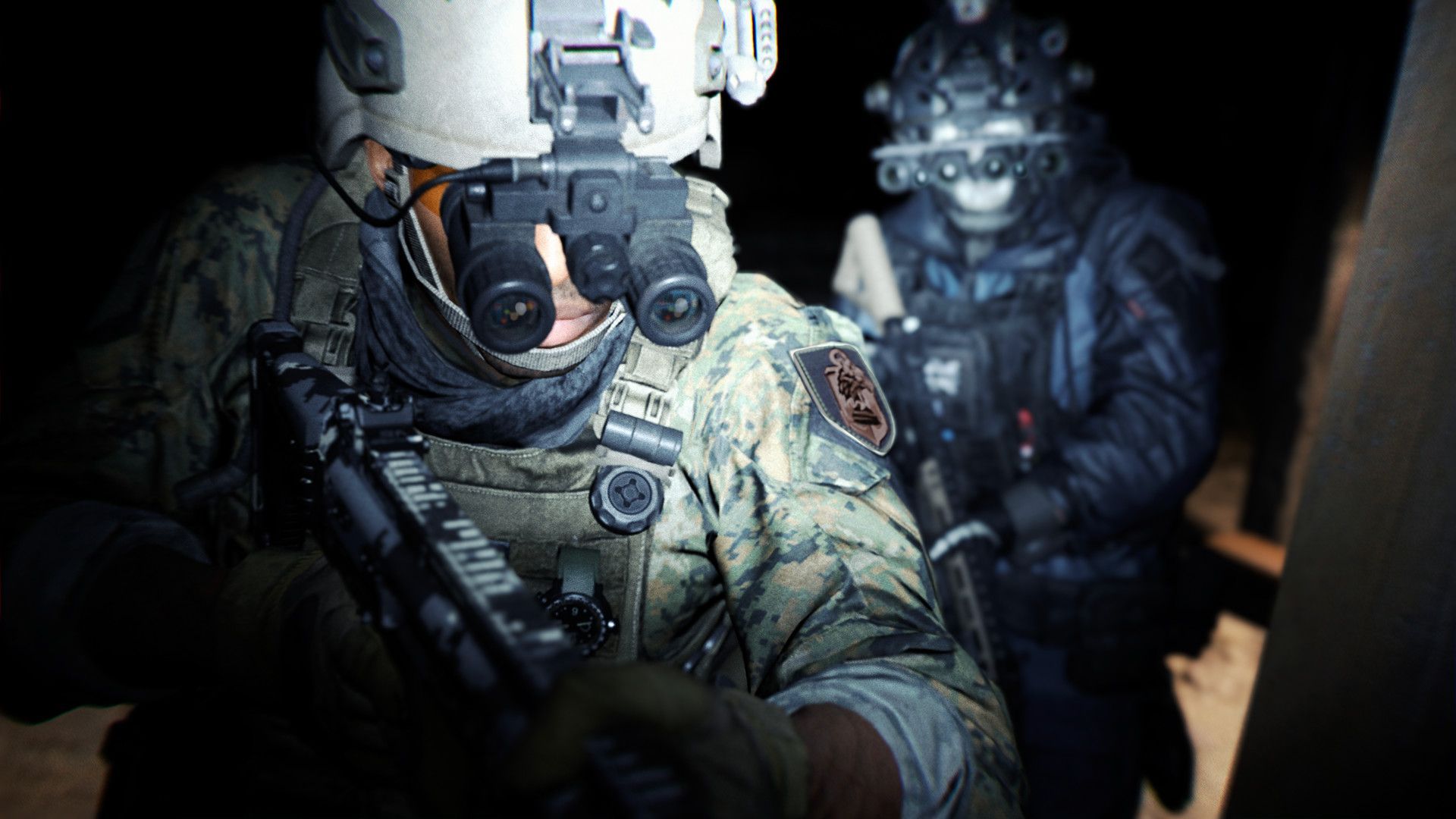
If you are playing Call of Duty Modern Warfare 2 and looking for guides that will help you through the game, we’ve got everything you need. We are sure that you will enjoy our guide on CoD MW2 rewards: How to unlock all of them. While unlocking the rewards, you will need guns. For that, visit our guide on how to unlock guns in MW2 and other secret weapons such as MP5 or Lachmann 556. Also, in case you are having trouble playing the Beta due to errors, you can check out how to fix MW2 not working on PC, and on Xbox as well.

How to use SAE MW2?
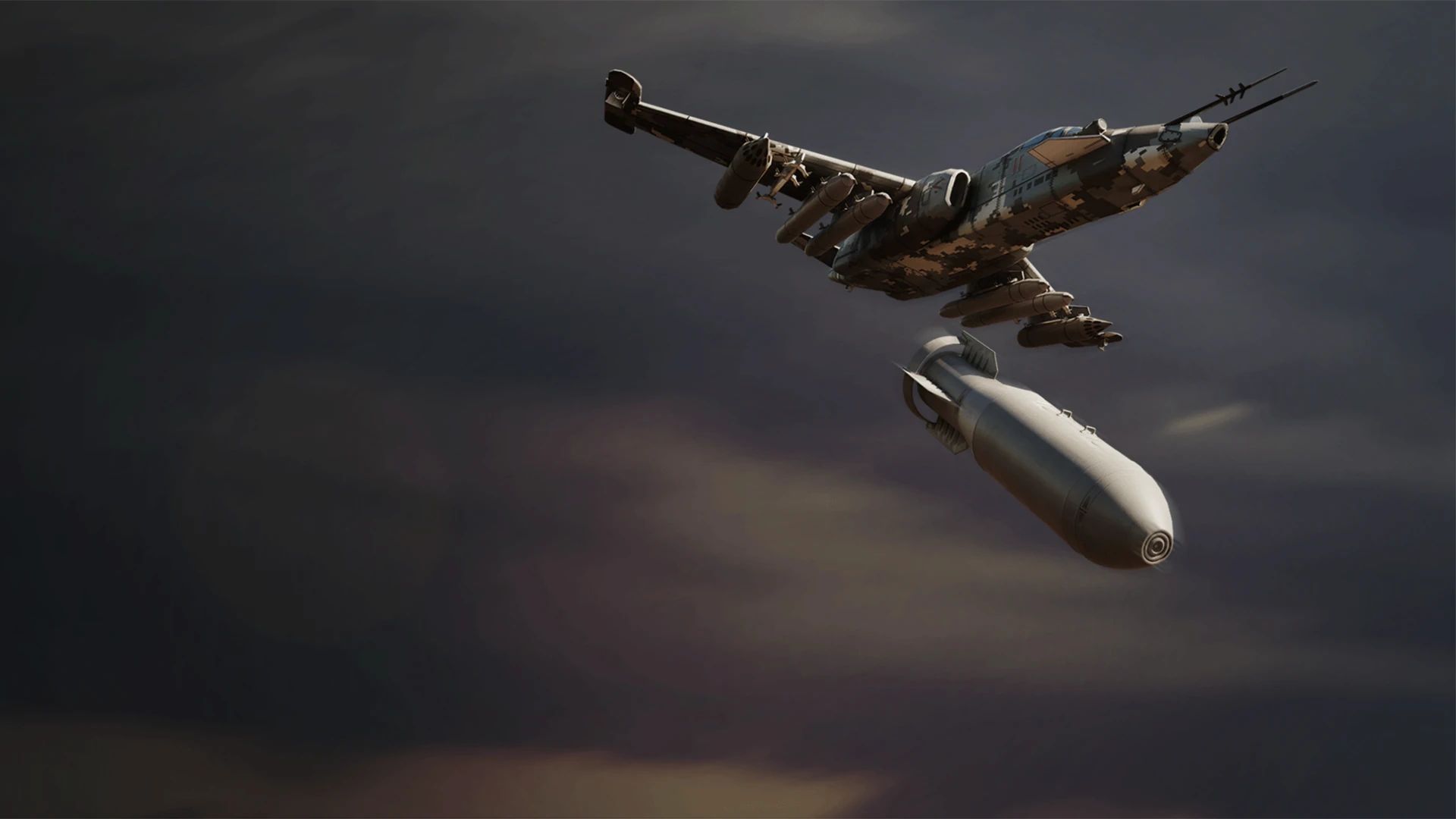
Players in Call of Duty Modern Warfare 2 may acquire multiple Killstreaks / Scorestreaks that can assist them out on the battlefield in a variety of ways. Each Killstreak requires a particular number of kills or points to activate. The S.A.E. can be obtained by players in Call of Duty Modern Warfare 2 multiplayer games by getting 7 kills in 1 life for the Killstreak or 875 points in 1 life for the Scorestreak. When the S.A.E. is utilized, it summons a trio of planes to drop airborne bombs on predetermined targets.
S.A.E stats
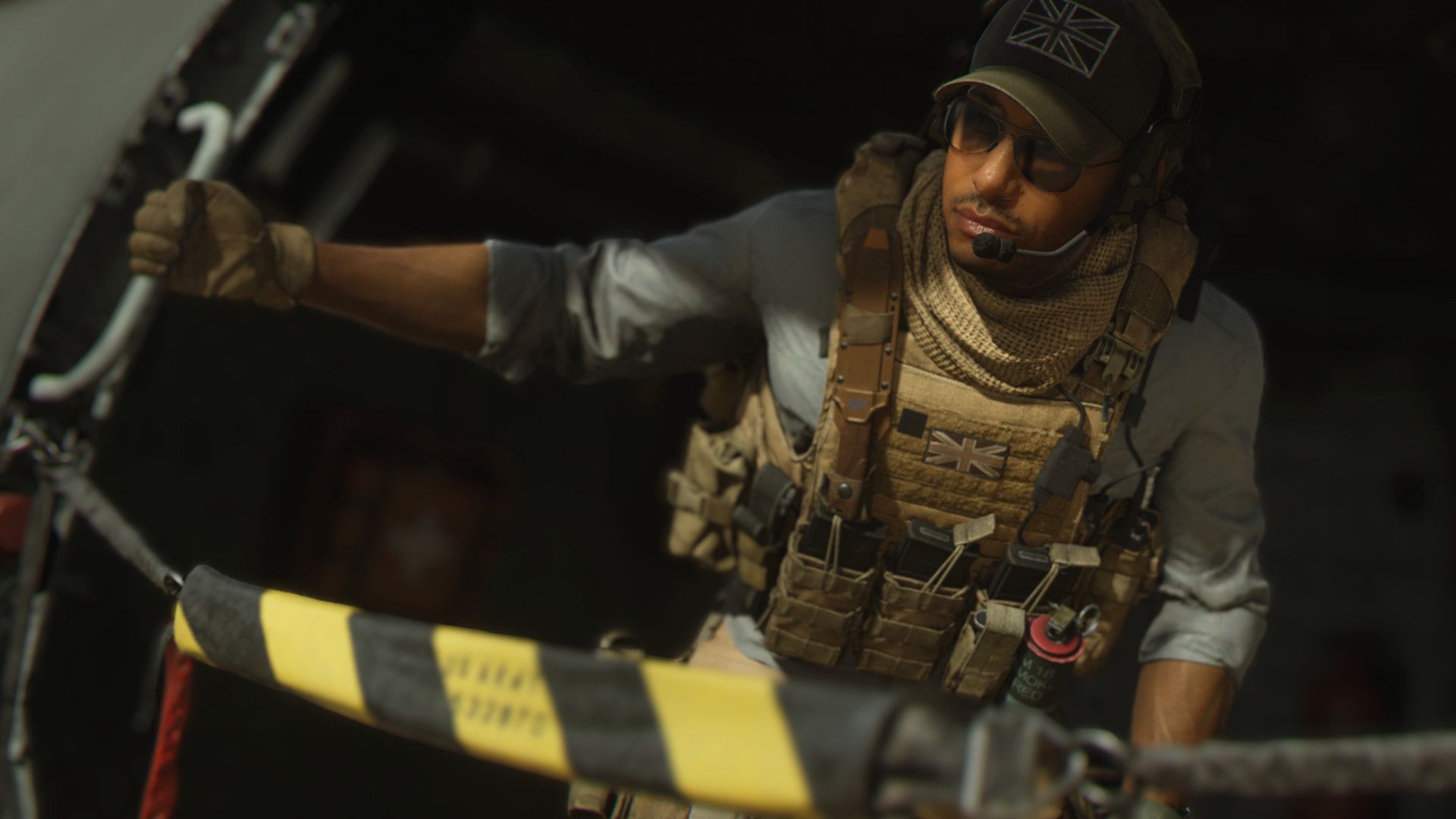
- Release date: Call of Duty Modern Warfare 2 Launch
- Description: When the S.A.E. is used it calls in jets to fire explosives at targets.
- Kills required: 7
- Score required: 875
Modern Warfare 2 killstreaks explained
Here are all of the Modern Warfare 2 killstreaks available in the game:
- UAV – 4 kills
- UAV reconnaissance ship that displays enemy whereabouts on the minimap.
- Bomb Drone – 4 kills
- A remote-controlled drone with a C4 charge attached.
- Counter UAV – 5 kills
- A drone capable of scrambling all opponent minimaps. For bigger maps, it has a restricted range.
- Cluster Mine – 5 kills
- Toss a gadget that discharges a swarm of tiny mines in the near vicinity.
- Care Package – 5 kills
- Request that a random killstreak care gift is sent to your area.
- Precision Airstrike – 6 kills
- Request the use of twin jets for a precise hit along the best available path.
- Cruise Missile – 6 kills
- Take command of a long-range cruise missile with boost capabilities.
- Mortar Strike – 6 kills
- Send out many waves of mortars to assault a certain place.
- Sentry Gun – 7 kills
- A turret monitors the area for opponents and fires incendiary bullets.
- S.A.E – 7 kills
- Request a trio of planes to drop aerial bombs on certain targets.
- VTOL Jet – 8 kills
- Releases a pair of precise bombs before circling back and defending the player’s choice of position.
- Overwatch Helo – 8 kills
- An escort helo that will keep an eye on you and ping nearby enemy positions before engaging them.
- Wheelson-HS – 8 kills
- A self-contained amphibious vehicle that can be controlled remotely.
- Stealth Bomber – 10 kills
- Send in a bomber who will detonate a vast line of bombs along its course.
- Chopper Gunner – 10 kills
- Command an attack helicopter outfitted with a turret and air-to-land missiles.
- Emergency Airdrop – 10 kills
- Send three killstreak care presents to your location at random.
- Gunship – 12 kills
- A heavy attack gunship outfitted with a laser tracking missile in addition to the normal 40mm and 25mm cannons.
- Advanced UAV – 12 kills
- An untargetable orbiting UAV that displays the enemy’s direction in real-time on the minimap.
- Juggernaut – 15 kills
- Care package delivery of Juggernaut assault gear. When the Juggernaut dies, the minigun will be dropped.
We hope that you enjoyed this article on how to use SAE MW2: Killstreaks explained. If you did, we are sure that you will also enjoy reading some of our other articles, such as MW2 Vault Edition not working: How to fix it? (PC, PS5, PS4, Xbox), or MW2 voice chat not working: How to fix it.




