TechBriefly
  • Tech
  • Business
  • Crypto
  • Science
  • Geek
  • How to
  • About
    • About TechBriefly
    • Terms and Conditions
    • Privacy Policy
    • Contact Us
    • Languages
      • 中文 (Chinese)
      • Dansk
      • Deutsch
      • Español
      • English
      • Français
      • Nederlands
      • Italiano
      • 日本语 (Japanese)
      • 한국인 (Korean)
      • Norsk
      • Polski
      • Português
      • Pусский (Russian)
      • Suomalainen
      • Svenska
No Result
View All Result
TechBriefly
Home Tech
Live election results will be available on the Apple News app on iPhone

Live election results will be available on the Apple News app on iPhone

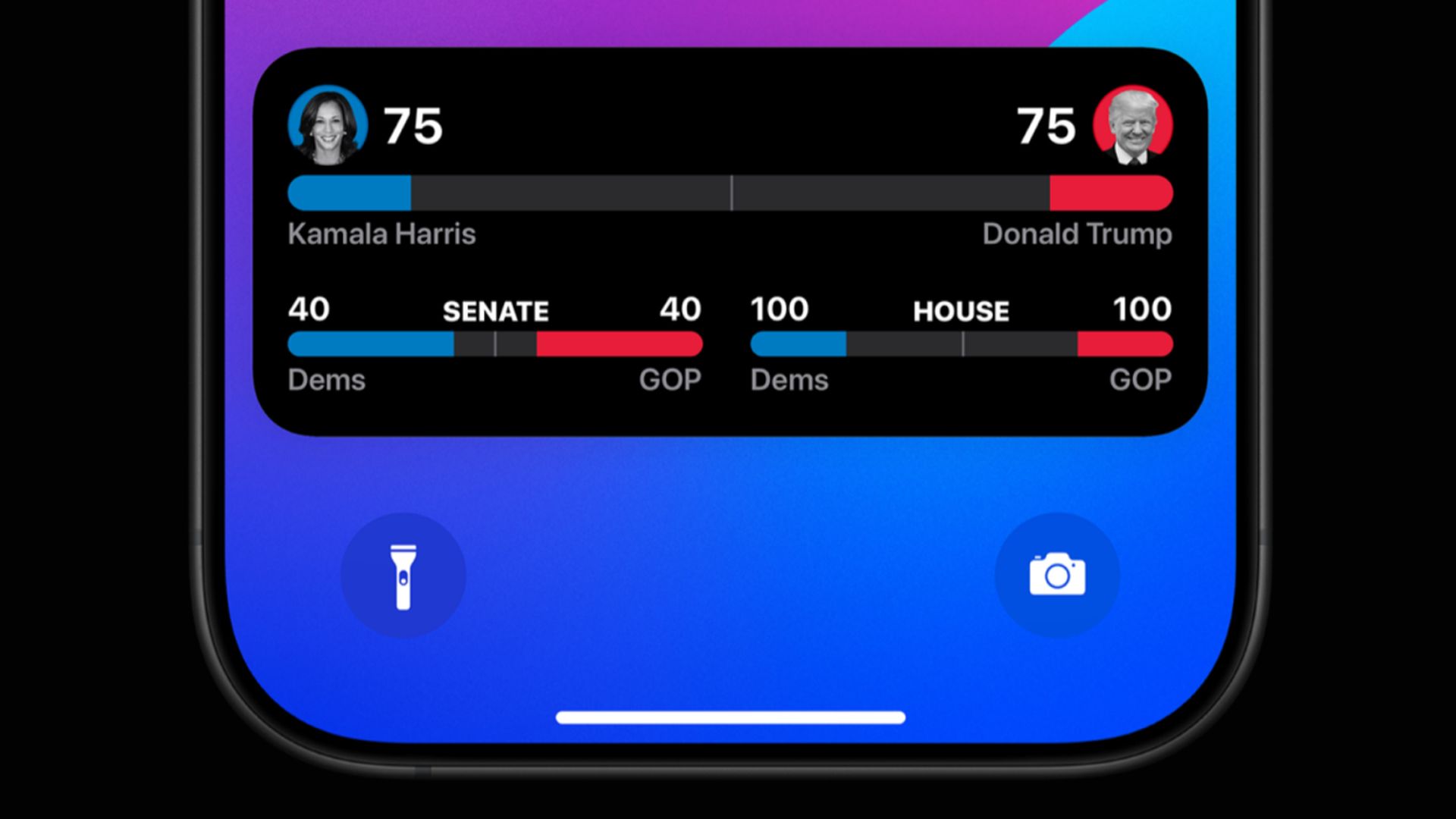
Much like a personal political companion in your pocket, Apple's Live Activities feature transforms your iPhone into a real-time election dashboard, delivering instant 2024 vote updates right to your Lock Screen.

Bünyamin Furkan DemirkayabyBünyamin Furkan Demirkaya
5 November 2024
in Tech
Reading Time: 2 mins read
Share on FacebookShare on Twitter

In the lead-up to Tuesday’s 2024 election, Apple is making it as easy as possible for Americans to follow the results as they trickle in on iPhones and Apple Watches, all in real-time.

Live Activities in the Apple News app will provide users with up-to-the-minute election updates to see today’s vote counts and tomorrow’s electoral outcomes on their Lock Screens. Previously tracking music, sports scores, and phone calls, the feature offered users insight into their lives without having to drill down. Still, it now promises to bring live, to the fingertips, election coverage, providing the ability to quickly consume crucial information.
Live election results will be available on the Apple News app on iPhone
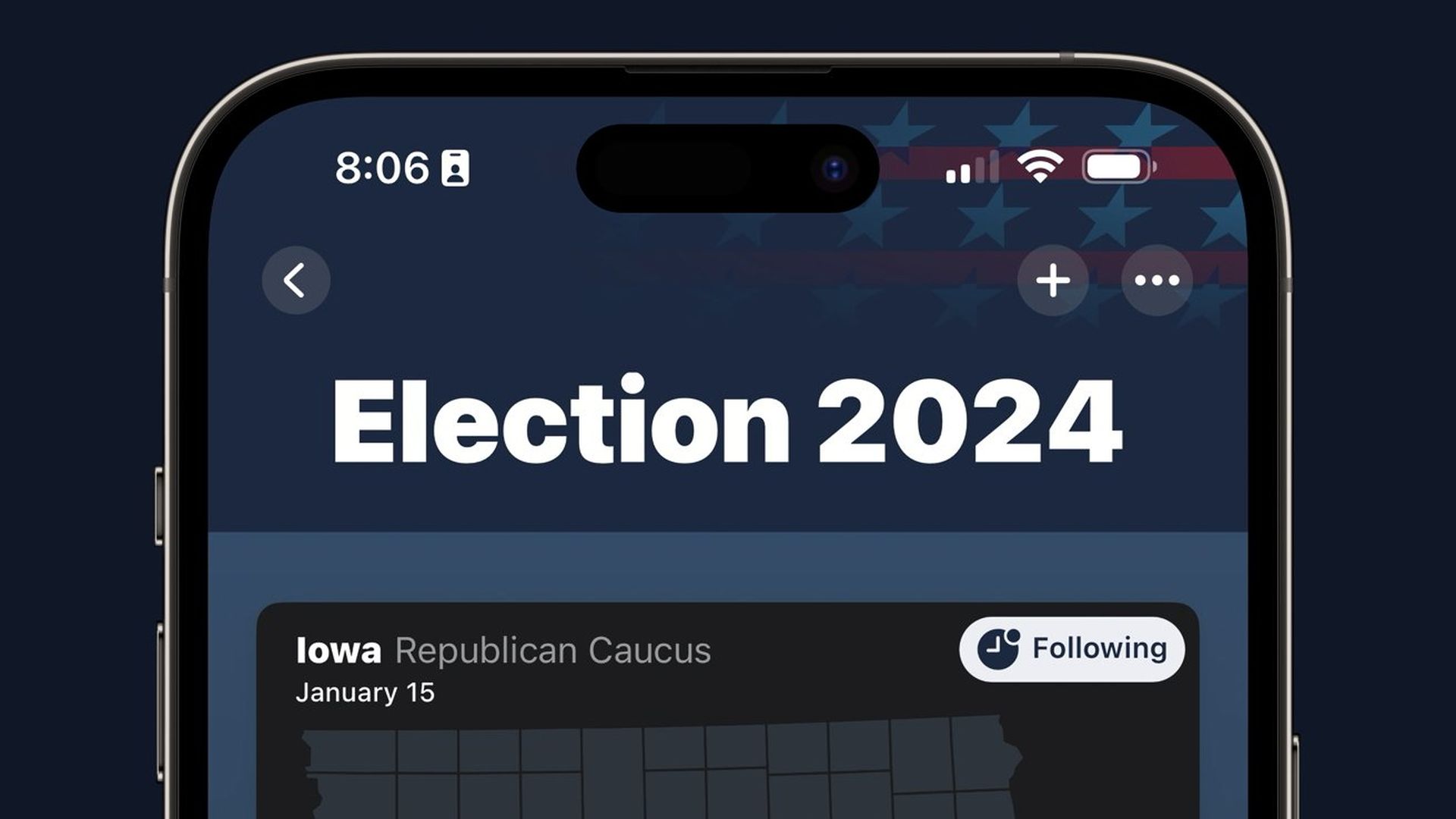
Earlier this year, Apple used Live Activities for political coverage to test the results of the well-received caucus

Election results on the Apple News, Lock Screen, and Dynamic Island

Apple News users can now activate Live Activities that display ongoing election results on their Lock Screens, with a prominent widget to track each candidate’s electoral count, beginning late Tuesday. The Dynamic Island will display interactively, continuously, on devices; Apple Watches will show widget-viewable election information. Users can also quickly dismiss the Dynamic Island feed, keeping the Live Activity active and useful when desired.

IPhone and iPad users can open the Apple News app and tap the “Follow the 2024 election live” banner at the top of the main page or in the Election 2024 Special Coverage section to enable the Live Activity. Notifications pop up as they come in, allowing users to stay updated without opening other apps or monitoring other sites.

Earlier this year, Apple used Live Activities for political coverage to test the results of the well-received caucus. As the stakes of the 2024 election are significantly higher, this Live Activity provides an innovative, non-heated way to stay informed without diving into news platforms or social media feeds. It’s expected that the feature won’t stop being active as votes add up and will continue to give users updates on a rolling basis until preliminary results are announced. As a new “stress test” type for Live Activities, this could shape Apple’s approach to future events that demand live, real-time information.

Technology that helps the user experience during pivotal U.S. history moments—like Apple’s Live Activities feature for election tracking—shows there is no better time than now to capitalize on streamlined technology. Users will now have enhanced coverage to stay connected to the pulse of the election from the Lock screen of their iPhones.


Image credit: Apple

Tags: Appleapple newsElectioniPhone
ShareTweet
Bünyamin Furkan Demirkaya

Bünyamin Furkan Demirkaya

Related Posts

Disney+ brings TikTok-style scrolling to its streaming app

Disney+ brings TikTok-style scrolling to its streaming app

9 January 2026
Xbox reveals lineup for next Developer Direct: Fable, Forza and more

Xbox reveals lineup for next Developer Direct: Fable, Forza and more

9 January 2026
FIFA and TikTok partner to stream live World Cup clips

FIFA and TikTok partner to stream live World Cup clips

9 January 2026
YouTube updates search filters to separate Shorts from long videos

YouTube updates search filters to separate Shorts from long videos

9 January 2026

LATEST

How to choose the right reset method for Samsung Galaxy devices

What resetting end-to-end encryption does on iPhone, iPad or Mac

How to easily monitor your AT&T data usage and avoid overages

How to reset your Bosch dishwasher when buttons won’t respond

Disney+ brings TikTok-style scrolling to its streaming app

Xbox reveals lineup for next Developer Direct: Fable, Forza and more

FIFA and TikTok partner to stream live World Cup clips

YouTube updates search filters to separate Shorts from long videos

Google introduces AI Inbox to organize Gmail tasks and updates

Announcements made by Samsung Display at CES 2026

TechBriefly

© 2021 TechBriefly is a Linkmedya brand.

  • Tech
  • Business
  • Science
  • Geek
  • How to
  • About
  • Privacy
  • Terms
  • Contact
  • | Network Sites |
  • Digital Report
  • LeaderGamer

Follow Us

No Result
View All Result
  • Tech
  • Business
  • Crypto
  • Science
  • Geek
  • How to
  • About
    • About TechBriefly
    • Terms and Conditions
    • Privacy Policy
    • Contact Us
    • Languages
      • 中文 (Chinese)
      • Dansk
      • Deutsch
      • Español
      • English
      • Français
      • Nederlands
      • Italiano
      • 日本语 (Japanese)
      • 한국인 (Korean)
      • Norsk
      • Polski
      • Português
      • Pусский (Russian)
      • Suomalainen
      • Svenska