
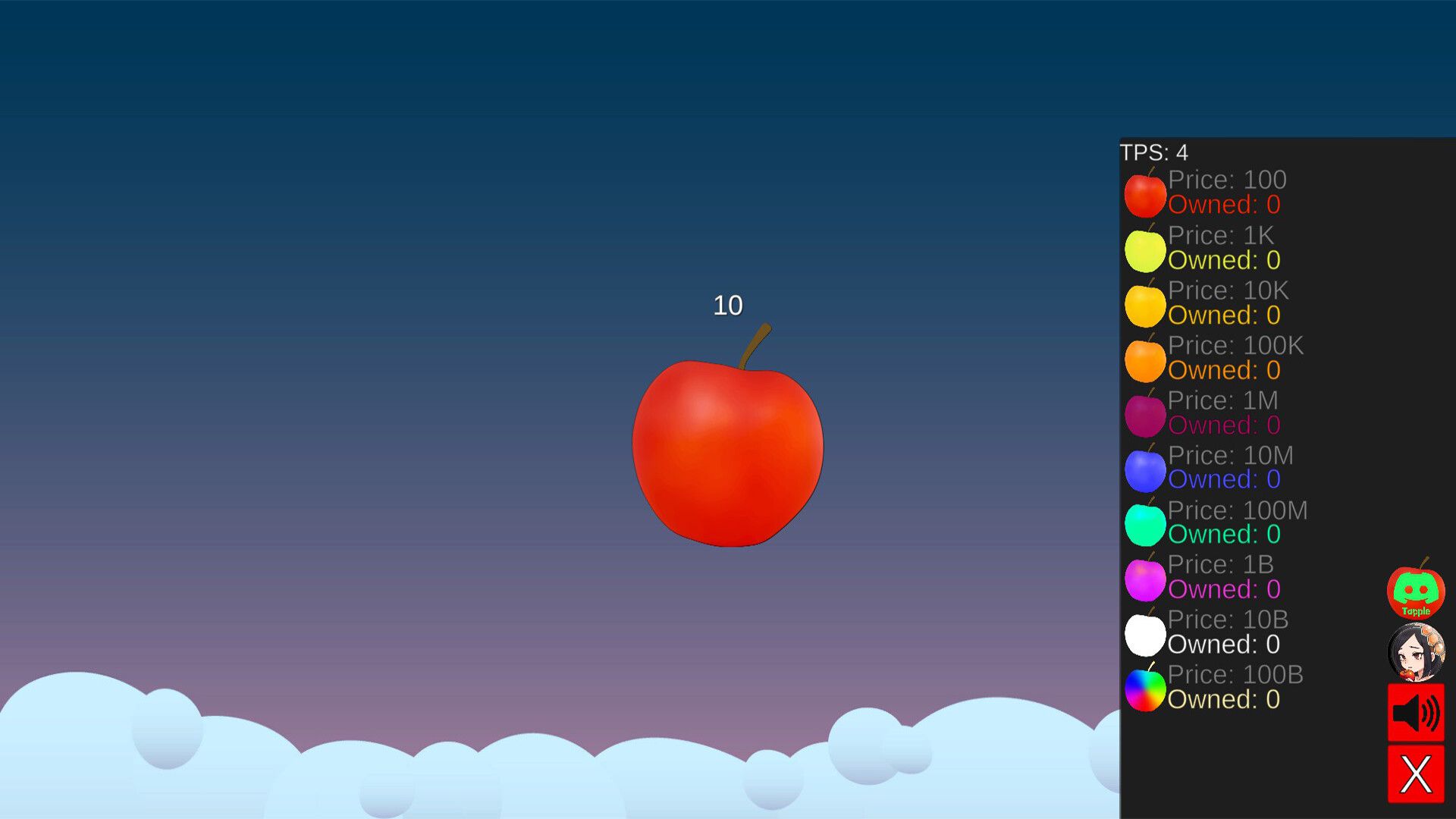

It’s yet another clicker game, which isn’t too interesting — until you play it. Players can access virtual riches with such a simple but captivating game. You can build your Tapple empire in under a minute, make a sustained income, and passively earn more in the game with every click. Whether you are new to clicker games or a seasoned player, Tapple has something for everyone.
In this guide, we’ll show you how to download and play Tapple and give you a few insider tips to speed up leveling up for a better game experience.
How to download Tapple: Quick and easy steps to get started
If you’re ready to jump into the world of Tapple, downloading the game is as easy as possible. Here’s how you can install it and start playing right away.
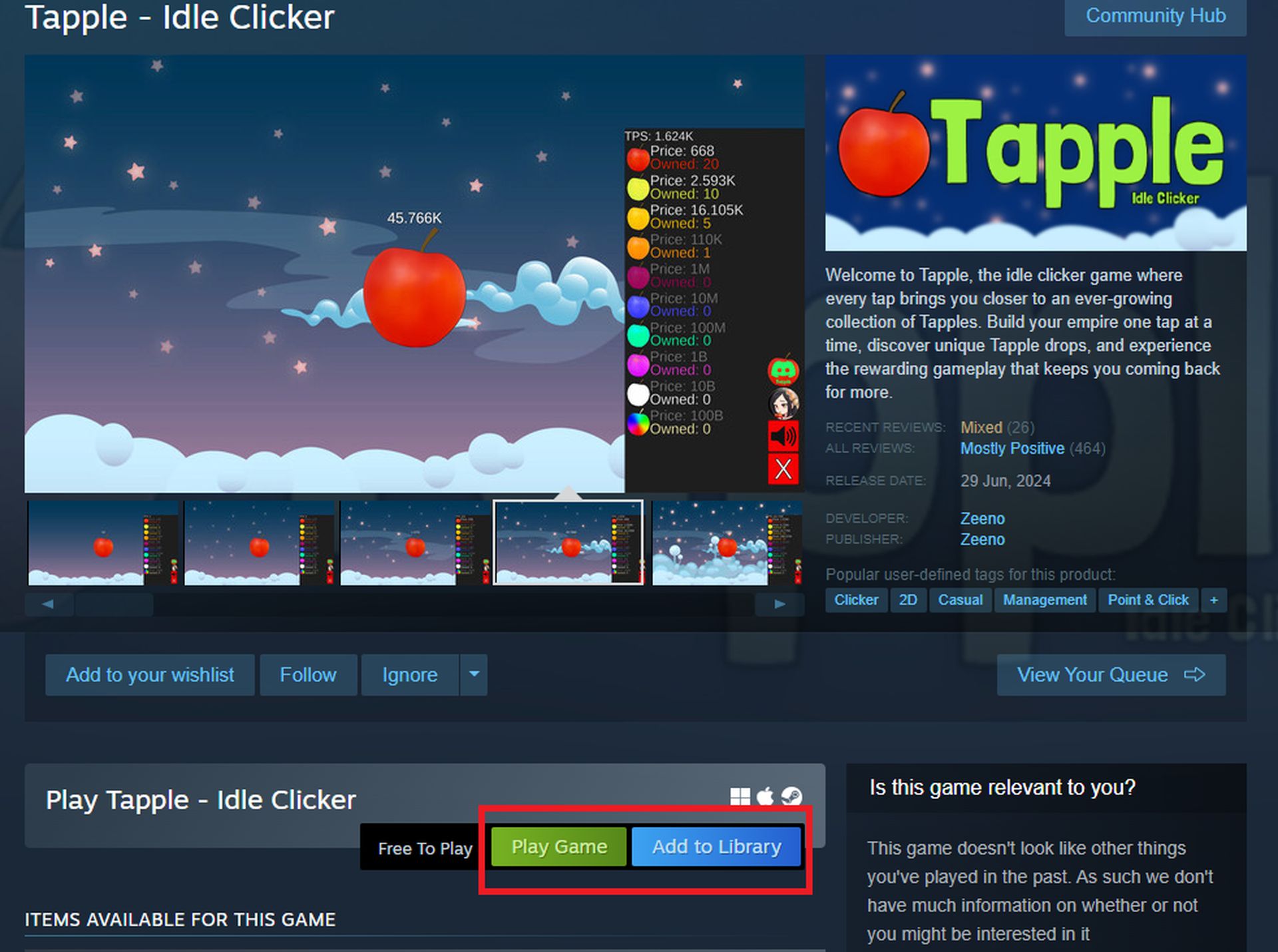
- First, open Steam.
- Type Tapple in the search field.
- Download the free game.
- Tap the install button and wait for the download to complete.
- Once installed, open the app, and you will be greeted by a bright red apple in the center of the screen.
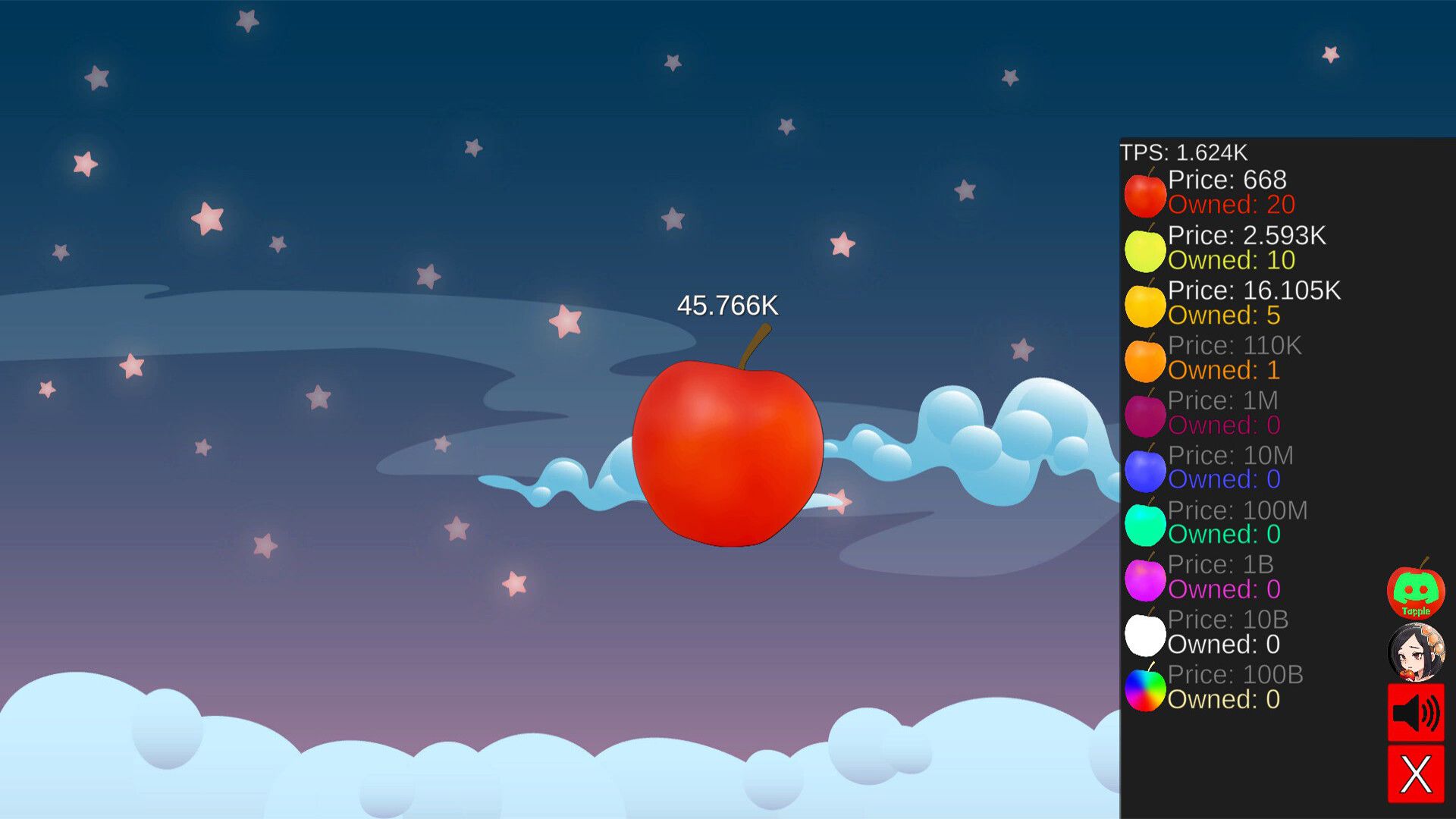
Now that the game is downloaded, the fun can begin! You’ll be introduced to the basic mechanics through a red apple in the middle of your screen. As you tap away, you’ll see your balance grow with each click, but that’s just the beginning.
How to play Tapple: Tapping your way to riches
So, how exactly do you play Tapple? The main goal is to generate as much wealth as possible by tapping and upgrading your apple. Let’s break it down step by step:
- Tap the apple – Start by clicking the apple in the middle of the screen. Every time you tap, numbers will appear, showing your growing balance.
- Automate your income – Once you’ve collected enough from tapping, you’ll want to upgrade your apple generator. This can be done by heading to the top right corner of the screen and clicking on the head icon. From there, you can spend your balance on upgrades, automatically increasing your apple’s value.
- Keep upgrading – The more you upgrade, the more you can automate. Your goal is to keep enhancing your apple’s worth, making each tap count for more, and eventually reaching new levels of wealth.
The game rewards you with progression through ten different levels. Each level presents new challenges and unlocks additional features, helping you build a larger and more powerful Tapple empire. Over time, you can unlock hidden bonuses and surprises that boost you extra.
What are the chances of a Tapple drops?
One of Tapple’s unique features is the drop system, which rewards regular play. Every three hours, you’ll receive a drop that can be collected in the game or by logging in after a break.
The drops come with different rarities, and here’s a breakdown of what you can expect:
- Common (60%)
- Uncommon (25%)
- Rare (10%)
- Epic (4%)
- Legendary (1%)
While most drops will be common, those rare and legendary ones can significantly boost your progress. Drops can also be sold, and their value can range anywhere from pennies to a thousand coins. The more drops you collect, the better your chances of finding something valuable.
Tips and tricks for success
Playing Tapple is all about tapping efficiently and upgrading wisely. Here are a few tips to help you progress faster:
- Focus on automation: The sooner you can automate your income, the less you’ll need to tap manually. This lets you progress even when you’re not actively playing.
- Strategic upgrades: Don’t just spend your balance on the first upgrade. Take the time to prioritize which upgrades give you the most value.
- Play consistently: Since drops occur every three hours, make it a habit to check in regularly to collect them. This will help you maximize your rewards over time.
The more you tap, upgrade, and unlock new features, the closer you’ll earn billions of Tapples. Hidden secrets and special rewards await those who stick with it, making each level more exciting than the last.
Tapple isn’t just about endless tapping; it’s a community-driven experience. Future updates promise exclusive drops and new features that will add even more depth to the game. Players are also encouraged to share their designs and ideas within the Tapple community through Discord, contributing to developing new content and updates.
Tapple offers a fun and engaging way to watch your virtual wealth grow. By downloading the game, tapping your apple, and upgrading your generator, you can build an empire that keeps growing, even when you’re away from the screen. The drop system and level progression always ensure something new to work towards. Whether you’re playing casually or aiming for top-tier drops, Tapple has something to offer for every player. Happy tapping!
Image credit: Tapple


