


Flux realism LoRA is making waves in the world of AI-generated imagery. This innovative tool works with the Stable Diffusion framework and plays nice with ComfyUI, giving artists and developers a powerful new brush to create with.
Black Forest Labs, the brains behind Flux realism Lora, have cooked up something special. Their AI model isn’t just pushing pixels around – it’s redefining what we expect from computer-generated art.
 Where to Find Flux realism LoRA and how to use it
Flux realism LoRA is a Low-Rank Adaptation (LoRA) model, meaning it has been fine-tuned to excel at creating images that fool the eye into thinking they are real. There are many different ways to use LoRAs. You can also try them online, but only if you want to have access to all the settings and freedom of movement. One of the versions of ComfyUI or Stable Diffusion will work very well for you. If you have Stable Diffusion installed on your computer, you will find Flux realism LoRA in the Lora folder, ready to turn your creative ideas into stunning visuals.
For those who want to have the flux realism LoRA, you can of course also check the XLabs-AI/flux-RealismLora repository at Hugging Face. This is where you can find the educated checkpoint that houses all the magic. But having the model is just the beginning – you’ll want to pair it with ComfyUI to make it sing.
 ComfyUI is the perfect dance partner for Flux realism LoRA. It provides a workflow that makes using the model a breeze. With ComfyUI you can turn your text descriptions into images that look like they’re going to jump off the screen. It’s all about simplifying the complex so you can focus on being creative. Here’s how you can get your hands on it and start creating:
- Locate the model:
- Find Flux realism Lora in the Lora folder of your Stable Diffusion installation.
- Or grab it from the black-forest-labs/FLUX.1 on Hugging Face.
- Once on the page, go to Files and Versions.
- the file name you need to download is flux1-dev.safetensors.
- Then put it in the Model folder inside Stable Diffusion or ComfyUI on your computer.

- Set up your workspace:
- Install ComfyUI or your preferred Stable Diffusion interface.
- Make sure your GPU has enough VRAM to handle the model.
- Load the model:
- In ComfyUI, add a LoRA loader node to your workflow.
- You can also try compressed Flux, which is a bit stripped down in features and smaller in size.
- Point it to the flux realism LoRA file.
- Try online:
- You can also try Flux realism LoRA from the official site, Civitai, FalAI, or some other sites.
- Craft your prompt:
- Write a detailed description of the image you want to create.
- Experiment with different prompts to see what works best.

- Adjust settings:
- Play with parameters like steps, CFG scale, and sampler to fine-tune your results.
- Don’t be afraid to experiment – that’s where the magic happens.
- Generate and iterate:
- Click generate and watch your creation come to life.
- If you’re not happy with the result, tweak your prompt or settings and try again.
- Save and share:
- Once you’ve created something you love, save it.
- Share your masterpiece with the community and get feedback.
 Flux’s three faces
Flux AI comes in three flavors, each designed to meet different needs:
- Flux Dev: This version is perfect for hobbyists and developers who want to play around without worrying about commercial use.
- Flux Schnell: When speed is of the essence, Flux Schnell delivers results up to ten times faster than its siblings.
- Flux Pro: For serious users, Flux Pro offers an API that’s ready for high-demand commercial projects.
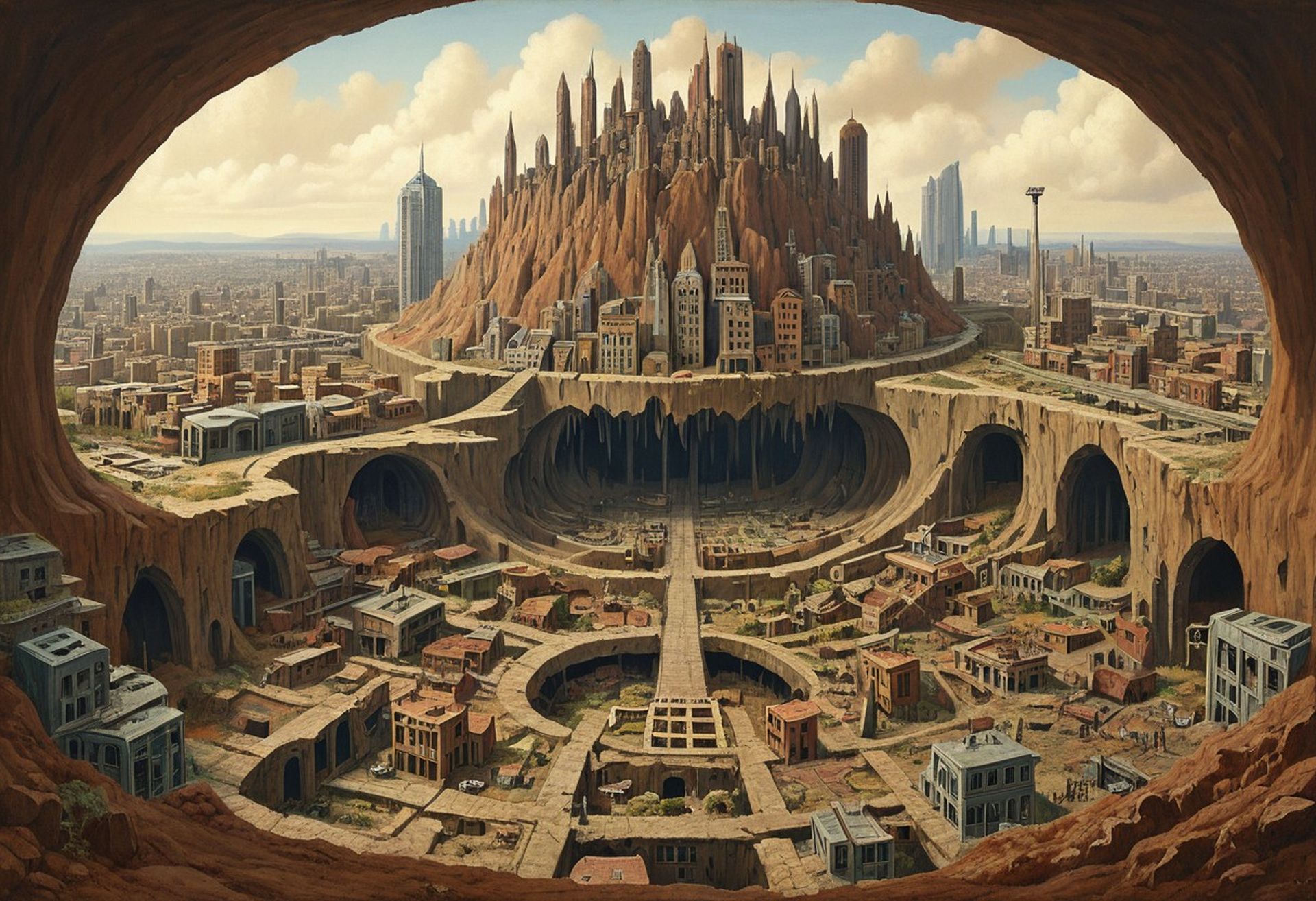 The buzz around Flux realism LoRA isn’t just hype. Users on platforms like Reddit’s StableDiffusion community are sharing images that showcase just how realistic this model can be. It’s not just creating pictures; it’s crafting scenes that could almost be mistaken for photographs.
As Flux realism LoRA takes its place in the toolbox of digital artists and AI enthusiasts, it’s clear that we’re entering a new era of AI-generated art. Whether you’re tinkering for fun or creating for work, Flux realism LoRA is opening up new possibilities for bringing imagination to life through pixels.
All images were created with FluxAI


