
TechBriefly
  • Tech
  • Business
  • Crypto
  • Science
  • Geek
  • How to
  • About
    • About TechBriefly
    • Terms and Conditions
    • Privacy Policy
    • Contact Us
    • Languages
      • 中文 (Chinese)
      • Dansk
      • Deutsch
      • Español
      • English
      • Français
      • Nederlands
      • Italiano
      • 日本语 (Japanese)
      • 한국인 (Korean)
      • Norsk
      • Polski
      • Português
      • Pусский (Russian)
      • Suomalainen
      • Svenska
No Result
View All Result
TechBriefly
Home How to
A guide to the 5 best retro game emulators for iOS

A guide to the 5 best retro game emulators for iOS

iOS users can now play retro games using various emulators.

Barış SelmanbyBarış Selman
17 May 2024
in How to
Reading Time: 2 mins read
Share on FacebookShare on Twitter

Do you want to ride in a time machine and get immersed in the magic of old games? Your iOS device can become a game console with the right retro game emulators! How? We will share with you how in the rest of our article.

From Atari to PlayStation, reliving your childhood’s legendary games is possible.

Here are the 5 best retro game emulators on the iOS App Store and a comprehensive guide on using them.

5 best retro game emulators

Below you can see the best retro game emulators we have researched for you:

  • Delta
  • RetroArch
  • PPSSPP
  • ScummVM
  • Gamma

Let’s take a closer look at emulators!

Delta

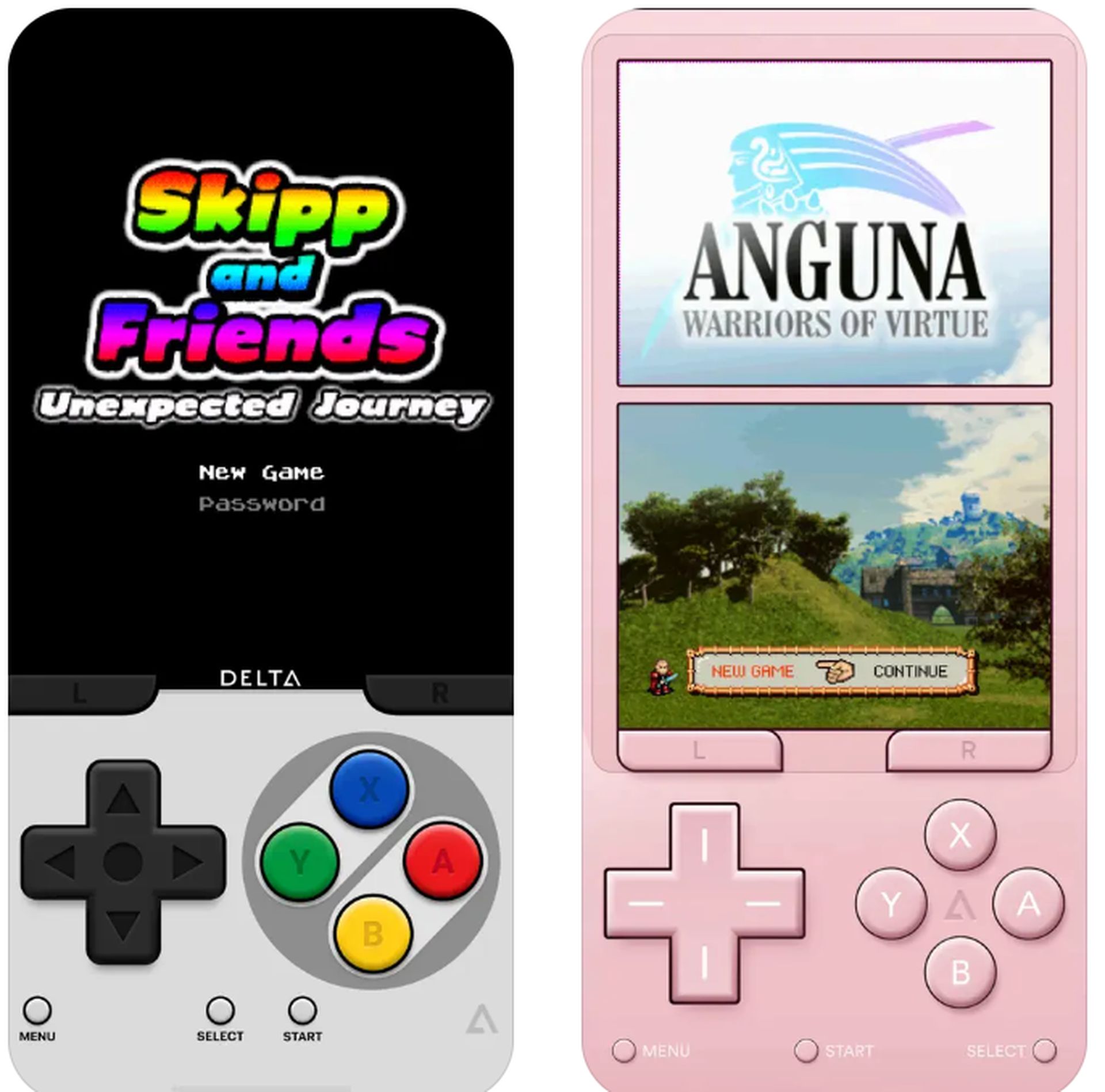
Delta is a user-friendly emulator that lets you play games from Nintendo consoles (NES, SNES, N64, GBA) and more. Its high performance, customizable control options, and cloud recording support stand out.


A guide to the 5 best retro game emulators for iOS
Delta is a user-friendly emulator for Nintendo consoles and more (Image credit: App Store)

You can download Delta using this link.

RetroArch

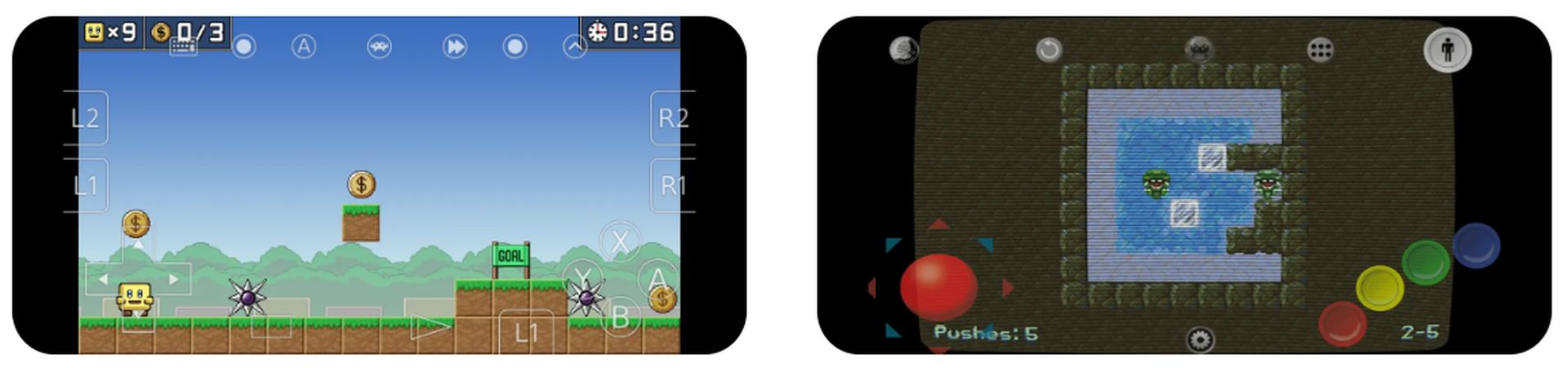
RetroArch is a powerful emulator that lets you play games from dozens of consoles in a single application. It supports PlayStation, Sega Genesis, Game Boy Advance, and many more platforms. With advanced features, customization options, and extensive plugin support, RetroArch is an ideal choice for experienced users.
A guide to the 5 best retro game emulators for iOS
RetroArch is a powerful multi-console emulator for experienced users (Image credit: App Store)

You can download RetroArch using this link.

PPSSPP

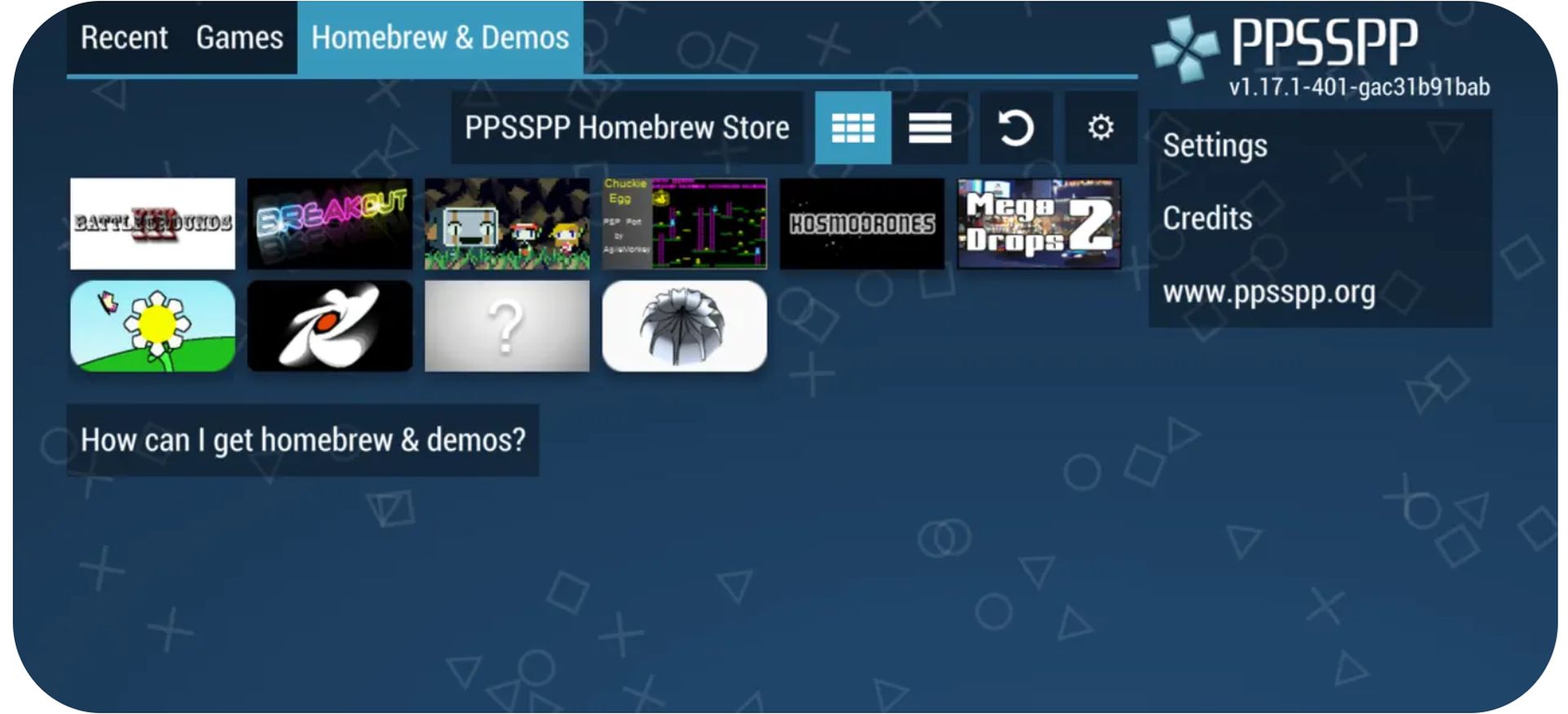
PPSSPP is a high-performance emulator that lets you play PSP games on your iOS device. It offers HD graphics, customizable controls, and save/load features. PPSSPP is the perfect option for those who want to re-experience the PSP’s unforgettable games.
A guide to the 5 best retro game emulators for iOS
PPSSPP allows high-performance playback of PSP games on iOS devices (Image credit: App Store)

You can download PPSSPP using this link.

ScummVM

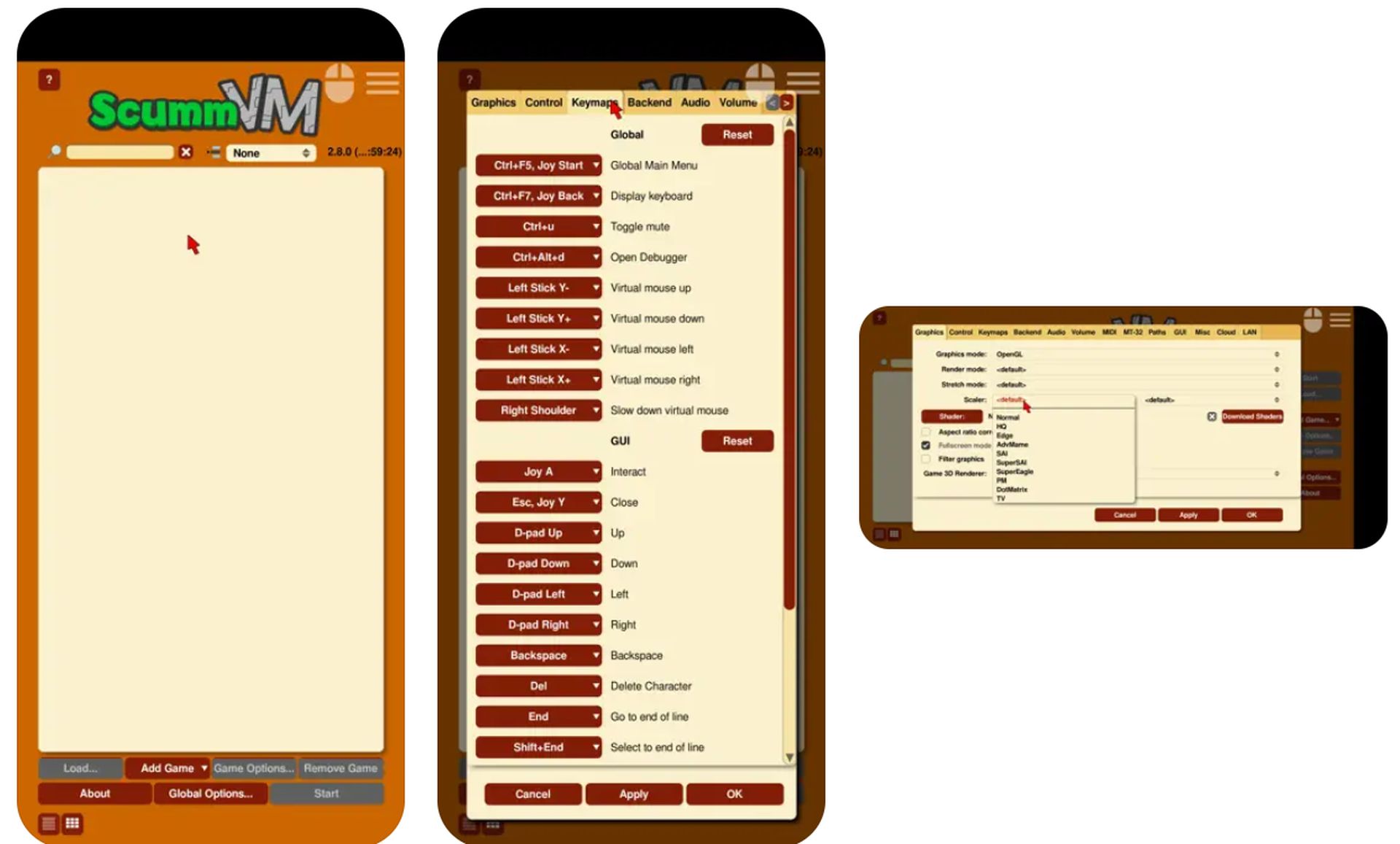
ScummVM is a specialized emulator that lets you play classic adventure games from LucasArts and other developers (Monkey Island, Day of the Tentacle, Full Throttle, etc.) on iOS. ScummVM is an indispensable tool for those who want to relive these games’ unique atmosphere and stories.
A guide to the 5 best retro game emulators for iOS
ScummVM is a specialized emulator for classic adventure games (Image credit: App Store)

You can download ScummVM using this link.

Gamma

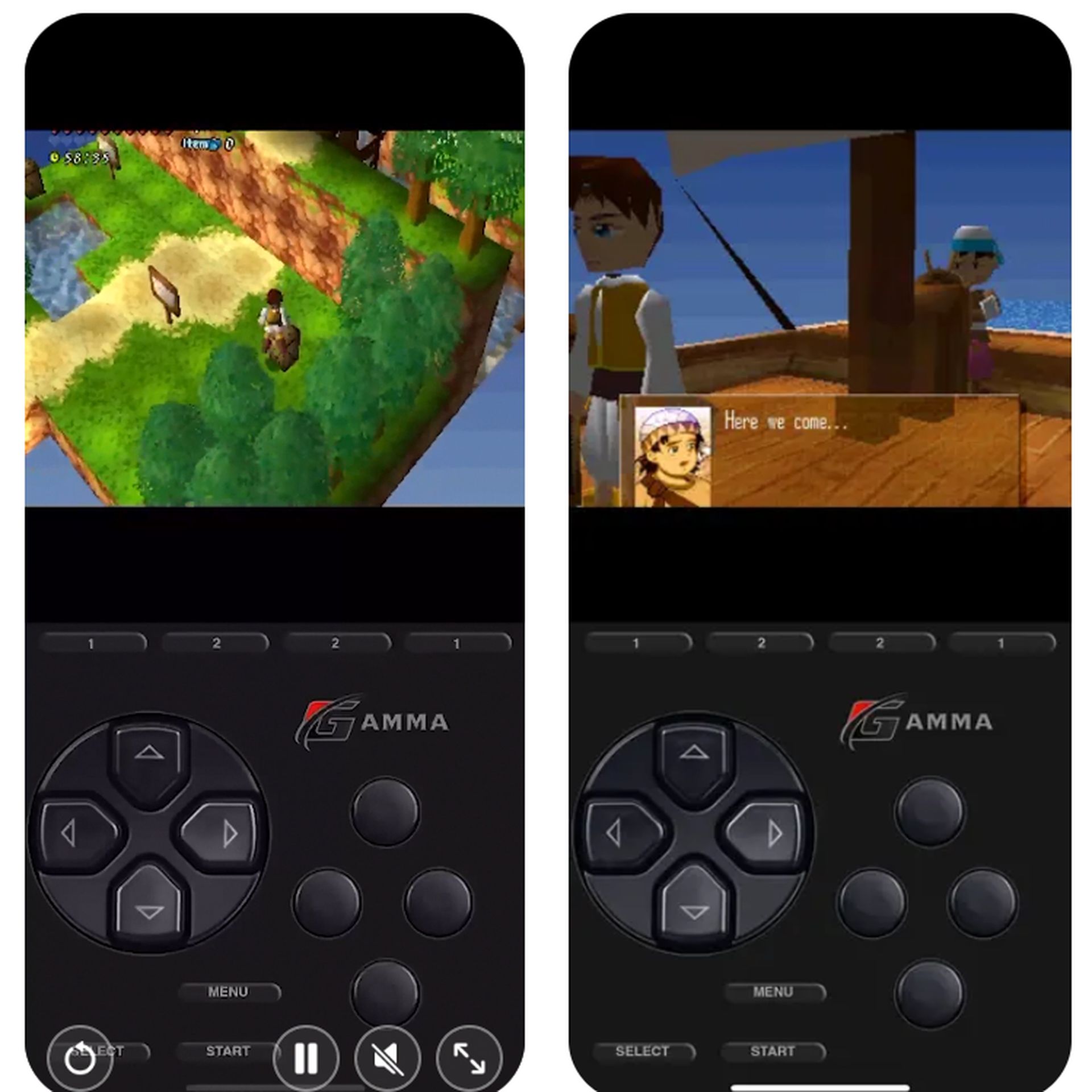
Gamma is a specialized emulator that allows you to play Atari Lynx’s unique games on your iOS device. Gamma is a great option for those who want to experience this handheld console’s distinctive graphics and gameplay.
A guide to the 5 best retro game emulators for iOS
Gamma is designed to play Atari Lynx games on iOS devices (Image credit: App Store)

You can download Gamma using this link.

With the right emulators, your iOS device can be a gateway to the magical world of retro gaming. With powerful emulators like Delta, RetroArch, PPSSPP, ScummVM, and Gamma, you can rediscover the unforgettable games of your childhood and embark on a nostalgia-filled journey. Check out their features and supported platforms to decide which emulator is right for you. Happy gaming!

Featured image credit: Freepik

Tags: Emulators
ShareTweet
Barış Selman

Barış Selman

A technology and gaming enthusiast by day, Barış is a passionate composer and black/death metal guitarist by night. He keeps his finger on the pulse of the intersection of art and technology whenever he can from his tours worldwide.

Related Posts

How to enable cross platform play in Minecraft Bedrock Edition

How to enable cross platform play in Minecraft Bedrock Edition

14 January 2026
How to allow your Android to install apps from unknown sources

How to allow your Android to install apps from unknown sources

14 January 2026
How to connect a PS3 controller to a rooted Android device

How to connect a PS3 controller to a rooted Android device

14 January 2026
How to charge a JUUL using a phone charger hack

How to charge a JUUL using a phone charger hack

14 January 2026

LATEST

Lego launches first-ever Pokémon sets with pre-orders up to $650

Capcom confirms 12-minute Resident Evil Showcase for tomorrow

China keeps market door half-shut for Nvidia despite US export approvals

Instagram co-founder Mike Krieger moves to Anthropic Labs

Netflix prepares all-cash offer for the Warner Bros. deal

Google rolls out automatic room check-in to Workspace users

Tesla launched 2026 Model Y with a seven-seat version

Battlefield 6 Season 2 delayed to February as EA addresses player backlash

Meta halts Quest successor plans as 1,000 Reality Labs jobs are cut

Roblox’s new AI age check is confusing adults for children

TechBriefly

© 2021 TechBriefly is a Linkmedya brand.

  • Tech
  • Business
  • Science
  • Geek
  • How to
  • About
  • Privacy
  • Terms
  • Contact
  • | Network Sites |
  • Digital Report
  • LeaderGamer

Follow Us

No Result
View All Result
  • Tech
  • Business
  • Crypto
  • Science
  • Geek
  • How to
  • About
    • About TechBriefly
    • Terms and Conditions
    • Privacy Policy
    • Contact Us
    • Languages
      • 中文 (Chinese)
      • Dansk
      • Deutsch
      • Español
      • English
      • Français
      • Nederlands
      • Italiano
      • 日本语 (Japanese)
      • 한국인 (Korean)
      • Norsk
      • Polski
      • Português
      • Pусский (Russian)
      • Suomalainen
      • Svenska