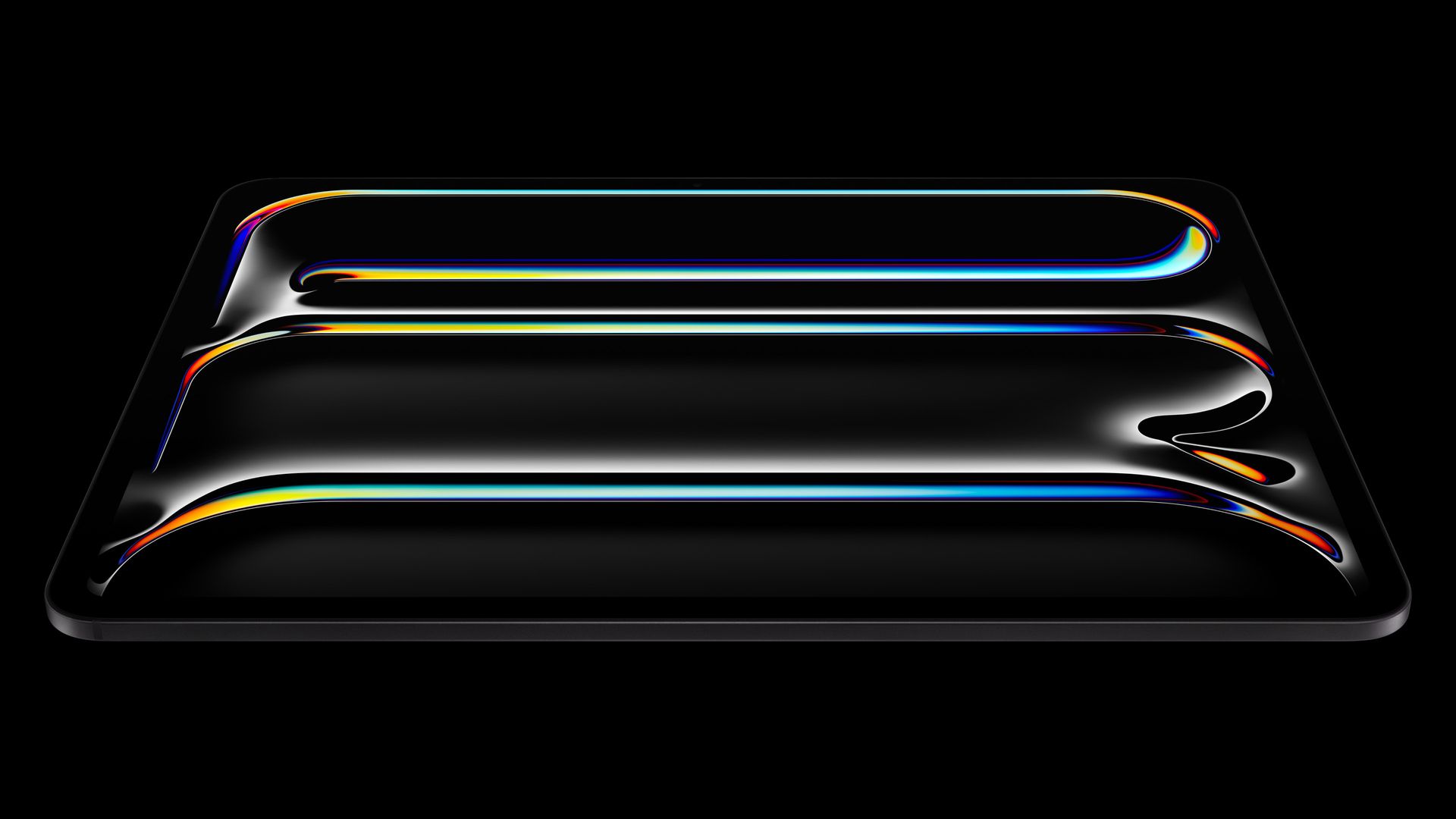

To enhance the experience of the 2024 iPad Pro even further, Apple has unveiled upgrades to two of its most popular accessories – the Magic Keyboard and the Apple Pencil.
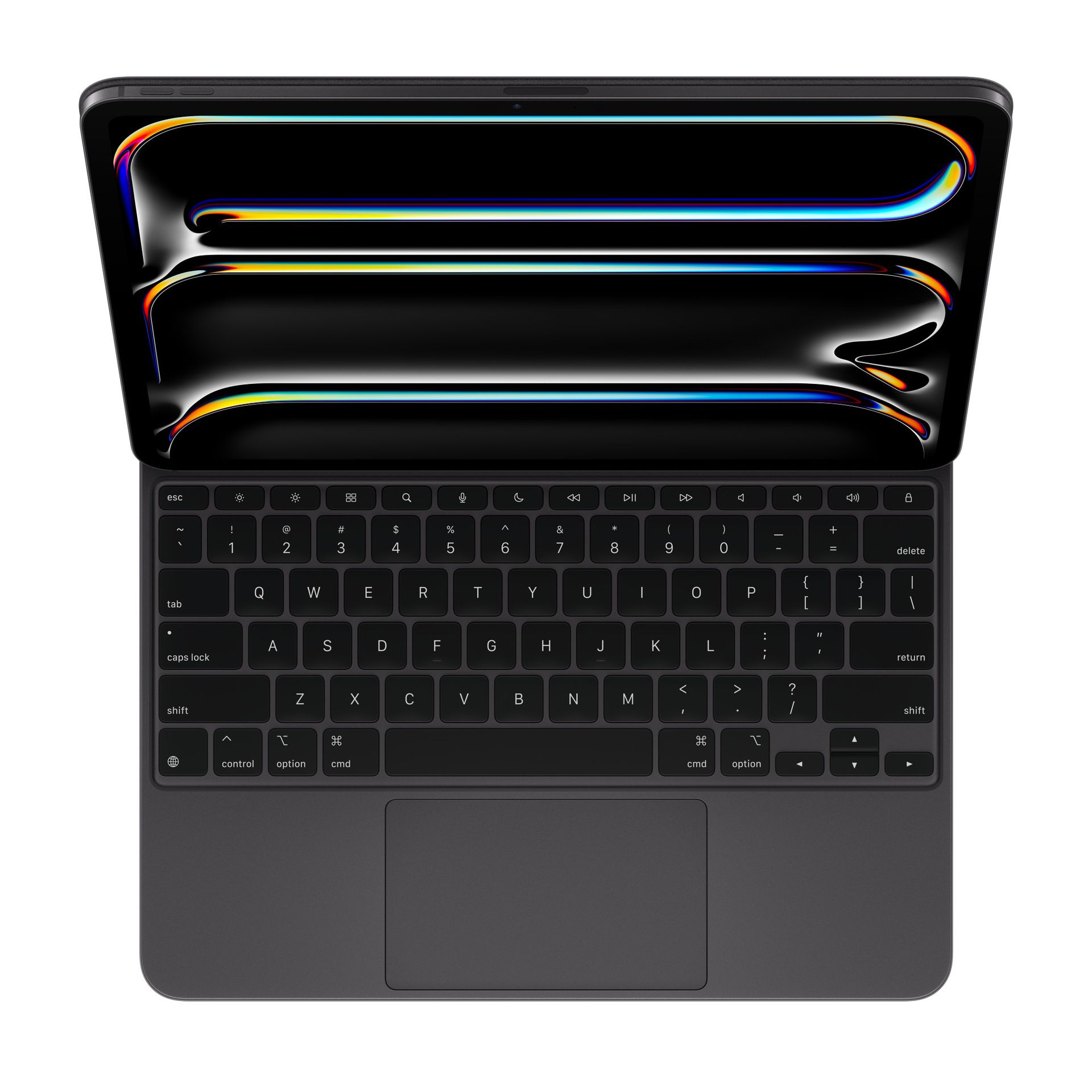
The Magic Keyboard has been a favorite among iPad Pro users seeking a more laptop-like experience. This time around, Apple has completely redesigned the keyboard, making it sleeker and more portable than ever before.
As for the pencil, it’s biggest problem has been resolved with a brand new sensor technology. Let us delve into the details!
A thinner, lighter Magic Keyboard with more functionality
The new Magic Keyboard boasts a significantly slimmer design compared to its predecessor. This translates to a more comfortable carrying experience, making it ideal for users who frequently travel with their iPad Pro. While the exact weight reduction hasn’t been specified by Apple, early reports suggest a noticeable difference. Additionally, the new Magic Keyboard comes in two color options – matching the new iPad Pro models – to provide a more cohesive aesthetic.
Beyond the visual redesign, the new Magic Keyboard offers several functional improvements. It features a dedicated function row that includes controls for screen brightness and media playback. This integration eliminates the need to access these settings through the Control Center, streamlining the workflow.
Another notable addition is the larger trackpad with haptic feedback. The increased size provides more real estate for multi-finger gestures, making navigation and editing tasks more intuitive. The haptic feedback adds a layer of physical confirmation when using the trackpad, similar to what you’d experience on a traditional laptop. Finally, the new Magic Keyboard retains its comfortable, full-sized keys and a convenient floating hinge that allows for flexible viewing angles.
Apple Pencil Pro: Enhanced precision and new input methods
Alongside the redesigned Magic Keyboard, Apple introduced the all-new Apple Pencil Pro. This upgraded stylus aims to elevate the note-taking and creative experience on the iPad Pro. The Apple Pencil Pro boasts a new sensor embedded within its barrel. By squeezing the barrel, users can now access a customizable tool palette. This palette allows for quick switching between different drawing tools, line weights, and colors, all without interrupting their workflow.
The Apple Pencil Pro also introduces haptic feedback for the first time. This means users will feel a gentle vibration when they perform specific actions, such as squeezing the barrel, double-tapping the pencil, or snapping an object to a Smart Shape. These haptic cues provide a more natural and responsive user experience.
For artists and designers who rely heavily on precise control, the Apple Pencil Pro offers an improved gyroscope. This enhanced sensor allows for even more meticulous control over the stylus, making it ideal for detailed drawing and creative tasks.
Availability and compatibility
Both the new Magic Keyboard and Apple Pencil Pro are available for preorder now.
The Magic Keyboard comes in two sizes, compatible with the 11-inch and 12.9-inch iPad Pro models, priced at $299 and $349 respectively.
The Apple Pencil Pro carries a price tag of $129. The first shipments of both accessories are expected to arrive next week, coinciding with the launch of the new iPad Pro models.
Featured image credit: Apple