
TechBriefly
  • Tech
  • Business
  • Crypto
  • Science
  • Geek
  • How to
  • About
    • About TechBriefly
    • Terms and Conditions
    • Privacy Policy
    • Contact Us
    • Languages
      • 中文 (Chinese)
      • Dansk
      • Deutsch
      • Español
      • English
      • Français
      • Nederlands
      • Italiano
      • 日本语 (Japanese)
      • 한국인 (Korean)
      • Norsk
      • Polski
      • Português
      • Pусский (Russian)
      • Suomalainen
      • Svenska
No Result
View All Result
TechBriefly
Home Tech Software
Google brings iOS-exclusive Gemini feature to Android

Google brings iOS-exclusive Gemini feature to Android

Google is adding the feature to switch between the Gemini AI assistant and traditional Google Search within the Android app, mirroring a feature already available on iOS.

Barış SelmanbyBarış Selman
8 April 2024
in Software, Tech
Reading Time: 2 mins read
Share on FacebookShare on Twitter

Google is bringing an exciting feature to its Android app, which is available only on iOS devices.

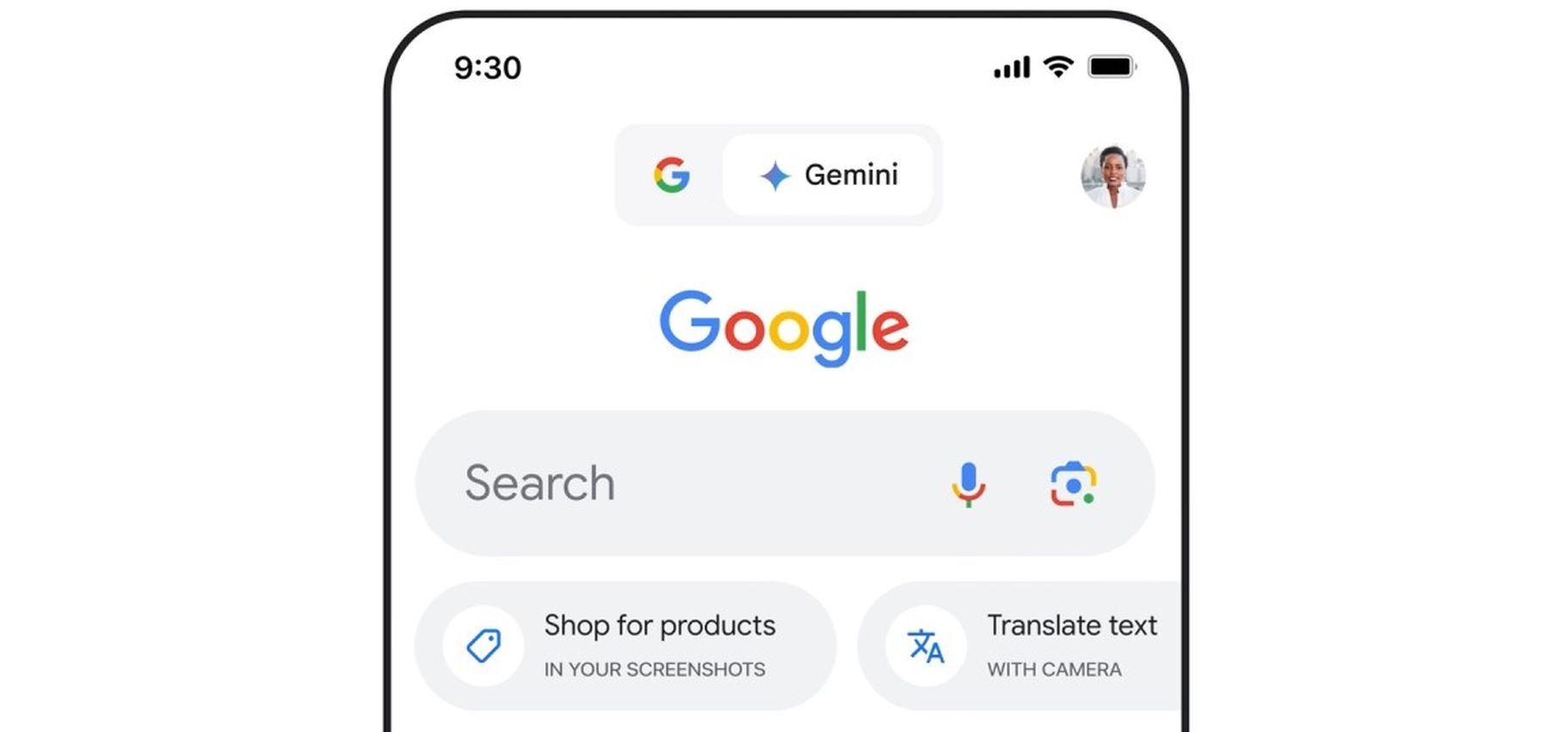
Users can switch between Gemini and Search in Google’s Android app. As I mentioned above, this will be just like on iOS.

The new feature will allow users to access the information they need more quickly and conveniently.

Google’s Android app will get a switch to Gemini button

Already available on iOS, the new feature on Android will also change the user interface for Search and Lens shortcuts.

It will be rolled out gradually at first, and it may take some time to reach all users.
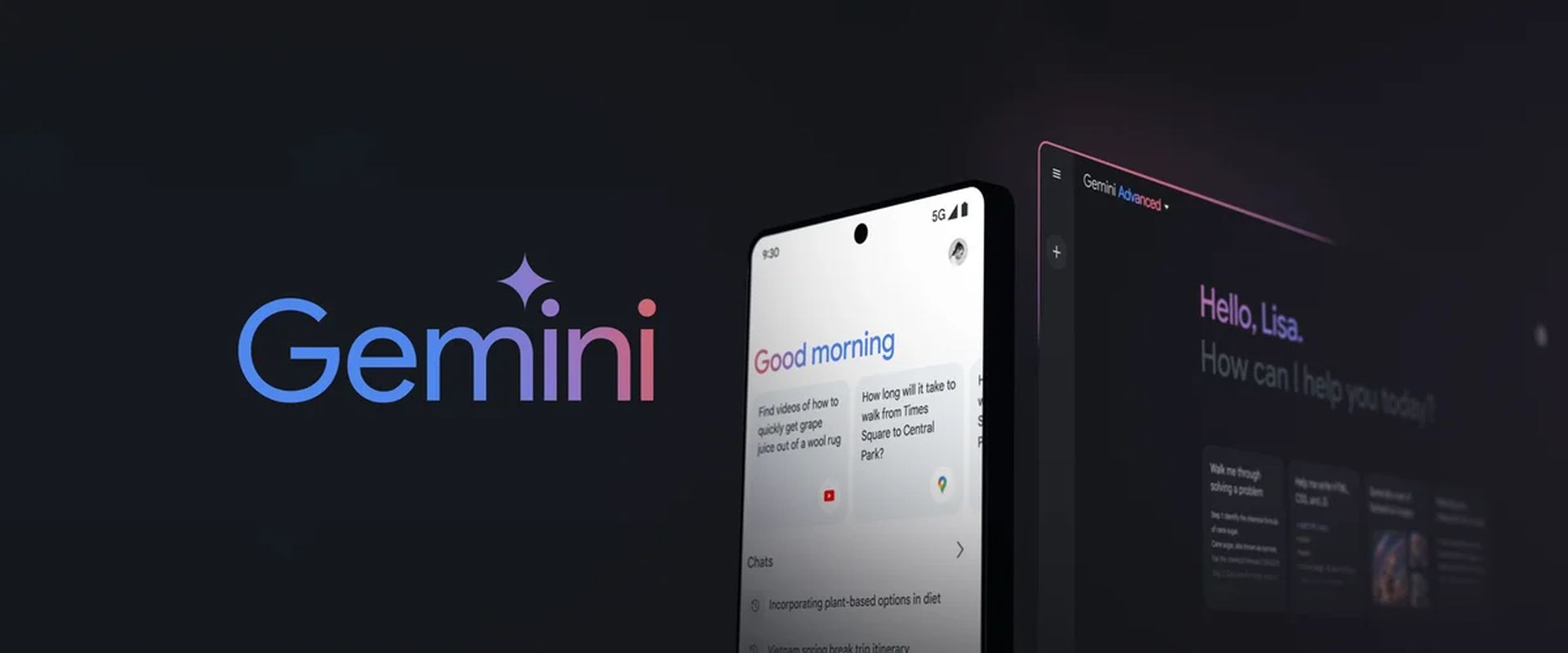
Google brings iOS-exclusive Gemini feature to Android
Android users will soon be able to switch between the Gemini AI assistant and traditional Google Search within the app (Image credit)

It’s also worth noting that Google is working hard to roll out Gemini globally. Google is also working on new functions, such as email summarization and response suggestions in Gmail, and aims to integrate Gemini into other Google applications.

On the other hand, it will provide many advantages for Android users, such as:

  • Faster access to information: Users will be able to switch between the two with a single click, without having to think about whether the information they are looking for is in Gemini or Google Search
  • Easy to use: Changes to the app’s interface will allow users to switch between Gemini and Google Search easily
  • More choice: Users will be able to choose Gemini or Google Search depending on the type of information they are looking for
Google brings iOS-exclusive Gemini feature to Android
The Android app interface will be updated to include a Gemini toggle button (Image credit)

The new feature that allows users to switch between Gemini and Search on Android will be very useful. It allows users to access the information they need more quickly and easily.

Featured image credit: Blog Google

Tags: featuredGeminiGoogle
ShareTweet
Barış Selman

Barış Selman

A technology and gaming enthusiast by day, Barış is a passionate composer and black/death metal guitarist by night. He keeps his finger on the pulse of the intersection of art and technology whenever he can from his tours worldwide.

Related Posts

New WhatsApp update brings 2026 stickers and video call effects

New WhatsApp update brings 2026 stickers and video call effects

30 December 2025
Leaker reveals Xiaomi plans for high end eSIM device in 2026

Leaker reveals Xiaomi plans for high end eSIM device in 2026

30 December 2025
HP prepares OMEN OLED monitor reveal for CES 2026

HP prepares OMEN OLED monitor reveal for CES 2026

30 December 2025
High RAM costs from AI boom could delay next Xbox and PlayStation

High RAM costs from AI boom could delay next Xbox and PlayStation

30 December 2025

LATEST

New WhatsApp update brings 2026 stickers and video call effects

Leaker reveals Xiaomi plans for high end eSIM device in 2026

HP prepares OMEN OLED monitor reveal for CES 2026

High RAM costs from AI boom could delay next Xbox and PlayStation

LG to unveil its Gallery TV at CES 2026

Bitcoin drops 3% to $87,300 as altcoins decline

How to install mods and custom content in The Sims 2

Running Python files and fixing path errors on Windows

How to boot your PC into Command Prompt for troubleshooting

How to delete a virus using Command Prompt

TechBriefly

© 2021 TechBriefly is a Linkmedya brand.

  • Tech
  • Business
  • Science
  • Geek
  • How to
  • About
  • Privacy
  • Terms
  • Contact
  • | Network Sites |
  • Digital Report
  • LeaderGamer

Follow Us

No Result
View All Result
  • Tech
  • Business
  • Crypto
  • Science
  • Geek
  • How to
  • About
    • About TechBriefly
    • Terms and Conditions
    • Privacy Policy
    • Contact Us
    • Languages
      • 中文 (Chinese)
      • Dansk
      • Deutsch
      • Español
      • English
      • Français
      • Nederlands
      • Italiano
      • 日本语 (Japanese)
      • 한국인 (Korean)
      • Norsk
      • Polski
      • Português
      • Pусский (Russian)
      • Suomalainen
      • Svenska
