
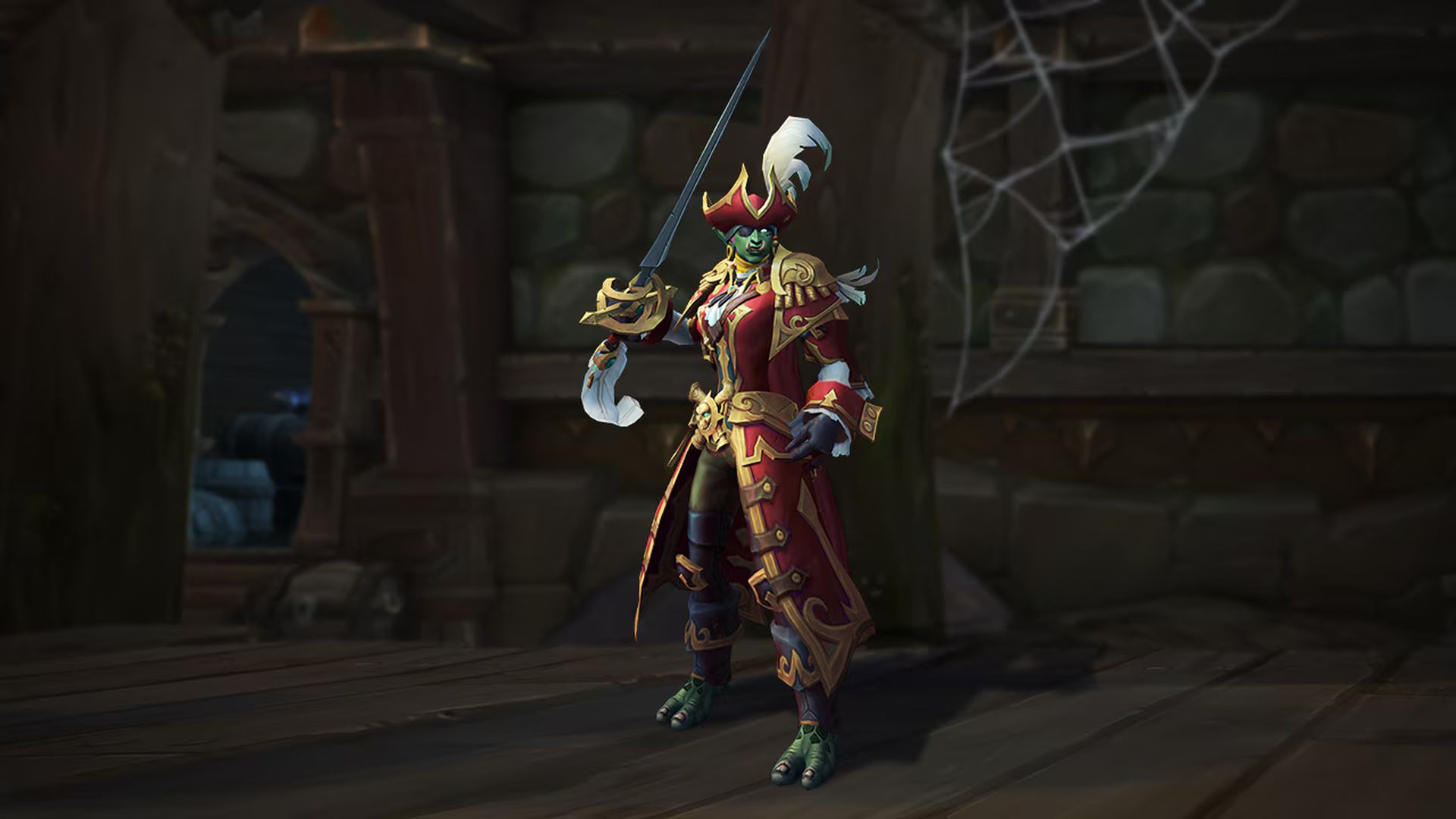

WoW battle royale is out! So, we decided to explain how to play Plunderstorm and everything you need to know about the event.
Ahoy, fellow adventurers! Prepare to set sail on a thrilling escapade unlike any other in the World of Warcraft universe. The Plunderstorm event beckons, offering a limited-time opportunity for daring souls to immerse themselves in a Battle Royale-style extravaganza within the game.
WoW battle royale game explained
In the world of Warcraft (WoW), the Plunderstorm event appears to be a limited-time, pirate-themed event within the game. It introduces a Battle Royale-style gameplay element where players compete to be the last pirate standing while navigating the Arathi Highlands. During this event, players scavenge for abilities and upgrades while plundering loot to survive the intense competition.
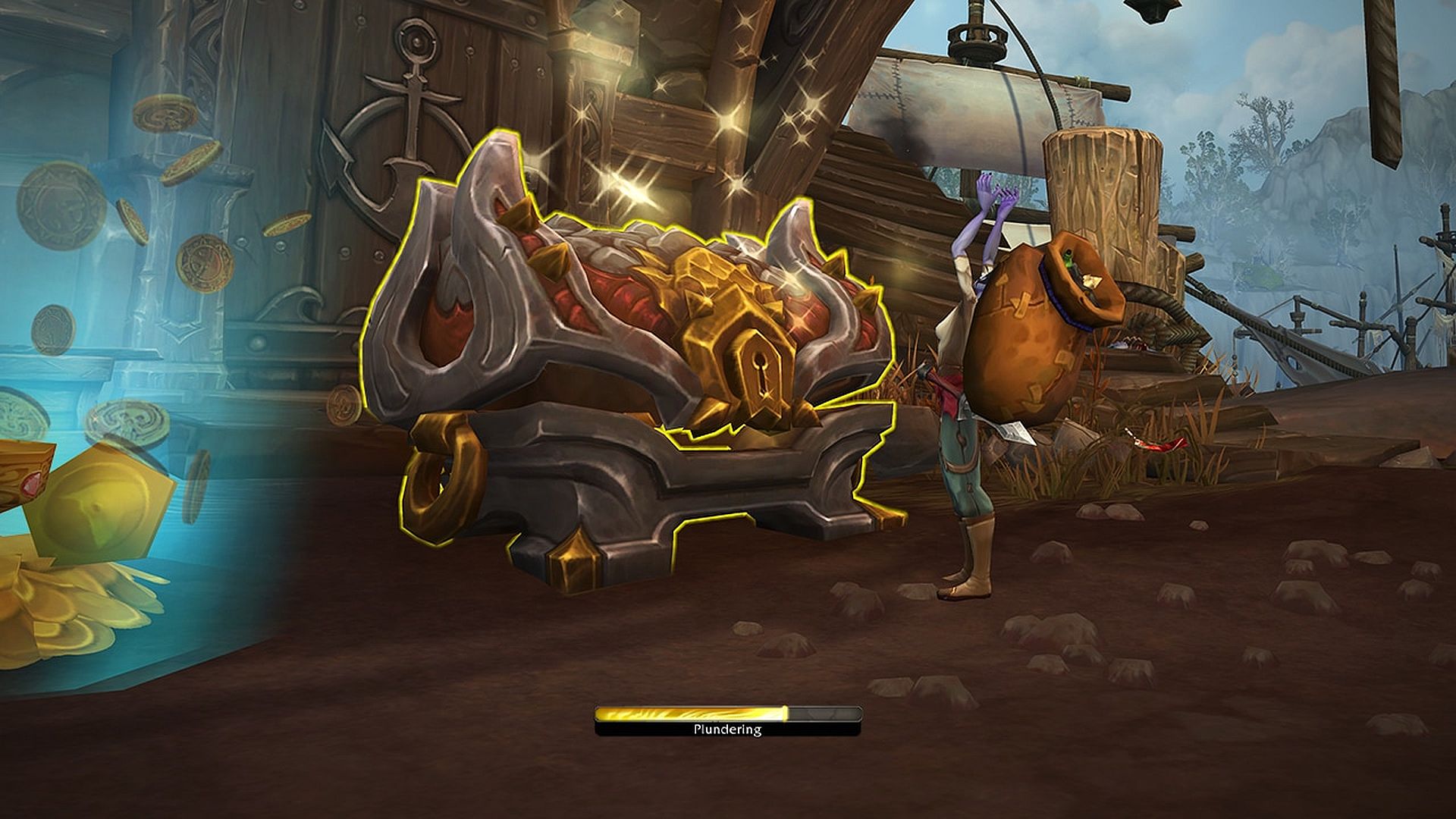
Similar to traditional Battle Royale games, such as Fortnite or PlayerUnknown’s Battlegrounds (PUBG), the objective of the WoW battle royale game is to outlast other players and emerge victorious. However, it maintains the unique WoW flavor by incorporating class-specific abilities, set bonuses, and rewards tailored to the game’s rich fantasy universe.
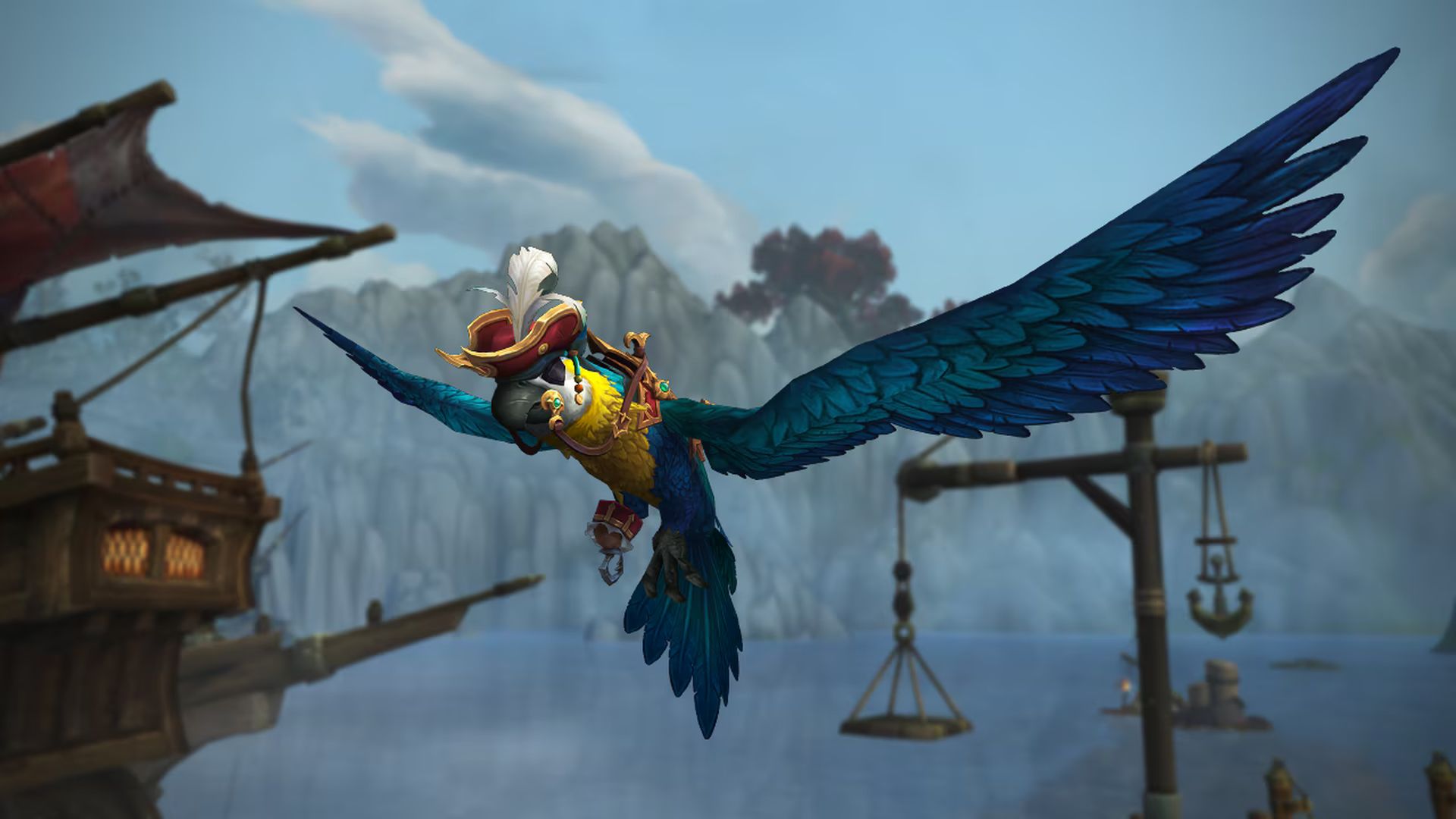
Participants in the Plunderstorm event can earn various rewards, including cosmetics, pets, titles, and mounts, as they progress through the event’s reward track. These rewards add to the excitement and motivation for players to engage in the event and strive for success in the pirate-themed battleground.
Overall, the Plunderstorm event offers WoW players a thrilling and immersive Battle Royale experience set within the game’s expansive world, complete with pirate lore and treasures to discover. It serves as a dynamic addition to WoW’s gameplay, providing a new and exciting challenge for adventurers to undertake during the limited duration of the event.
How to play Plunderstorm
If you’re seeking’ thrills and plunder aplenty, look no further than the Plunderstorm event in World of Warcraft. Aye, it is a high-stakes, swashbucklin’ affair where you can test your mettle against other scallywags and sea dogs. But fear not, for joinin’ the fray will be as easy as hoisting the Jolly Roger.
Here’s a handy guide to get you started on your WoW battle royale journey:
Ready Yer Ship
First things first, you need to make sure you have the means to set sail into the Plunderstorm. While no expansion purchase is required, you’ll need a World of Warcraft Subscription or Game Time to partake in the adventure. Whether you’re a seasoned sailor or a fresh-faced deckhand, you’re all welcome to join in the pillagin’ and plunderin’!
Chart Yer Course
Now that you’re ready to embark on your adventure, you must prepare your vessel. Launch the Battle.net desktop app and navigate to the World of Warcraft icon. If you can’t spy the icon straightaway, fear not—click on All Games, and you’ll find it there. Once you’ve located the World of Warcraft icon, give it a hearty click and prepare to set sail.
Set Anchor
With the World of Warcraft client at your fingertips, it’s time to drop anchor and install the game. Simply click on the Install button, confirm your desire to install World of Warcraft, and let the magic unfold. Once the installation is complete, you will be ready to chart a course for adventure on the high seas.
Plunder Away
Now that you’re in the thick of it, select Plunderstorm from the World of Warcraft game menu to dive headfirst into the action. You’ll be prompted to create a new character—unique to this event—so there is no need for prior knowledge of races and classes. You can explore them by clicking here.
Choose between settin’ sail solo or joinin’ forces with a mate by selectin’ Duo. Fear not if you’re sailin’ solo, for you’ll be matched with a worthy companion if ye choose the Duo option without a partner.
Gather Yer Crew
But wait, there will be more! Before you embark on your grand adventure, take a moment to gather your crew. You can create a group from the Plunderstorm character screen and set sail with your Battle.net friends. And should you find yourself needing a mate, fear not—you’ll be matched with one as ye set sail into the unknown.
Ready, Set, Plunder!
And there you have it! With your ship prepared and your course charted, you’ll be ready to plunder to your heart’s content in the Plunderstorm event. So gather your crew, brace yourself for adventure, and may the winds of fortune guide you to the WoW battle royale game! Arrr!
Featured image credit: Blizzard


