
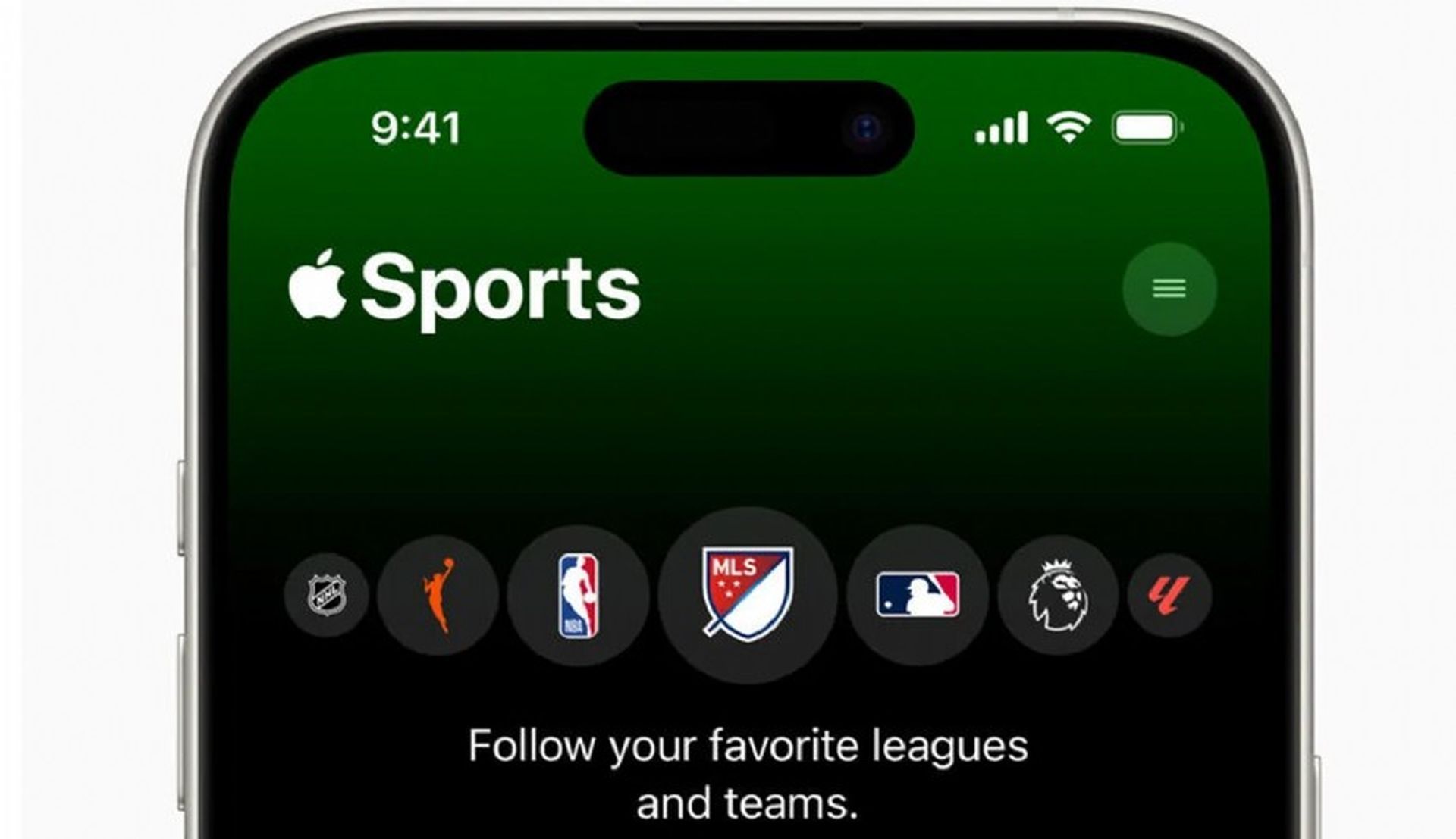

Apple has revolutionized the sports fan experience with the launch of its new Apple Sports app. This free iPhone app delivers a lightning-fast and intuitive way to follow your favorite teams, leagues, and matches, ensuring you’re always in the heart of the action.
Designed with Apple’s signature focus on user experience, the app prioritizes speed, clarity, and puts your sporting passions front and center.
Let’s explore Apple Sports app features and why it could become your ultimate sports companion, transforming the way you stay connected to the games you love.
What makes Apple Sports app great?
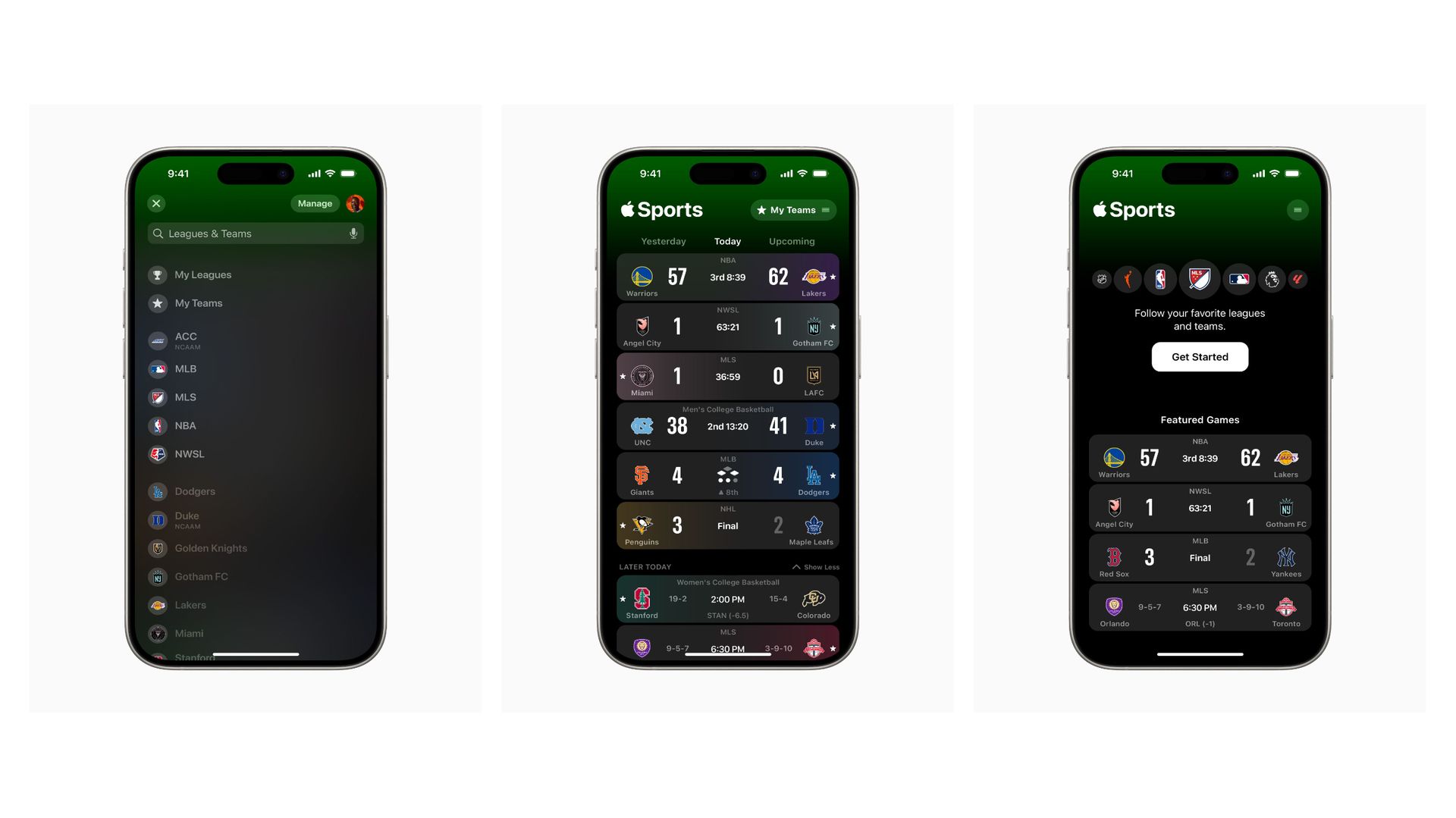
The new Apple Sports app delivers a powerful suite of features to keep you immersed in the games you love. Get real-time scores, in-depth stats, and even play-by-play updates for a comprehensive look at the action. Build a personalized scoreboard that puts your favorite teams and leagues at the forefront.
You’ll appreciate Apple’s signature design focus – the new Apple Sports is sleek, intuitive, and a joy to navigate. Being part of the Apple ecosystem means seamless integration; the app syncs with Apple TV and Apple News, so you always have a consistent sports experience across your devices.
What is in Apple Sports app?
Right now, Apple Sports app supports:
- MLS
- NBA
- NCAA basketball (men’s and women’s)
- NHL
- Top European soccer leagues
With even more leagues promised by Apple in future updates. As exciting as the initial launch is, this is just the beginning. Expect Apple to bring even more leagues to the forefront, including favorites like MLB, NFL, NCAAF, NWSL, and WNBA in due time.

How to get started with Apple Sports app
- Visit the App Store: Download Apple Sports app for free
- Check your iOS: You’ll need iOS 17.2 or later
- Beware of regional availability: The app launches in the U.S., the U.K., and Canada with more regions to follow
Is Apple Sports app free?
Yes, the Apple Sports is absolutely free to download and use on your iPhone. This aligns with Apple’s announcement about the app, emphasizing its accessibility for all sports fans.
There are no hidden fees, subscription costs, or in-app purchases required to enjoy the core features of the Apple Sports.

Apple Sports app: No NFL included
Unfortunately, the NFL is one of the major sports leagues currently missing from the Apple Sports. This is a notable omission, especially for American football fans.
Here’s why it might be missing, and what you can hope for:
- Competing rights deals: The NFL has complex broadcasting and streaming agreements with various networks. This might complicate its inclusion in the Apple Sports app at launch
- Future potential: Apple’s announcement hints at a commitment to expanding the app’s sports coverage. It’s very likely that the NFL could be added in the future, especially with Apple’s history of pursuing sports streaming deals
In the meantime, dedicated NFL fans will need to rely on other sources for scores and updates, such as:
- The official NFL app: Offers extensive coverage designed specifically for the league
- Sports networks apps: ESPN, CBS Sports, etc., often feature NFL content in their apps
- General sports apps: Apps like Yahoo Sports or theScore might still include NFL scores and news even without a partnership with Apple
Should you download the new Apple Sports app?
If you’re passionate about sports and an Apple user, the new Apple Sports app is a must-have. Its speed, intuitive design, and seamless integration within the Apple experience make it a standout. While the current league selection may evolve, its potential is undeniable.
Featured image credit: Apple.


