
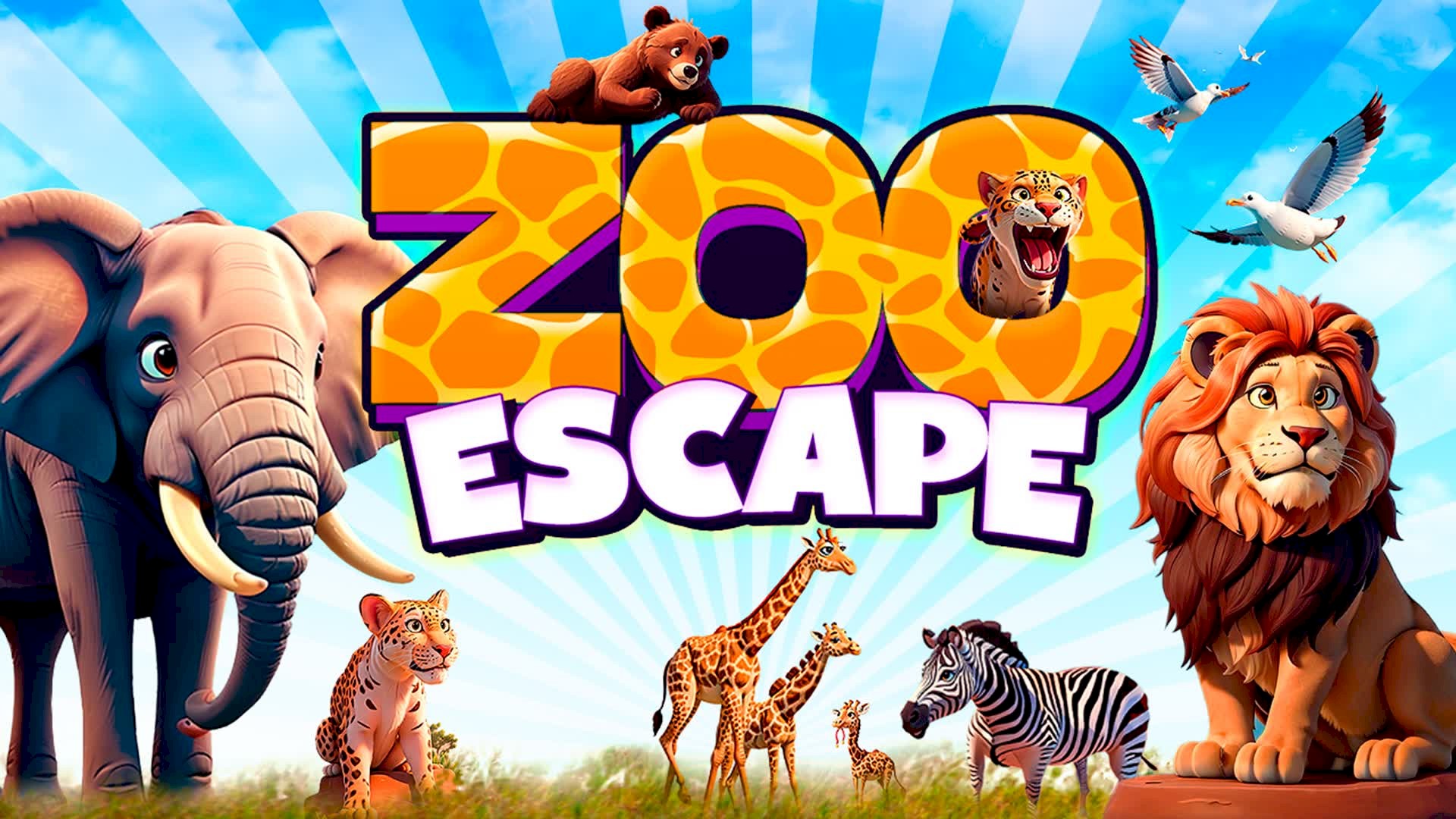

Fortnite Zoo Escape gives players a small break from the hit-and-run battle royale and offers a game alternative where you win with your mind, not your muscle reflexes.
Fortnite’s Creative mode unlocks a whole new world of possibilities beyond the Battle Royale. This is where custom maps, crafted by players themselves, come to life. Imagine stepping into a giant maze, racing through a futuristic cityscape, or solving puzzles in a tropical paradise – that’s the magic of custom maps.
Zoo Escape exemplifies the popular escape room genre in Fortnite maps. Derponce has crafted a series of animal-themed levels filled with puzzles, riddles, and hidden secrets.
What is Fortnite Zoo Escape?
Fortnite Zoo Escape is a popular Creative Mode map created by a user named “derponce”. This map has a code of 5660-9076-1193 and features 30 unique escape room levels across various animal-themed environments. Each level offers puzzles and challenges for players to solve to progress.
In Creative mode, players can create their own custom islands using various tools and assets. These islands can be anything from personal playgrounds and hangouts to elaborate game experiences like mazes, race tracks, or role-playing scenarios. There are thousands of player-created islands available to explore in the Discovery tab, and players can also create and share their own.
Fortnite Zoo Escape primarily serves as a puzzle-based escape room experience. Players must solve various challenges and riddles within each animal-themed level to progress and ultimately “escape” the zoo. This challenges their critical thinking, logic, and problem-solving skills.
Fortnite Zoo Escape also encourages exploration, as players navigate through different environments, uncover hidden secrets, and interact with various objects. This provides a sense of discovery and keeps the gameplay engaging.
Ultimately, the purpose of the Fortnite Zoo Escape is to provide a fun and entertaining experience for players. The escape room format creates a sense of excitement and accomplishment as players overcome obstacles and progress through the levels.
While not the primary purpose, playing the map can indirectly help players develop various skills. The puzzles require strategic thinking, hand-eye coordination, and teamwork, potentially honing these abilities through gameplay.
How to play Fortnite Zoo Escape
To play Fortnite Zoo Escape, follow the steps outlined below.
- Download Fortnite: If you haven’t already, download and install Fortnite for free on your preferred platform using the links below
- Play in Creative Mode: Launch Fortnite and switch to the “Creative” game mode
- Enter map code: In the Creative lobby, open the “Discover” tab and select “Island Code”
- Enter the code 5660-9076-1193 and click “Launch Island”
- Start playing: Once loaded, follow the instructions or prompts within the map to begin the escape room experience
If you cannot find the game mode with the steps above, you may also use the Fortnite Zoo Escape via Fortnite map.
Is Fortnite 100% free?
While certain aspects require additional purchases, the core Fortnite experience, including the popular Battle Royale mode and basic Creative mode features, is completely free to play. You can enjoy hundreds of hours of gameplay without spending a dime. However, if you want to access the Save the World campaign or customize your character with additional cosmetic items, you will need to make in-game purchases.
Ultimately, whether Fortnite is “free enough” depends on your individual preferences and expectations. If you’re looking for a fun and competitive online game without any upfront cost, then Fortnite offers a great value proposition. However, if you’re interested in the full range of options and customization possibilities, be prepared to spend some money on in-game purchases.
If you are into custom maps, you should check out the best Fortnite Creative 2.0 maps and their codes!
Featured image credit: Zoo Escape/Fortnite.


