


The haunting atmosphere of Fortnitemares 2023 has descended upon the Fortnite realm, making the question of how to play Horde Rush Fortnite light up in players since it’s bringing with it the highly anticipated return of the heart-pounding Horde Rush limited-time mode (LTM). In this adrenaline-fueled mode, players are thrust into a frenetic battleground where waves of Cube Monsters must be vanquished before facing off against an imposing final boss.
In this comprehensive guide, we’ll not only walk you through the steps to join the action but also provide an in-depth look at the quests and the enticing rewards that await.
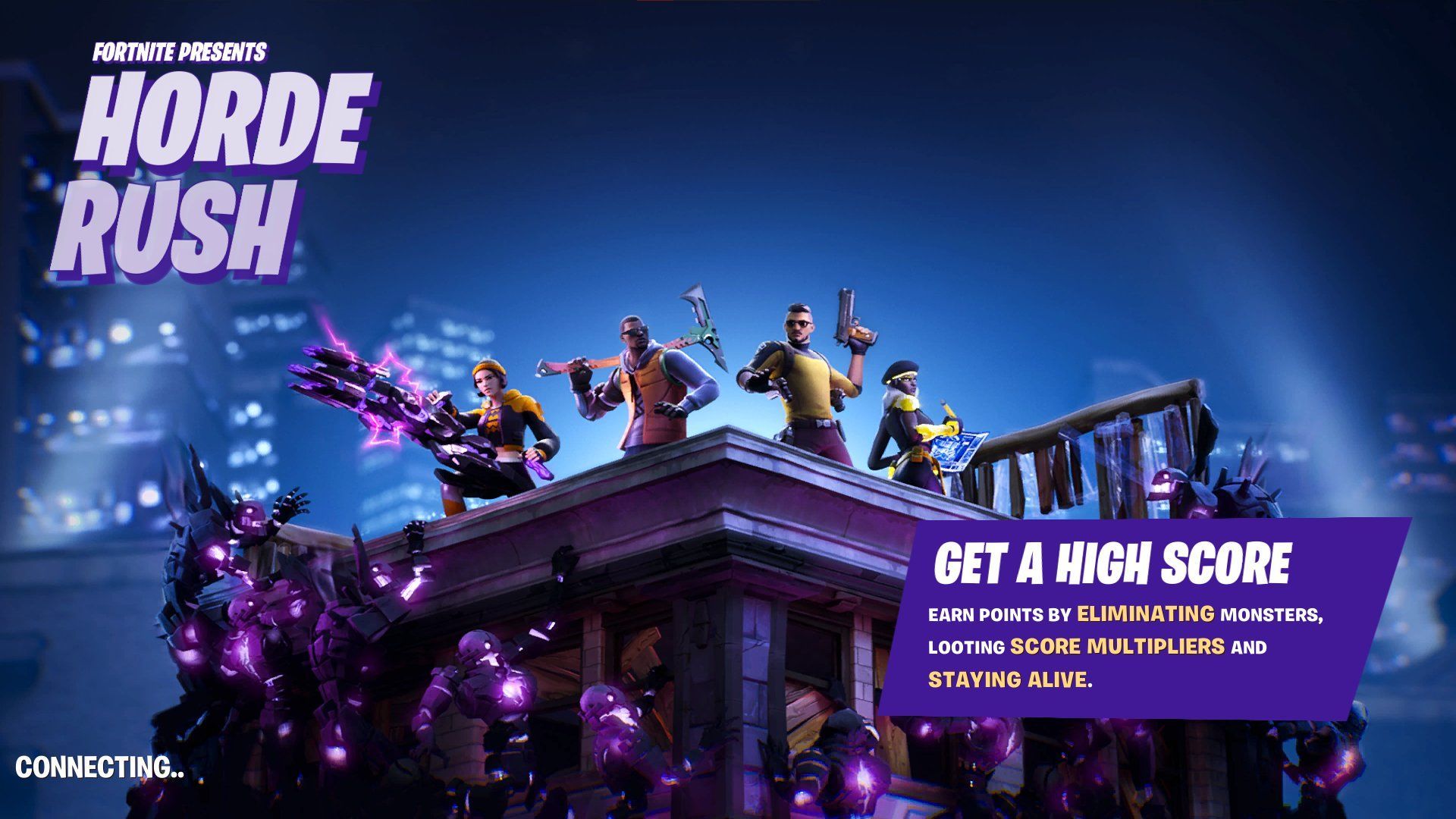
How to play Horde Rush Fortnite?
Navigating the revamped “Discover” menu in Fortnite may present a slight challenge, but fear not, as we’ve got you covered. Follow these detailed steps to plunge headfirst into the heart of the action:
- Begin at the Fortnite lobby, where the “Discover” menu is your starting point.
- Scroll down to uncover the “Variety” category.
- Take your pick between Horde Rush or its thrilling counterpart, Horde Rush Heist.
- Confirm your Horde Mode preference by clicking “Select.”
- Ignite the adventure by hitting “Play” in the lower-right corner.
What is the Horde Rush Fortnite code 2023?
So, what’s the deal with the Horde Rush Fortnite Code 2023? Well, it’s a breeze, really! Just punch in “0986-52537677” and you’re good to go. But hold on, here’s the kicker: you don’t even need this code to dive into the Horde Rush action. It’s a cinch! Head to the game in the menu, hit play, and boom! You’ll be mowing down Cube Monsters in a jiffy.
But hey, we get it, menus can be a bit tricky sometimes. That’s exactly why this code is here – to make it a walk in the park. So, if you want to keep it simple, just remember “0986-52537677,” and you’ll be in the thick of the Horde Rush adventure. Fortnite’s all about keeping things easy for you to have a blast!
Remember: 0986-52537677.
Fortnite Horde Rush quests and rewards
After figuring out how to play Horde Rush Fortnite, to truly establish your dominance in the Horde Rush battlefield, you’ll need to take on a series of quests, each promising handsome rewards. Here’s an in-depth breakdown of the quests and the bountiful spoils that await:
- Earn a x40 KO Streak (0/1) – Unleash chaos and secure a 25,000 XP reward.
- Deal melee damage to Cube Monster spawners (0/6,000) – Rack up the melee strikes for another 25,000 XP.
- Upgrade weapons at an upgrade bench in Horde Rush (0/5) – Enhance your arsenal and claim your 25,000 XP reward.
- Assist in collecting score multipliers (0/5) – Teamwork pays off with an additional 25,000 XP.
- Assist in opening chests in Horde Rush (0/75) – Seek out those chests and earn yourself 25,000 XP.
- Help defeat the Boss in the final stage of Horde Rush (0/1) – Triumph over the ultimate challenge and secure another 25,000 XP.
- Hit headshots on Cube Monsters from at least 15 meters away (0/100) – Showcase your marksmanship for a 25,000 XP reward.
- Eliminate Cube Monsters using explosives (0/200) – Bring the boom and earn yourself 25,000 XP.
- Accumulate team points (0/1,000,000) – Dominate the leaderboard and claim a final 25,000 XP reward.
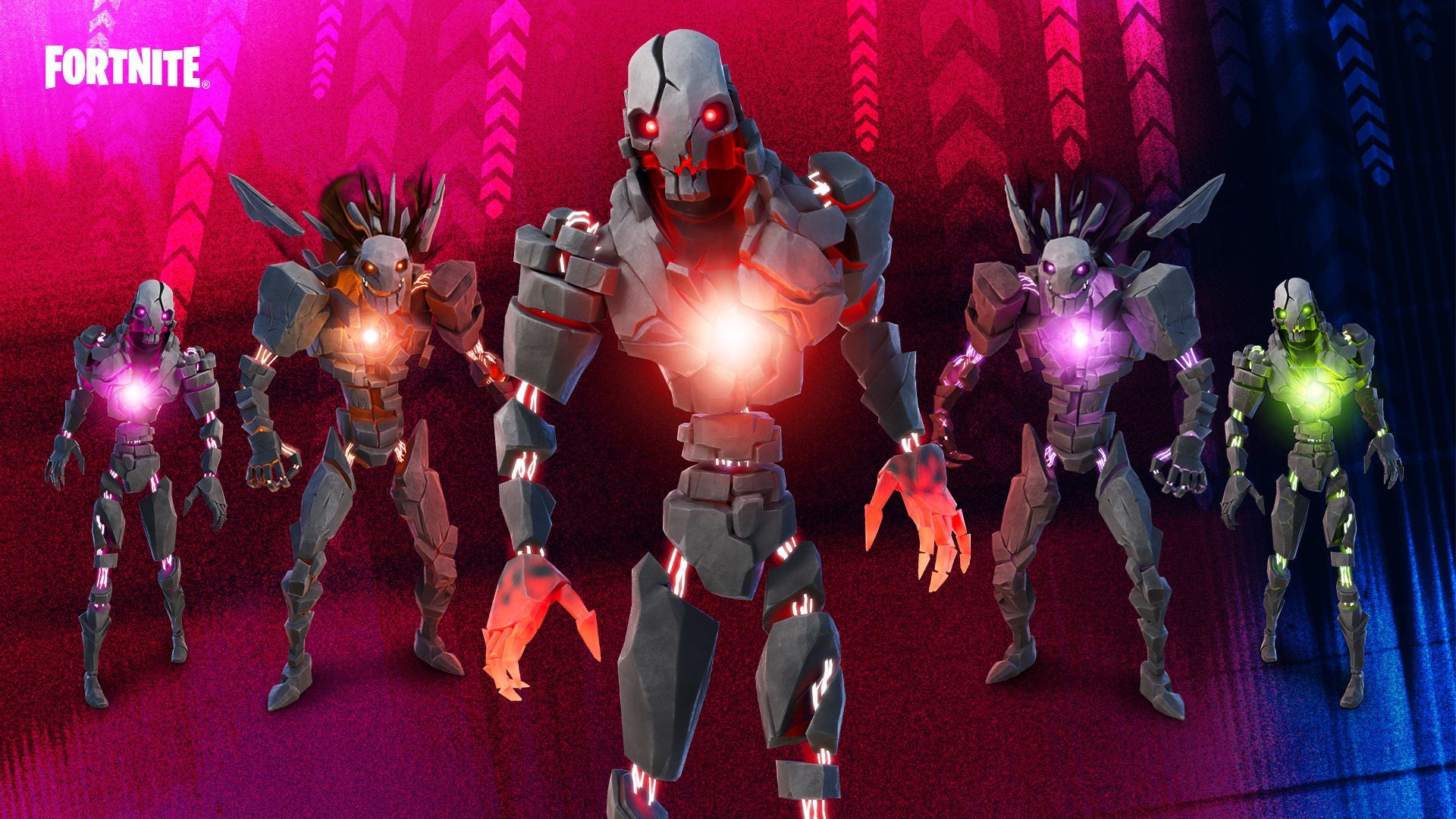
Reaping the rewards of victory
The spoils of victory await those who’ve understood how to play Horde Rush Fortnite and who conquer the challenges. Here’s what you’ll earn for completing specific Horde Rush quests:
- Complete 1 Horde Rush Quest – Secure the prestigious The Murk Wrap.
- Complete 4 Horde Rush Quests – Unlock the endearing Heart-o-Lantern Emoticon.
- Complete 7 Horde Rush Quests – Embrace the Batwing Bonespike Pickaxe as your triumphant reward.
Once you’ve successfully embarked on this journey into the heart of Fortnitemares 2023, you’ll find yourself immersed in the thrilling world of Horde Rush. The revamped “Discover” menu may have posed a slight challenge, but with these steps, you’re well-equipped to figure out how to play Horde Rush Fortnite.
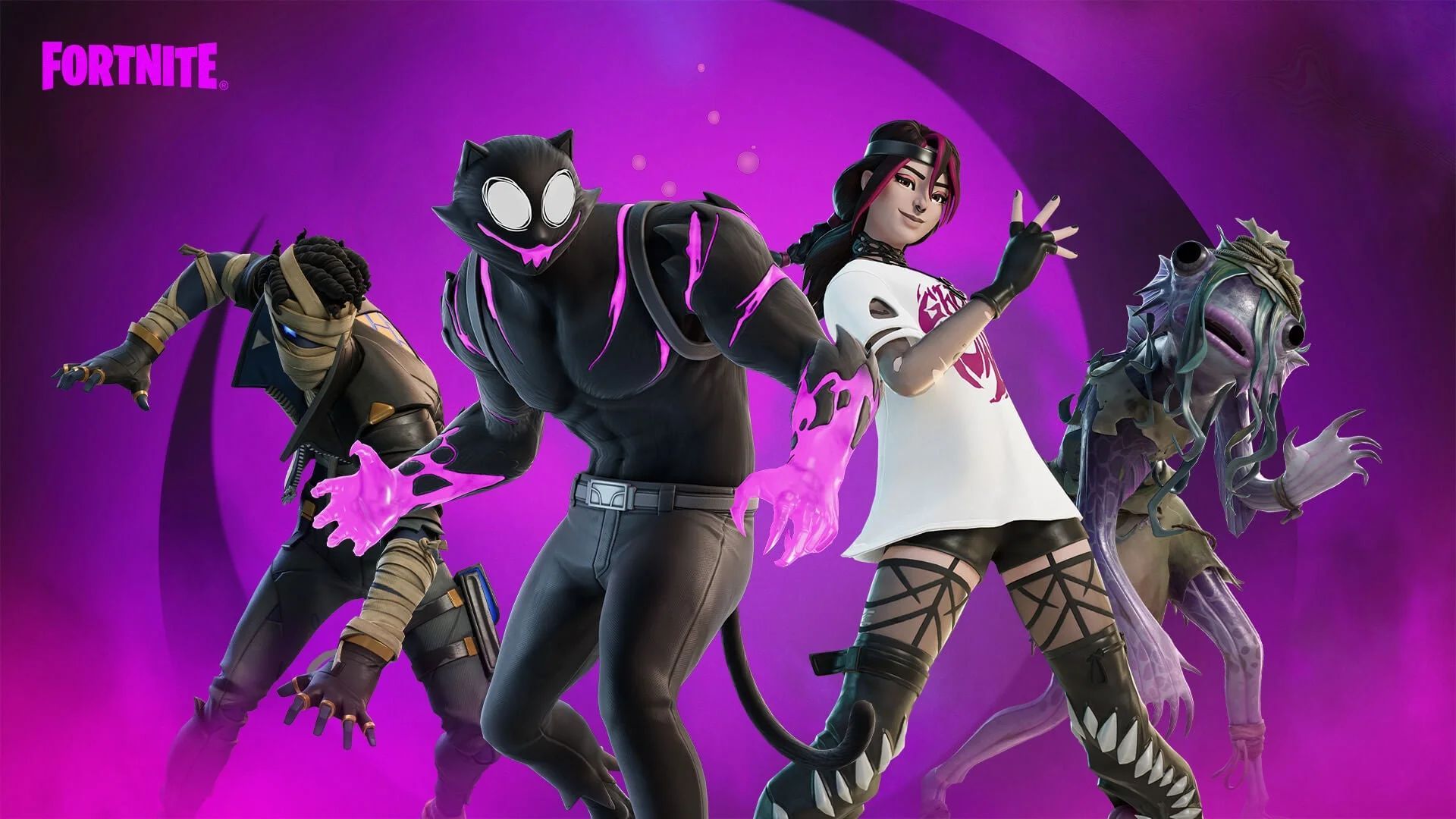
As the countdown begins, brace yourself for an adrenaline-fueled adventure that will test your skills and determination. Get ready to unleash chaos and conquer the Horde!
Meanwhile, if you are not yet familiar with the bigger event, make sure to check out our article on Fortnitemares 2023.
Featured image credit: Fortnite


