

The Google Pixel event will take place today, and many fans from all around the globe are confident in hearing the new Android 14 features from the executives who will take on the stage to talk about all the innovations the company will be focusing on in the remainder of this year.
Google is gearing up for a major tech revelation, set to unveil its latest Pixel devices, including the much-anticipated Pixel 8 Pro, Pixel 8, and the all-new Pixel Watch 2. While these devices are already generating buzz, there’s another exciting development on the horizon – the launch of Android 14. In this article, we’ll dive into the new Android 14 features that promise to redefine your smartphone experience.
New Android 14 features are expected to go live after the Google Pixel Event
Google has rolled its sleeves to announce the new Google Pixel 8 family, as well as the new Pixel Watch 2 and Pixel Buds Pro. However, the company is getting ready to announce its new software news too. The new Android 14 features are expected to go out today, and here are some of the most prominent ones!
Battery features: Prolonged power
Android 14 is all about allowing your smartphone to run for extended periods of time on a single charge. Google has gone under the hood to optimize the operating system’s battery life. As part of these enhancements, Android 14 adds a new permission called “Schedule exact alarm,” which allows you to control battery use efficiently. It also offers useful battery information, such as the production date and cycle count.
Accessibility features: A more inclusive approach
Google is making progress toward inclusion with Android 14. The upgrade includes a 200% increase in font size, which ensures reading for all users. It also features new notification flashes that make use of your phone’s camera flash or display, making it accessible to persons with hearing problems. Android 14 also adds gendered language support, improves per-app language options, and allows for regional preferences for measures and calendars.
Custom lock screen: Tailor your lock screen
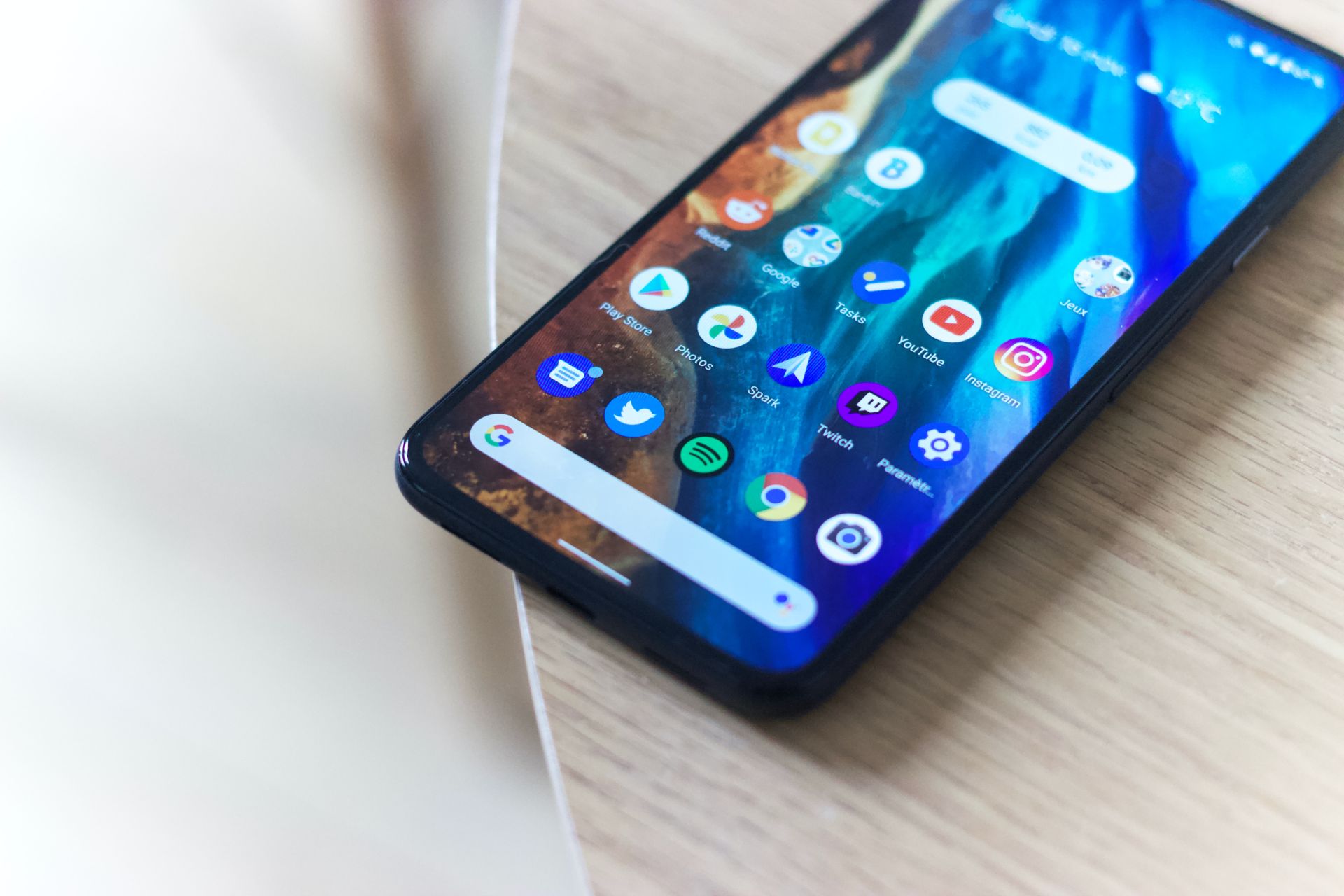
Android 14 offers a customizable lock screen in an effort to give consumers greater flexibility. This feature allows you to customize the appearance of your lock screen by changing the clock design, screen colors, and adding shortcuts to useful services like as “do not disturb,” QR code scanning, flashlight, and your digital wallet. Some of these app shortcuts may need you to unlock your phone, but they are intended to make accessing your favorite functions faster and easier.
Satellite support: Enhanced connectivity
Following in the footsteps of Apple, the new Android 14 features include a satellite connection. While the specifics of this support remain unknown, it is vital to emphasize that it is dependent on suitable hardware. Some existing Android smartphones include satellite connection components, although many do not. This upgrade is more likely to benefit new devices, increasing their capabilities in crises and distant locations.
Privacy and security features: Protecting your data
In an age where data privacy and security are critical, Android 14 ups its game. It prevents the installation of outdated apps, hence increasing device security. Users get more control over app access to photographs and videos, which improves their privacy. PIN privacy is improved, and the ability to disable the ‘OK’ button adds an extra degree of security. Android 14 also improves data sharing alerts, bringing users up to date on changes to app privacy policies. The update, in the background, fine-tunes security mechanisms to give improved protection against malware attacks. Passkey authentication has also improved to provide a more secure and convenient authentication experience.
Regional preferences: Tailoring your device experience
Finally, Android 14 offers a feature that may not garner much attention but is nonetheless useful: regional preferences. This feature allows users to change the default units, date layout, and other settings on their phones based on their location. Whether you live in the United States and prefer the metric system or want to begin your week on a Monday, Android 14 allows you to customize these settings to meet your needs.
Furthermore, your choices are preserved even when you back up or restore your device, delivering a consistent experience regardless of location.
In conclusion, Android 14, known as “Upside Down Cake,” brings a host of exciting new features that promise to elevate your smartphone experience. From improved battery life and accessibility enhancements to customization options, satellite connectivity, and robust privacy and security features, Google is addressing the diverse needs of its users. Keep an eye out for the official Android 14 rollout, as these groundbreaking features could soon be enhancing your smartphone experience!
Featured image credit: Denny Müller/Unsplash




