
In a recent announcement, the company confirmed the question in the minds of users: whether is Apple deleting photos from devices on its own or not. Apple announced that it will permanently delete the My Photo Stream album from iPhones and cease uploading pictures to it. My Photo Stream, an iCloud service introduced in 2011, allows users to temporarily upload photos taken on one device and access them on another device with My Photo Stream enabled. Additionally, users can import the pictures to the device.
Check out below to see the reasons behind the worry about whether is Apple deleting photos, and to see what you should do in advance.
Is Apple deleting photos in July?
Apple has now revealed that this service will no longer be available as of July 26, prompting users to safeguard any photos stored in the soon-to-be-deleted photo album.
With a storage limit of approximately 1,000 photos for 30 days, My Photo Stream automatically removes images from Apple’s iCloud. Although Apple did not provide a specific reason for the discontinuation of the service, it confirmed that new photo uploads were halted on June 26. As a result, Apple stated that “there will be no photos remaining in My Photo Stream” by July 26.
Where is My Photo Stream on iPhone?
To ensure the preservation of photos stored in My Photo Stream, users are advised to save the pictures that they are currently keeping in My Photo Stream library. To do so, you should apply the following instructions:
- Open the “Photos” app on your iPhone.
- At the bottom of the screen, you’ll see several tabs. Tap on the “Albums” tab.
- Scroll down until you find the “My Photo Stream” album. It should be located under the “Other Albums” section.
- Tap on the “My Photo Stream” album to open it.
- Inside the album, you will find the photos that have been uploaded to My Photo Stream.
- By clicking the Share button and selecting Save Image, users can protect their cherished memories.
Apple emphasizes that My Photo Stream is separate from iCloud Photos, which it recommends as the ideal method for maintaining up-to-date photos and videos across all devices. If iCloud Photos is already enabled on all devices, users need not take any additional action as their photos are already uploaded and securely stored in iCloud.
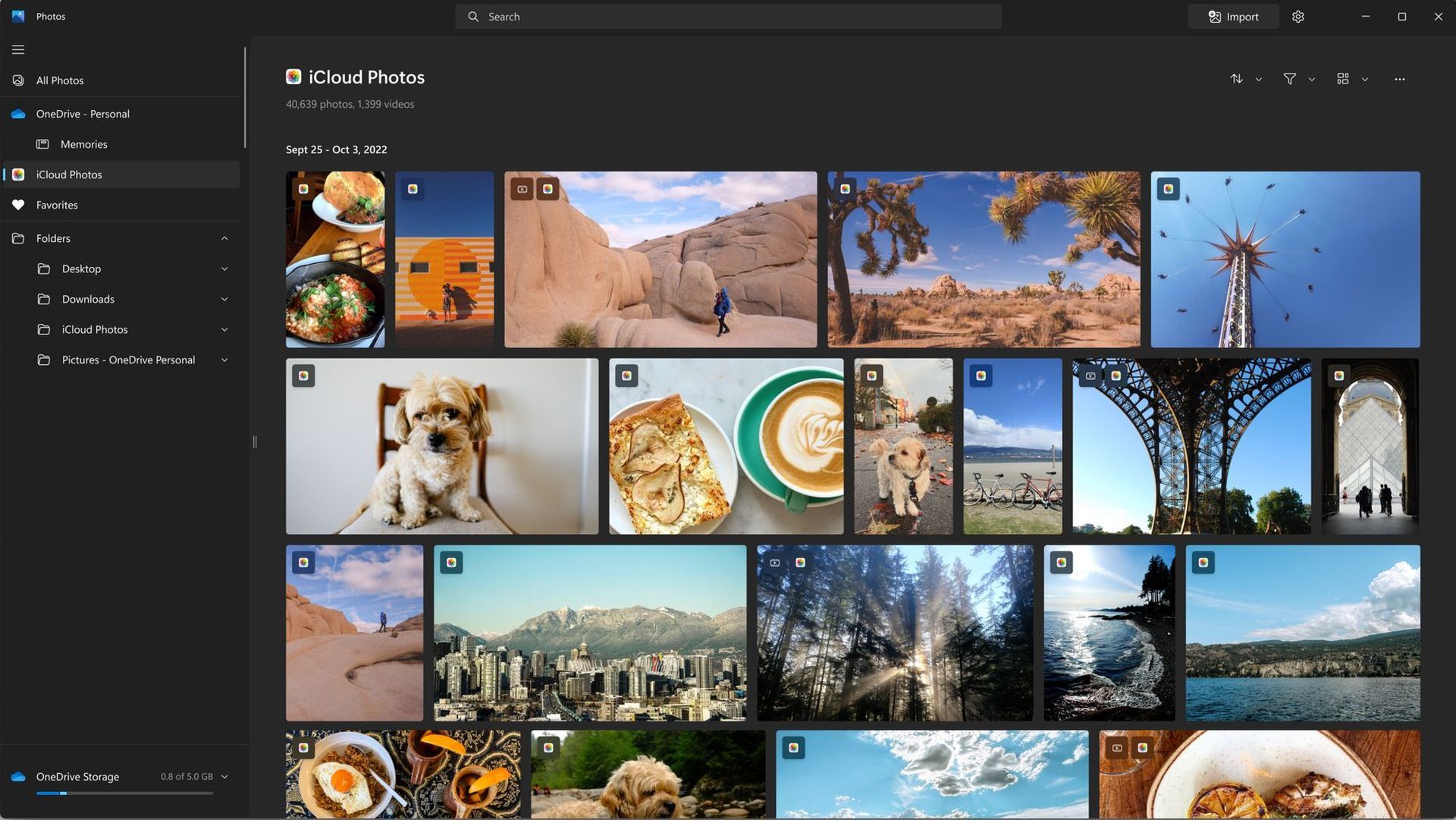
To optimize the safety and accessibility of pictures across multiple devices, Apple suggests enabling iCloud Photos. However, it’s worth noting that iCloud provides only 5 gigabytes of free storage, after which users must pay a monthly fee for expanded storage options.
By turning on iCloud Photos on compatible devices, such as iPhones running iOS 8.3 or later, iPads with iPadOS 8.3 or later, or Macs with OS X Yosemite or later, users can view their photos and videos within the Photos app. Additionally, they can access their media on Apple TV, iCloud.com, and even synchronize them with a Windows PC using iCloud for Windows.
Apple’s iCloud storage plans are available at different price points, including 99 cents for 50 gigabytes, $2.99 for 200 gigabytes, and $9.99 for 2 terabytes, as stated on the company’s website. This allows users to select a suitable storage option based on their individual needs.
Why is Apple deleting My Photos?
Apple is not directly deleting your photos without your consent. However, the specific service called My Photo Stream, provided by Apple, has certain limitations and operates differently from iCloud Photos. My Photo Stream has a storage limit of approximately 1,000 photos for 30 days. After this period, the photos are automatically removed from Apple’s iCloud.
The reason behind Apple’s discontinuation of the My Photo Stream service and the resulting worry of Apple deleting photos is not explicitly mentioned in the provided information. It’s possible that Apple is focusing on enhancing and promoting its iCloud Photos service, which offers more comprehensive features for storing and accessing photos across multiple devices.
Furthermore, in addition to the news of Apple deleting photos, reports have indicated that Apple will discontinue support for certain older iPhone and iPad models upon the release of iOS 17 later this year. This includes the iPhone 8, iPhone 8 Plus, iPhone X, and devices introduced in 2017 and earlier, which will not receive the iOS 17 update.
If you are a dedicated fan of the company, now that you figured out why is Apple deleting photos on iPhones, make sure not to miss out on how Apple’s ambitious Vision Pro headset faces manufacturing challenges.
Featured Image: Credit