
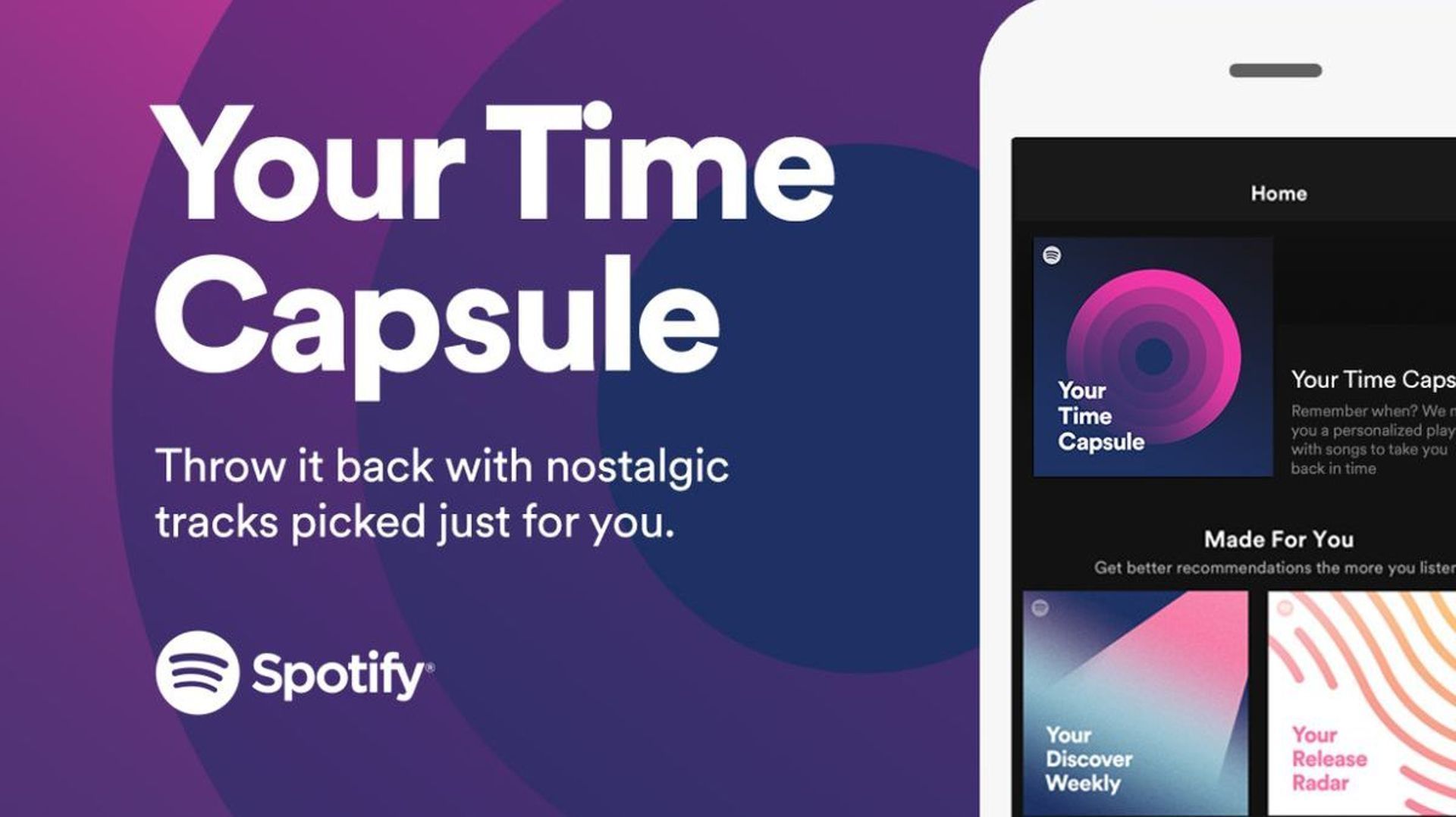

Spotify Playlist In A Bottle is the newest feature introduced to the platform and users of the popular music app started to wonder How to get Spotify Time Capsule 2024. Welcome to our article in which we explained every feature of Spotify Playlist In A Bottle to you at every point. , which was published just a few hours ago,
The streaming service has unveiled a brand-new feature for subscribers throughout the world if you are missing the Wrapped function.
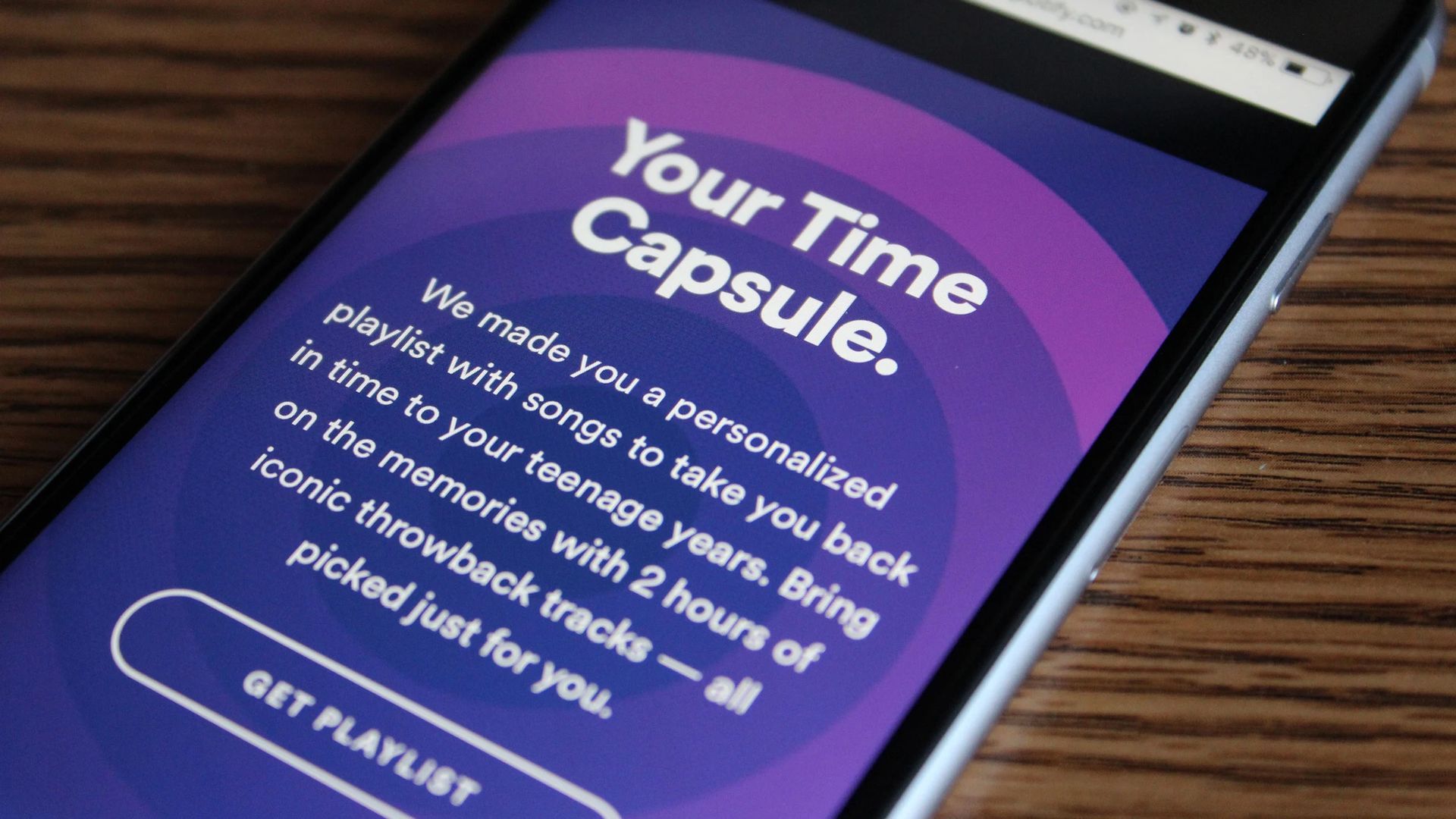
The Playlist in a Bottle is a customized collection of three or more songs of your choosing that is stored in a bottle or another object until the following year.
You may create your own Spotify Playlist In A Bottle via this link.
What is Spotify Playlist In A Bottle?
With Spotify’s 2024 time capsule tool, you can now make a custom playlist of songs, or “musical time capsule,” based on certain questions.
Users must choose the container a bottle, for example, and then pick at least three songs of their choice, lock them in the time capsule, and then choose the container.
On January 4, the streaming service began rolling out the new feature to consumers all across the world, making Playlist in a Bottle one of the most talked-about topics on social media right now. The playlist won’t be unlocked until January of the following year, and the music that people have chosen will be sealed inside the time capsule.
How to get Spotify Time Capsule 2024?
Users may visit Spotify Playlist in a Bottle if they want to make their own Spotify Time Capsule 2024 and obtain their custom playlist. As for answerşng how to get Spotify Time Capsule 2024, it is quite easy to do. All you have to do is the following the steps below.
- Ensure that the most recent version of the Spotify mobile app is installed
- From your mobile device, go to spotify.com/playlistinabottle
- Choose the time capsule of your choice. A bottle, jacket pocket, gumball machine, lunch box, or teddy bear are all options
- Answer a series of song-inspired prompts. For example:
- “A song you’re going to kiss someone to this year”
- “A song that reminds you of your favorite person”
- “A song you need to hear live in 2023”
- Send off your musical time capsule after digitally sealing it
- Share a customized greeting card on social media using the #PlaylistInABottle
If you created a Playlist in a Bottle, you’ll get your own time capsule in January 2024 that will remind you of the music you were listening to a year ago. By tapping “Add Tracks,” you can add more songs if you’d like. When you’re finished, simply tap “Lock In” and wait until the next year.
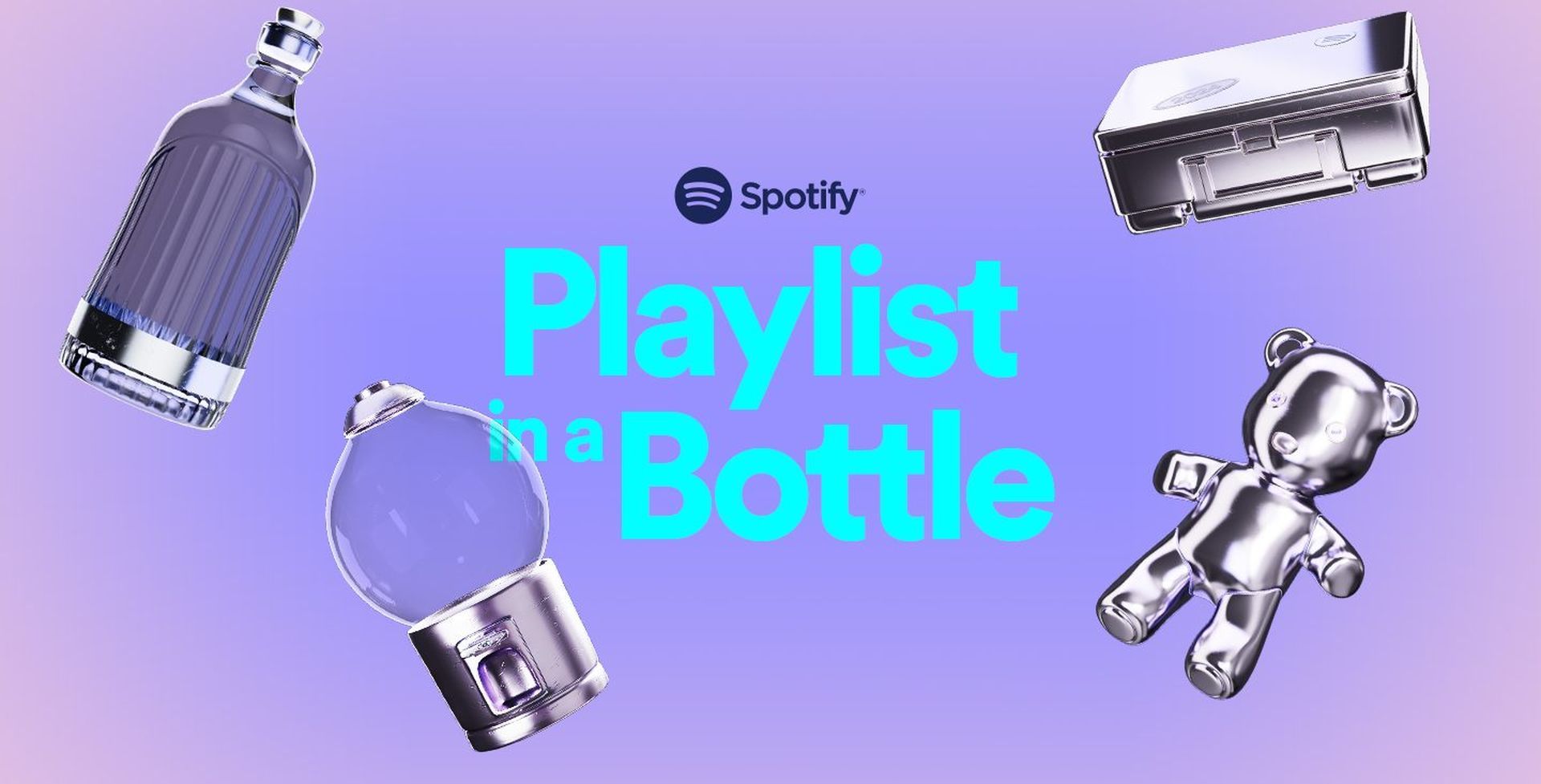
You may add more than three songs to your Spotify Playlist In A Bottle
As previously stated, Spotify is more than delighted to add additional music to your lists if three songs are not sufficient for your time capsules.
Just keep adding music in accordance with the questions posed; there are three more questions accessible. When you are completely satisfied with the outcome, click “Done” and wait for 2024 to open your Spotify Playlist In A Bottle. The new function is well-liked by many Spotify customers, and they can’t wait to open their time capsules in the next year.
If the Spotify Playlist in a Bottle feature isn’t working for you, see our article titled ”Spotify Playlist in a Bottle not working: How to fix it?”.
Even though we’ve been familiar with Spotify’s wrapped feature for years, we liked that they came up with an original idea like Spotify Playlist In A Bottle in the first days of 2023. We hope this guide was able to fully answer your How to get Spotify Time Capsule 2024 question. If you are wondering how to use Spotify’s popular feature, which was released in 2022, be sure to check out our article titled how to use Spotify Karaoke feature.


