


The popular gaming platform has just published its Steam Replay 2022 feature. With Steam Replay 2022, you can view your game achievements, playing time, and much more over the past year.
You’ve probably been using Steam as your main gaming platform if you’ve been playing PC games for most of the past year. Even though it isn’t the only PC gaming platform available to users, it is one of the oldest, most feature-rich, and has what seems like an endless selection of games. You may see Steam’s trailer on Steam Replay 2022 below.
But because of the recently added Steam replay feature, users of Steam can now view their Steam Replay 2022 as a whole, just as on other platforms like Riot Games, Spotify, and Twitch. This replay provides you with a thorough overview of all the gaming advancements you’ve achieved through Steam in 2022.
How to get your Steam Replay 2022?
Gamers can access their Steam Replay 2022 by visiting this page on the Steam website. Once there, you may log in if you haven’t already and modify the visibility settings for your particular Steam Replay 2022, making it private, public, or only accessible to your friends.
You may also use the Steam Launcher to generate your Steam Replay 2022. To do so:
- Launch Steam
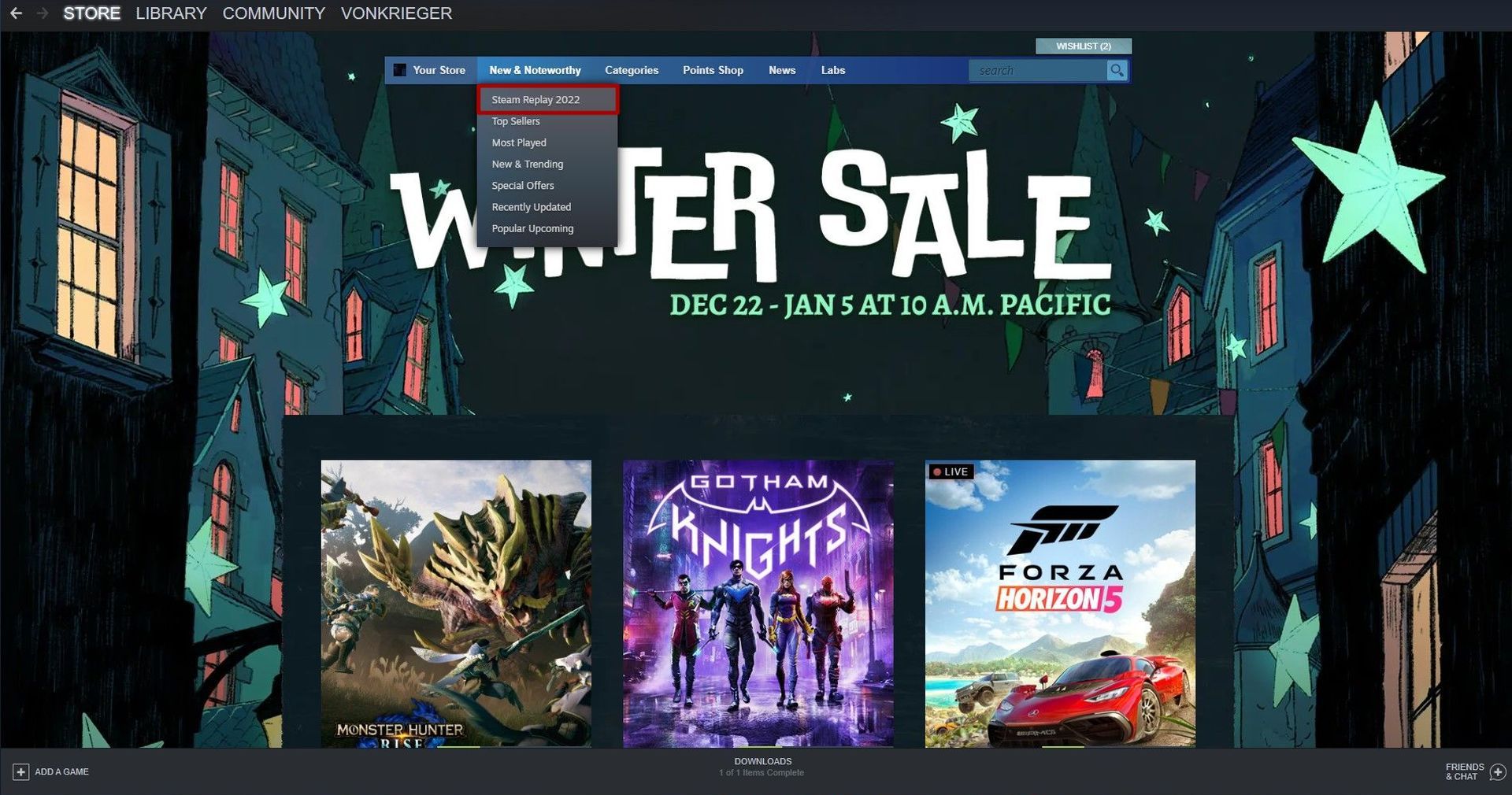
- Click store from the top of your screen
- Hover over News & Noteworthy and select Steam Replay 2022
And your Steam Repplay 2022 is ready to be shared!
By clicking the Share option, you can either download photographs for posting on social media sites like Twitter or Instagram or get a link to share with others so they can see your Steam year in review. But beware of posting a link on Twitter since the platform might remove it due to their recent decisions on other platforms’ links.
What is Steam Replay 2022?
There is more to your 2022 Steam replay than just a log of your game performance. You are given a breakdown of how much time you spent playing each game throughout the year. The listing for each game also shows how many times you’ve played it overall, your longest run of days played, and your accomplishments.
You can also compare how your year fared in terms of milestones obtained, games played, and longest gaming streak with the community as a whole. Steam users only played five games, averaged 21 achievements, and had a nine-day streak in 2022, according to the Steam replay website.
What stats are included in your Steam rewind 2022?
The Steam Replay 2022 keeps account of all gameplay from January 1st through December 14th of that year. However, either in offline mode or when unplugged from the internet, it doesn’t record any playtime. Time spent using tools and other non-game applications is also excluded (like Wallpaper Engine.) The replay also excludes other games that have not yet been released or are disabled.
The Steam Replay 2022 displays the games you played the most, their proportion of your total playing time, and even the number of sessions you engaged in. It also displays the number of games you played and how many of them were brand-new. Even platforms, control methods, and accomplishments are included.
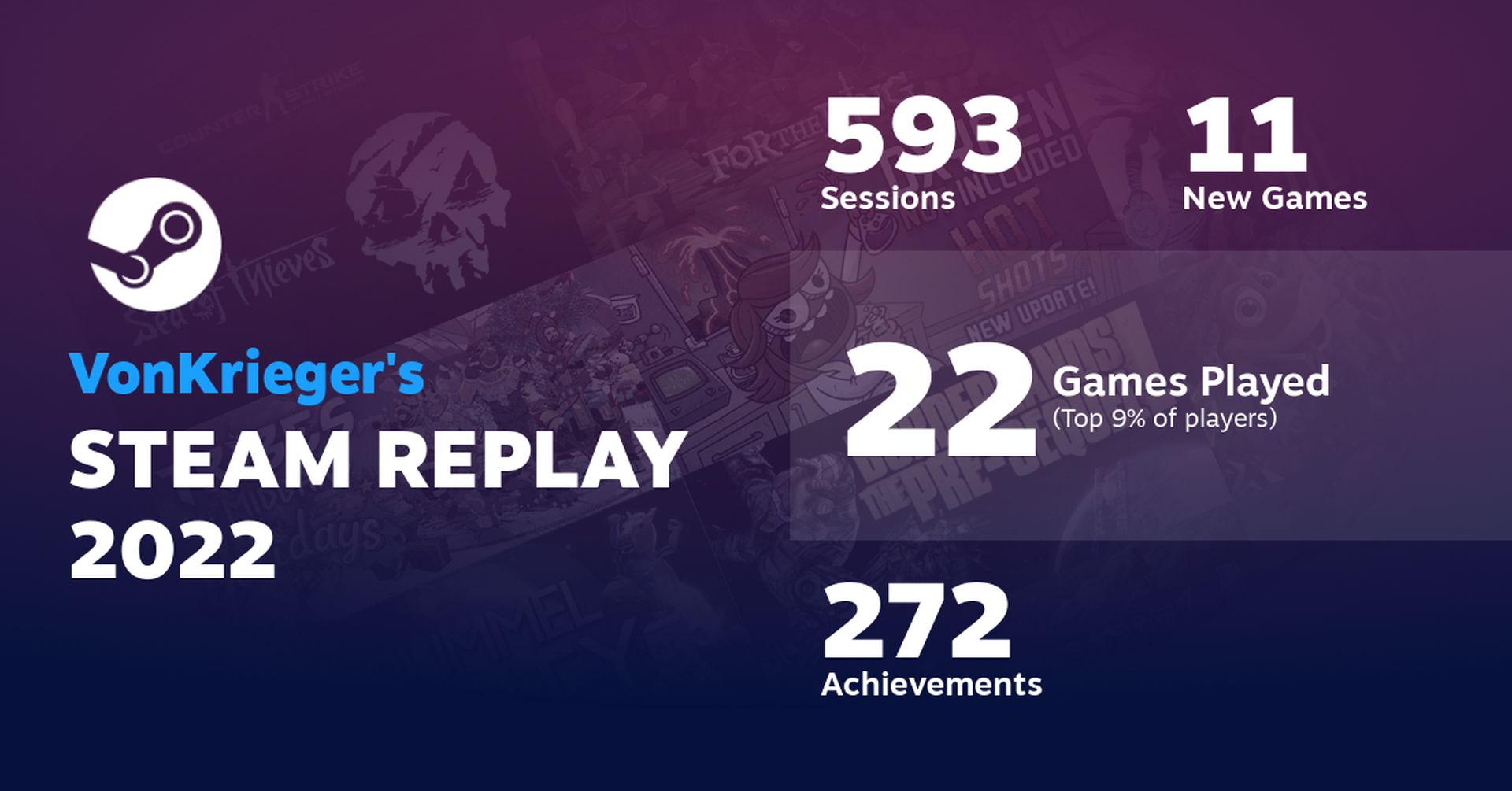
The “Steam Average” for achievements, games, and streaks is displayed on the following screen. The first two were noticeably lower than anticipated, most likely as a result of gamers playing online games like Counter-Strike: Global Offensive and Dota 2, which, despite prolonged play, provide little to no achievements at a certain point. Next, it distinguishes between your New Releases, Recent Favorites, and Classic Games games using a well-drawn donut chart to highlight your behavior in selecting titles.
The next stat on Stam Replay 2022 is a spider graph that distinguishes between various genres. The next section contains further information, including a list of the number of games given out, guides and reviews published, new friends made, and a lot more.
Your longest daily streak is displayed following a full breakdown of your most-played games by month and platform. It concludes with a thorough list of all the Steam games you’ve ever launched.
Now that you know how to get your Steam Replay 2022, It’s a perfect time to review your last year of gaming! Oh, we almost forgot. Of course, Steam isn’t celebrating the end of the year with just Steam Replay 2022. While the great discounts on the platform are waiting for you, our esteemed readers, we have prepared Best Steam Winter Sale 2022 games article for you.


